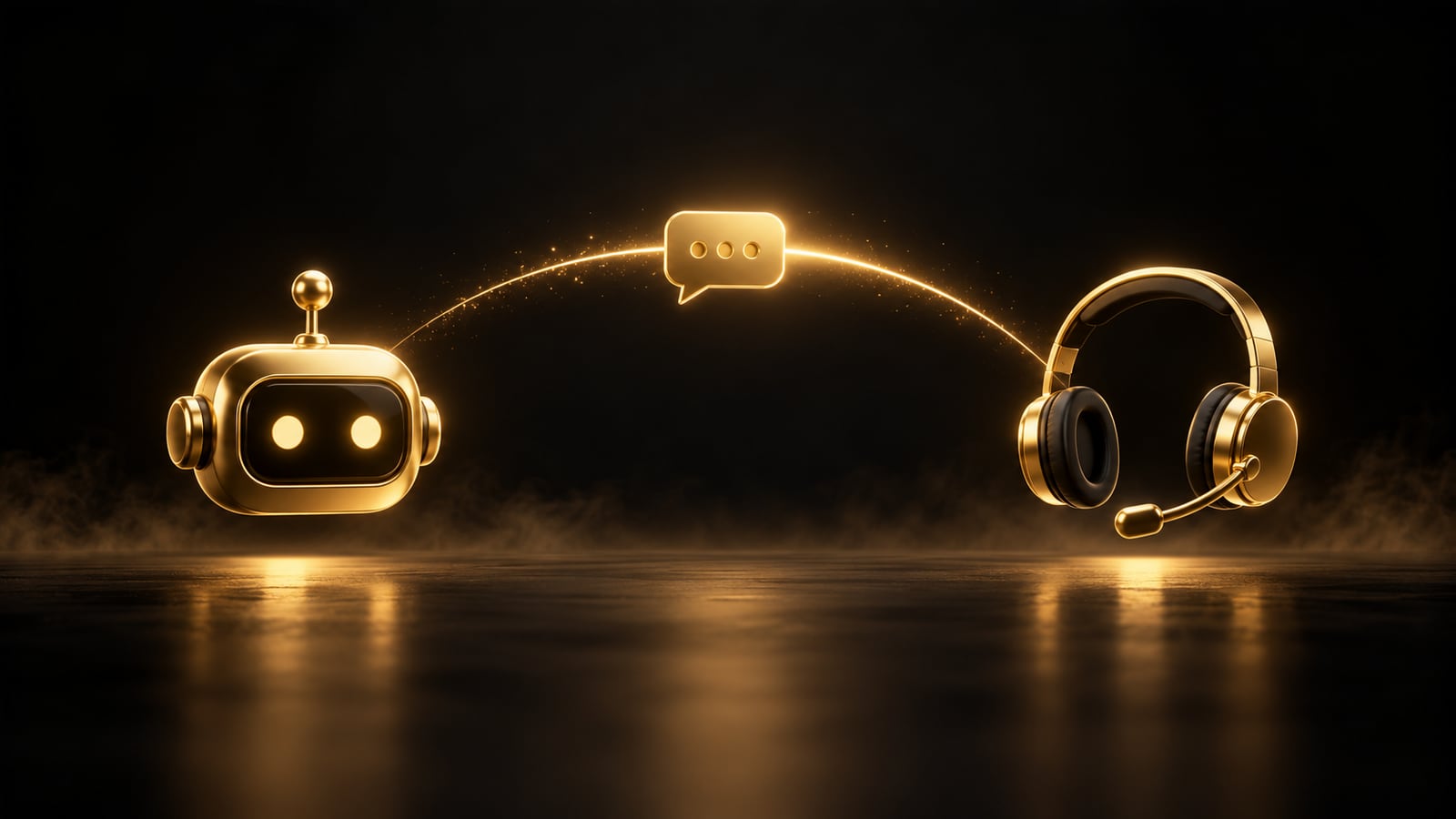
"Should we set up a chatbot or hire someone?" is usually the wrong question. The two aren't substitutes for each other. A chatbot handles frequent questions with known answers 24/7; live support handles conversations that call for a decision, a complaint or an exception. The real question is which conversation goes to which.
This post gives you a decision framework for making that split. I'm not giving you a fixed "this business gets that" table, because even within the same industry, the mix of questions varies from business to business. Instead, I explain how to decide by looking at your own conversations.
Three groups of questions
What goes to the chatbot
Opening hours, address, shipping time, payment methods: the answer is always the same
Order status, appointment time, stock: the answer is in the system, if the chatbot is connected to it
Frequent questions that come in at night and on weekends
What stays with a human
Return disputes, complaints, payment problems
Special pricing and exception requests
Sensitive topics and angry customers
Questions the chatbot couldn't answer twice in a row
Where messages should go
The third group may be small, but it's the most valuable: that's where the conversations that win or lose a customer happen. A chatbot trying to resolve these on its own is more risk than gain. I covered in more detail which questions should stay with a human in the chatbot guide.
First, run a 30-day message count
30-day message count
1Step 1
Collect the messages
Put the last 30 days of WhatsApp, Instagram and website messages in one place.
2Step 2
Sort them into three groups
You don't need to read hundreds of messages; even a sample of 100-150 messages shows the distribution.
3Step 3
List the 10 most frequent questions
Recurring questions form the chatbot's first knowledge base.
4Step 4
Calculate the ratios
If the first and second groups are large, a chatbot reduces the workload; if the third group is large, fix the process and team side first.
How does WhatsApp's 24-hour rule affect this decision?
According to Meta's pricing documentation, non-template replies can only be sent within an open 24-hour customer service window. The window opens when the customer writes; if there's no reply within 24 hours, the window closes and an approved template message is needed to restart the conversation.
In a good chatbot, the handoff rules are written from the start. The conversation flow should look roughly like this:
1The customer writesThe 24-hour window opens
2The chatbot replies immediatelyInstant answer to a frequent question
3A handoff trigger firesRequest for an agent, a complaint, two misses
4A summary goes to a humanThe customer doesn't have to ask twice
5The human gets back within 24 hoursBefore the window closes
Chatbot-to-human handoff flow
Write these as handoff triggers:
When the customer asks for an "agent," a "human" or something similar.
When the topic involves a complaint, a return, a payment problem or legal wording.
When the chatbot doesn't know the answer twice in a row.
When the customer's message is clearly angry or desperate.
When sensitive personal data is shared.
When handing off, it's important to send a summary of the conversation to the human; making the customer ask the same question a second time gives back the time the chatbot saved.
Checklist before setting up a chatbot
Am I ready for a chatbot?
0/5
Check off the items; every empty item is a job to solve before the chatbot.
Who should start with which, and when?
There's no hard rule, but I can sketch a general path:
Low message volume, varied questions: start with live support and canned reply templates. There isn't enough repetition for a chatbot.
High message volume, repetitive questions: a chatbot plus human handoff, together.
Lots of messages at night and on weekends: the chatbot gives the first reply immediately; write strict handoff rules so that handed-off conversations reach a human within 24 hours.
Mostly order and appointment messages: if the chatbot is connected to your system, this is where you gain the most.
How we work at DijiKoçum
In our AI Assistant service, we start by looking at your existing messages; we determine with numbers what the chatbot will handle and what it will hand off to a human. If you like, we can do this count together.
It takes over part of the routine questions; it needs to hand off conversations that require decisions and exceptions to a human. So your team's workload may shrink, but it won't disappear entirely.
Does a small business need a chatbot?
It depends on message volume and how often questions repeat. If you get a few messages a day, canned replies and a well-organized WhatsApp Business flow may be enough. To decide, count your messages first.
What happens if the chatbot gives a wrong answer?
There's a risk of wrong answers. To reduce it, keep the knowledge base up to date, make sure it says "I don't know, let me connect you with someone who can help" on topics it doesn't know, and read handed-off conversations regularly.
What happens to a customer who messages on WhatsApp at night?
When the customer writes, a 24-hour window opens. If the chatbot gives the first reply immediately, the customer doesn't wait; a conversation handed off to a human needs a reply before the window closes, that is, within 24 hours.
Is a chatbot compliant with KVKK, Turkey's data protection law?
It can be set up to comply, but the personal data flow (what data, where it's stored, where it goes) needs to be defined from the start. This decision is as much legal as it is technical; settle it before setup.
On September 16, 2026, OpenAI launched the Sponsored Agents pilot in ChatGPT ads, where the brand's own agent takes over the conversation. It's US-only for now; for businesses in Turkey, the real lesson is the handoff moment after the ad.
I explain plainly what a chatbot can and can't do, how to set one up on WhatsApp, and when it might give wrong information. A short checklist helps you see whether your business is ready for a chatbot.
Why do WhatsApp chatbot quotes vary so much? From Meta's message fees to the platform, the AI model and setup work, we break down the five cost components and give you a formula to calculate your own total cost.
AI & automation7 minOpen guide
We use cookies to improve the site and measure advertising performance. Analytics and advertising cookies run only if you accept them. Details are in our Privacy Policy and Data Protection Notice.