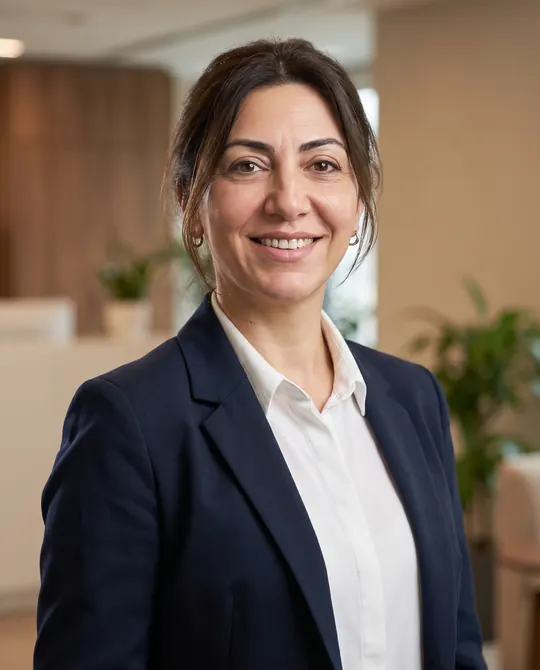
Professional Headshot from Your Own Photo (LinkedIn, Corporate)
Professional portrait With your own photoPortrait 4:5 1 try
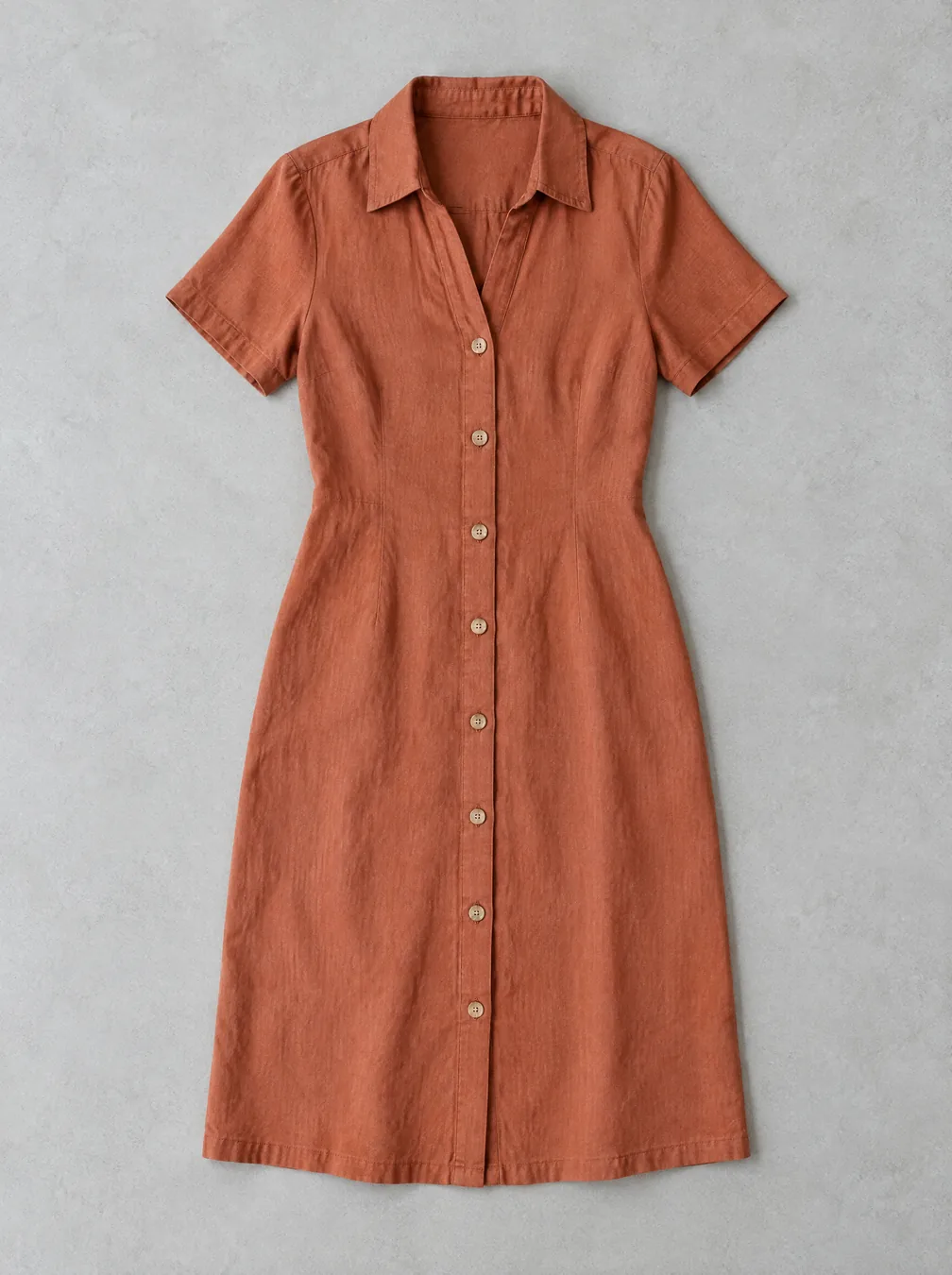
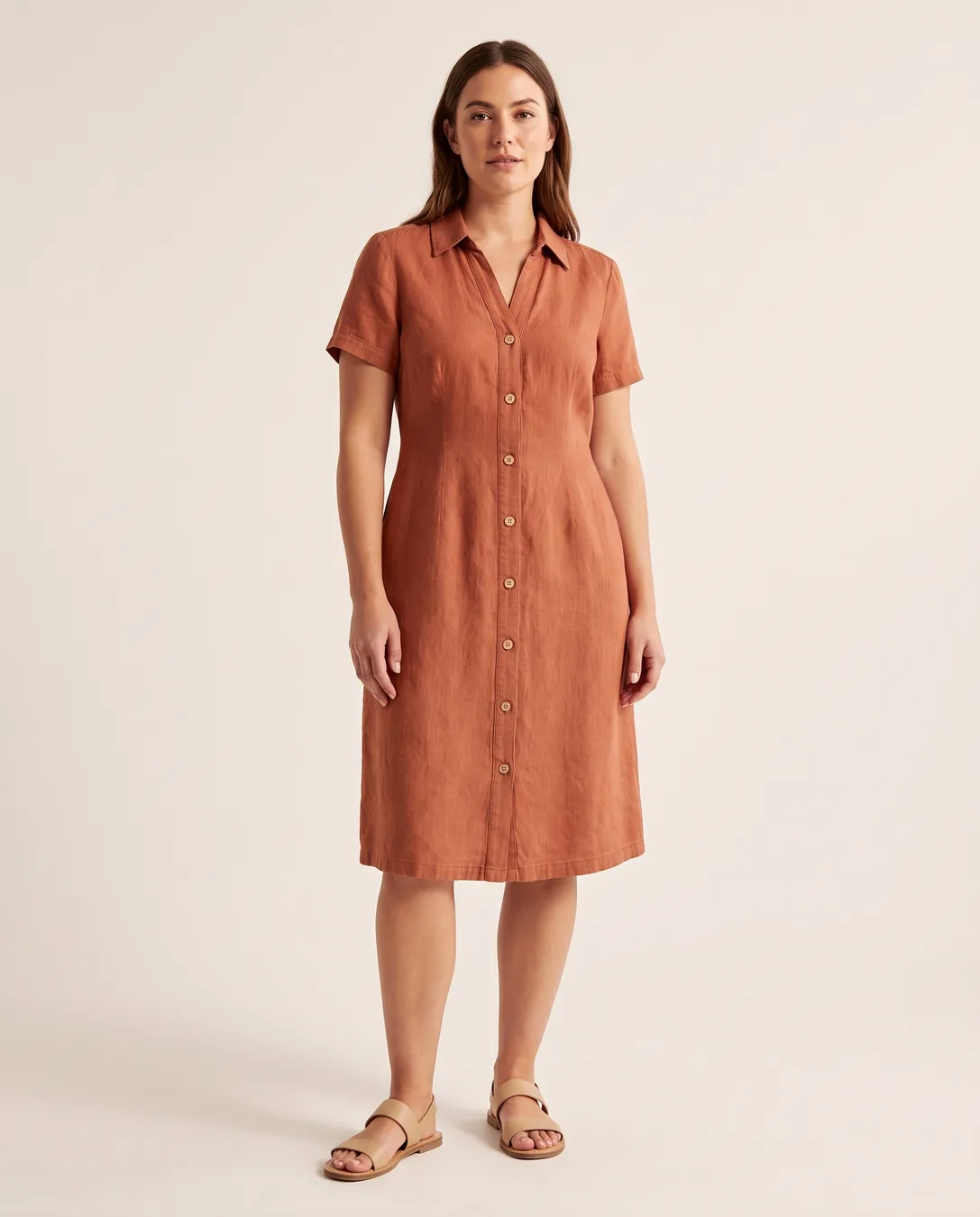
Dress a fictional fashion model in the garment from the uploaded photo. Keep the garment exactly the same: same color, fabric texture, cut, length, buttons, collar, sleeves and stitching; do not add patterns, logos, belts or pockets. Model: [a woman in her 30s with a natural look and medium build], standing in a relaxed pose, facing slightly toward the camera. Framing: full body from head to toe, feet and simple neutral shoes fully visible, with space above the head and below the feet. Setting: [plain warm off-white studio background with a soft floor shadow]. Soft, even catalogue lighting, realistic fabric folds and fit. The model is fictional and must not resemble any real or famous person. No text, no watermark.Replace the gold [bracketed] parts to match your own product, space or brand.
The prompt tells the model not to change these. Check the result anyway: these are the parts that break most often.
If the garment's cut, length, color or number of buttons has changed, don't use it; that is a reason for returns.
Don't generate a model who resembles a real person (an employee, a celebrity). Don't use it as your only sales image: it doesn't truly show the fabric or the fit; use it together with at least one real photo. If you'll use an AI model that is indistinguishable from a human in ads, check the labeling rules.
Creates a catalog image of a fictional model wearing the garment, from a photo of the garment laid flat or on a hanger. For boutiques and small online stores.
Photograph the garment flat, wrinkle-free and fully visible. In the square brackets, change the model description (age, build, pose) and the background. If you want a full-length shot, don't delete the "shoes visible" sentence; see the attempt notes.
The example was generated with Nano Banana 2 via Higgsfield.
What happened across attempts: On the first attempt, the garment was preserved exactly, but even though the prompt said "full length", the frame was cut off below the knees. For the second attempt, "head to toe, shoes visible" was added. The color, the number of buttons (8), the collar, the sleeves and the length were preserved.
Even with the same prompt and the same settings, you won't get an identical result: models generate something different every time. The example shows what kind of result this prompt produces; it is not a guarantee.
We use cookies to improve the site and measure advertising performance. Analytics and advertising cookies run only if you accept them. Details are in our Privacy Policy and Data Protection Notice.