Restore and Colorize an Old Photo
Photo sharpening and restoration With your own photoPhoto 3:2 1 try
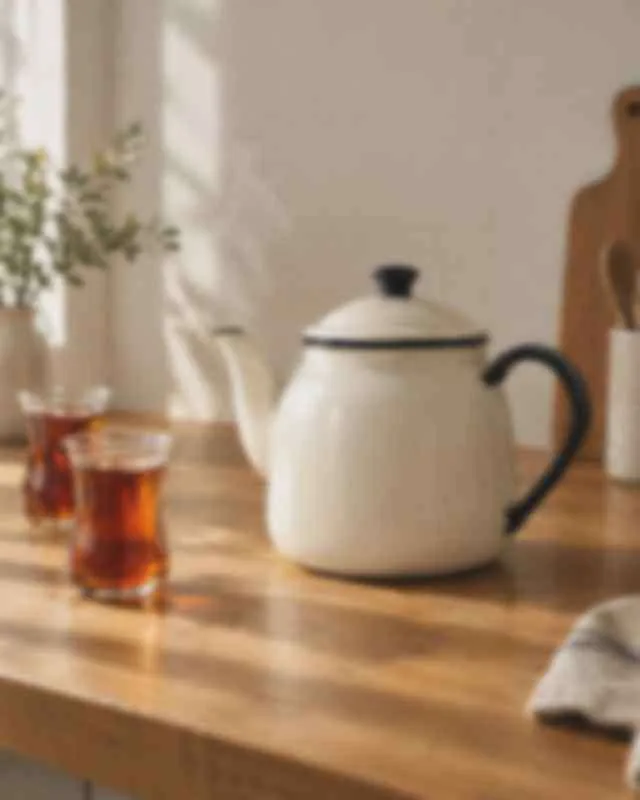
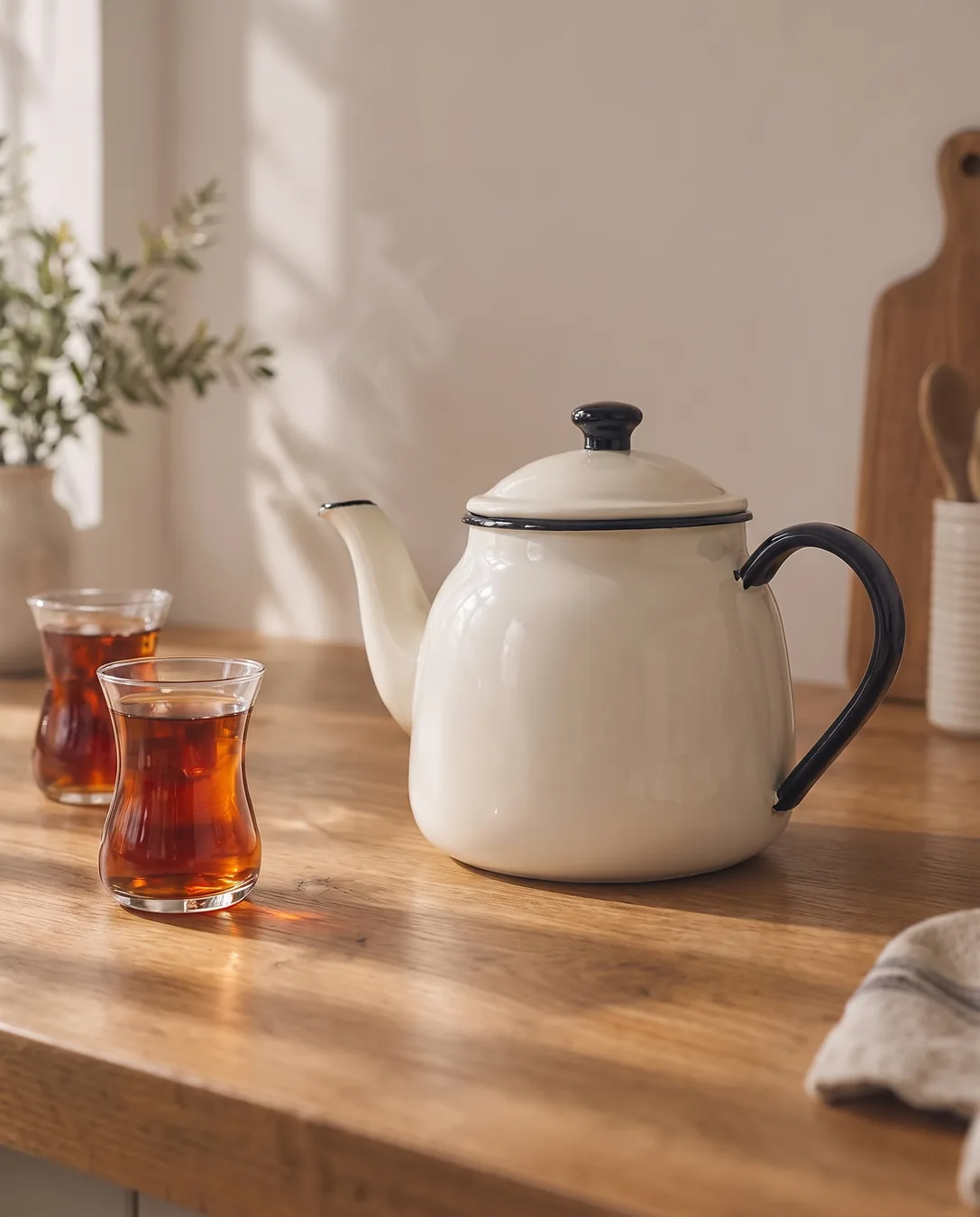
Restore this blurry, low-quality photo. Make it sharp and clean as if it had been taken in focus with a good camera: recover the edges, remove the blur, JPEG blocks and noise. Keep the main subject - [the white enamel teapot with a black rim and the two tea glasses] - exactly as it is: same shape, same proportions, same colors. Keep the whole scene exactly the same: same objects, same composition, same light and shadows. Do not add, remove or redesign anything; do not invent logos, text or patterns that are not visible. If a detail cannot be recovered, keep it soft rather than making it up. Photorealistic.Replace the gold [bracketed] parts to match your own product, space or brand.
The prompt tells the model not to change these. Check the result anyway: these are the parts that break most often.
Sharpening doesn't bring back lost detail; the model guesses and redraws it. Don't use it where accuracy matters: text, license plates, documents, faces.
If a texture, pattern or detail the product doesn't actually have shows up in a product page image, don't use that image: customers will find that the product they receive looks different.
Sharpens a blurry, low-quality product or venue photo you already have. Upload the photo, paste the prompt and write the main subject of the photo in the square brackets (e.g. "the leather handbag", "the hotel room bed").
The most important sentence of the prompt is the last one: it asks the model to leave unrecoverable detail soft instead of inventing it. The model still redraws some fine details; see the attempt notes below.
The example was generated with Nano Banana 2 via Higgsfield.
What happened across attempts: Sharpened on the first attempt; shape, color and composition were preserved. The lines on the towel and the wood grain were not legible in the input, so the model redrew them. In other words, the result is not a sharp version of the same photo but a redrawing very close to the original.
Even with the same prompt and the same settings, you won't get an identical result: models generate something different every time. The example shows what kind of result this prompt produces; it is not a guarantee.
We use cookies to improve the site and measure advertising performance. Analytics and advertising cookies run only if you accept them. Details are in our Privacy Policy and Data Protection Notice.