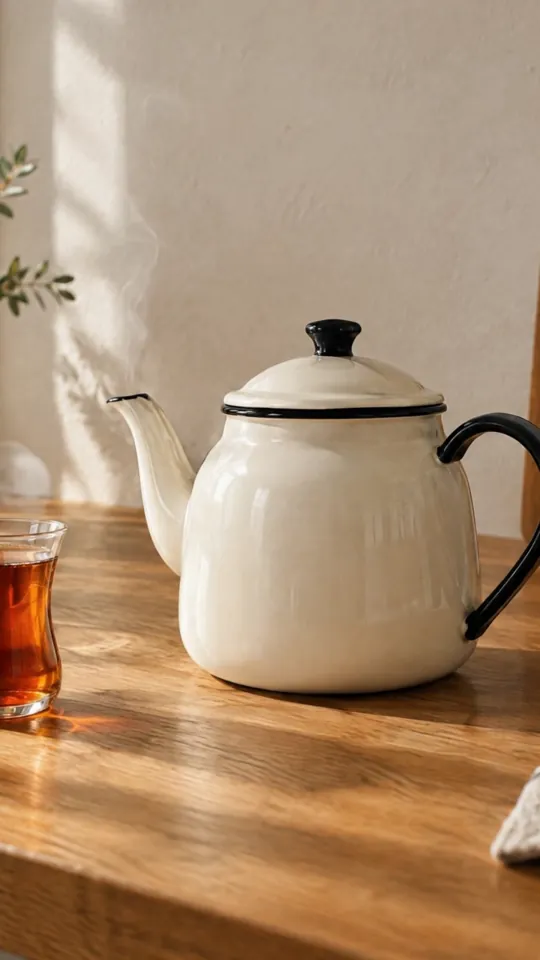
Animate a Photo: Turn a Product Photo into Video
Photo to video With your own photoFull vertical 9:16 1 try
Vertical 9:16 short ad, 8 seconds, three shots, warm natural light, realistic product photography style. Clean frame: no watermark, no channel logo, no badge, no text or letters anywhere in the image, including the corners.
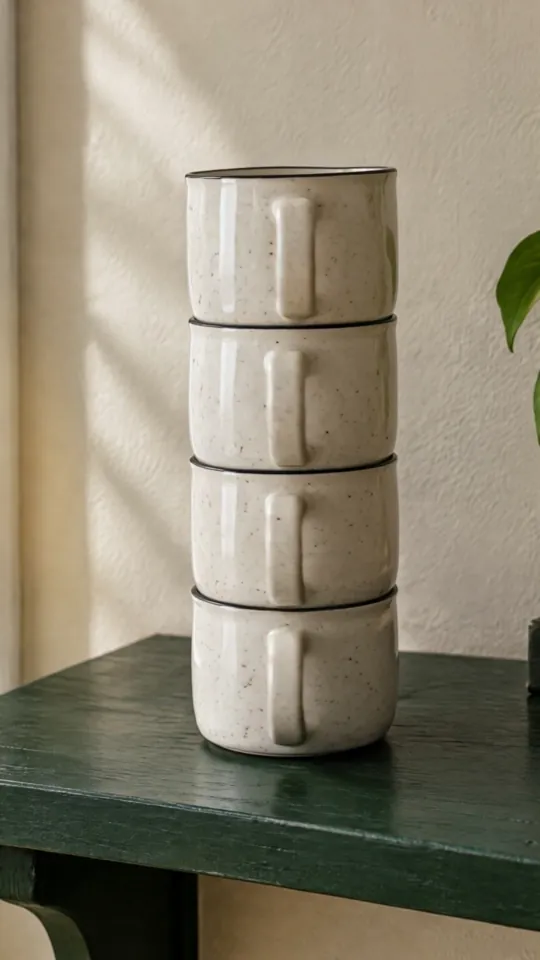
[00:00-00:03] Close-up macro: [a handmade speckled ceramic mug on a light oak table, steam rising from fresh Turkish coffee inside], slow push-in.
[00:03-00:06] Medium shot: [two hands (no face visible) lift the mug and carry it toward a bright window, soft morning light].
[00:06-00:08] Final shot: [the mug placed back on the table], centered, with clean empty space above it for a logo and text to be added later. Static camera.
Audio: [soft ambient morning sounds, a gentle ceramic clink when the mug is set down], no music, no voice, no speech.
Replace the gold [bracketed] parts to match your own product, space or brand.
This prompt generates the product from text: the mug in the video isn't your product but one the model imagined. If you sell your own product, don't use this as a product video; use it to try out the edit structure and the campaign mood. To show your product, use the "Animate a Photo" or "Product Spin" prompt with your own photo.
If the ad features realistic human hands or a human-looking AI character, check the labeling rules.
Creates an 8-second, three-shot vertical ad draft from text: a product close-up, a moment of use, and a final frame left empty for a logo and text. The shots are written with timestamps ([00:00-00:03]); this is the pattern from Google's Veo guide.
In the square brackets, change the product, the setting and the content of each shot. The audio line deliberately asks for no speech: add a voiceover during editing rather than generated speech. Don't have text (price, slogan, logo) written into the video; place it in the empty space of the final frame during editing.
The example was generated with Veo 3.1 Lite via Higgsfield (8 sec, with sound).
What happened across attempts: On the first attempt, the three shots were set up correctly, but the model added a made-up channel logo and text in the top-left corner; it could not be published. For the second attempt, the sentence "no watermark, no channel logo, no badge, no text in the corners" was added at the start, and the output came out clean. In the second shot, the hands hold and lift the mug; carrying it to the window isn't fully visible.
Even with the same prompt and the same settings, you won't get an identical result: models generate something different every time. The example shows what kind of result this prompt produces; it is not a guarantee.

We use cookies to improve the site and measure advertising performance. Analytics and advertising cookies run only if you accept them. Details are in our Privacy Policy and Data Protection Notice.