Visuals in Turkish · the full text is on this page
Tools · Automation
36 Claude Skills to Run Your Business: Download the Files and Install Them
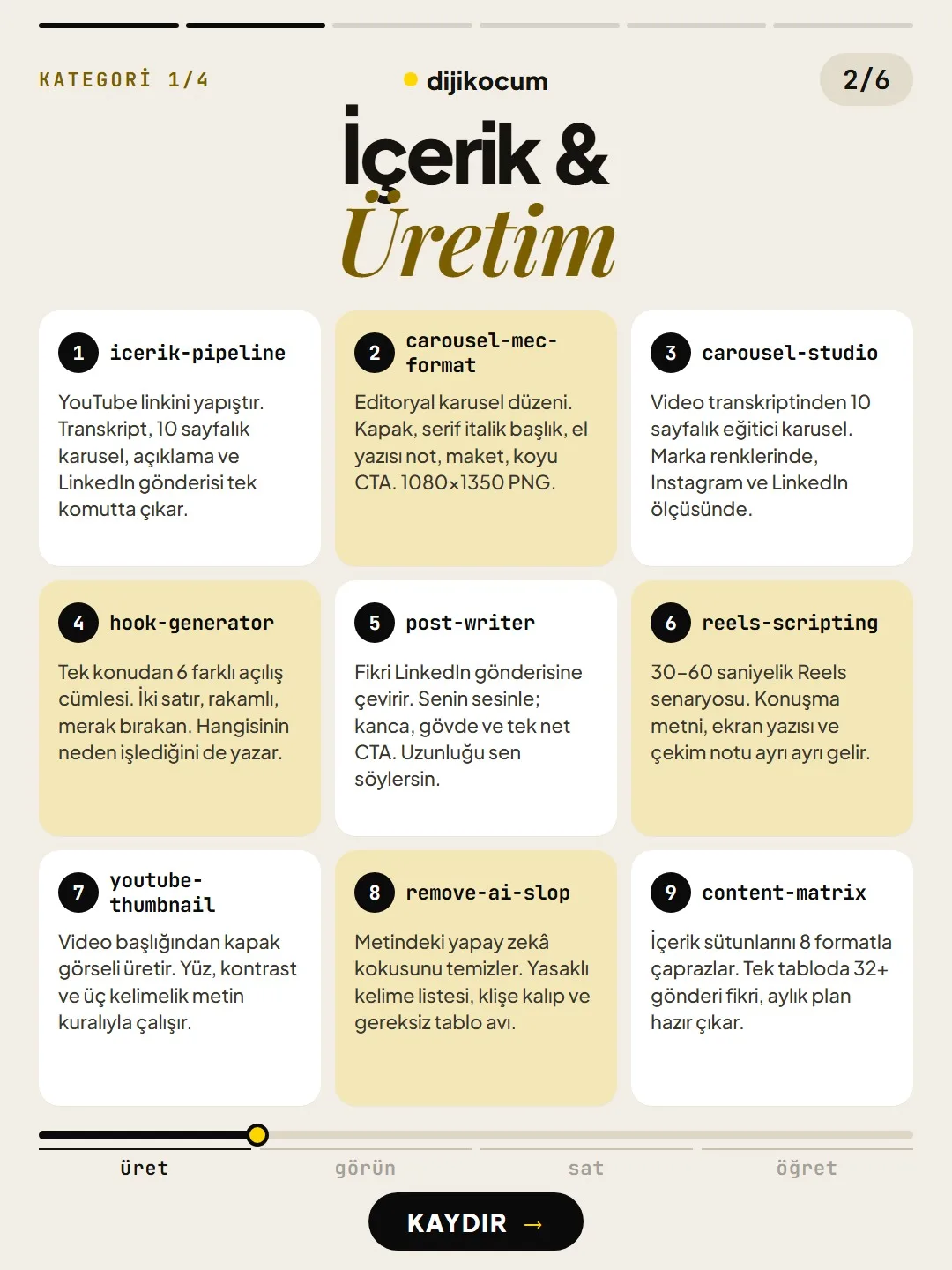
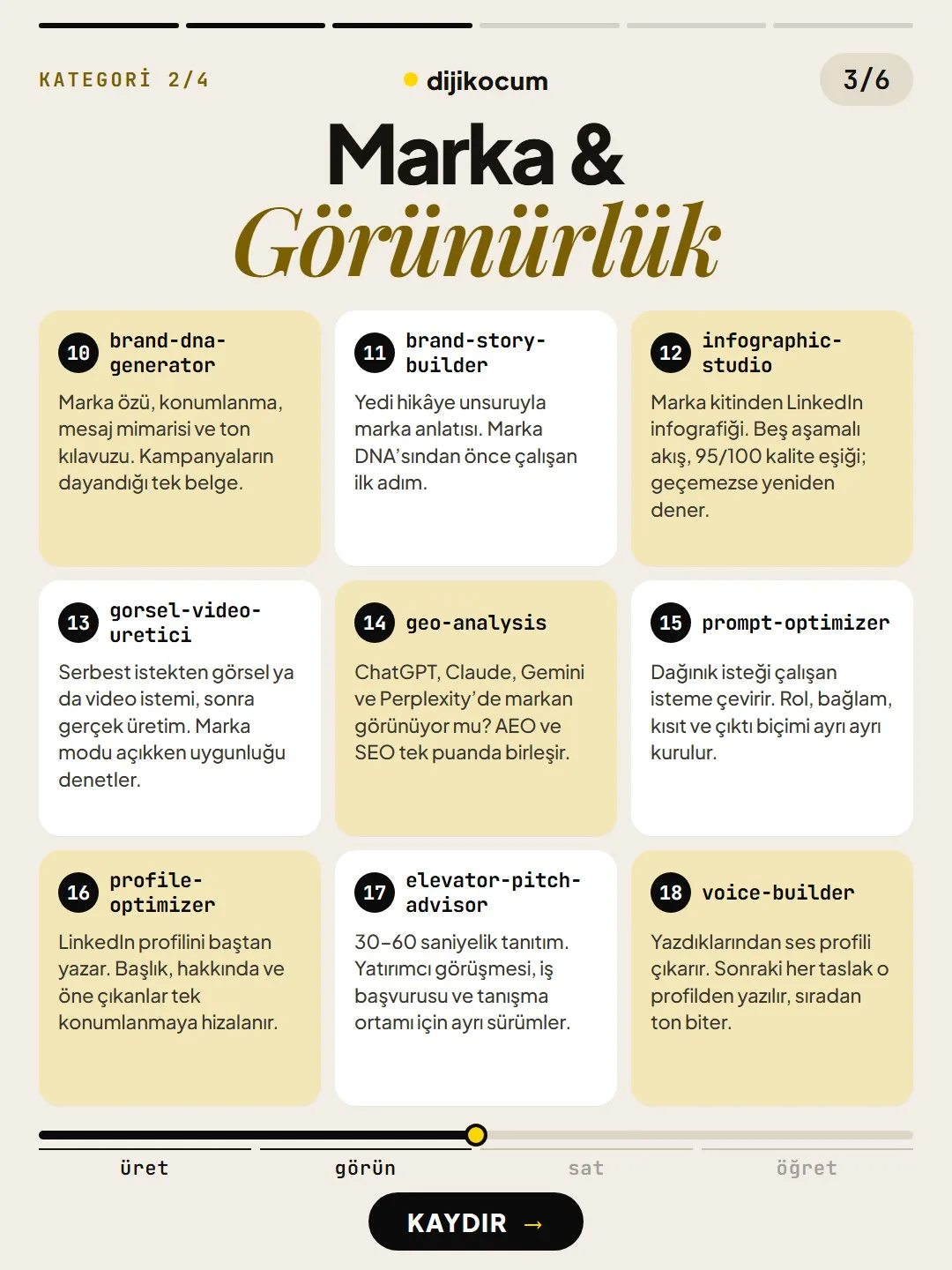
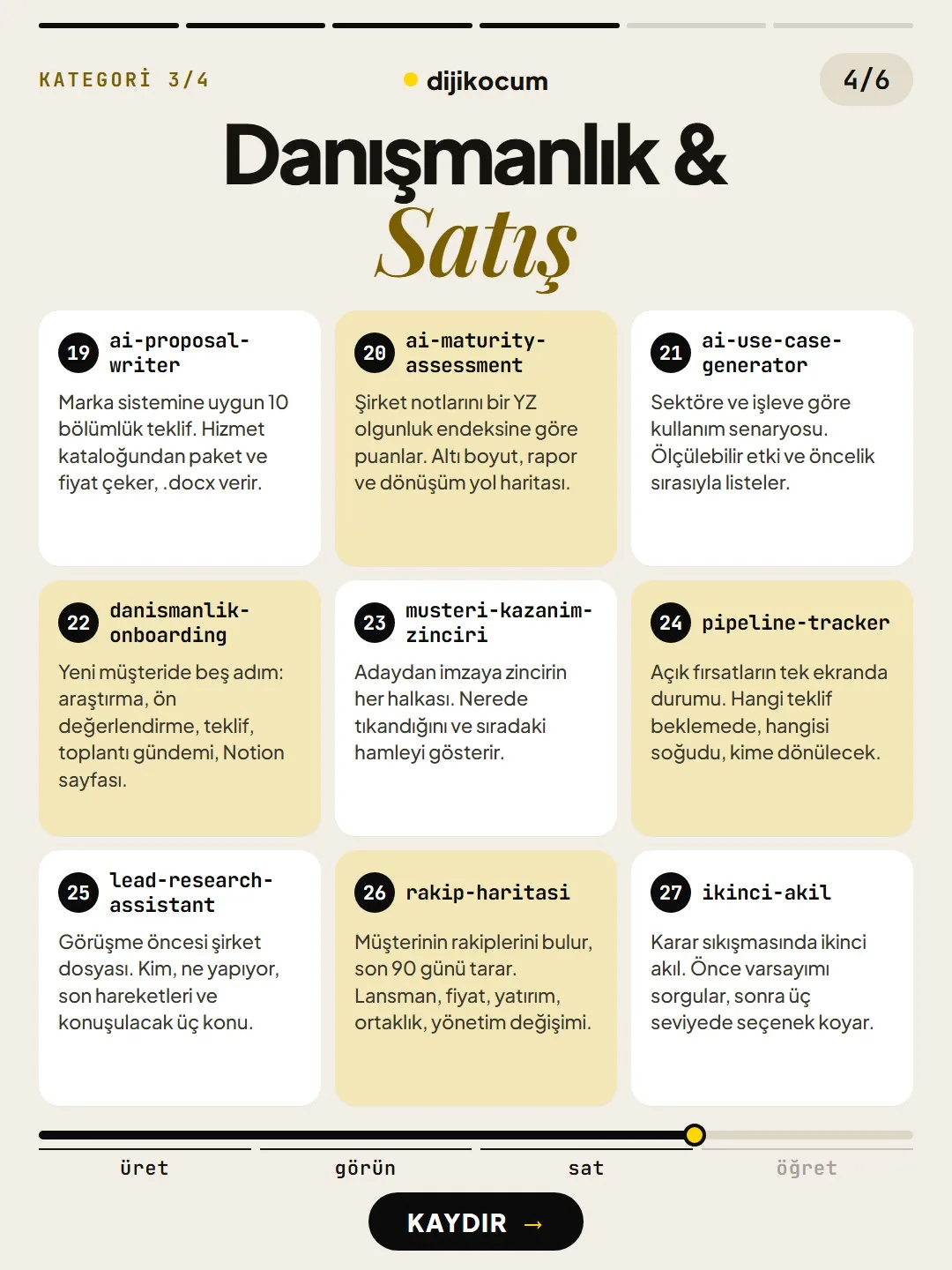
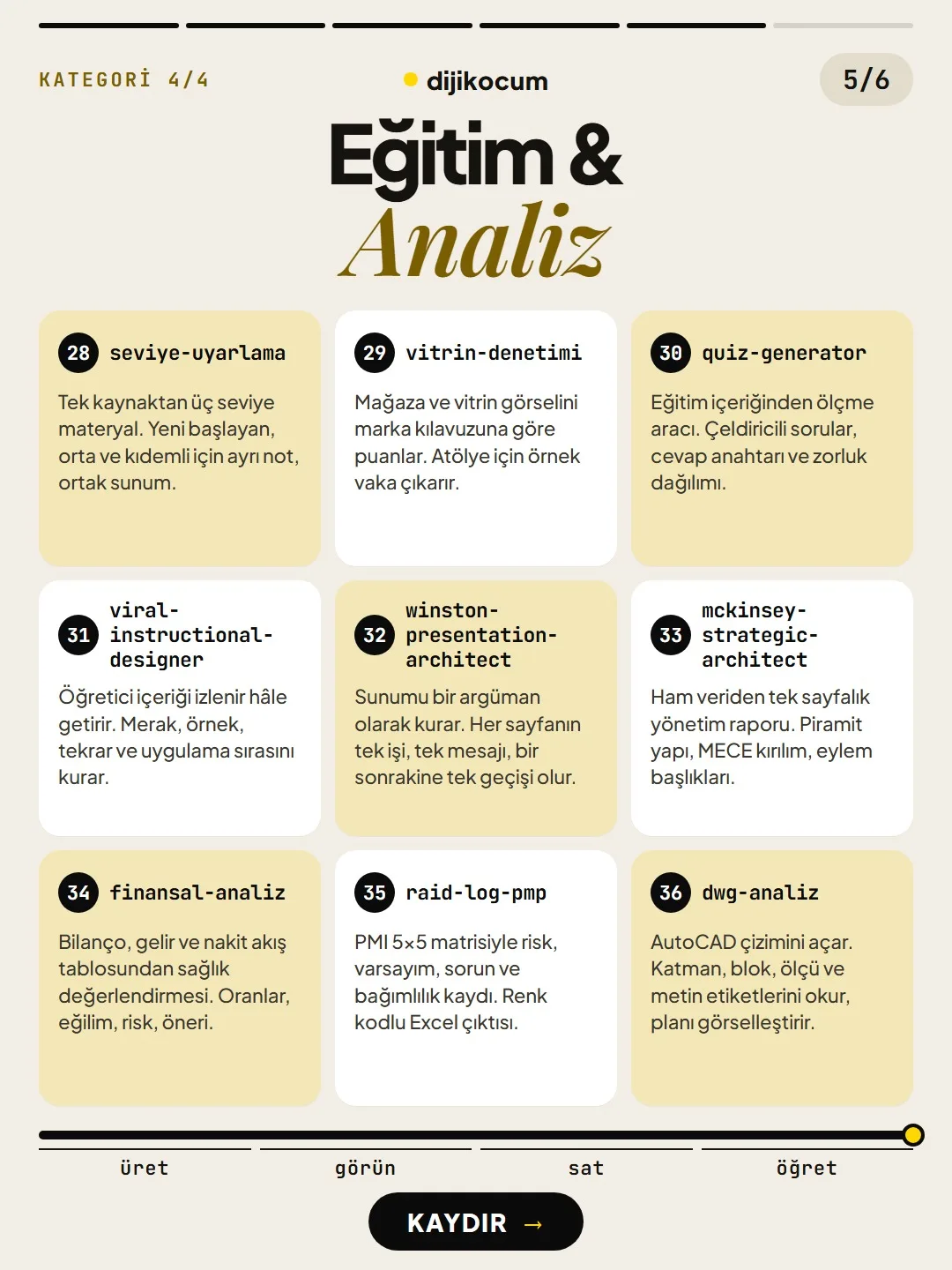
4 categories, 36 skills, each doing one job. Download the zip and add the ready-to-install folders to the Claude app or to Claude Code.
Short answer
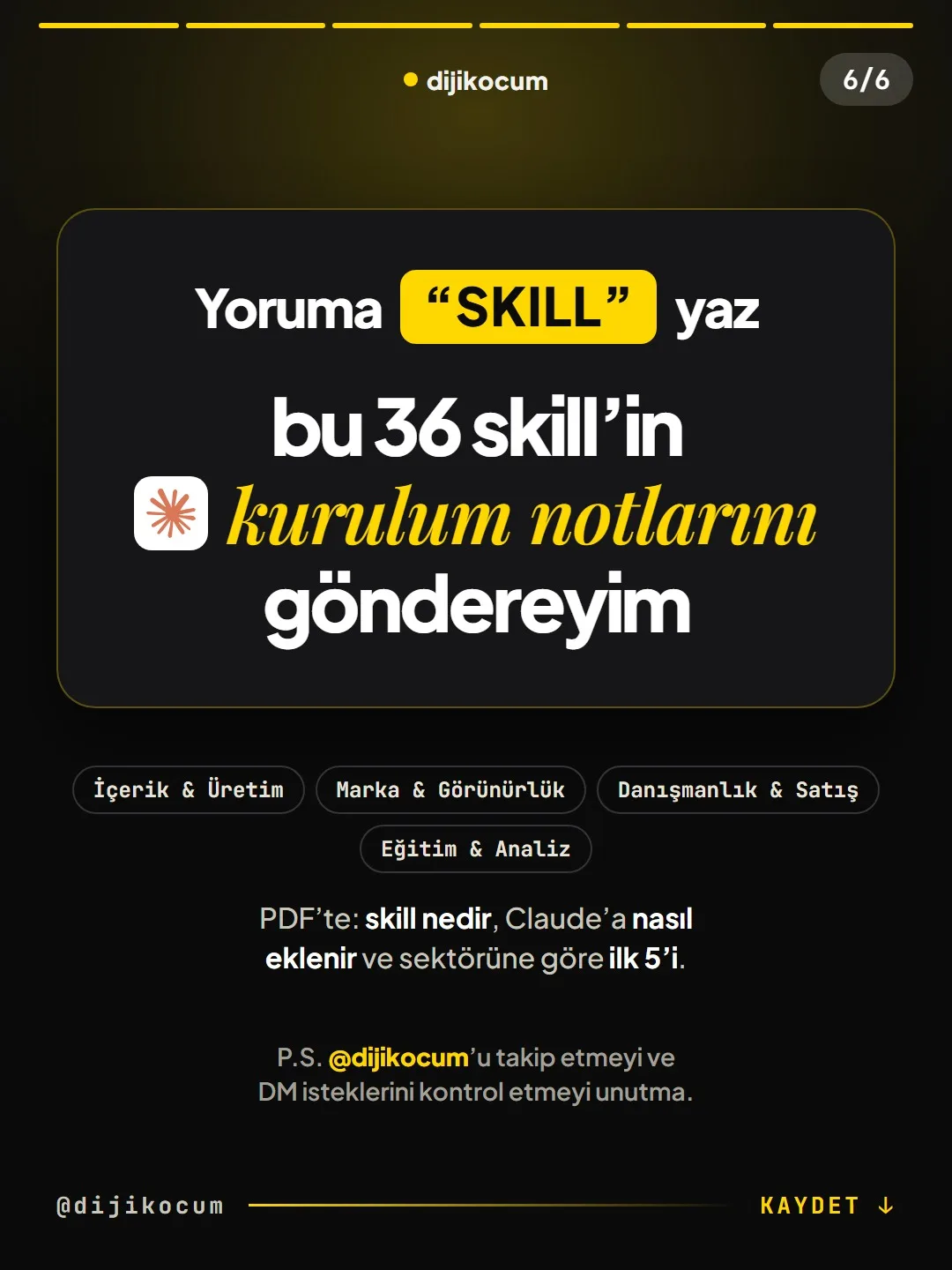
A skill is a job recipe you teach Claude once: a folder containing a SKILL.md file. In every chat, Claude only sees the short descriptions; when your request matches a description, it reads that skill in full. This package collects 36 skills in four categories: Content & Production, Brand & Visibility, Consulting & Sales, Education & Analysis. In the Claude app and on claude.ai, you install them one by one as zips from Customize > Skills; in Claude Code, you install them by copying them into the ~/.claude/skills folder. All the files are plain text, with no scripts and no instructions that send data to an outside address; still, read them before installing. DijiKoçum's PDF gives the installation steps, which skills to start with in 12 industries, and the full text of the 36 SKILL.md files.
5 steps · 2 min read · · Turan Yasin Salcı
Step by step · 5 steps
0/5 checked · saved in this browser only
Download the files.
The 36 skills come as ready-to-install folders: dijikocum-36-skill.zip. Inside the zip there's a skills folder (for Claude Code), a claude-ai folder (individual zips for the app) and an installation note (README).
Install them in the Claude app.
In Settings > Capabilities, turn on the "Code execution and file creation" setting. Go to Customize > Skills > + > Create skill > Upload a skill, choose the zip of the skill you want from the claude-ai folder, and turn on its toggle in the list screen.
Or install them in Claude Code.
In the folder where you unzipped the file:
# macOS / Linux (in the folder where you unzipped the file) mkdir -p ~/.claude/skills cp -R skills/* ~/.claude/skills/ # Windows PowerShell New-Item -ItemType Directory -Force "$HOME\.claude\skills" Copy-Item -Recurse -Force .\skills\* "$HOME\.claude\skills\" # Usage: describe the job, Claude picks the right skill itself # or call it by name: /hook-generator coffee subscriptionStart with the ones that work together.
Brand: brand-story-builder → brand-dna-generator → voice-builder. Content: icerik-pipeline → hook-generator → remove-ai-slop. Sales: lead-research-assistant → ai-proposal-writer → pipeline-tracker.
Adjust them to fit you.
Every file is plain text. Add the words you actually use to the description line, and replace the examples with an example from your own business. Don't change the folder name or the name line; if the two don't match, the upload fails.
How to measure it
For a week, note which skill kicks in on its own and which one you have to call by name. Add your own words to the description line of the ones that never open.
Free · PDF
Download the Installation, the first 5 for your industry, and 36 SKILL.md files (PDF).
A printable checklist version of the steps on this page. The PDF is in Turkish; no sign-up needed.
Download the checklist (PDF in Turkish)Sources
- DDijiKoçum 36 Claude skills package and guide (4 categories, 12 industries)Our own data · checked: October 10, 2026
[A] primary source · [B] industry research · [C] practitioner · [D] our own data
Frequently asked questions
Does it work on the free Claude plan?
According to Anthropic's help page, skills are available on the Free, Pro, Max, Team and Enterprise plans; the code execution and file creation setting must be on. On Team and Enterprise, an admin may have turned it off.
Does a skill I install in the app also work in Claude Code?
No, it doesn't carry over on its own. It's installed separately in the app and in Claude Code.
Is it safe?
These 36 files contain no scripts and no instructions that send data to an outside address; they're all plain text. Still, read the contents of every skill you get from someone else before installing it; remove names before handing over documents that contain client information.
Next step
Let’s look at your site together.
Free Digital Checkup: a health score for your website, your ads and your visibility in AI search, plus what to fix first. 3 minutes.
More guides

Tools
How to transform product photos with ChatGPT Images 2.5: 20 ready-made image prompts (step by step)
26 steps · 14 min
Tools
5 Free Animation Skills for Claude Code: How to Install Three.js, GSAP, design-dna, LottieFiles and Genjutsu (Step by Step)
16 steps · 9 min

Tools
How to Use the Prompt Library and Prompt Builder: Copy a Ready-Made Prompt, Fill In the Blanks
9 steps · 7 min