Visuals in Turkish · the full text is on this page
Tools · Web
5 Free Animation Skills for Claude Code: How to Install Three.js, GSAP, design-dna, LottieFiles and Genjutsu (Step by Step)
If the animations Claude Code builds look like templates, the problem isn't the model, it's the skills you give it. Five open-source skills, each installed with a single command, plus what to type to Claude after installing each one.
Short answer
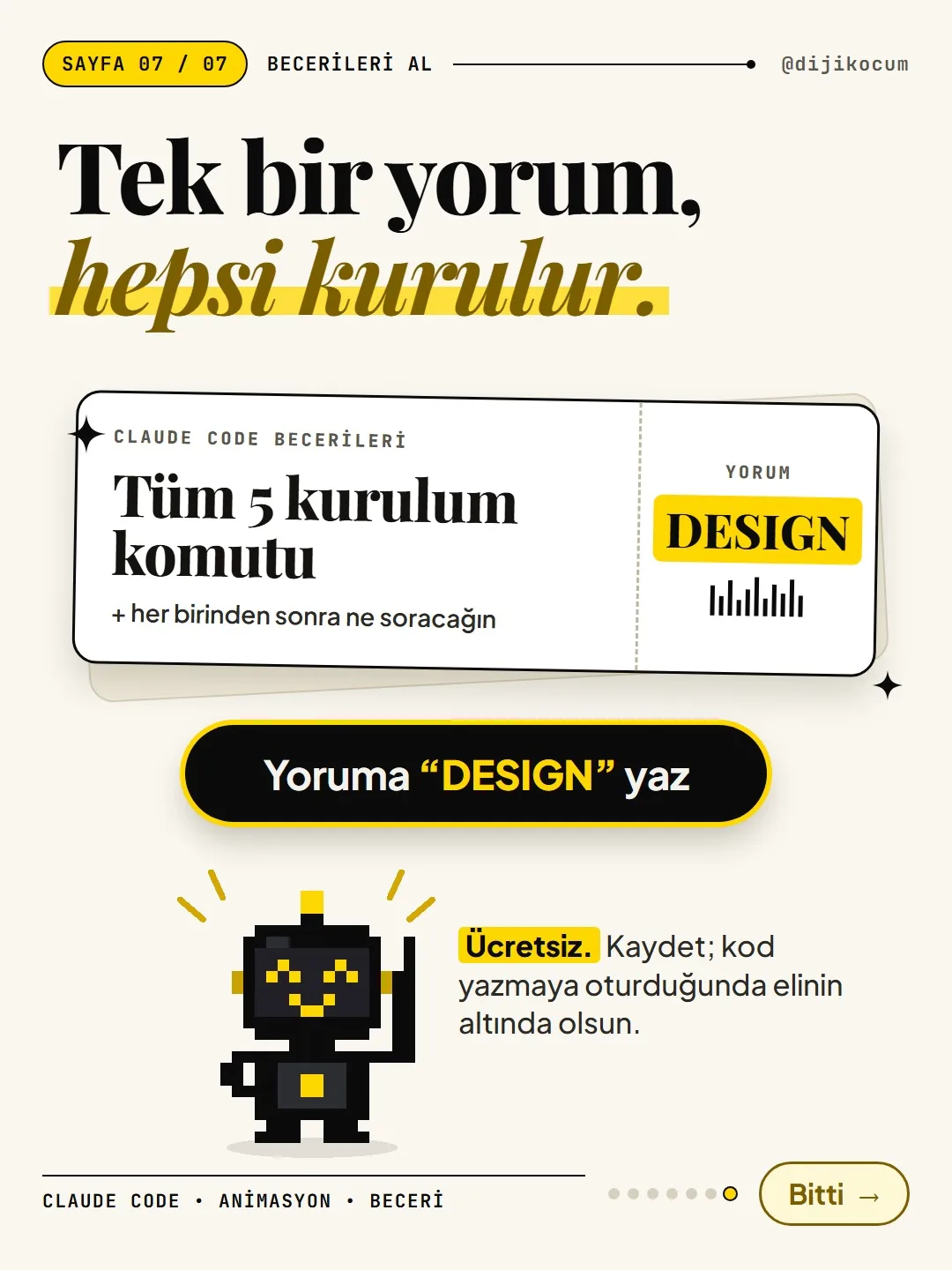
You can install five free, open-source skills for animation and design in Claude Code: Three.js for 3D scenes, the official GSAP skill, design-dna (which extracts the style of an interface you like), LottieFiles' motion design skill, and Genjutsu. If Node.js is installed, each one installs with a single npx command typed into the terminal. This page gives you the full form of all five commands, a ready-made prompt to type to Claude after each install, how to tell whether the install worked, and how to remove a skill, step by step.
16 steps · 9 min read · · Turan Yasin Salcı
Step by step · 16 steps
0/16 checked · saved in this browser only
What is a skill, and how is it different from a command file?
A skill is a ready-made instruction package that teaches Claude Code how to do a specific job. Once it's installed, you don't have to explain it every time: when you say "add a 3D scene" or "animate this with ScrollTrigger," Claude uses that skill's knowledge. The result doesn't look like a template; it follows the correct way to use that library.
This is different from our earlier [animation commands guide](https://dijikocum.com/rehber/claude-code-animasyon-komutlari). In that guide, you put your own command file in the
.claude/commands/folder and use a command like/grafikto have Claude produce a video clip from your sentence. The skills here are packages prepared by other people, installed from the internet with a single command, and they're mostly for website and interface animation. You can use both together.All five are free and open source (MIT). The star counts in the carousel were taken from GitHub as of October 29, 2026.
Prepare your computer (once).
- Make sure Claude Code is installed: code.claude.com.
- Make sure Node.js is installed: the LTS version from nodejs.org. The
npxin the install commands comes with Node.js; without Node.js, the command returns an error like "npx not found."
To check whether they're installed, type the following into the terminal (PowerShell or Terminal on Windows, Terminal on Mac). You should see a version number on both lines.
node -v npx -vWhere do you type the commands?
- Commands that start with
npx skills add ...go into the terminal, not the Claude Code chat. Copy the command, paste it into the terminal, press Enter. - Commands that start with
/plugin ...go inside Claude Code, into the chat box. These are an alternative install method; you only need one of the two. - If the installer asks which tool to install it for, choose Claude Code.
- After installing, close and reopen Claude Code; skills load when it starts again.
These commands download code from open-source repositories. Only install the repositories named here; if you're not sure what a command does, read the README on the repository's GitHub page first.
- Commands that start with
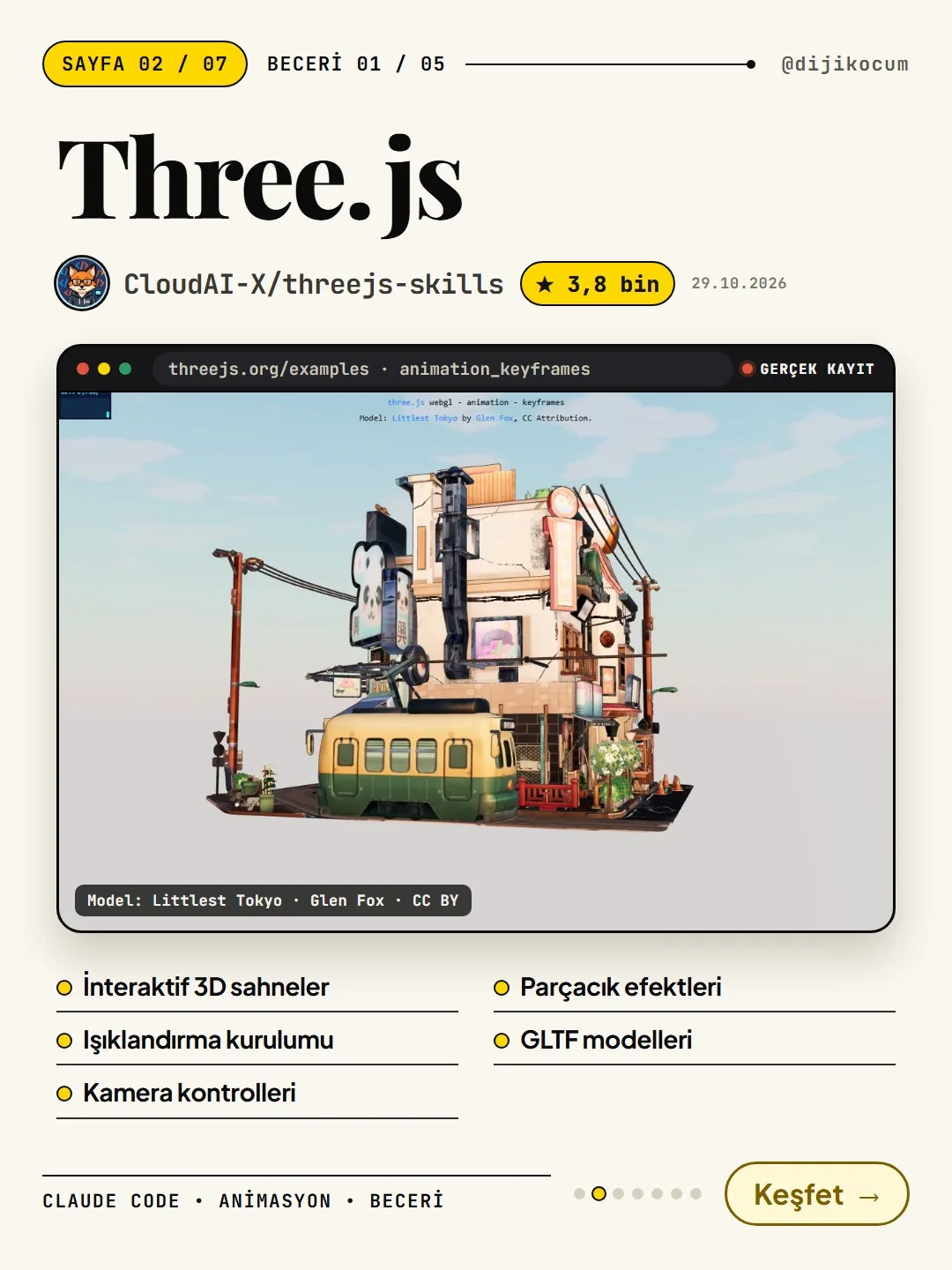
Skill 1 · Three.js: 3D scenes (CloudAI-X/threejs-skills).
What it adds: Interactive 3D scenes, lighting setups, camera controls, particle effects, GLTF models. The recording in the carousel is from threejs.org's own example (the "Littlest Tokyo" scene, model: Glen Fox, CC BY).
Install: Type this into the terminal exactly as written:
npx skills add cloudai-x/threejs-skillsWhat do you type to Claude after installing Three.js?
Open Claude Code in your website's folder and type the prompt below into the chat box. This is not a command, it's a plain sentence: don't put a
/in front of it. You can replace "my home page" with the page the scene should go on, and "product" with your own product. If you have your own 3D model (a GLTF file), add the file's location to the sentence.Add a 3D product scene with soft lighting to my home page that can be rotated with the mouse. Load the model as GLTF and make sure it runs smoothly on mobile too.Skill 2 · GSAP: the official GreenSock skill (greensock/gsap-skills).
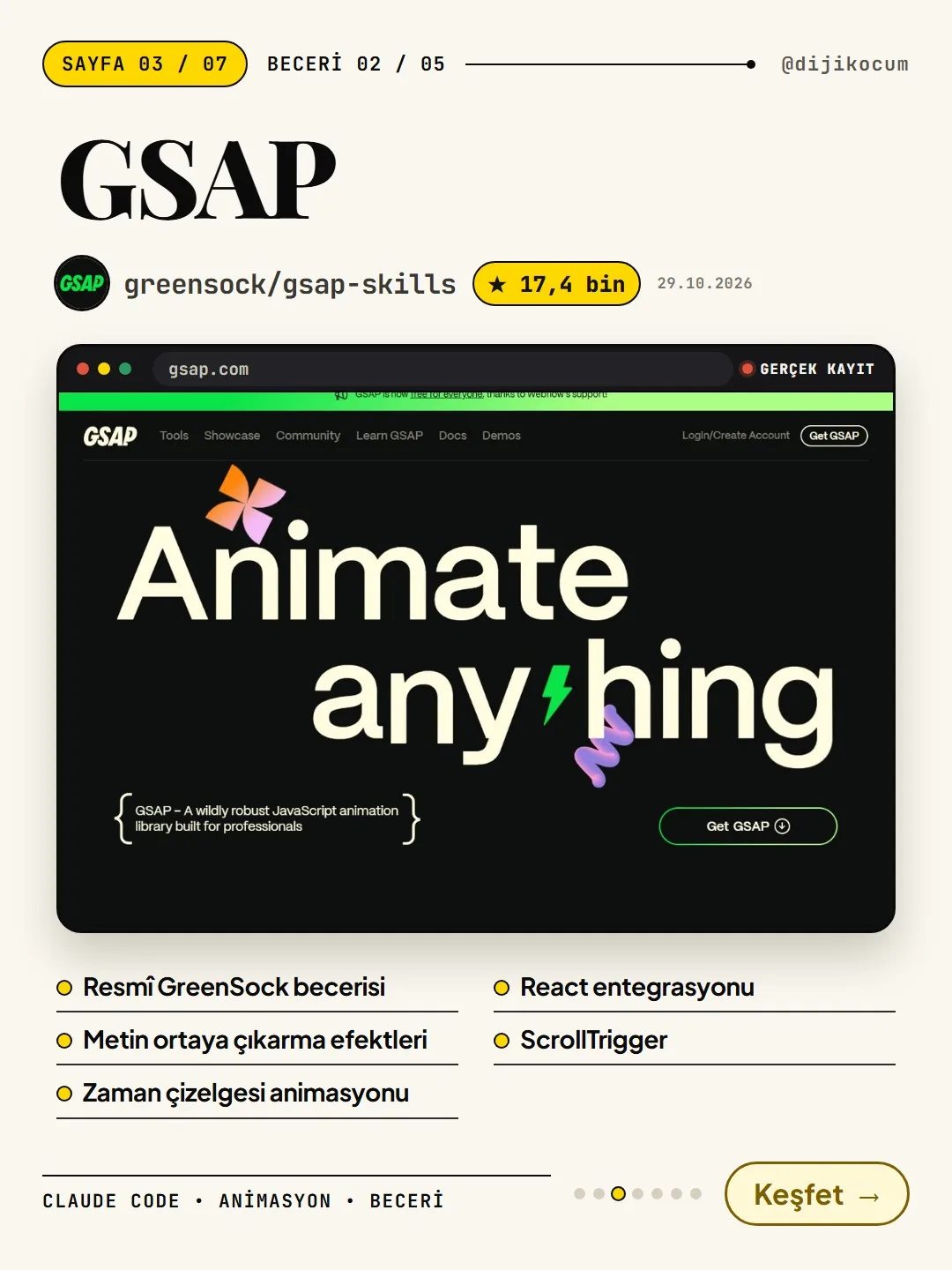
What it adds: The official GreenSock skill: text reveal effects, timeline animation, React integration, ScrollTrigger (animation that runs as you scroll). The recording in the carousel is gsap.com's own animation.
Install: Type the first line into the terminal. Or, instead of the terminal, install it from inside Claude Code with the command on the second line; either one is enough.
npx skills add https://github.com/greensock/gsap-skills # or from inside Claude Code: /plugin marketplace add greensock/gsap-skillsWhat do you type to Claude after installing GSAP?
In your website's folder, type this to Claude Code. "Hero headline" means the big headline at the very top of the page; if you want to animate a different headline, write its name instead.
Reveal the hero headline letter by letter, and as the user scrolls down, have the sections enter one after another with ScrollTrigger. Put it all in a single timeline.Skill 3 · Design DNA: extracts the style of an interface you like (zanwei/design-dna).
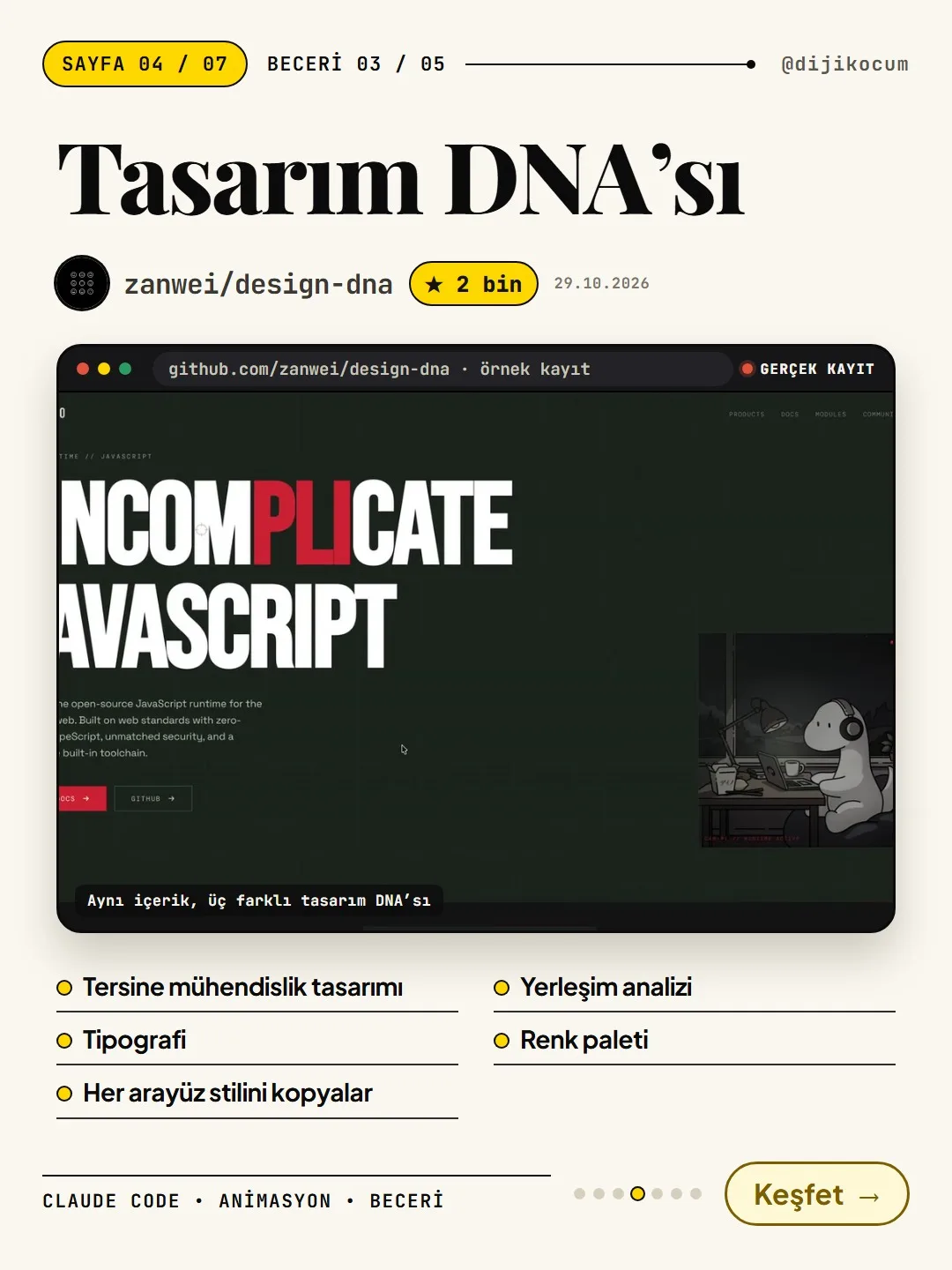
What it adds: It reverse-engineers a design: typography, layout analysis, color palette; it replicates any interface style. The recording in the carousel is the repository's own example: the same content with three different design DNAs.
Install: Type this into the terminal exactly as written. What the flags at the end mean:
-a claude-codeinstalls it for Claude Code,-gmakes it available in all your projects (global install),-yskips the installer's questions by confirming them.npx skills add zanwei/design-dna -a claude-code -g -yWhat do you type to Claude after installing design-dna?
First give Claude Code a screenshot of the interface you like (drag the file into the chat box, or put it in the project folder and type its name). Then type the prompt below. For the "my content" part, provide the text that will go on the page (headline, services, contact) separately, or point to the file in the folder.
Careful: Taking inspiration from another site's style is one thing; copying it one-to-one is another. Don't take the logo, brand name or images; use the color, font and layout ideas with your own content.
Extract the design DNA of this screenshot (colors, typography, layout, effects) and save it as JSON. Then use this DNA to build a landing page from my content.Skill 4 · Motion Design: LottieFiles' skill set (LottieFiles/motion-design-skill).
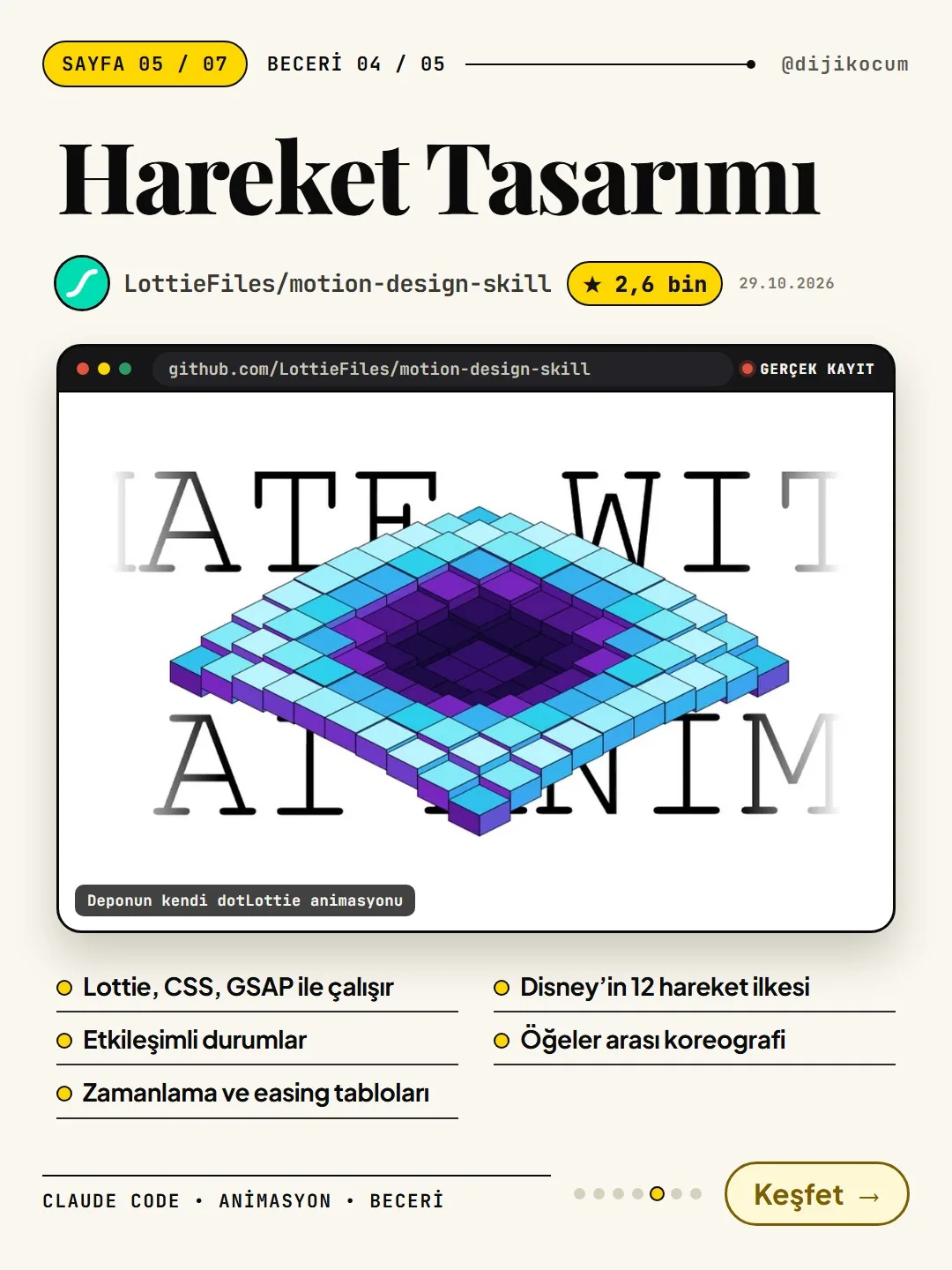
What it adds: It isn't limited to Lottie; it's built on motion design principles: it works with Lottie, CSS and GSAP; interactive states, timing and easing tables, Disney's 12 principles of animation, choreography between elements. The recording in the carousel is the repository's own dotLottie animation.
Install: Type this into the terminal exactly as written:
npx skills add LottieFiles/motion-design-skillWhat do you type to Claude after installing Motion Design?
In the project that has the form, type this to Claude Code. Because this prompt asks for the reasoning first and the code second, Claude explains why it chose that speed and easing; if you don't like it, you can change it before any code is written. You can replace "form submit button" with another button you want to animate.
Design a loading → success → error transition for the form submit button. First explain your timing and easing choices with your reasoning, then write the code.Skill 5 · Genjutsu: creative direction + high-end animation (AThevon/genjutsu).
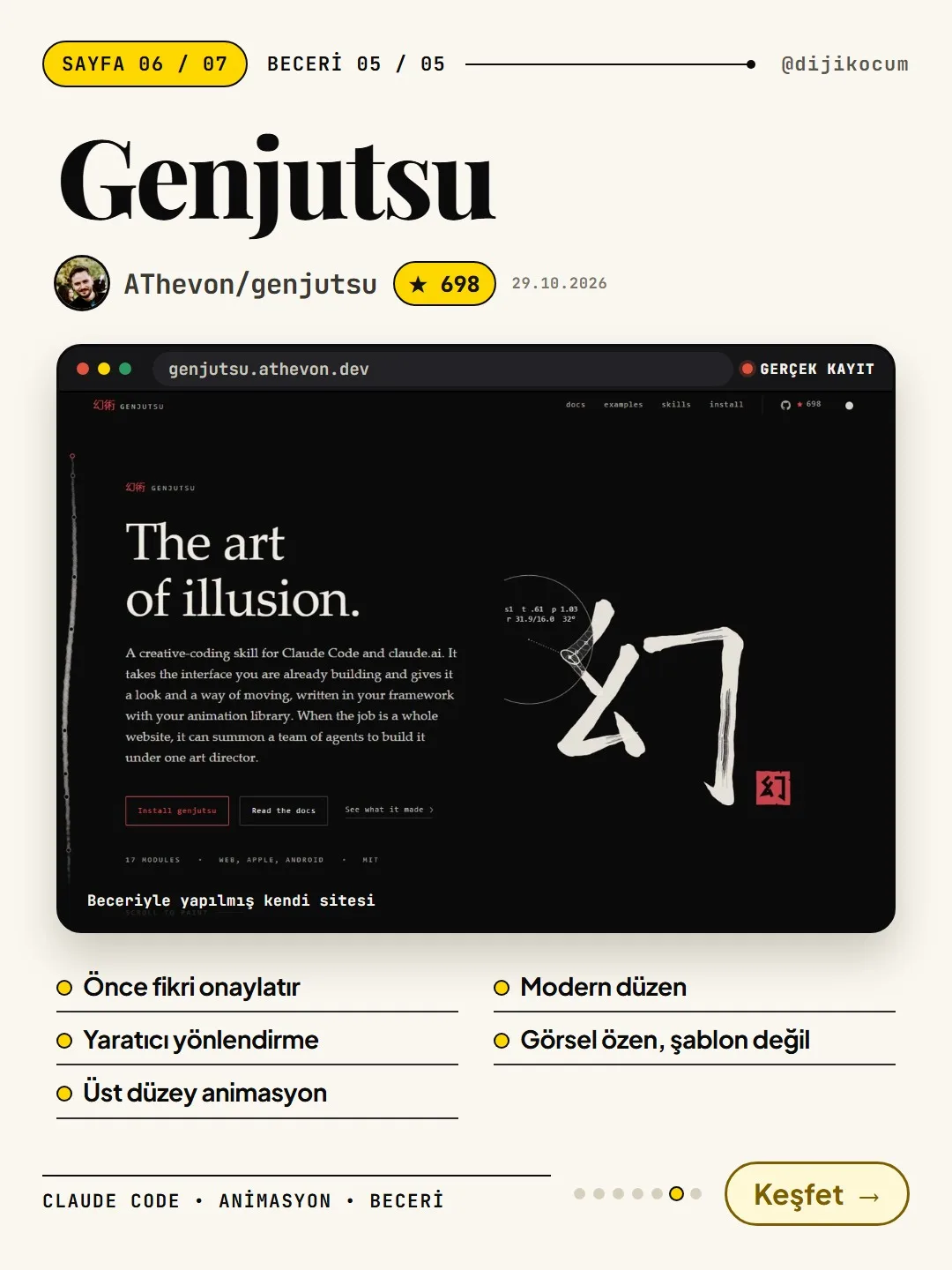
What it adds: It gets the idea approved first; creative direction, high-end animation, modern layout, non-template visual craft. The recording in the carousel is the site built with the skill itself (genjutsu.athevon.dev).
Install: Type the first line into the terminal. Careful: install it with this address, not with the repository name; installing with the repository name leaves modules missing.
If you want to install it as a Claude Code plugin, type the last two lines one after the other inside Claude Code instead of the terminal.
npx skills add https://genjutsu.athevon.dev -g # or as a Claude Code plugin (from inside Claude Code, in order): /plugin marketplace add AThevon/genjutsu /plugin install genjutsuWhat do you type to Claude after installing Genjutsu?
This time you start with a command, not a plain sentence: type
/genjutsu:castfollowed by your own request (the command isn't sent empty). In the example below, you can replace "my pricing cards" with the section you want to animate, and "feel like a physical object" with the feeling you want.Genjutsu first presents you with an idea (an interaction thesis), and writes the code if you approve it. If you don't like it, ask for another idea.
Note: Genjutsu's big "bunshin" mode (which builds the whole site with a team of agents) uses a lot of tokens; cast and paint are enough when you're starting out.
/genjutsu:cast make my pricing cards feel like a physical object on hoverHow do you know it's installed? How do you remove it?
Is it installed: If the command finishes without an error, the install is complete; if you see a red error line or "not found" in the terminal, check Node.js and the command (letter by letter). Then reopen Claude Code and ask "Which skills do you have installed?"; it should list the skill you installed.
If you want to remove it: Skills installed with
npx skillssit on your computer as a folder; for a global install (-g) it's usually.claude/skills/in your user folder, and for a project install it's the project's.claude/skills/folder. Delete that skill's folder and reopen Claude Code. Anything you installed as a plugin with/plugincan be removed from the/pluginmenu in Claude Code. If the folder path or menu name is different in your setup, you can also just tell Claude Code "remove the X skill"; it tells you what it will delete before deleting it.The result isn't the same every time: how do you get it fixed?
When two people type the same prompt, they get the same style, but not the exact same page; Claude rewrites the code every time. If there's something you don't like, say it as a second message in the same chat: "Make the animation slower," "Turn off the 3D scene on mobile and use an image instead," "Change the colors to my brand colors," and so on.
Before taking the animation live, open the page on a phone too: a heavy 3D scene and lots of scroll animations can slow things down on older phones.
Adapt it to your business: example use cases.
These are all examples; use them by writing in your own business and page:
- Restaurant (Three.js + GSAP): On the menu page, put a plate in a 3D scene that can be rotated with the mouse, and have the food categories enter one after another as the user scrolls down.
- Architecture firm (design-dna): Extract the design DNA from a screenshot of a portfolio site you like, and have Claude build a landing page with your own project photos that has a similar feel but is your own.
- E-commerce store (Motion Design): Have it design loading → added → out of stock transitions for the "Add to cart" button; read the timing reasoning first, then have it write the code.
- Accounting / consulting firm (Genjutsu): Type
/genjutsu:cast make my service packages lift forward on hoverand approve the idea it comes back with.
How to measure it
Compare the two weeks before and after adding the animation: time on page, scroll depth, and contact / add-to-cart clicks. Also check how fast the page loads on a phone; if the animation slowed the page down noticeably, simplify it.
Sources
- ACloudAI-X/threejs-skills (GitHub)Primary source · checked: October 29, 2026
- Agreensock/gsap-skills (GitHub, official GSAP skill)Primary source · checked: October 29, 2026
- Azanwei/design-dna (GitHub)Primary source · checked: October 29, 2026
- ALottieFiles/motion-design-skill (GitHub)Primary source · checked: October 29, 2026
- AAThevon/genjutsu (GitHub)Primary source · checked: October 29, 2026
- AClaude Code: Set up Claude CodePrimary source · checked: October 31, 2026
[A] primary source · [B] industry research · [C] practitioner · [D] our own data
Frequently asked questions
Do I need to know how to code?
Not for the install: copying the command and pasting it into the terminal is enough. After that, Claude writes the code. But to publish the resulting site, you need a web project and to know how you publish it.
Is it really free?
All five are free and open source (MIT). The cost comes from the Claude plan or the API you use Claude Code with; big jobs like Genjutsu's bunshin mode use a lot of tokens.
When I type npx, I get a "not found" error.
Node.js isn't installed, or the terminal wasn't reopened after installing it. Install the LTS version from nodejs.org, close and reopen the terminal, and check with node -v.
I installed Genjutsu with the repository name and some things are missing.
Installing with the repository name leaves modules missing. Delete the skill's folder and reinstall with the address, using the command npx skills add https://genjutsu.athevon.dev -g.
Is this the same as commands like /grafik in the animation commands guide?
No. The commands in that guide are command files you save yourself, which produce a video clip from your sentence. The ones here are ready-made skill packages for website and interface animation. You can use both together on the same computer.
Next step
Let’s look at your site together.
Free Digital Checkup: a health score for your website, your ads and your visibility in AI search, plus what to fix first. 3 minutes.
More guides

Tools
How to transform product photos with ChatGPT Images 2.5: 20 ready-made image prompts (step by step)
26 steps · 14 min

Tools
How to Use the Prompt Library and Prompt Builder: Copy a Ready-Made Prompt, Fill In the Blanks
9 steps · 7 min
Tools
How to Use the Ready-Made AI Kits: Pick One for Your Profession or Business and Start at $0
9 steps · 6 min