Visuals in Turkish · the full text is on this page
Tools · Automation
How to Use the Ready-Made AI Kits: Pick One for Your Profession or Business and Start at $0
Don't agonize over which tool to choose; choose your kit. 12 ready-made kits, each one starting at $0; if that's not enough, the "First paid step" and "As you grow" tiers show the monthly price.
Short answer
The Ready-Made Kits are AI tool lists in the DijiKoçum AI Guide, picked for your business or profession: real estate agents, teachers, lawyers, e-commerce, Reels and more, 12 kits in total. Every kit starts at $0; if that's not enough, the "First paid step" and "As you grow" tiers show the monthly price (in Turkish lira on the kit pages). Free, no sign-up; prices may change.
9 steps · 6 min read · · Turan Yasin Salcı
Step by step · 9 steps
0/9 checked · saved in this browser only
Open the Ready-Made Kits page.
Go to dijikocum.com/yapay-zeka/setler. Free, no sign-up.
Below the heading it says "Last checked October 8, 2026 · The order doesn't change for money": the ranking in the list doesn't change because of ads or paid recommendations. The page has two parts: Setup guides at the top (step 6), and the ready-made kits below.
Pick your group: Where to start, By task, or By profession.
Tap one of the chips above the kit cards (November 1, 2026):
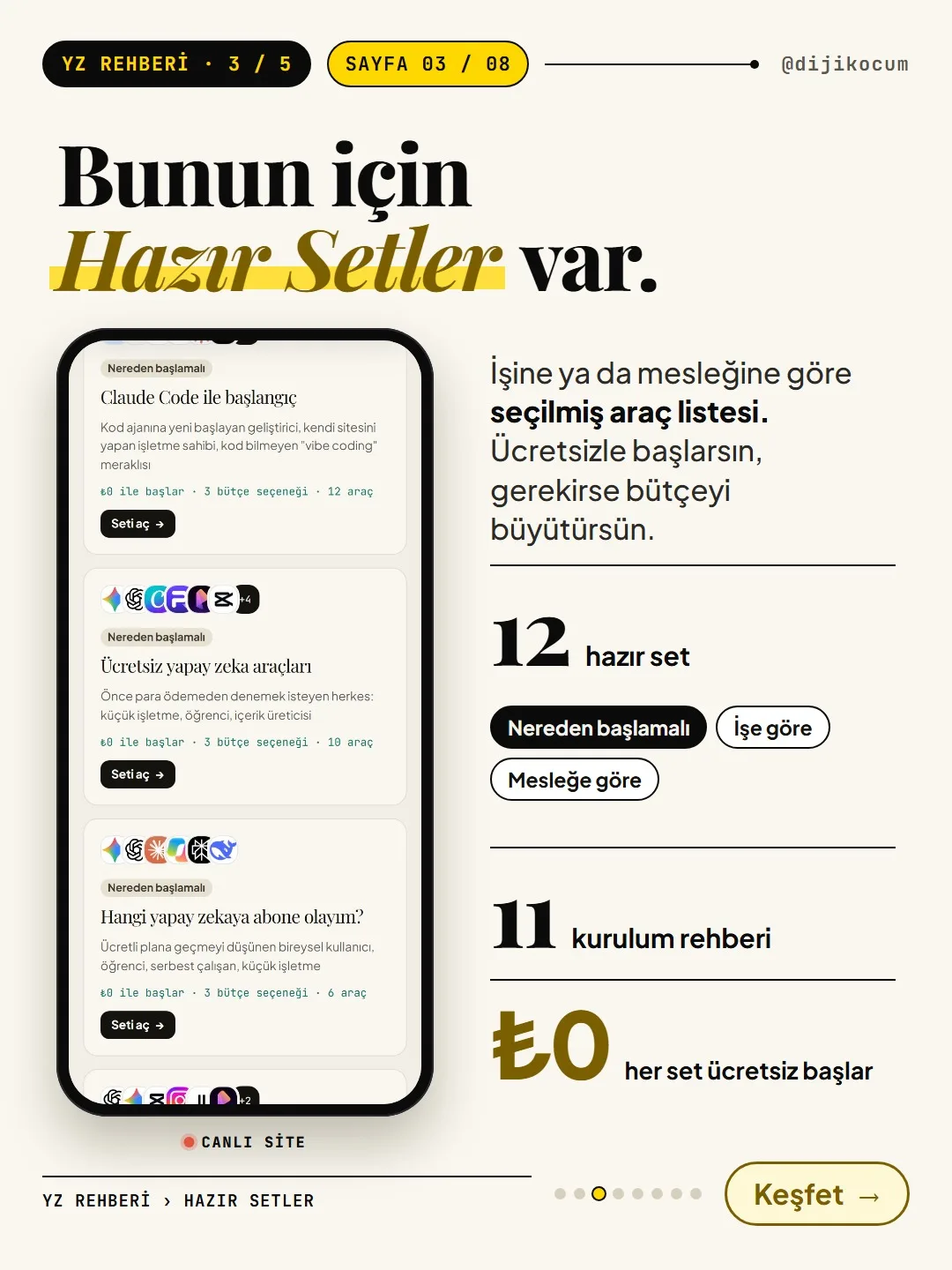
- Where to start (3): Getting started with Claude Code · Free AI tools · Which AI should I subscribe to?
- By task (4): For YouTube, Reels and video · For logos, images and design · For e-commerce · For students
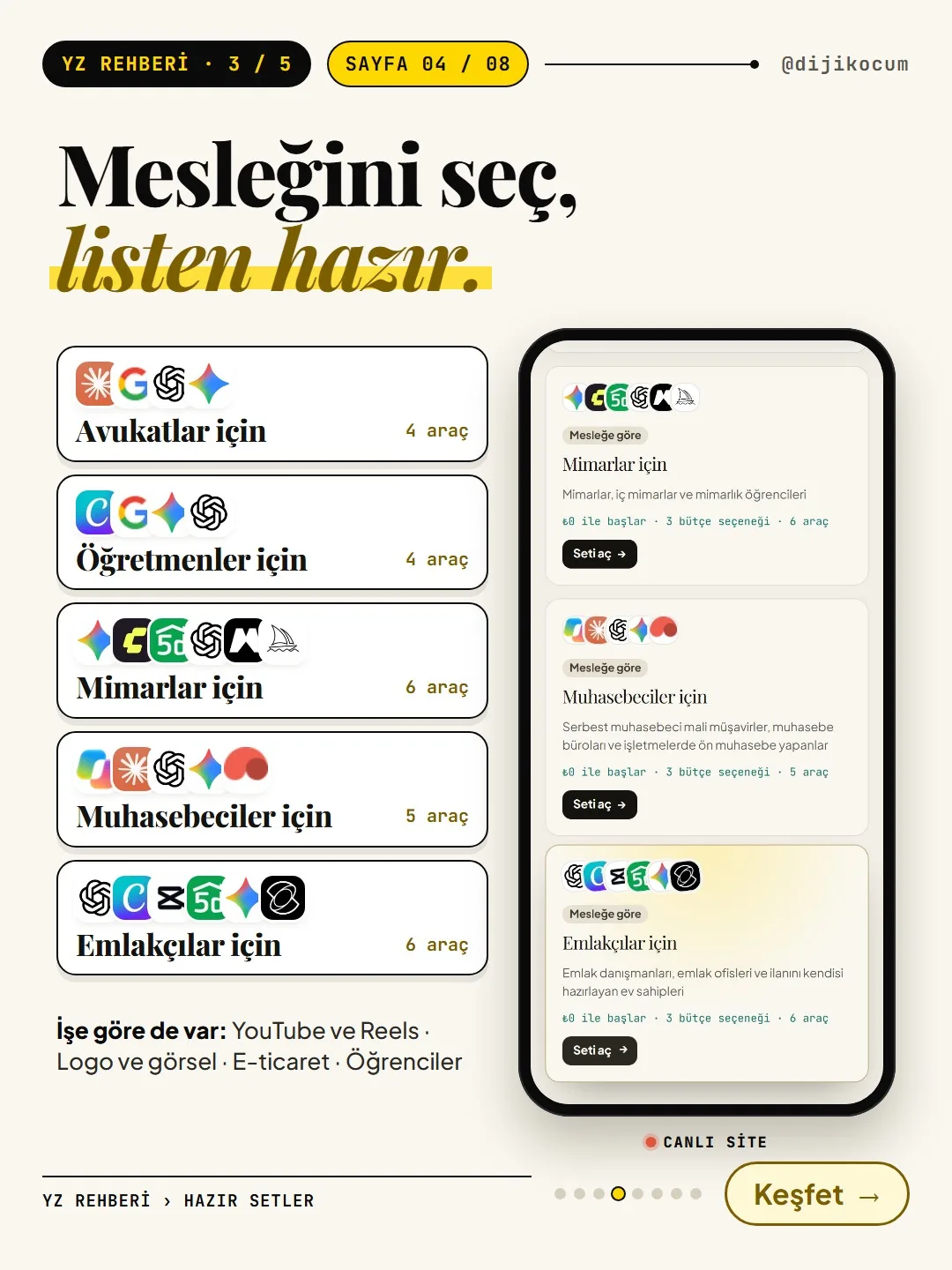
- By profession (5): For lawyers · teachers · architects · accountants · real estate agents
The All (12) chip shows all the kits again. Each card shows who the kit was built for and the line "Starts at $0 · 3 budget options · N tools."
On the kit that fits you, tap "Open kit."
Tap the Open kit → button at the bottom of the card. The kit page opens; at the top it shows who the kit was built for and the last-checked date, and right below that, Budget options. The page's own note matters: this section doesn't show the order in which to do the work, it shows different budget options; some tools are alternatives to each other, and some complete different jobs together.
Try the tools in "Start at $0" first. If that's not enough, look at "First paid step."
The budget options have three tiers:
- Start at $0: free tools, each with a note on what it does in that kit.
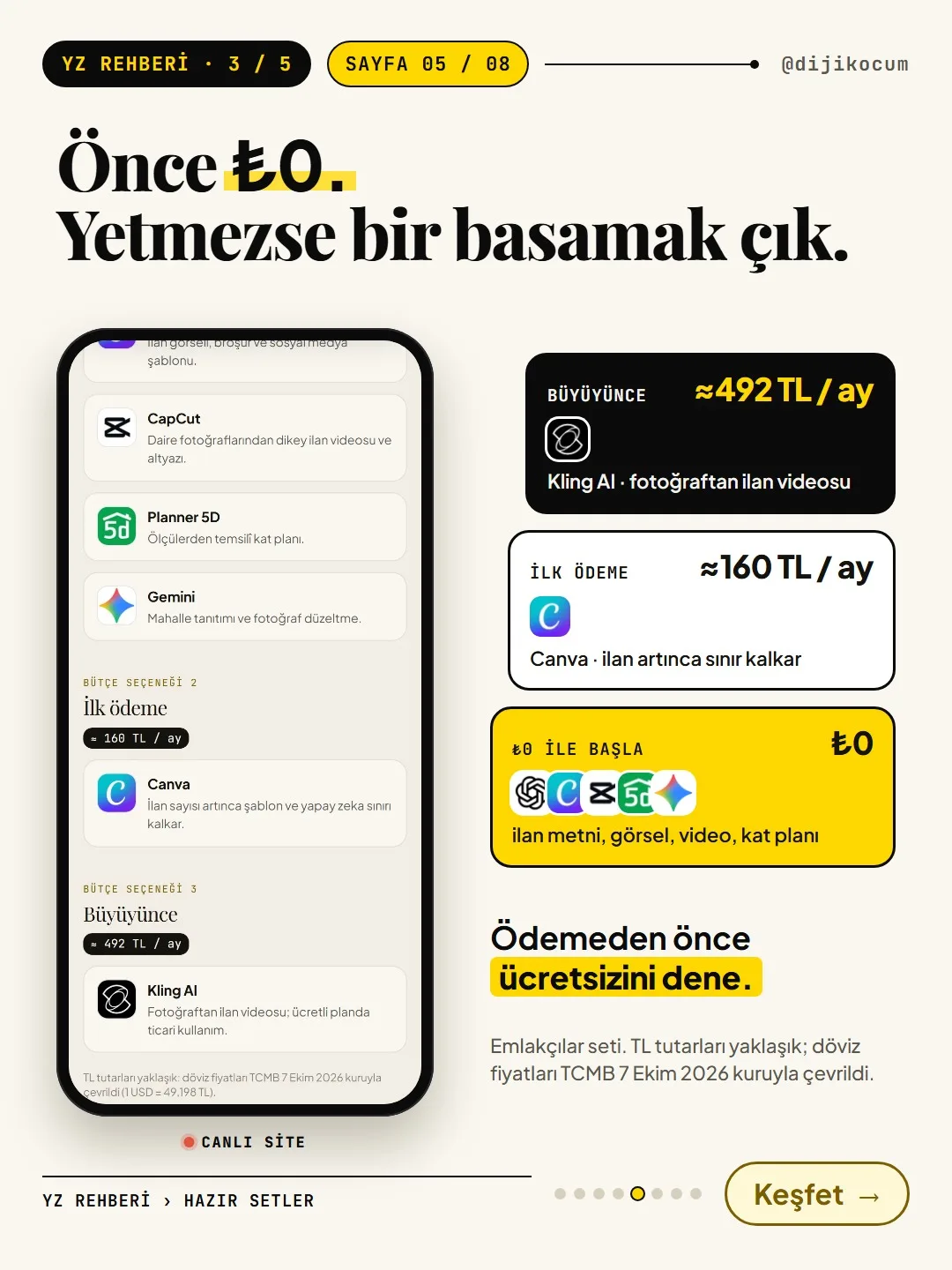
- First paid step: the first tool you'd pay for when the free tools aren't enough, with its approximate monthly price in Turkish lira.
- As you grow: the tool or plan you'd add as your business grows, again with a monthly price in Turkish lira.
First do your own work with the tools in the $0 tier. If that's not enough, look at "First paid step"; the monthly price is shown in Turkish lira. The lira amounts are approximate: prices set in foreign currency were converted at the Central Bank of the Republic of Turkey (TCMB) rate of October 7, 2026 ($1 = ₺49.198); prices and the exchange rate may change, so check the tool's own page before you pay.
Don't skip the Careful box below the tiers. For example, the real estate kit says "Furniture or views added with AI must be marked as 'representative' in the listing."
Tap a tool: what it does, whether it's free, and what to watch out for opens up.
When you tap a tool's name on the kit page, it shows what the tool does, whether it's free, and what you should watch out for.
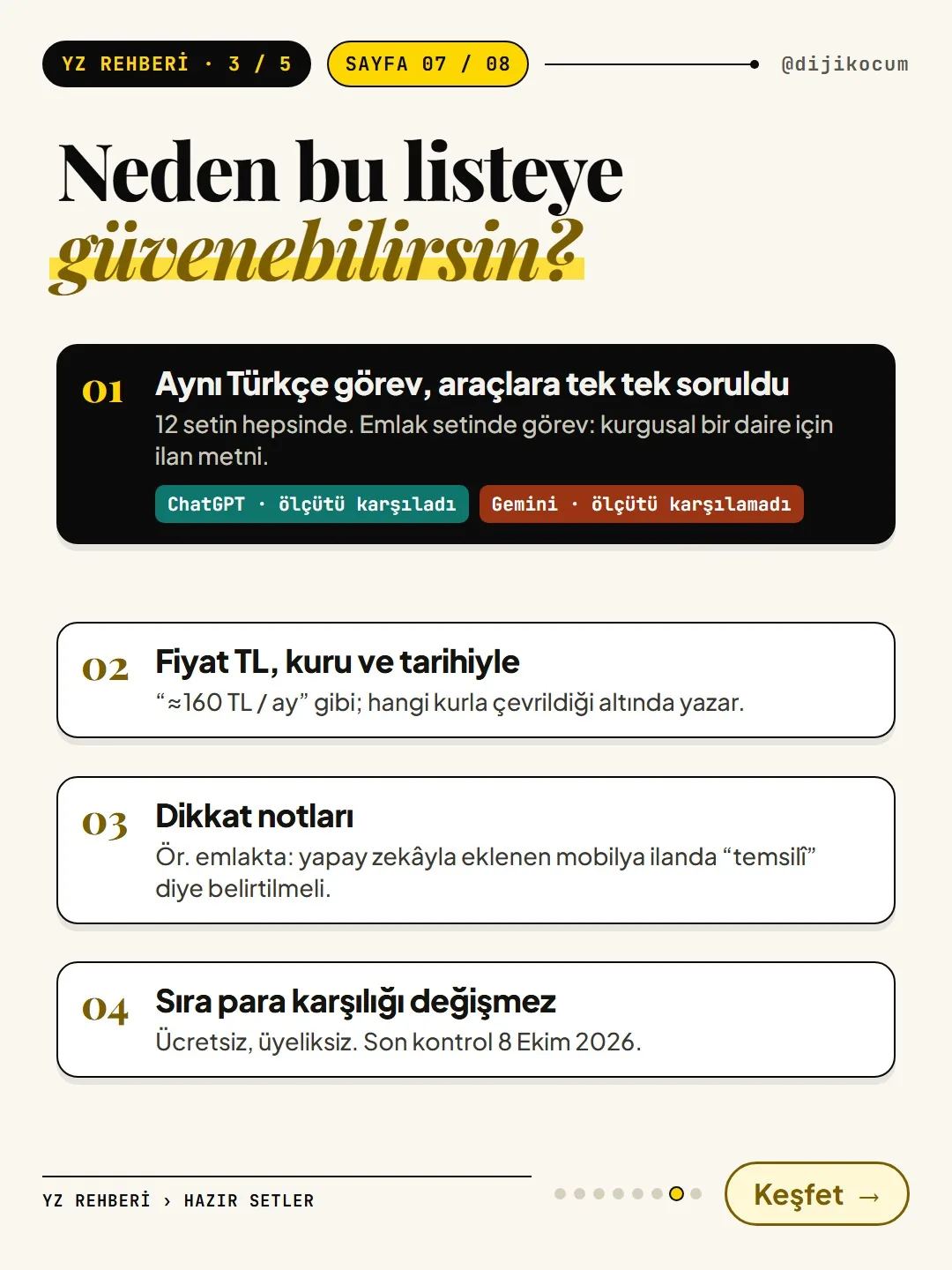
For more detail, open the Details: why these tools, the same Turkish-language task test, sources section at the bottom of the page. There you'll find each tool's "First step" suggestion (e.g., turning off the data controls setting in ChatGPT), how the price was calculated, and how the same Turkish-language task was given to the tools. The real estate kit has a task for a fictional apartment listing; which tool met the criteria and which didn't is recorded with dates (e.g., ChatGPT "met the criteria," October 8, 2026; Gemini "did not meet the criteria," October 9, 2026).
If you're going to build a system, look at the setup guides at the top of the page.
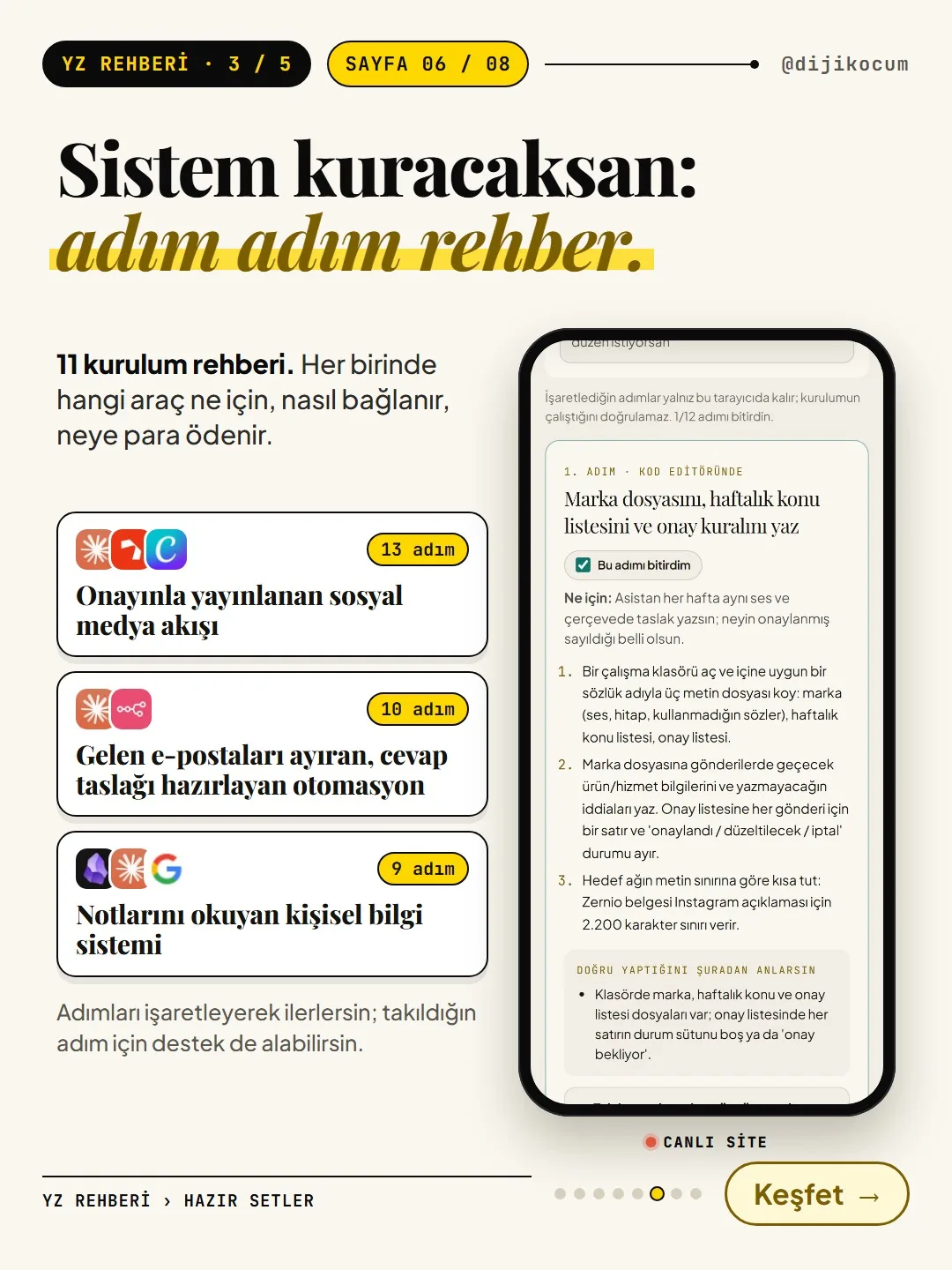
The Setup guides section at the very top of the Kits page has 11 guides (November 1, 2026). Each one sets up a system that does one job, step by step: which tool is for what, how it connects, where it runs and where your control is needed. Examples:
- A social media workflow that publishes from your weekly content plan with your approval (13 steps)
- An automation that sorts incoming emails and drafts replies (10 steps)
- A personal knowledge system where an AI assistant can read and write your notes (9 steps)
The card shows the number of steps and how it runs ("You start it" or "Runs on its own at the time you set"). Open it with View setup →; the steps go in order, and you can mark a finished step with "I finished this step."
Examples: three kits, three starting points.
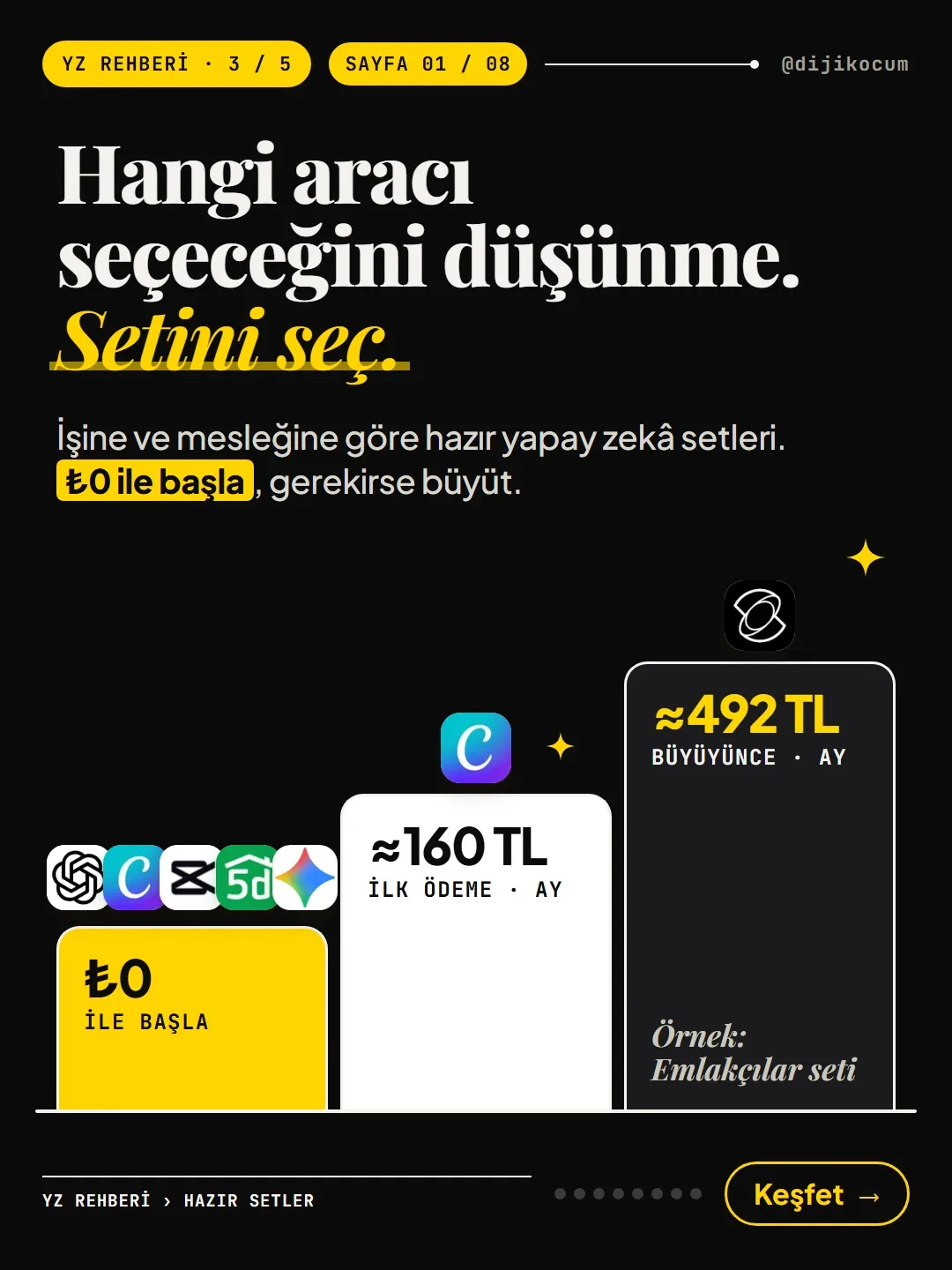
- Real estate agent: listing copy, images and video from $0 with ChatGPT, Canva and CapCut. The kit also includes Planner 5D for a representative floor plan and Gemini for neighborhood introductions. First paid step about $3.25/month (≈₺160/month, Canva), as you grow about $10/month (≈₺492/month, Kling AI); dollar amounts converted back at the rate stated on the kit pages (TCMB, October 7, 2026: $1 = ₺49.198).
- Reels creator: CapCut, Edits, ElevenLabs; from script to captions. In the "For YouTube, Reels and video" kit, the $0 tier has ChatGPT (script, titles), CapCut (vertical editing, automatic captions), Edits (watermark-free 4K Reels editing) and ElevenLabs (about 10 minutes of Turkish voiceover a month).
- Teacher: Canva, NotebookLM, Gemini, ChatGPT. The kit notes that Canva for Education is free for teachers and that you sign in with an EBA account (Turkey's national education platform); NotebookLM (listed on the site as Gemini Notebook) produces summaries and questions from a textbook chapter.
Prices are approximate amounts from the October 8, 2026 check; they may change.
A few scenarios for your business.
- E-commerce seller: Open the "For e-commerce" kit. The $0 tier has Gemini for product photos, ChatGPT for product descriptions, Canva for campaign banners and tawk.to for live chat on your site. The Careful box says a free Photoroom image can't be used in a sales listing; read this before moving to the first paid step.
- Cafe or hair salon: If there's no kit for your profession, start with the "Free AI tools" kit or the "For logos, images and design" kit; make your menu or price list poster with the $0 tools.
- Accountant or lawyer: Open your profession's kit and read the Careful box first; decide there which tool you can upload documents containing client information to.
- Student: Look at the "For students" kit; the card notes that some tools and offers require you to be 18 and enrolled at a university.
What to do if you get stuck?
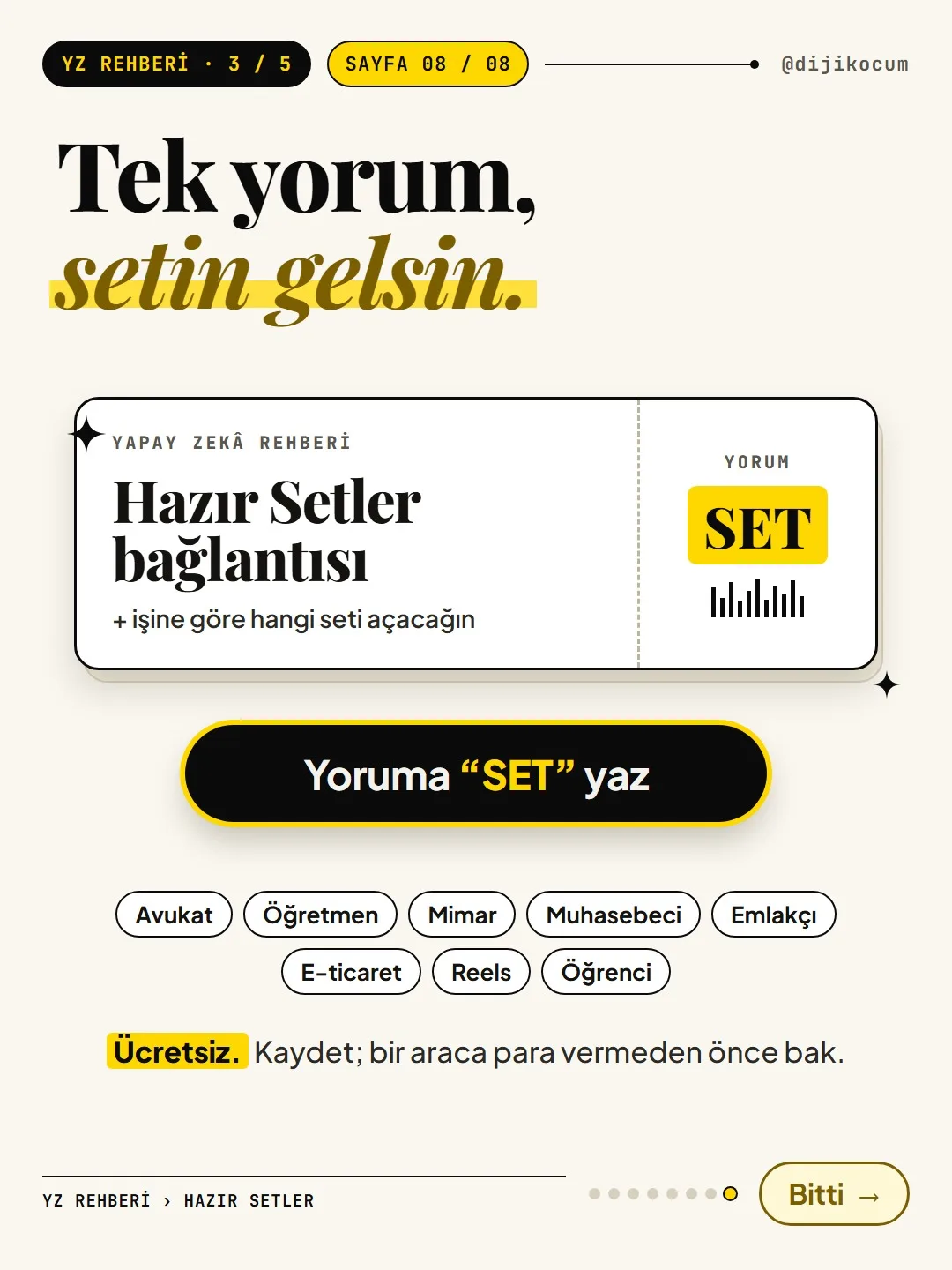
To get to know a tool in a kit more closely, find its name in the Tool Atlas; if you're looking for a free option for a paid tool, check Free Alternatives. The kits are free and need no sign-up; you can follow the steps yourself, or get support through the links at the end of the page if you'd like.
All free, no sign-up. If you get stuck somewhere, message @dijikocum on Instagram.
How to measure it
Open the kit that fits you and, this week, do one job from start to finish with the tools in the $0 tier (e.g., a listing text + image + short video). Note how long it took and at which step you hit the free limit. If you didn't hit a limit, there's no need to pay; if you did, try only the tool in the "First paid step" tier for a month and compare how long the same job takes.
Sources
- DDijiKoçum AI Guide: Ready-Made Kits (12 kits, 11 setup guides)Our own data · checked: November 1, 2026
- DDijiKoçum kit pages: for real estate agents, teachers, YouTube-Reels and e-commerce (budget tiers, last checked October 8, 2026)Our own data · checked: November 1, 2026
[A] primary source · [B] industry research · [C] practitioner · [D] our own data
Frequently asked questions
Are the Ready-Made Kits paid?
No, the kits are free and don't require sign-up. Every kit starts at $0; the "First paid step" and "As you grow" tiers are only there for you to look at if your needs grow.
There's no kit for my profession. What should I do?
Start with the "Free AI tools" kit in the "Where to start" group, or with the "By task" kit closest to your business (video, images and design, e-commerce). For any job that's left uncovered, you can find tools by category in the Tool Atlas.
Why are the lira prices written with "≈"?
The prices of tools sold in foreign currency were converted to Turkish lira at the TCMB rate of October 7, 2026 ($1 = ₺49.198), which is why they're approximate. The exchange rate and prices may change; check the current price on the tool's own page before you pay.
Is the order in the kits advertising?
The page says "The order doesn't change for money." The tools were picked for the kit's job; still, try the $0 tools in your own work before you decide.
What's the difference between setup guides and kits?
A kit is a list of tools for a job or profession. A setup guide connects these tools to each other and walks you, step by step, through setting up a system that does a job (e.g., an automation that drafts emails).
What does "the same Turkish-language task test" mean?
The tools in the kit were given the same Turkish-language task, and whether the result met criteria written in advance was recorded with the date. It's a single test; the result isn't exactly the same every time, but it helps you see the difference between the tools.
Next step
Let’s look at your site together.
Free Digital Checkup: a health score for your website, your ads and your visibility in AI search, plus what to fix first. 3 minutes.
More guides

Tools
How to transform product photos with ChatGPT Images 2.5: 20 ready-made image prompts (step by step)
26 steps · 14 min
Tools
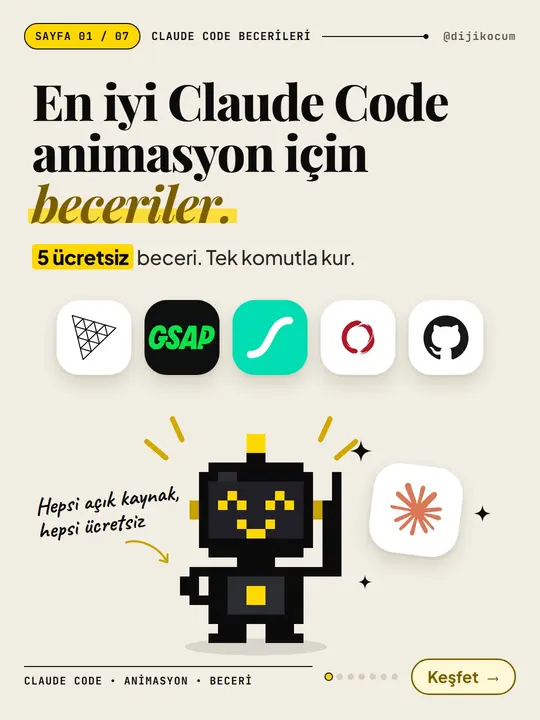
5 Free Animation Skills for Claude Code: How to Install Three.js, GSAP, design-dna, LottieFiles and Genjutsu (Step by Step)
16 steps · 9 min

Tools
How to Use the Prompt Library and Prompt Builder: Copy a Ready-Made Prompt, Fill In the Blanks
9 steps · 7 min