
Visuals in Turkish · the full text is on this page
How-To Guide · Social Media
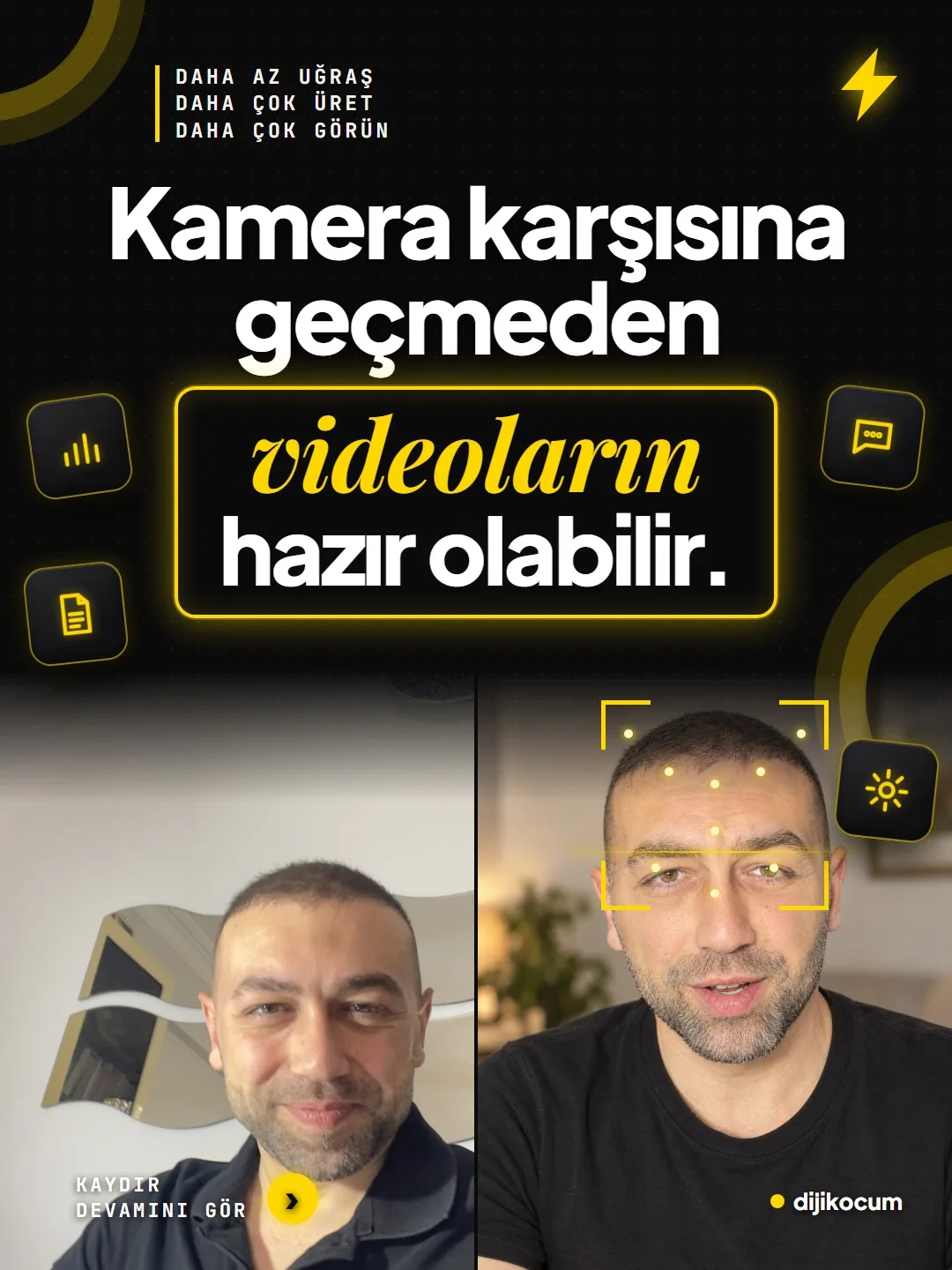
How to make videos without being on camera: three tools
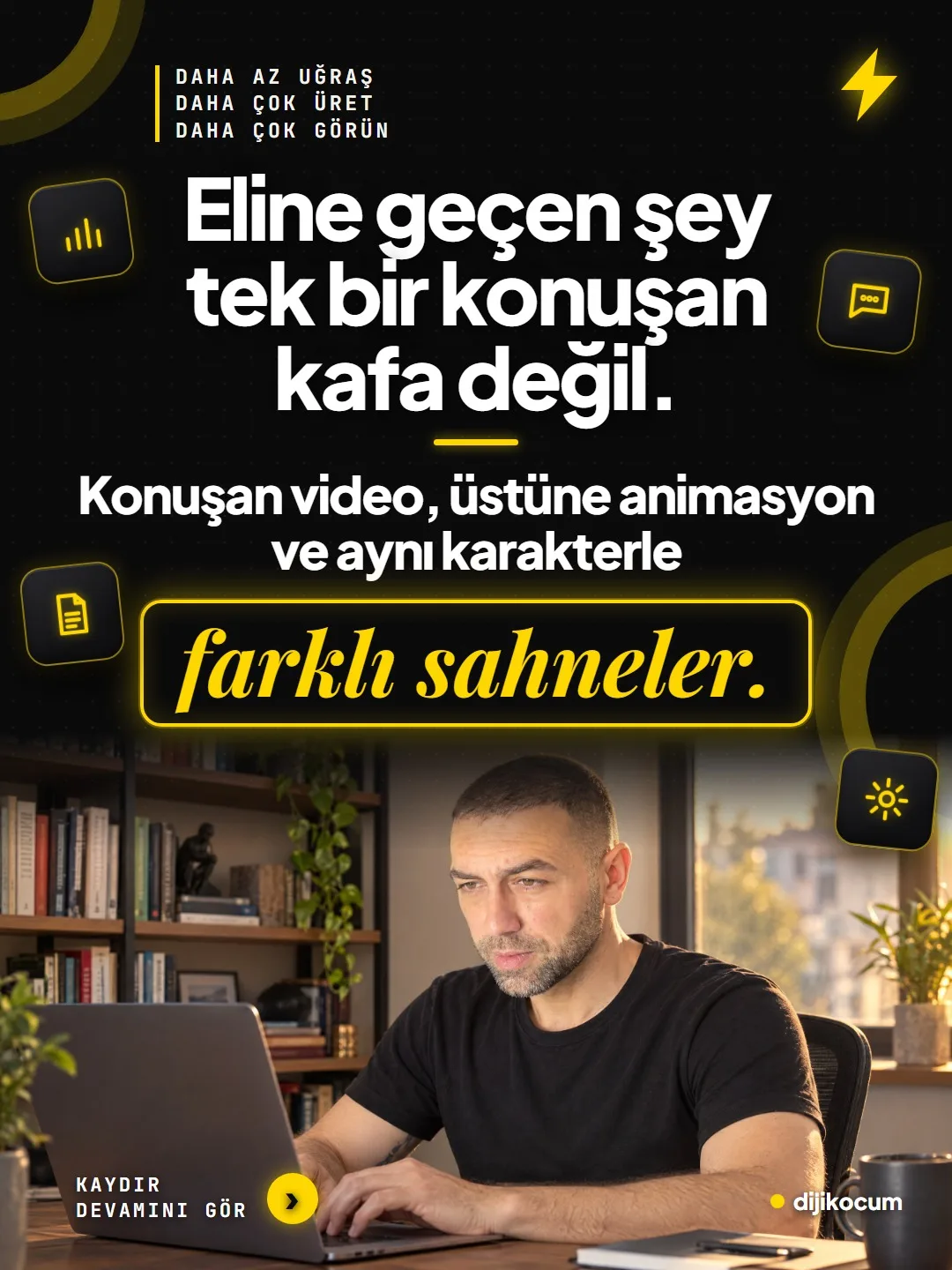
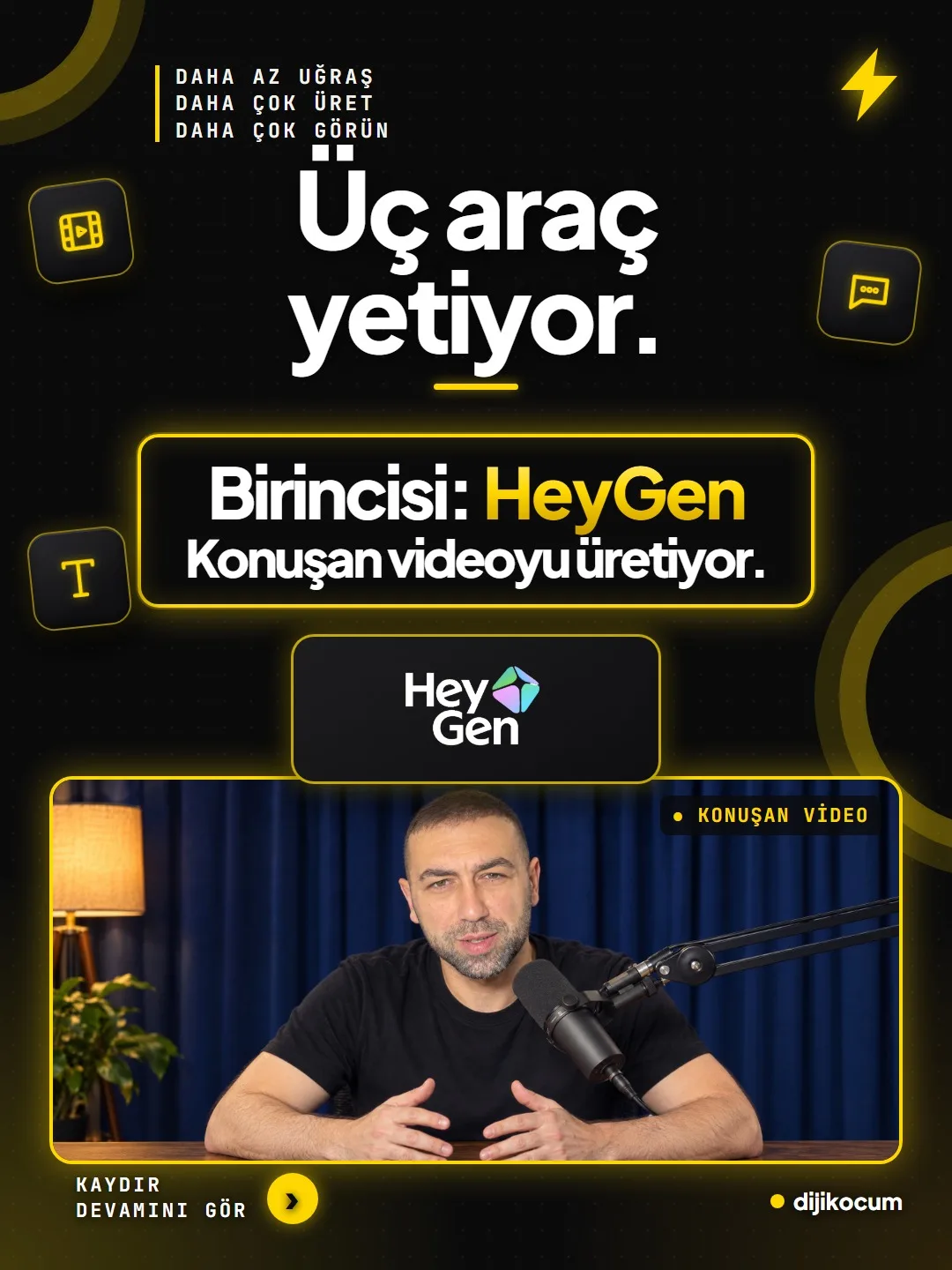
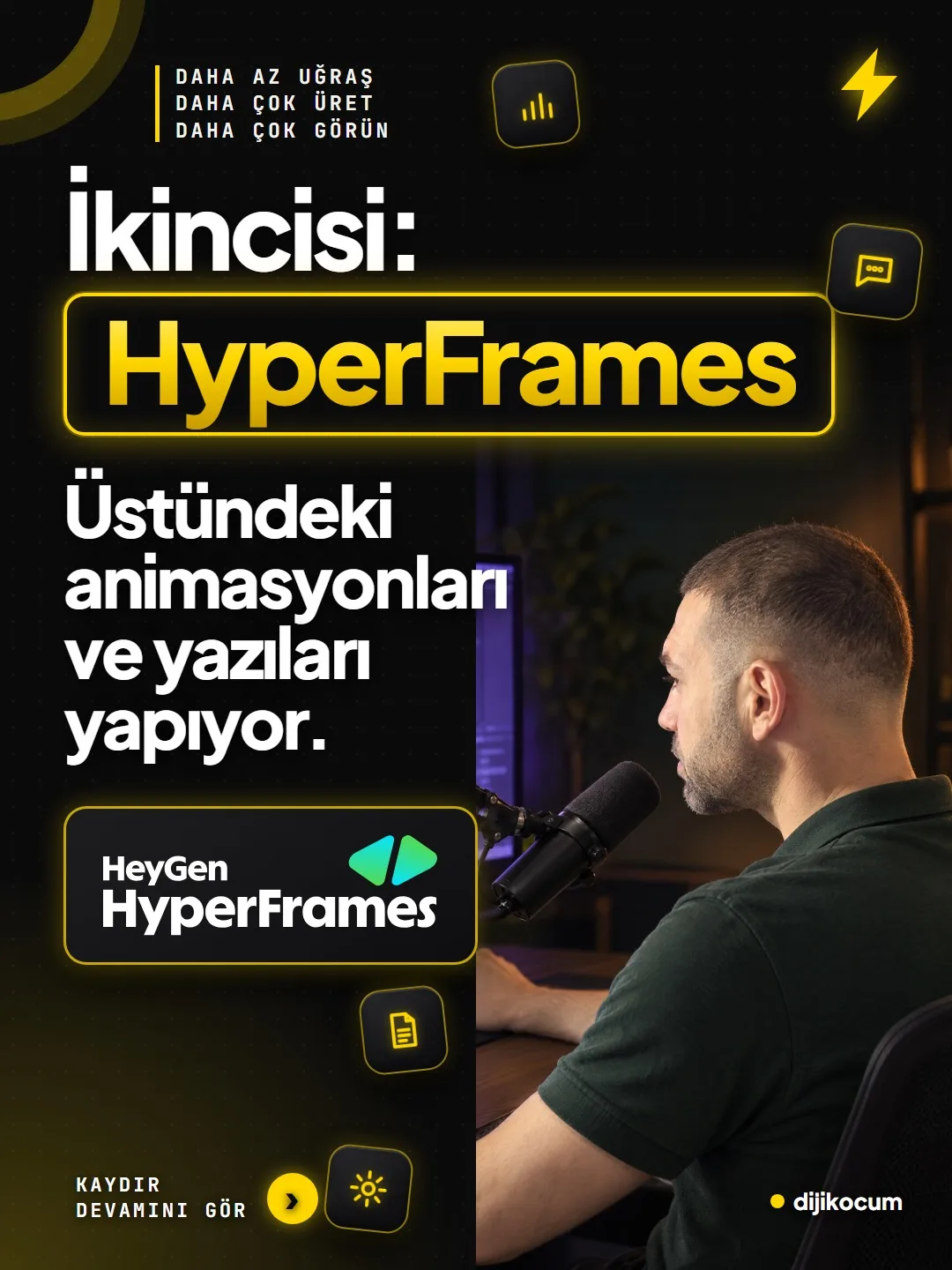
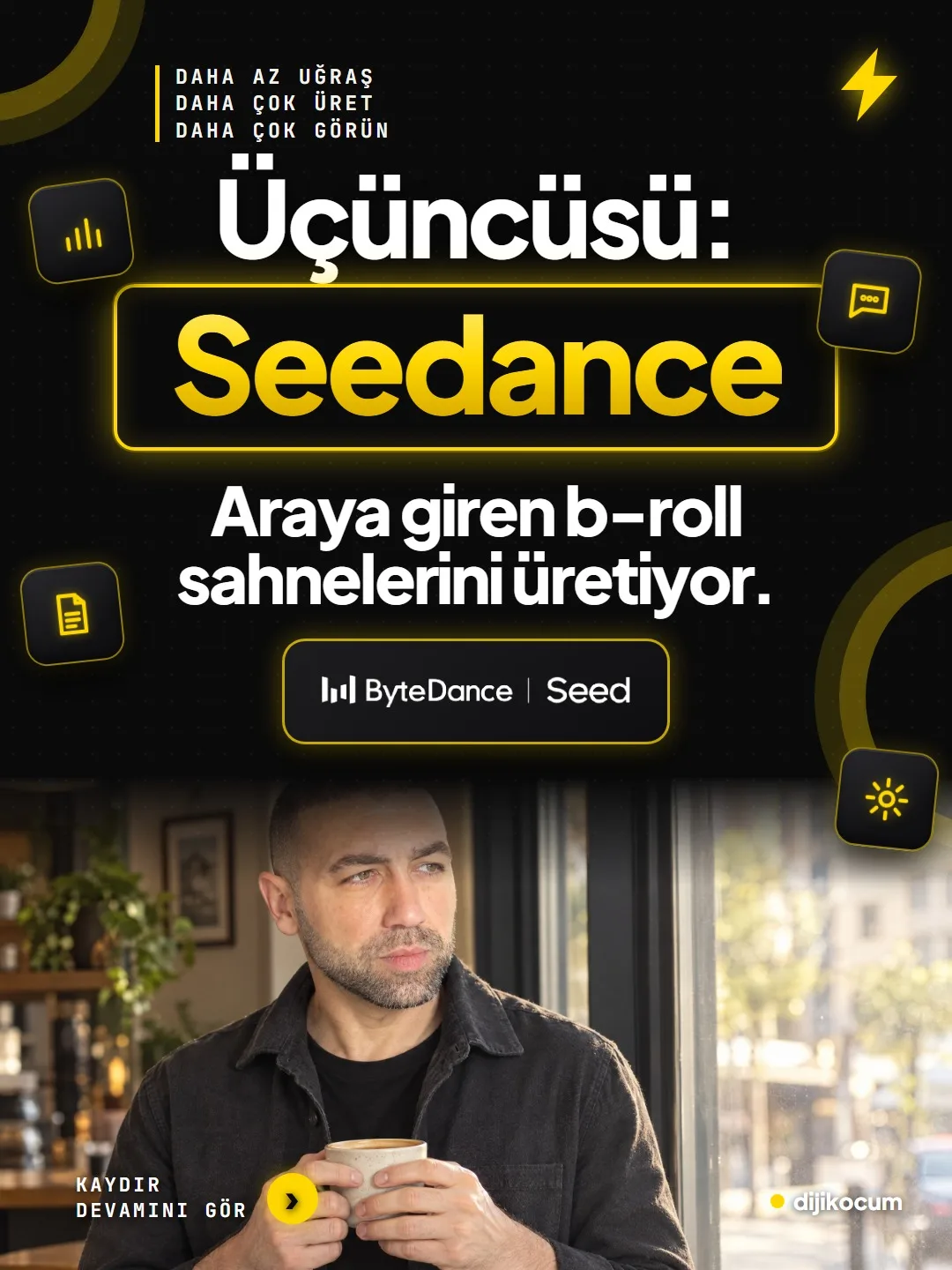
You write the script; HeyGen produces the talking video, HyperFrames the text and animation, Seedance the cutaway scenes.
Short answer
Three tools are enough to make videos without getting in front of a camera: HeyGen has your avatar speak the script you wrote in your own voice, the open-source HyperFrames adds titles, captions and animation on top, and Seedance produces the b-roll cutaway scenes. Once all three are connected to Claude or ChatGPT via an MCP connection or an app, you can request a video with a single prompt. Every AI-generated video should have Instagram's AI label turned on; fake customer reviews, someone else's face and health claims should not be used. DijiKoçum's PDF gives the setup steps and single-prompt examples for 12 industries.
5 steps · 2 min read · · Turan Yasin Salcı
Step by step · 5 steps
0/5 checked · saved in this browser only
Set up your avatar in HeyGen.
Create an avatar from a photo or a short video; one created from video usually looks more natural. Light should come from the front, the background should be simple, and your clothing should have no text or logos. The tool asks you to confirm that the face and voice are yours; don't upload someone else's face.
Connect HyperFrames to Claude.
HyperFrames is HeyGen's free, open-source tool; it adds titles, captions and animation on top of the talking video. Setup for Claude Code:
claude plugin marketplace add heygen-com/hyperframes claude plugin install hyperframes@hyperframes # then in the chat: /hyperframes:hyperframes # For other agents such as Codex, Cursor, Gemini CLI npx skills add heygen-com/hyperframesConnect HeyGen to your assistant.
In Claude, add HeyGen from Settings → Connectors; in ChatGPT, add HeyGen's app. Since Seedance 2.0 is built into HeyGen, you can request b-roll from there too; for a first test, type “List my avatars in HeyGen.”
Request the video with a single prompt.
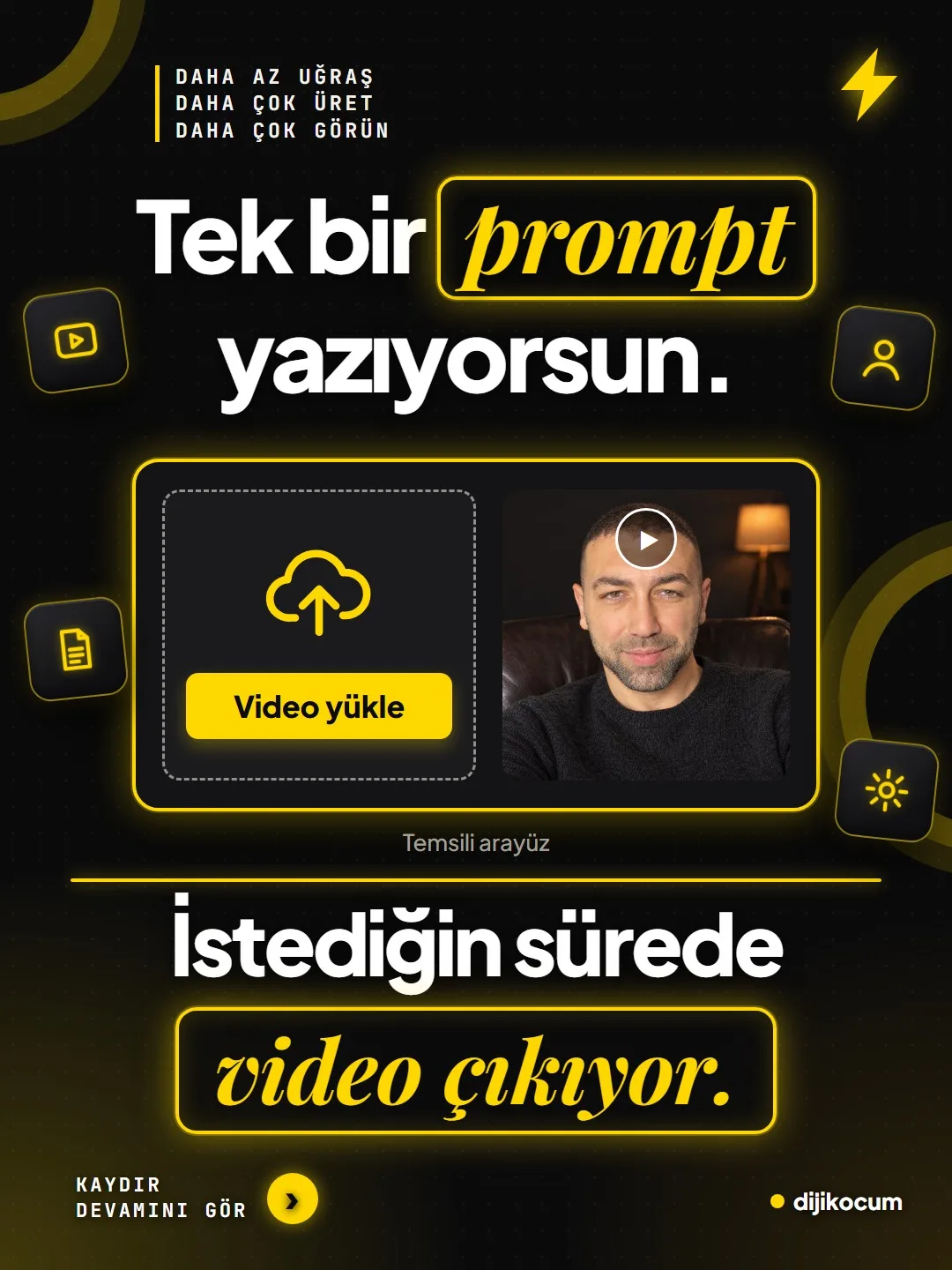
Fill in the square brackets and paste it into the assistant you connected. Keep the first video to 30-45 seconds, about 70-110 words:
Make a 40-second vertical (1080x1920) video with my [my avatar name] avatar in HeyGen. The script: [speech script, 80-100 words]. Insert 2 b-roll scenes made with Seedance into the speech: 1) [location / product scene, 4 sec] 2) [hands / detail scene, 4 sec] Add the following on top with HyperFrames: - a large title in the first 2 seconds: [hook sentence] - word-by-word captions at the bottom - a single line at the end: [save / comment call to action] Colors: [your brand colors]. When it's done, give me the MP4.Label it; don't hide it.
Turn on the AI label on Instagram and write “An AI avatar of me was used in this video” in the caption. No fake customer reviews, made-up before/after shots or someone else's face; no health claims either.
How to measure it
After the first video, check whether the script sounds like natural speech, whether the b-roll sits in the right place and whether the label is on. If you don't like it, change the script and the scene descriptions, not the tool.
Free · PDF
Download the Setup guide for making videos without being on camera (PDF).
A printable checklist version of the steps on this page. The PDF is in Turkish; no sign-up needed.
Download the checklist (PDF in Turkish)Sources
- AHeyGen MCP documentationPrimary source · checked: October 4, 2026
- AHyperFrames GitHub repository (heygen-com/hyperframes)Primary source · checked: October 4, 2026
- DDijiKoçum faceless video guide (3 tools, 12 industries)Our own data · checked: October 4, 2026
[A] primary source · [B] industry research · [C] practitioner · [D] our own data
Frequently asked questions
Do I need to label a video made with an AI avatar?
Yes. When posting on Instagram, turn on the AI label and write in the caption that you used an avatar; the videos with a face on this account are labeled the same way.
Can I set up an avatar of my employee?
Voice and face are personal data; you can set up an employee's avatar only with their explicit, written consent. HeyGen also asks for confirmation that the face and voice belong to the person.
What does b-roll mean?
Cutaway footage inserted between shots of the person talking, with the audio continuing underneath: coffee in a cafe, hands typing on a screen, the entrance of a venue. It keeps the video from being just a single talking head.
Next step
Let’s look at your site together.
Free Digital Checkup: a health score for your website, your ads and your visibility in AI search, plus what to fix first. 3 minutes.
More guides

How-To Guide
How to connect Instagram to Claude: two safe ways to set up comment-to-DM, a DM assistant and scheduled posting (step by step)
15 steps · 11 min
How-To Guide
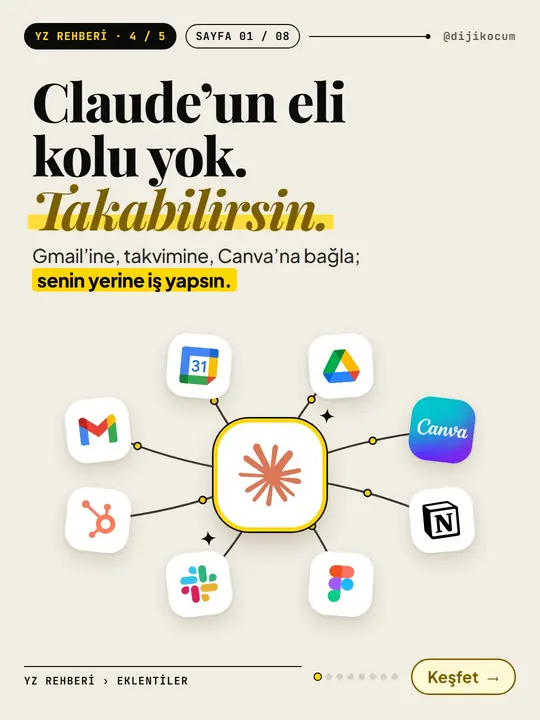
How to Connect Claude to Gmail, Google Calendar, Drive and Canva: Safe Connector Setup, Step by Step
12 steps · 7 min
How-To Guide
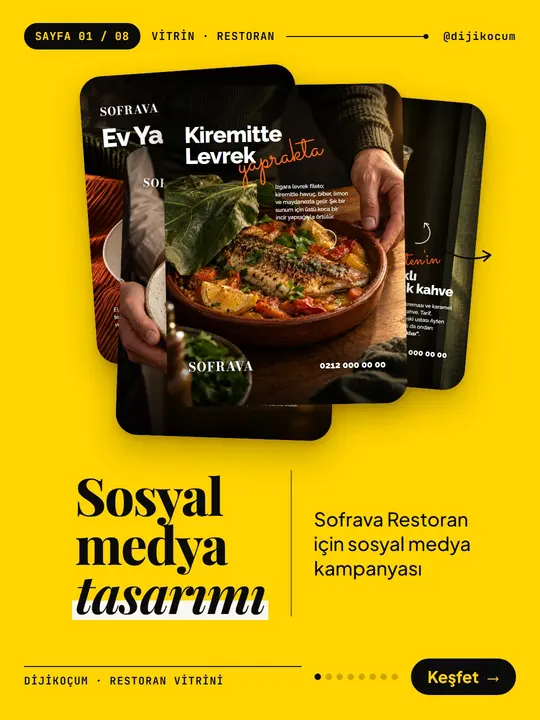
Make your restaurant's Instagram look like a menu: a 6-post feed template and shot list
9 steps · 6 min