
Visuals in Turkish · the full text is on this page
How-To Guide · Meta Ads
Write Your Ads by Learning From Competitors, Not by Guessing: Meta Ad Library + Claude
Have Claude review 30 competitors in the Meta Ad Library and find the hooks, offers and creative strategies already working in your market.
Short answer
Instead of guessing your ad copy, you can learn from the ads your competitors have kept running for months: Claude scans the active ads of 30 competitors in the Meta Ad Library and pulls out the most common hooks, offers and creative strategies. Then creatives are produced in Cowork based on your own website, and a draft is prepared in Ads Manager with Claude in Chrome; the decision to publish stays with the business owner. The goal is not to copy but to adapt a pattern that works in the market to your own business. Because advertising is restricted for health professions and lawyers, this method is not recommended for them.
5 steps · 3 min read · · Turan Yasin Salcı
Step by step · 5 steps
0/5 checked · saved in this browser only
Look at ads that have been running for months.
If a business keeps the same ad running for months, that ad is most likely bringing it customers. The Meta Ad Library (facebook.com/ads/library) publicly shows live ads and their start dates; don’t look at a single ad, look for the pattern that repeats across several competitors.
Have Claude analyze the library.
Fill in the square brackets and add your industry’s search terms. Ask it not to put competitors’ names and slogans in the summary:
In the Meta Ad Library (facebook.com/ads/library, country: [your country]), review the active ads of 30 different [industry] businesses in [city / neighborhood]. Search terms: [terms from the industry page] Prioritize ads that have been running for at least 2-3 months. Extract: 1. The most common hooks working right now (first line, first 3 seconds) 2. The most frequent offers (price, trial, promotion, guarantee) 3. Creative strategies (video or image, is there a face, tone of the copy) For each item, write how many competitors you saw it in. Do not put competitors’ names or slogans in your summary.Create your own creatives in Cowork.
Cowork is Claude’s desktop tool that works with files and websites. Give it your website address and what you sell:
My website: [website address]. What I sell: [service / product, price range]. Use the hooks, offers and creative strategies proven in the market from the analysis above. For each main service / product on my website, prepare 3 ad creatives: first line, main copy (3 sentences max), button text, image or video idea. Rule: Do not use competitors’ sentences, brand names or visuals. Do not invent promises that aren’t on my website; write [VERIFY] wherever you’re unsure.Prepare the draft with the Chrome extension.
Claude in Chrome opens a campaign draft in Ads Manager, uploads the creatives and writes the copy. Have it leave everything as a draft; the decision to publish is yours.
Open a new campaign draft in Meta Ads Manager (adsmanager.facebook.com). Objective: [messages / website traffic / leads]. Daily budget: [amount in your currency]. Location: [city / neighborhood + km]. Age: [range]. Upload the creatives I approved, write the copy, and link [website address] as the destination. Leave everything as a draft; do NOT click the PUBLISH button. When you’re done, summarize for me, point by point, what you filled in.Check before you publish.
Check that every promise has something to back it up on your website, that you’ve filled in the places marked [VERIFY], and that no competitor sentence has slipped into the draft. Remove claims you can’t prove, like “the best” or “the cheapest”; review the budget, location and date range yourself.
How to measure it
Once the drafts go live, compare in Ads Manager which one brought in messages, forms or website traffic. Reuse the pattern that works in your next creative.
Free · PDF
Download the Competitor ad analysis prompts (PDF).
A printable checklist version of the steps on this page. The PDF is in Turkish; no sign-up needed.
Download the checklist (PDF in Turkish)Sources
- AMeta Ad LibraryPrimary source · checked: October 4, 2026
- DDijiKoçum competitor ad analysis guide (3 prompts, 12 industries)Our own data · checked: October 4, 2026
[A] primary source · [B] industry research · [C] practitioner · [D] our own data
Frequently asked questions
What is the Meta Ad Library?
It is a free archive that publicly shows the ads running on Facebook and Instagram (facebook.com/ads/library). You can see the ad itself and the date it started running.
Does learning from a competitor’s ad count as copying?
If you use the competitor’s visuals, logo, brand name and exact sentences, yes; what you should take is only the pattern. In Turkey, comparative advertising that names a competitor is subject to strict rules.
Is this method suitable for every profession?
No. Advertising is restricted for health professions such as dentists, psychologists and dietitians, and for lawyers; in these fields we recommend informational content instead of ads.
Next step
Let’s look at your site together.
Free Digital Checkup: a health score for your website, your ads and your visibility in AI search, plus what to fix first. 3 minutes.
More guides
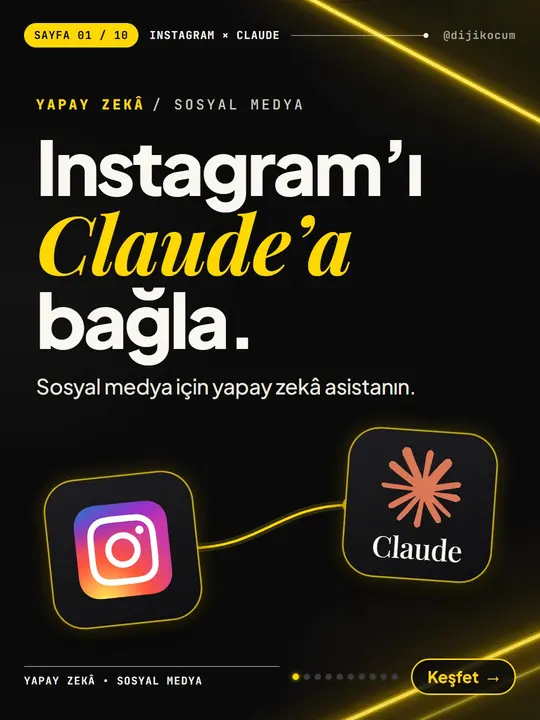
How-To Guide
How to connect Instagram to Claude: two safe ways to set up comment-to-DM, a DM assistant and scheduled posting (step by step)
15 steps · 11 min
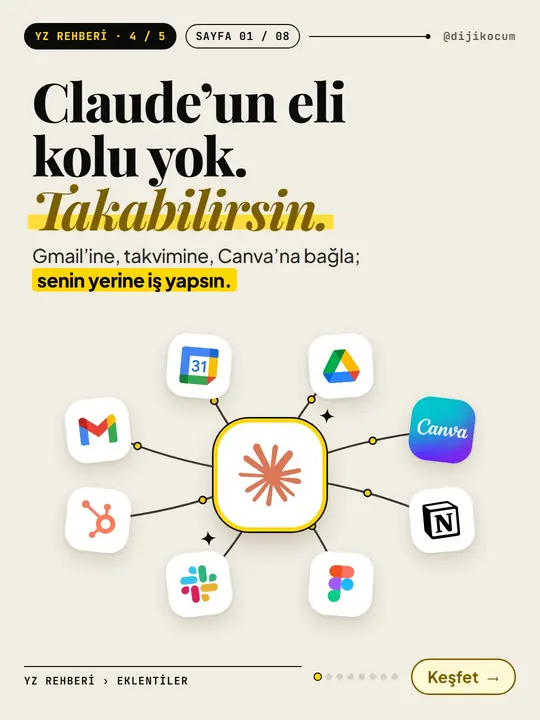
How-To Guide
How to Connect Claude to Gmail, Google Calendar, Drive and Canva: Safe Connector Setup, Step by Step
12 steps · 7 min
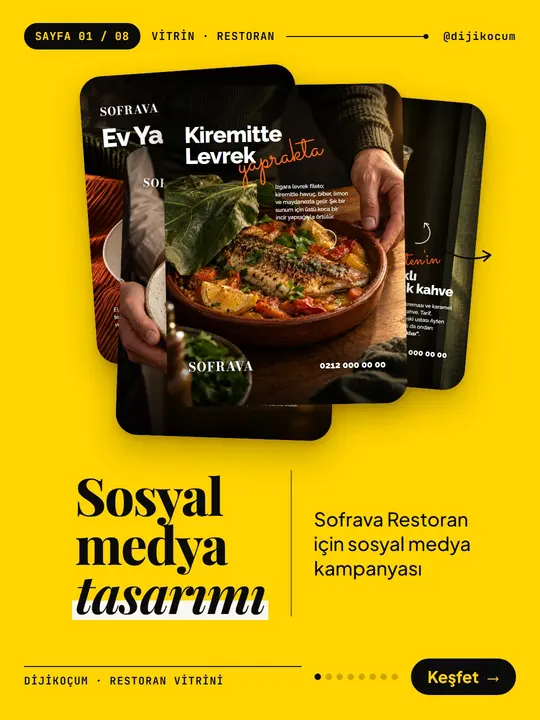
How-To Guide
Make your restaurant's Instagram look like a menu: a 6-post feed template and shot list
9 steps · 6 min