Visuals in Turkish · the full text is on this page
Tools · Automation
Free Alternatives to Paid AI Tools: A Step-by-Step Guide to the Free Alternatives Section
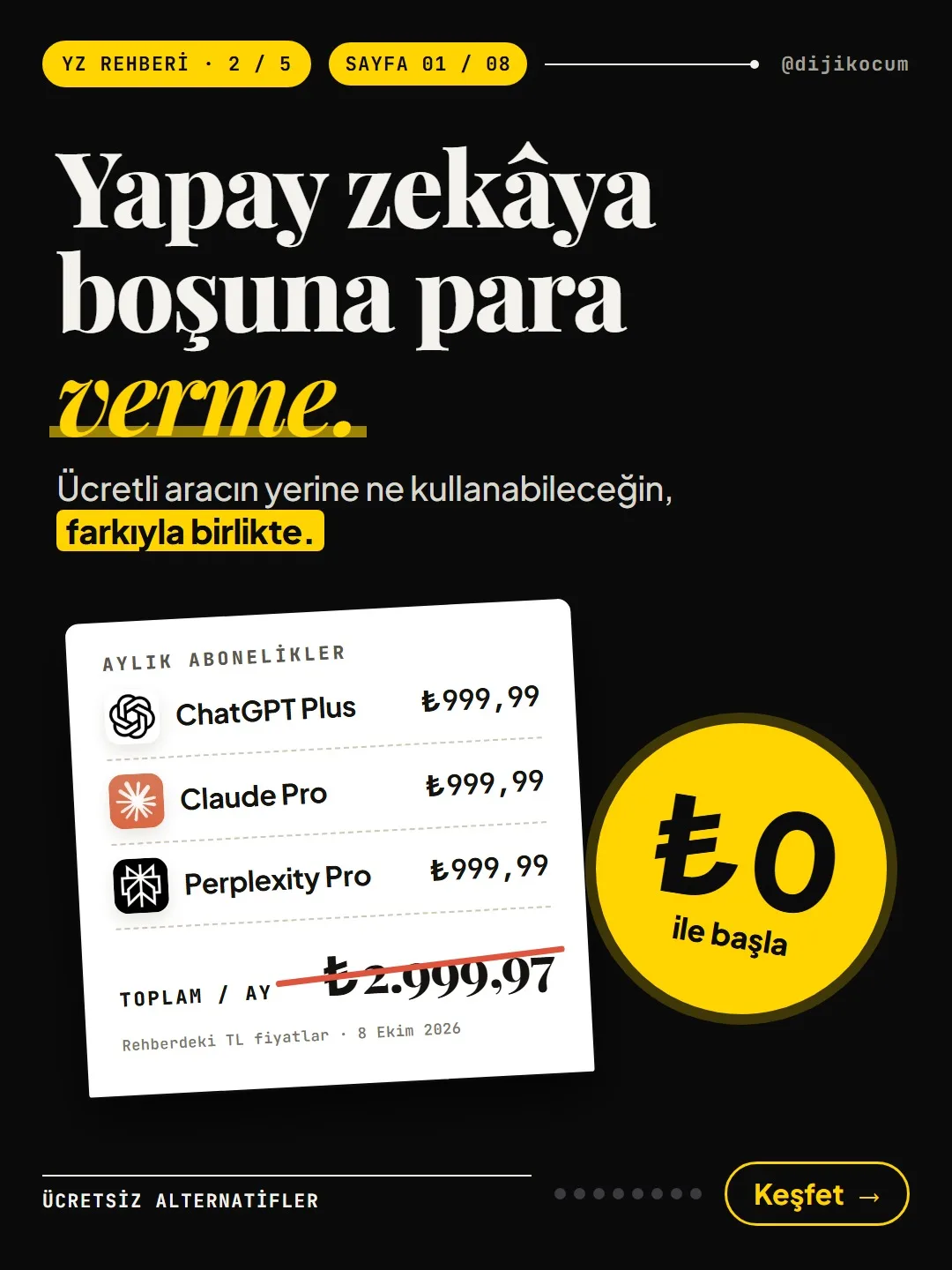
Don't pay for AI you don't need. What you can use instead of 25 paid tools, with the difference, the free limit, the TL price and the date of the information.
Short answer
Free Alternatives is the section of DijiKoçum's AI Guide that shows free-to-start or open-source options in place of 25 paid AI tools. Each pair lists the difference, who it's for, the free limit, the TL price and the date of the information. The site doesn't compare quality: try both on the same task and decide on a subscription afterward. Prices may change.
8 steps · 5 min read · · Turan Yasin Salcı
Step by step · 8 steps
0/8 checked · saved in this browser only
Open the section.
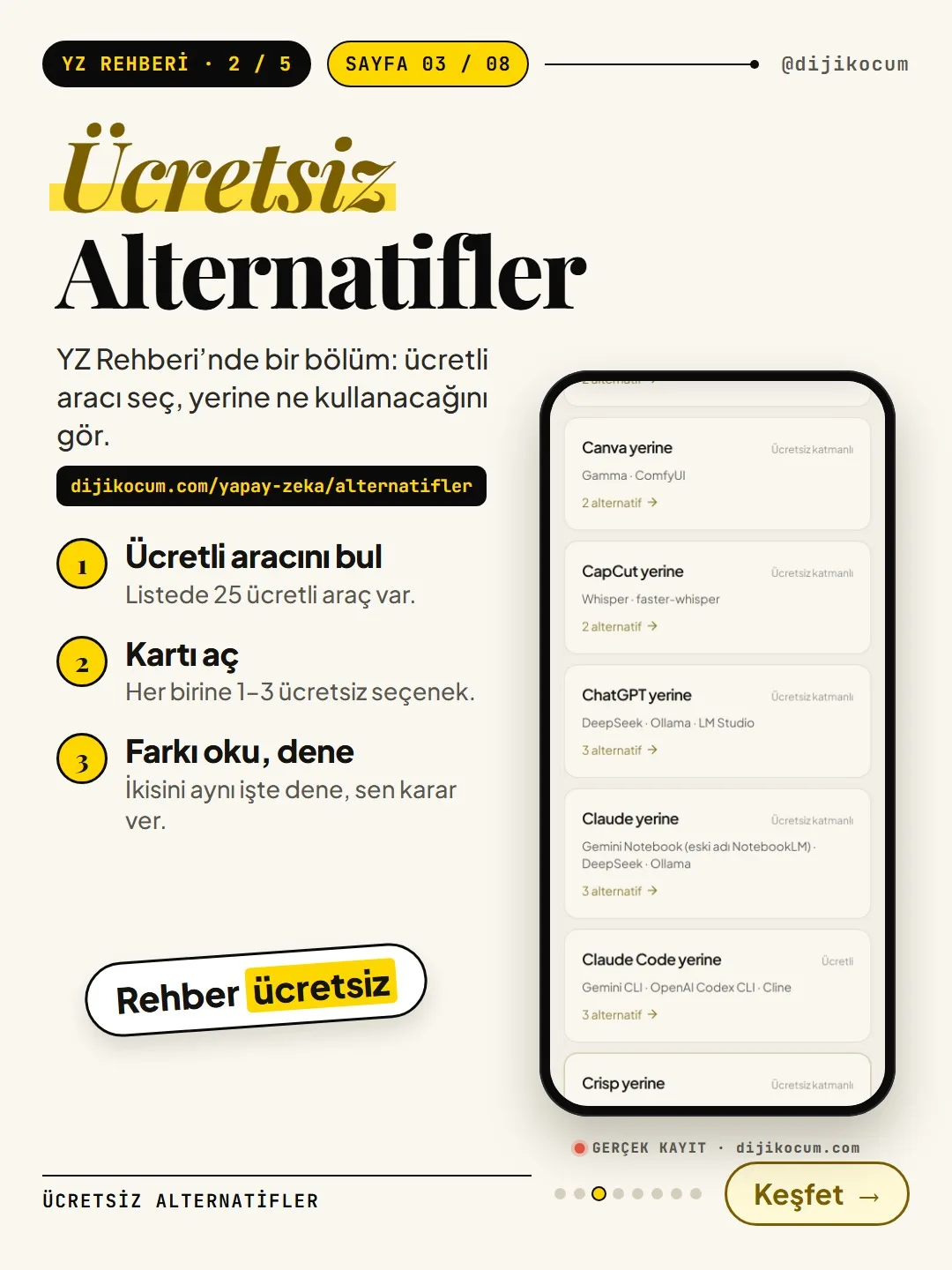
Go to dijikocum.com/yapay-zeka/alternatifler. No sign-up required; it's free.
The page title is "What can you use instead of a paid tool?". Right below it is the site's own note: it lists what you gain and what you lose (setup, hardware, license, commercial use), but output quality isn't yet compared in the site's own Turkish-language test. Use it with that in mind.
Find the tool you pay for or are thinking of buying.
The list has 25 paid tools (November 1, 2026), in alphabetical order: Botpress, Canva, CapCut, ChatGPT, Claude, Claude Code, Crisp, Cursor, DeepL, Dify, ElevenLabs, Gamma, Gemini, Grammarly, Kling AI, Lovable, Make, Microsoft Copilot, Notion, Perplexity, Photoroom, Picsart, PixVerse, QuillBot, Typebot.
Each card shows:
- "Instead of …": which paid tool it replaces.
- Access chip: the status of that paid tool, e.g. "Free tier" (it has a limited free plan) or "Paid".
- The names of the alternatives and how many options there are (e.g. "3 alternatives").
Tap the card to see 1–3 free or open-source options.
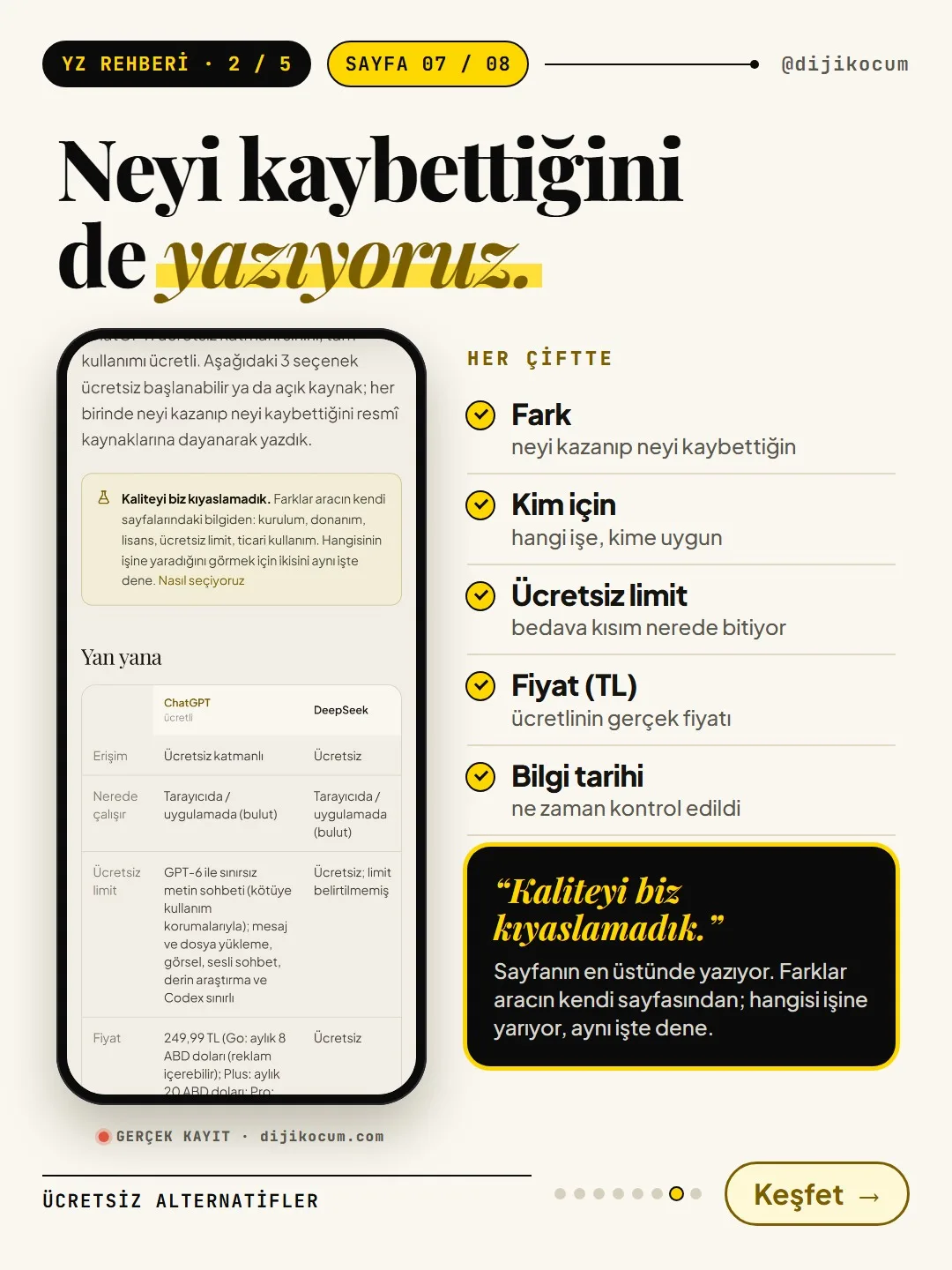
Tapping the card opens that tool's pair page (e.g. "What to use instead of ChatGPT?"). At the very top of the page is a "Quality not compared" box: the differences are taken from the information on the tools' own pages.
Next comes the Side by side table. The paid tool and 1–3 options appear side by side, in these rows:
- Access: Free, Free tier or Open source.
- Where it runs: in the browser/app (cloud) or on your own computer.
- Free limit: how much you can use on the free plan.
- Price: the TL price and a note on plans priced in foreign currency.
- Info as of: when this information was checked.
Wherever you see "—" in the table, that item hasn't been checked yet.
Read the "Difference" and "Who it's for" rows; check the free limit and the data notes.
In the Alternatives and how they differ section below the table, each option has two rows:
- Difference: what you gain and what you lose compared with the paid tool.
- Who it's for: who this option is useful for.
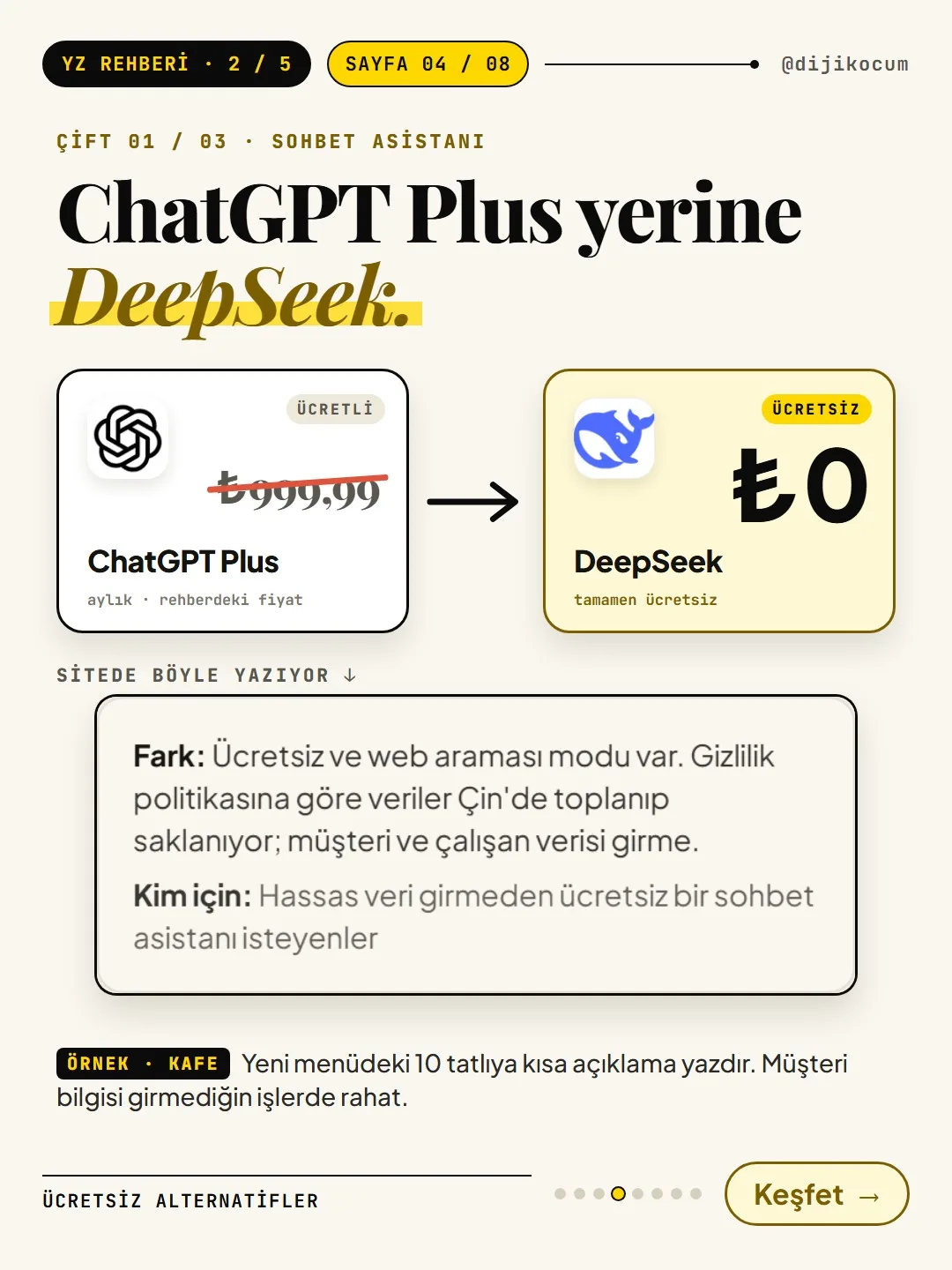
The data notes are what you should pay the most attention to here. For example, DeepSeek's card says that data is collected and stored in China and that customer or employee data should not be entered. With options that run "On your own computer," like Ollama, data doesn't leave your machine, but setup is required and speed depends on your computer's memory.
Try both on the same task, then decide on the subscription.
Try the paid tool and the alternative you picked on the same task: have them write the same text, summarize the same document, answer the same question. Compare the results yourself; make the decision after that.
- If the free option does the job, you can consider canceling your subscription before it renews.
- If it doesn't, you now know what the paid plan unlocks; you pay knowingly.
Important: don't run the test with work that contains sensitive customer information, contracts or personal data. Use a fictional or publicly available text for the test.
Examples: three subscriptions, three free starting points.
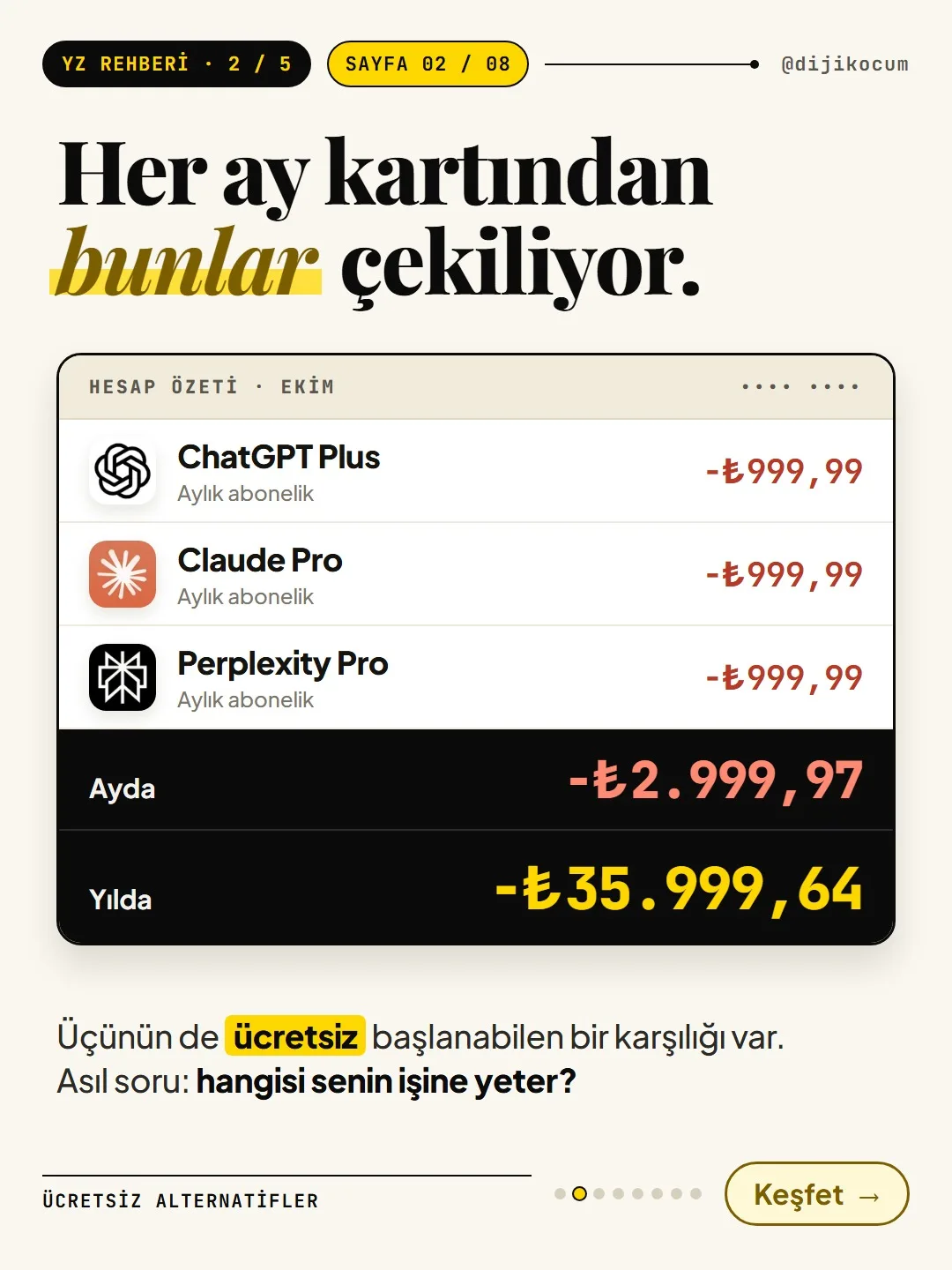
- DeepSeek instead of ChatGPT Plus ($20/month; ₺999.99/month on the Turkey App Store): completely free, but data is stored in China; don't enter customer information. (In the site's table, ChatGPT's main price is the Go plan at about $5.00 (₺249.99) (converted at the TCMB rate of November 5, 2026: $1 = ₺50.05); Plus at ₺999.99 is listed in the price note as the Turkey App Store price.)
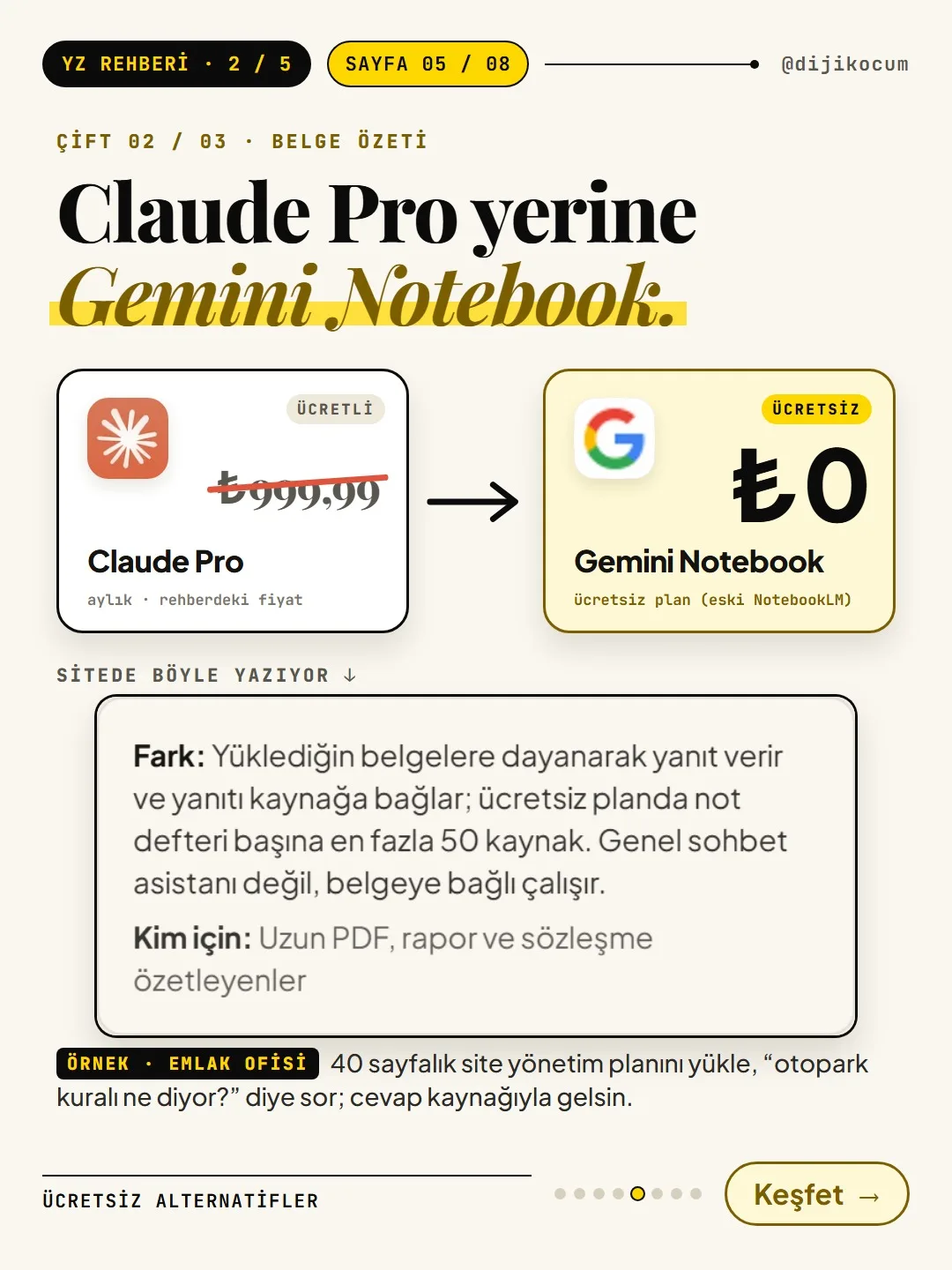
- Gemini Notebook instead of Claude Pro ($20/month; ₺999.99/month on the Turkey App Store): upload a long PDF and it answers while showing its source. The free plan lists 100 notebooks and up to 50 sources per notebook; it's not a general chat assistant, it works tied to your documents.
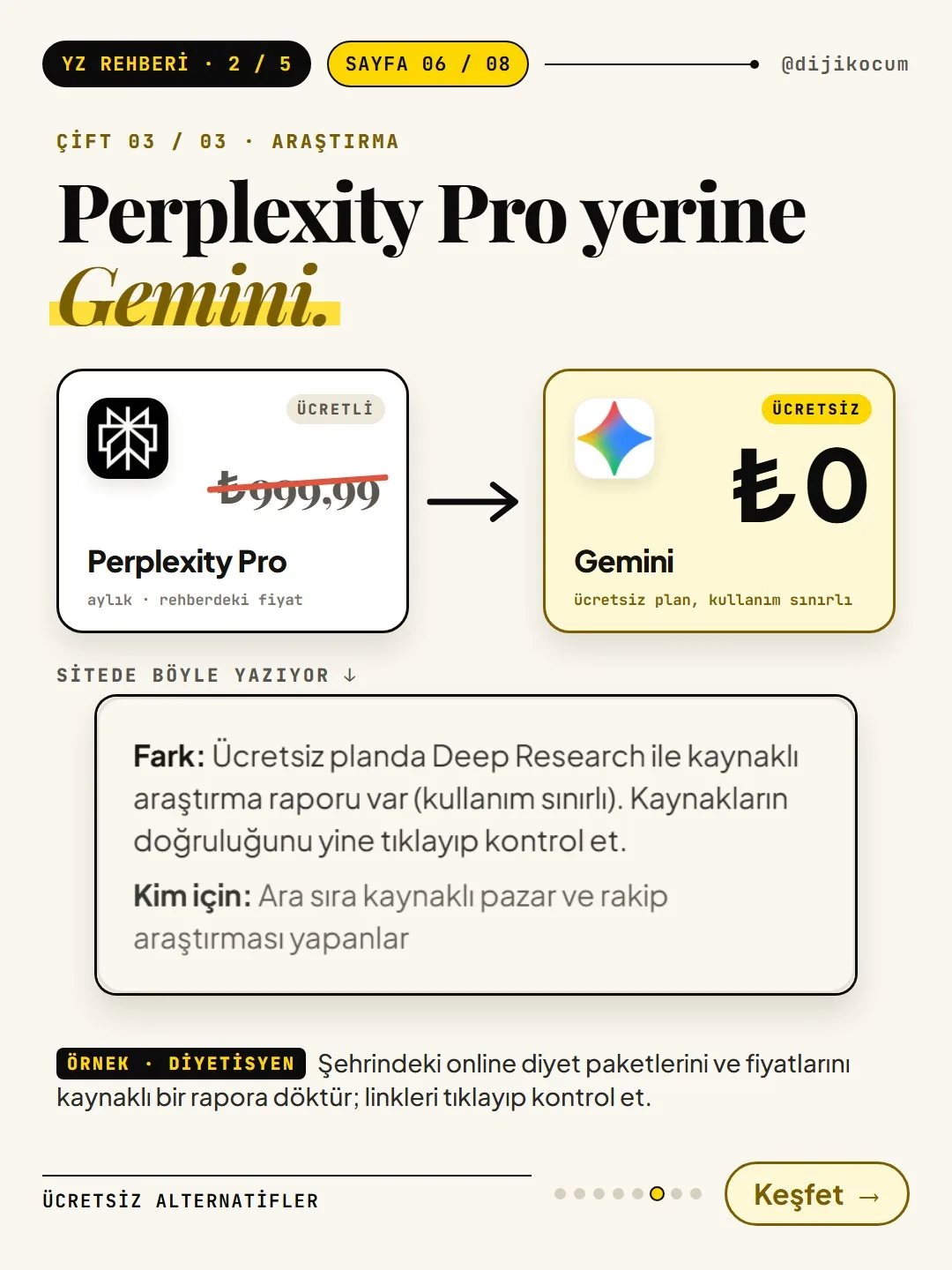
- Gemini's free plan instead of Perplexity Pro ($20/month; ₺999.99/month on the Turkey App Store): sourced reports with Deep Research (usage is limited). Still click through and check that the sources are accurate.
The prices are the TL prices in the guide, October 8, 2026. For someone paying for all three, that comes to $60 a month and $720 a year (₺2,999.97 a month, ₺35,999.64 a year on the Turkey App Store). Prices may change; check the information date on the page.
A few scenarios for your business.
- Café: To write menu descriptions, open the Instead of ChatGPT card and try DeepSeek. Menu text isn't sensitive data, but don't enter customer names, phone numbers or order lists.
- Real estate office: For a building management plan or a long specification document, pick Gemini Notebook from the Instead of Claude card; upload the PDF, ask "list the clauses about maintenance fees and parking," and check the section the answer came from.
- Dietitian: To research competitors' package prices in your area, open Gemini's free plan from the Instead of Perplexity card and ask Deep Research for a sourced report; click through the sources one by one.
- E-commerce: For product photos, look at the Instead of Photoroom card. The option there is open source; don't start before reading the setup and hardware note on the card, and if setup is hard, sticking with the paid tool's free plan may make more sense.
What to do if you get stuck?
If you like an open-source option but setting it up feels hard, there's a setup support link at the bottom of the page; the guide stays free. If the tool you're looking for isn't on the list, find tools that do the same job by filtering by task in the Tool Atlas.
The guide is free. If you get stuck anywhere, message @dijikocum on Instagram.
How to measure it
Write down the AI subscriptions you currently pay for and add up the monthly total. For each one, open its card in the section and try an alternative on the same task for a week. At the end of the week, mark which subscriptions you really need; the monthly amount of the subscriptions you cancel is your savings.
Sources
- DDijiKoçum AI Guide: Free Alternatives (25 paid tools)Our own data · checked: November 1, 2026
- DDijiKoçum pair pages: instead of ChatGPT, Claude and Perplexity (price, free limit, information date October 8, 2026)Our own data · checked: November 1, 2026
[A] primary source · [B] industry research · [C] practitioner · [D] our own data
Frequently asked questions
Is the free alternative the same quality as the paid tool?
That isn't established; each pair page states at the top that quality isn't compared. The differences come from the information on the tools' own pages (setup, hardware, license, free limit, commercial use). The best approach is to try both on the same task and decide for yourself.
Is DeepSeek safe?
Its card says that, according to its privacy policy, data is collected and stored in China. So don't enter customer, employee or confidential document information; use it for non-sensitive text. If you don't want data leaving your machine, look at options that run on your own computer, like Ollama or LM Studio.
Where do the prices come from, and are they current?
The prices are listed in the guide in TL, with the information date (October 8, 2026 for ChatGPT, Claude and Perplexity). Prices can change; before paying, check the current price on the tool's own website or in the App Store.
What does "on your own computer" mean?
You install the program on your computer and run the AI model there; what you type doesn't go to the internet. In return, setup is required and speed depends on your computer's memory; for LM Studio, the card recommends 16 GB of memory or more.
Should I cancel my subscription right away?
No, try first. Use the alternative in your own work for a while; if it does the job, decide before the subscription renews. If it doesn't, you continue knowing what the paid plan gives you.
Next step
Let’s look at your site together.
Free Digital Checkup: a health score for your website, your ads and your visibility in AI search, plus what to fix first. 3 minutes.
More guides

Tools
How to transform product photos with ChatGPT Images 2.5: 20 ready-made image prompts (step by step)
26 steps · 14 min
Tools
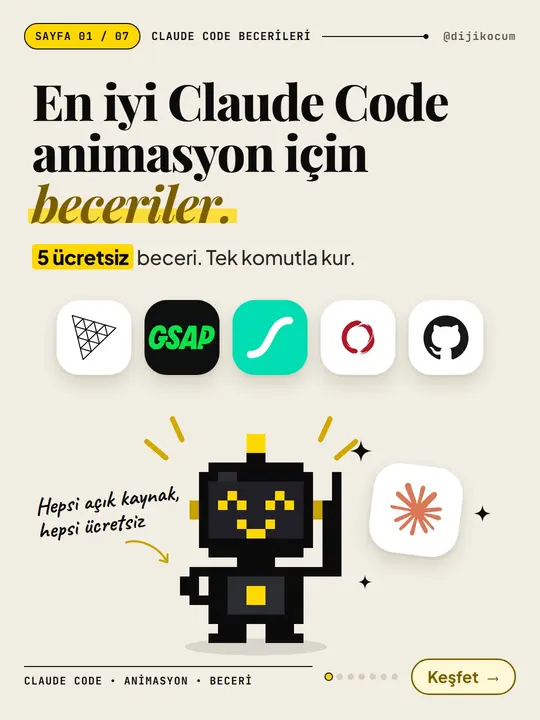
5 Free Animation Skills for Claude Code: How to Install Three.js, GSAP, design-dna, LottieFiles and Genjutsu (Step by Step)
16 steps · 9 min

Tools
How to Use the Prompt Library and Prompt Builder: Copy a Ready-Made Prompt, Fill In the Blanks
9 steps · 7 min