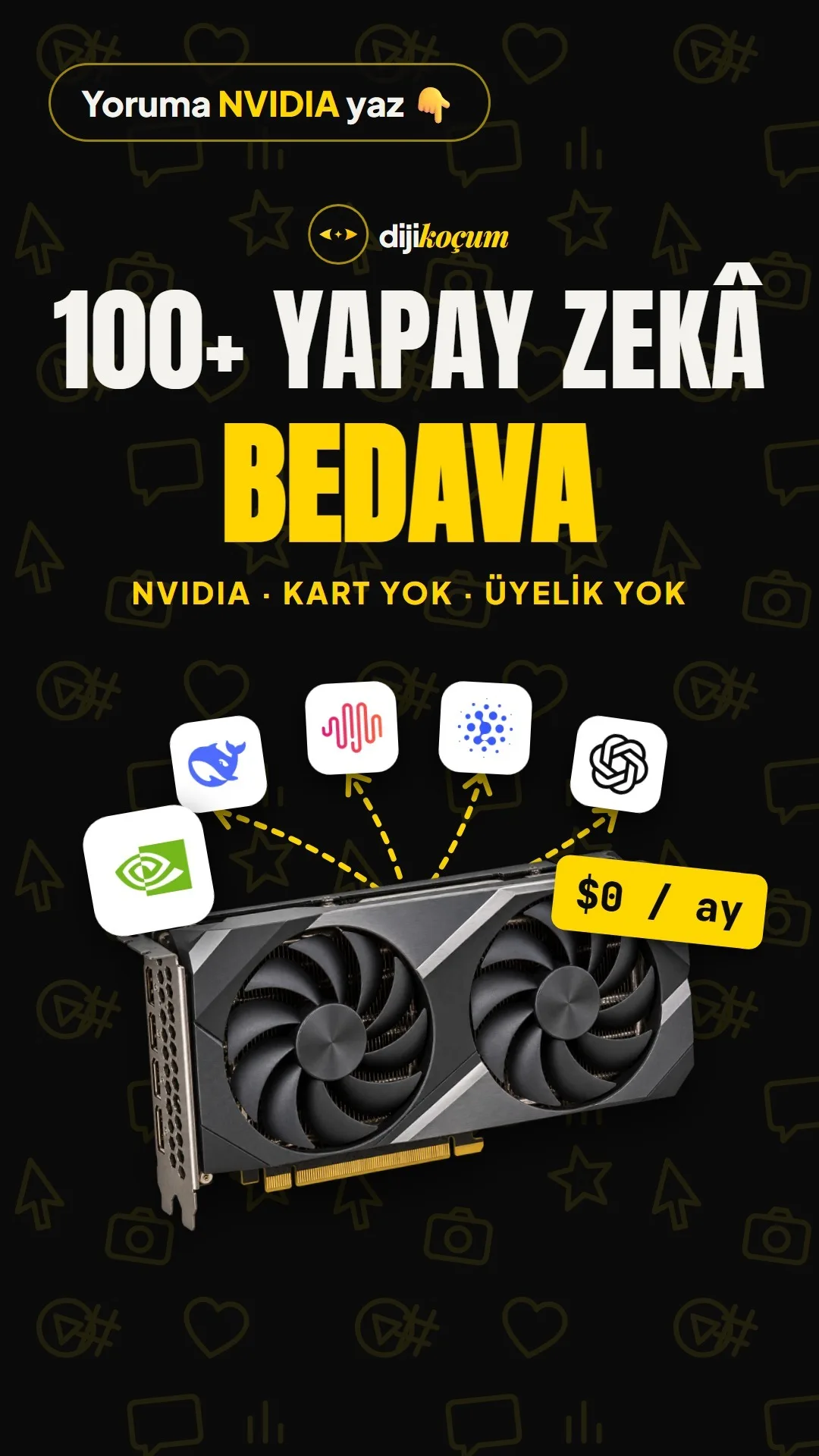
Visuals in Turkish · the full text is on this page
Tools · Automation
100+ free AI models with NVIDIA: get an API key, the base URL and connect your tools (step by step)
No credit card, no monthly subscription. Get a single free key from build.nvidia.com and connect to DeepSeek, MiniMax, GLM and OpenAI's open model from one place.
Short answer
NVIDIA runs more than a hundred AI models on its own servers in the model catalog at build.nvidia.com and opens some of them as free trial endpoints (Free Endpoint). As of October 27, 2026, the catalog listed 105 models, 45 of them labeled "Free Endpoint"; among them were DeepSeek, MiniMax, GLM (Zhipu) and OpenAI's open model GPT-OSS. Sign-up doesn't require a credit card and there's no monthly subscription; the limit is 40 requests per minute per account ("Up to 40 rpm" in the profile menu). A single key connects you to these models through an OpenAI-compatible URL; if you prefer, you can try them in the site's Playground without installing anything. This page covers getting a key, the URL, connection examples for Cursor / OpenCode / Claude Code / Python, the limits and what to watch out for. The model list changes often; check the catalog for the current status.
11 steps · 4 min read · · Turan Yasin Salcı
Step by step · 11 steps
0/11 checked · saved in this browser only
Try it without installing anything (Playground).
Click a model at build.nvidia.com (e.g., MiniMax or DeepSeek). Type your question in Turkish into the chat box on the page that opens, and the answer appears right there. If you only want to try it, you don't even need a key; logging in is enough.
Create your free account.
Use Sign In at the top right to create an NVIDIA account with your email address. No credit card required. When you create a key, you may sometimes be asked for phone verification; just enter the code you receive by SMS.
Get your key.
Click the profile icon at the top right → API Keys → Generate API Key. Give the key a name (e.g., "cafe-test"), choose the expiration and create it. The key is shown only once: copy it right away and save it somewhere safe. Don't share the key with anyone or show it in a screenshot; if it leaks, delete it on the same page and create a new one.
Note the URL.
The connection URL is the same for all models:
https://integrate.api.nvidia.com/v1Copy the model name.
Choose a model labeled Free Endpoint in the catalog. In the code sample on the model page, copy the name on the
model="..."line exactly; this is the name you'll enter in your tools. Model names change with versions, so always take the name from that page.Connect it to Cursor.
In Cursor, go to Settings → Models. Paste your NVIDIA key into the OpenAI API Key field, turn on Override OpenAI Base URL and enter
https://integrate.api.nvidia.com/v1as the URL. Then use Add model to add the model name you copied in step 5, and select that model in the chat. (Cursor's menu names may vary slightly by version.)Connect it to OpenCode.
OpenCode accepts any OpenAI-compatible provider through a config file. Create an
opencode.jsonfile in your project folder and write the following, put your key in theNVIDIA_API_KEYenvironment variable, then select the NVIDIA model in OpenCode with/models.{ "$schema": "https://opencode.ai/config.json", "provider": { "nvidia": { "npm": "@ai-sdk/openai-compatible", "name": "NVIDIA", "options": { "baseURL": "https://integrate.api.nvidia.com/v1", "apiKey": "{env:NVIDIA_API_KEY}" }, "models": { "MODEL_NAME_FROM_MODEL_PAGE": { "name": "NVIDIA model" } } } } }Connect it to Claude Code (through a bridge).
Claude Code natively speaks only the Anthropic format; to use an NVIDIA model, you put an open-source bridge such as claude-code-router in between. In the bridge's settings, you enter the NVIDIA URL, your key and the model name as the provider; Claude Code's requests go to NVIDIA through the bridge. This route is more technical than the others; if it's your first time, start with the Playground or Cursor.
Use it in your own code (Python).
Because NVIDIA's URL works with the OpenAI format, the official
openailibrary is enough (pip install openai). Replace the key and model name with your own:from openai import OpenAI client = OpenAI( base_url="https://integrate.api.nvidia.com/v1", api_key="YOUR_NVIDIA_KEY_HERE", ) response = client.chat.completions.create( model="MODEL_NAME_FROM_MODEL_PAGE", messages=[{"role": "user", "content": "Write 3 Instagram post ideas for my cafe."}], ) print(response.choices[0].message.content)Know the limits.
- 40 requests per minute: more than enough for daily use, content ideas, copywriting and testing; not enough for an app serving hundreds of people.
- Not every model is free: only those labeled Free Endpoint are free. Check the label on the model card.
- Sometimes there's heavy load: if a model doesn't respond, try again in a few minutes or switch to another free model (during filming, DeepSeek didn't respond at that moment, while MiniMax answered right away).
- It's for testing and development: according to NVIDIA's terms, the free endpoints are offered for testing and development. If you'll use it in a customer-facing commercial product, read NVIDIA's terms of use first.
- Don't enter personal or customer data: your questions go to NVIDIA's servers; don't put confidential information in your prompt.
How it compares with a $20 subscription.
ChatGPT Plus and Claude Pro cost about $20 a month. NVIDIA's free endpoints don't replace these apps (there are no features like a ready-made app, file uploads or memory), but they let you start without paying for writing text, getting ideas, comparing different models and connecting AI to your own tools.
How to measure it
For a week, do the same task (e.g., weekly post ideas) both with the tool you're used to and with a free model on NVIDIA. Note the answer quality, the fluency in Turkish and the time you spent; if you find it good enough, decide whether you really need a paid subscription.
Sources
- ANVIDIA Build: model catalogPrimary source · checked: October 28, 2026
- ANVIDIA API catalog documentationPrimary source · checked: October 28, 2026
- BOpenCode: provider settingsIndustry research · checked: October 28, 2026
- Bclaude-code-router (GitHub)Industry research · checked: October 28, 2026
[A] primary source · [B] industry research · [C] practitioner · [D] our own data
Frequently asked questions
Is it really free, or will I be charged later?
Sign-up and models labeled Free Endpoint are free; since no credit card is required, you won't be charged without knowing. The limit is 40 requests per minute. If you choose models that aren't free or enterprise use, NVIDIA offers separate terms (October 28, 2026).
If I ask in Turkish, does it answer in Turkish?
The MiniMax model in the example answered a Turkish question in fluent Turkish. Quality varies from model to model; if the answer comes back in English, add "Answer in Turkish." to the end of your prompt.
I don't know how to code. Can I still use it?
Yes. The Playground chat box on the model page doesn't require any setup. You only need the key and URL if you want to connect it to tools like Cursor or to your own code.
I lost or shared my key. What should I do?
Delete that key on the Profile → API Keys page and create a new one. The old key stops working the moment it's deleted.
Next step
Let’s look at your site together.
Free Digital Checkup: a health score for your website, your ads and your visibility in AI search, plus what to fix first. 3 minutes.
More guides

Tools
How to transform product photos with ChatGPT Images 2.5: 20 ready-made image prompts (step by step)
26 steps · 14 min
Tools
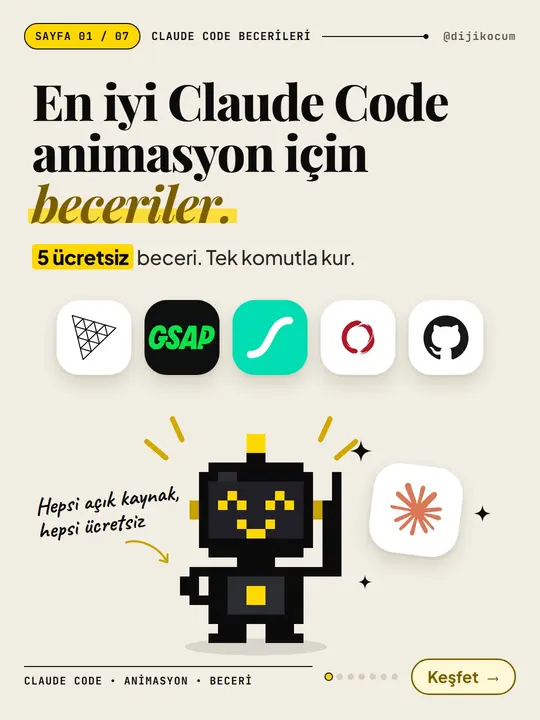
5 Free Animation Skills for Claude Code: How to Install Three.js, GSAP, design-dna, LottieFiles and Genjutsu (Step by Step)
16 steps · 9 min

Tools
How to Use the Prompt Library and Prompt Builder: Copy a Ready-Made Prompt, Fill In the Blanks
9 steps · 7 min