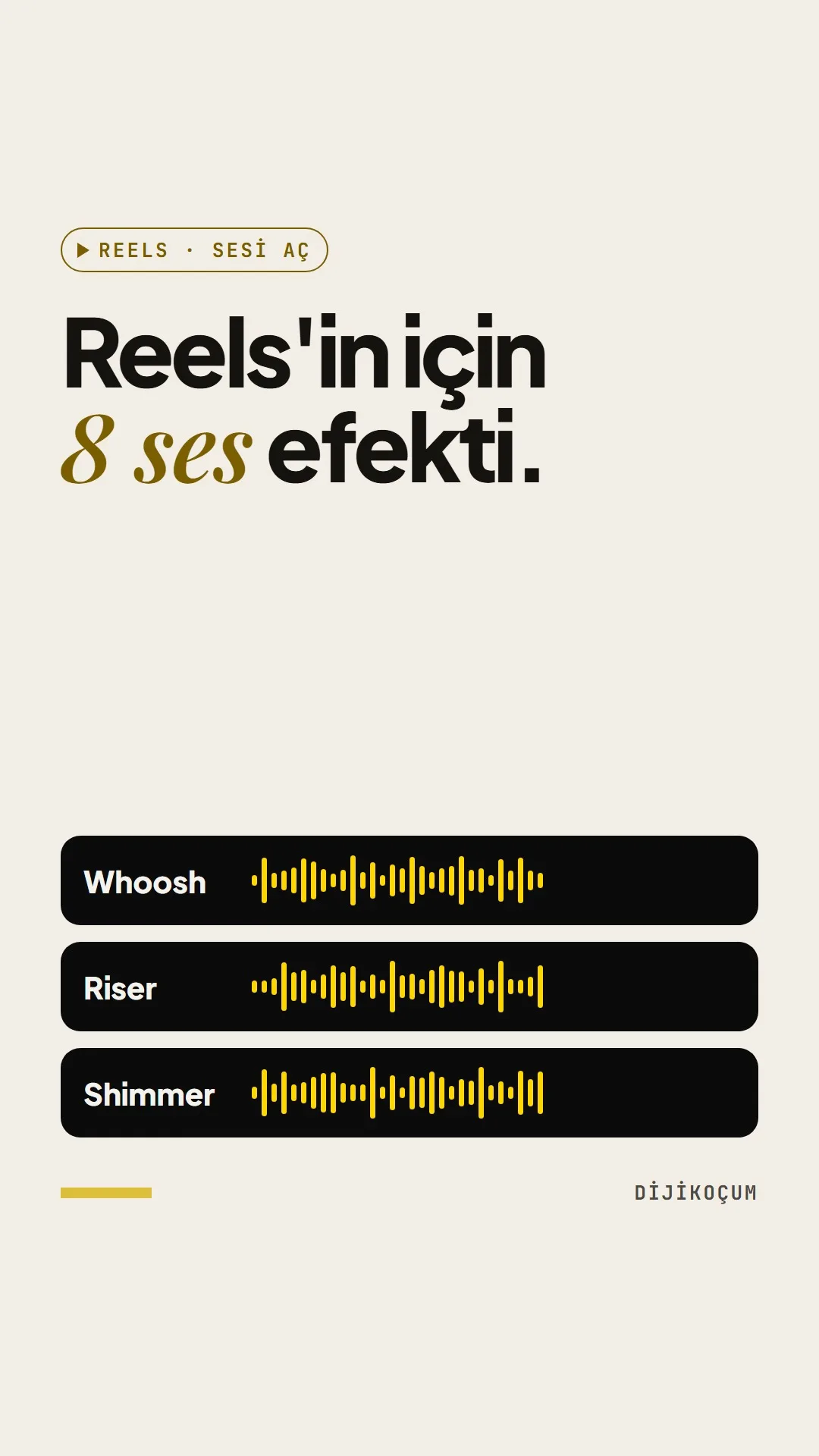
Visuals in Turkish · the full text is on this page
Tools · Social Media
8 free sound effects for your Reels (and when to use each)
A sound that comes in at the right moment tells viewers where to look; we produced all eight sounds ourselves, so there are no copyright worries.
Short answer
In Reels, a sound effect tells viewers where to look: whoosh on a transition, pop as text drops onto the screen, tick for a list, glitch for a mistake moment; riser, impact, ping and shimmer are used sparingly and at the right moment. The 8 royalty-free sounds produced by DijiKoçum are placed in CapCut or Edits on the frame where the image changes; 4-6 effects are enough for a 15-second video. When there's a voiceover, the music and effects are turned down and the voice always stays in front.
4 steps · 2 min read · · Turan Yasin Salcı
Step by step · 4 steps
0/4 checked · saved in this browser only
Download the sounds.
Get the 8 sound files from the download link on the guide page and put them in a folder on your phone that's easy to find. DijiKoçum produced all of them with code; you can use them in any Reel you like.
Match the sound to the moment.
Motion sounds are short and go with the image: whoosh on a transition, pop as text or a price drops onto the screen, tick on lists and counters, glitch at the "wrong way" moment. Emphasis sounds are used sparingly: riser just before the reveal, impact at the moment the result arrives, ping on a notification or booking confirmation, shimmer on the finished look.
Add it to your edit.
Open the project in CapCut or Edits, choose the file from the add-audio menu and drag it under the frame where the image changes. Lower the volume of the effects layer, and trim the long tails of impact and shimmer.
Set the level and the number of effects.
While you're talking, the music and effects should be turned down so your voice always stays in front. In a 15-second Reel, 4-6 effects are enough; don't use the same sound three times in a row. A sample flow for a restaurant:
0:00  Hook text: “How is [DISH] made?”          Pop
0:01  Quick transition to the kitchen            Whoosh
0:02  Prep, the kitchen's own sound              no effect
0:08  Plate covered, before it's revealed        Riser
0:09  Cover lifts, plate is revealed             Impact (low)
0:12  Dish name and price                        Pop
0:14  “Reservations by DM”                       Ping
How to measure it
Listen to the video once with headphones and once through your phone speaker. If the effects don't drown out the voice in either and the video doesn't sound like an ad, the settings are right.
Free · PDF
Download the Which sound for which moment, by industry (PDF).
A printable checklist version of the steps on this page. The PDF is in Turkish; no sign-up needed.
Download the checklist (PDF in Turkish)Sources
- DDijiKoçum Reels sound effects guide (8 sounds, 12 industries)Our own data · checked: October 4, 2026
[A] primary source · [B] industry research · [C] practitioner · [D] our own data
Frequently asked questions
How many sound effects should I use in a Reel?
In a 15-second Reel, 4-6 effects are usually enough. More than that tires viewers and makes the video sound like an ad; if there's real sound, like a kitchen, a door or an engine, it's often better than an effect.
Can I use these sounds on my business account?
Yes. DijiKoçum produced all eight sounds with code, so there are no copyright worries; you can use them in any Reel you like.
Next step
Let’s look at your site together.
Free Digital Checkup: a health score for your website, your ads and your visibility in AI search, plus what to fix first. 3 minutes.
More guides

Tools
How to transform product photos with ChatGPT Images 2.5: 20 ready-made image prompts (step by step)
26 steps · 14 min

Tools
5 Free Animation Skills for Claude Code: How to Install Three.js, GSAP, design-dna, LottieFiles and Genjutsu (Step by Step)
16 steps · 9 min

Tools
How to Use the Prompt Library and Prompt Builder: Copy a Ready-Made Prompt, Fill In the Blanks
9 steps · 7 min