



Visuals in Turkish · the full text is on this page
Solution Desk · Web
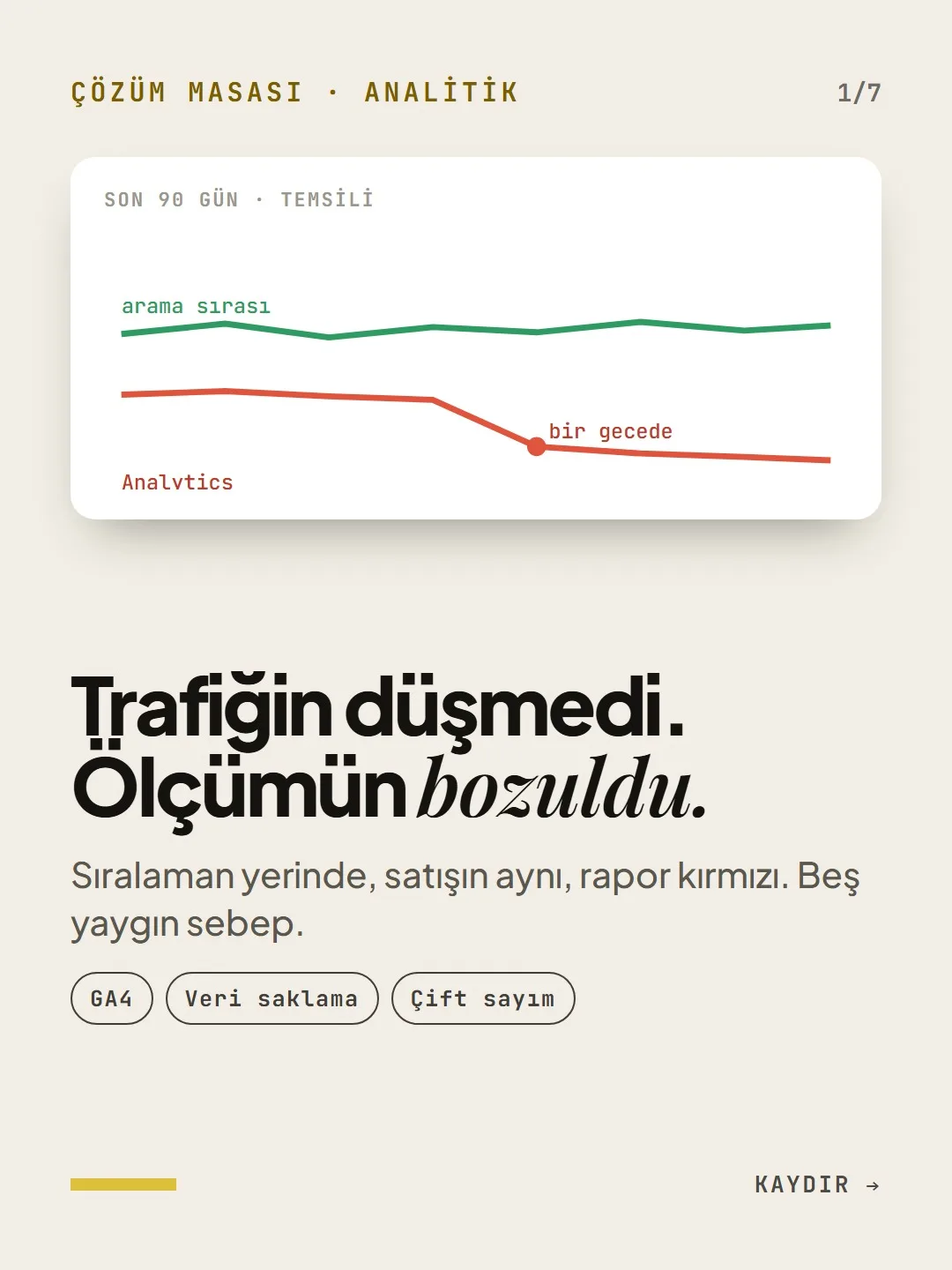
Your Traffic Didn’t Drop. Your GA4 Tracking Broke.
Your rankings are holding, your sales are the same, and the report is red. Five common causes.
Short answer
If GA4 shows a traffic drop while your rankings and sales stay the same, the problem is usually in the measurement. Common causes: the two-month data retention period, Google signals hiding small numbers, a tag that fires twice, and a payment page that splits the session. Before you change strategy, confirm whether the drop is real using Search Console clicks and your order count.
5 steps · 2 min read · · Turan Yasin Salcı
Step by step · 5 steps
0/5 checked · saved in this browser only
Your data is deleted after two months.
2 MINUTESIn GA4, user-level data retention is set to 2 months by default. This is the most common reason you can’t look back in Explorations reports.
Watch out: This setting does not work retroactively. If you raise it to 14 months today, the deleted data does not come back. It is the first thing to do as soon as you open an account.
Data collection and modification -> Data retention Event data retention: 2 months Event data retention: 14 monthsThe report is showing you less than there is.
5 MINUTESWhen Google signals is on, rows with small numbers that could make users identifiable are hidden. The report isn’t missing data; it has hit a threshold.
- You’ll see a warning on the icon in the top right of the report.
- Setting the reporting identity to Device-based removes the threshold.
- You lose the demographics reports; that’s the trade-off.
The tag fires twice.
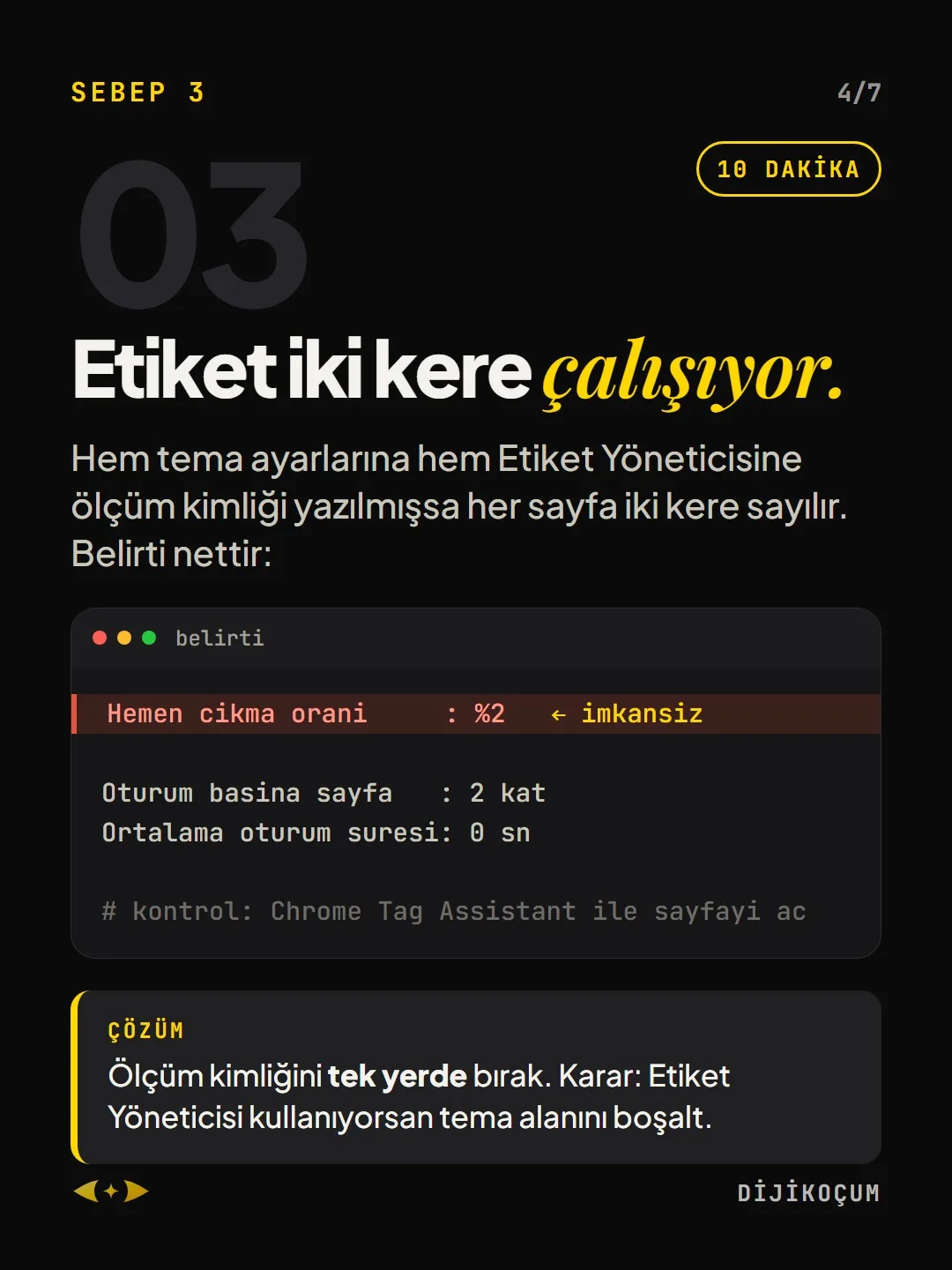
10 MINUTESIf the measurement ID is entered both in the theme settings and in Tag Manager, every page is counted twice. The symptom is clear:
Fix: Keep the measurement ID in one place only. The rule: if you use Tag Manager, empty the theme field.
Bounce rate : 2% Pages per session : 2x Avg. session duration: 0 s # check: open the page with Chrome Tag AssistantThe payment page splits the session.
10 MINUTESWhen a user goes to the payment provider and comes back, a new session starts and the sale is credited to the payment site instead of the original source.
Fix: Admin → Data streams → Configure tag settings → List unwanted referrals. Add the payment provider’s domain here, and the session no longer splits.
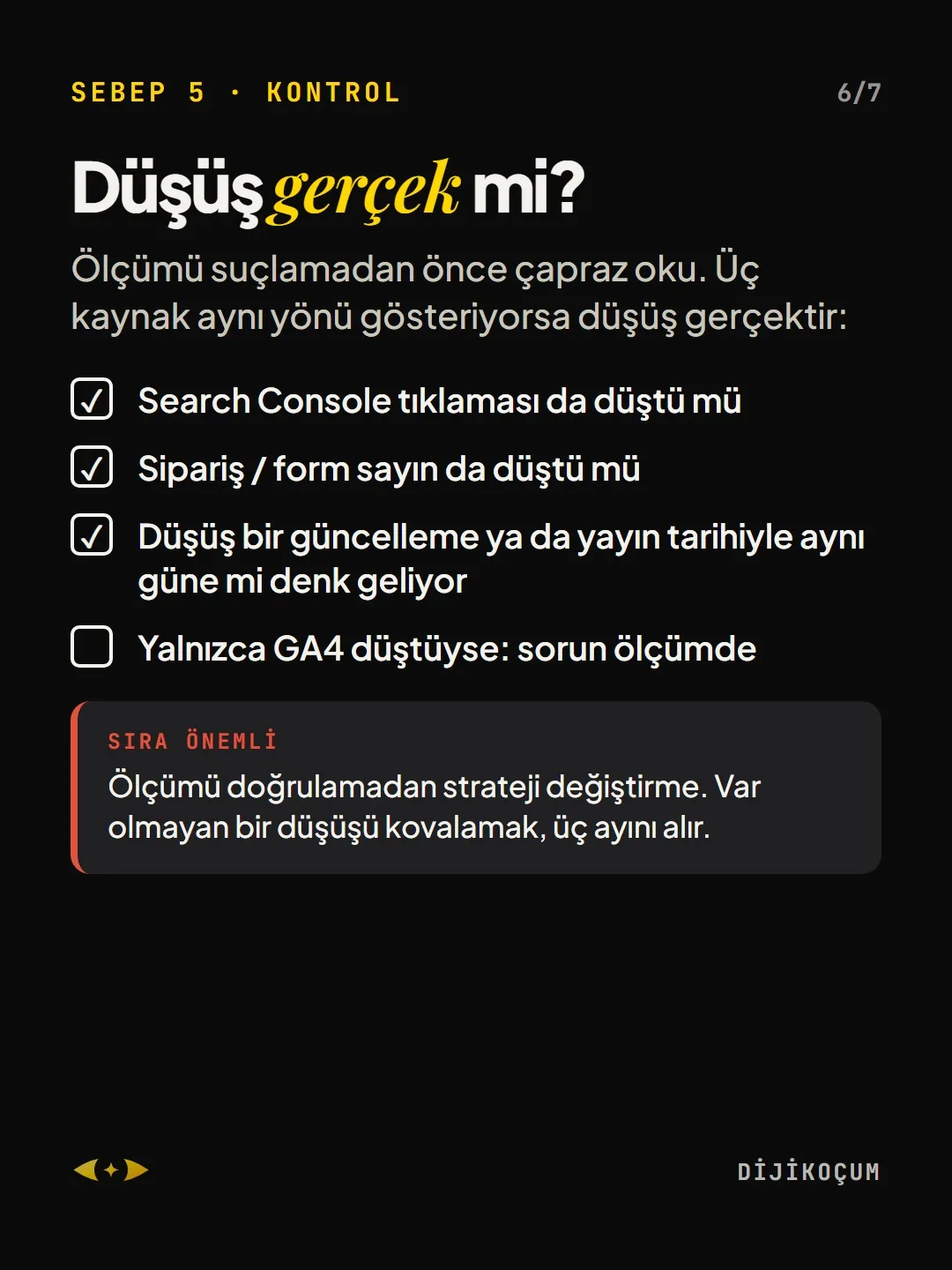
Is the drop real?
Cross-check before you blame the measurement. If three sources point the same way, the drop is real:
- Did Search Console clicks drop too?
- Did your order / form count drop too?
- Does the drop fall on the same day as an update or a release?
- If only GA4 dropped: the problem is in the measurement
Order matters: Don’t change strategy before you verify the measurement. Chasing a drop that doesn’t exist will cost you three months.
Free · PDF
Download the GA4 measurement checklist (OLCUM).
A printable checklist version of the steps on this page. The PDF is in Turkish; no sign-up needed.
Download the checklist (PDF in Turkish)Sources
- AGoogle Analytics Help: Data retentionPrimary source · checked: September 20, 2026
[A] primary source · [B] industry research · [C] practitioner · [D] our own data
This post is also on (in Turkish)
Frequently asked questions
What does a 2% bounce rate in GA4 mean?
Most likely the tag is firing twice: the measurement ID is set up both in the theme and in Tag Manager. Every page is counted twice; the symptoms are a very low bounce rate and a session duration of 0 seconds. The ID should be kept in one place only.
How many months should GA4 data retention be?
The default is 2 months; you can raise it to 14 months under Admin → Data retention. The change does not work retroactively and does not bring back deleted data; from today on, it lets Explorations reports show older data.
Next step
Let’s look at your site together.
Free Digital Checkup: a health score for your website, your ads and your visibility in AI search, plus what to fix first. 3 minutes.
More guides

Tools
How to transform product photos with ChatGPT Images 2.5: 20 ready-made image prompts (step by step)
26 steps · 14 min

Tools
5 Free Animation Skills for Claude Code: How to Install Three.js, GSAP, design-dna, LottieFiles and Genjutsu (Step by Step)
16 steps · 9 min

Tools
How to Use the Prompt Library and Prompt Builder: Copy a Ready-Made Prompt, Fill In the Blanks
9 steps · 7 min