Visuals in Turkish · the full text is on this page
Solution Desk · Google Ads
Google Ads missing conversions? How to set up enhanced conversions
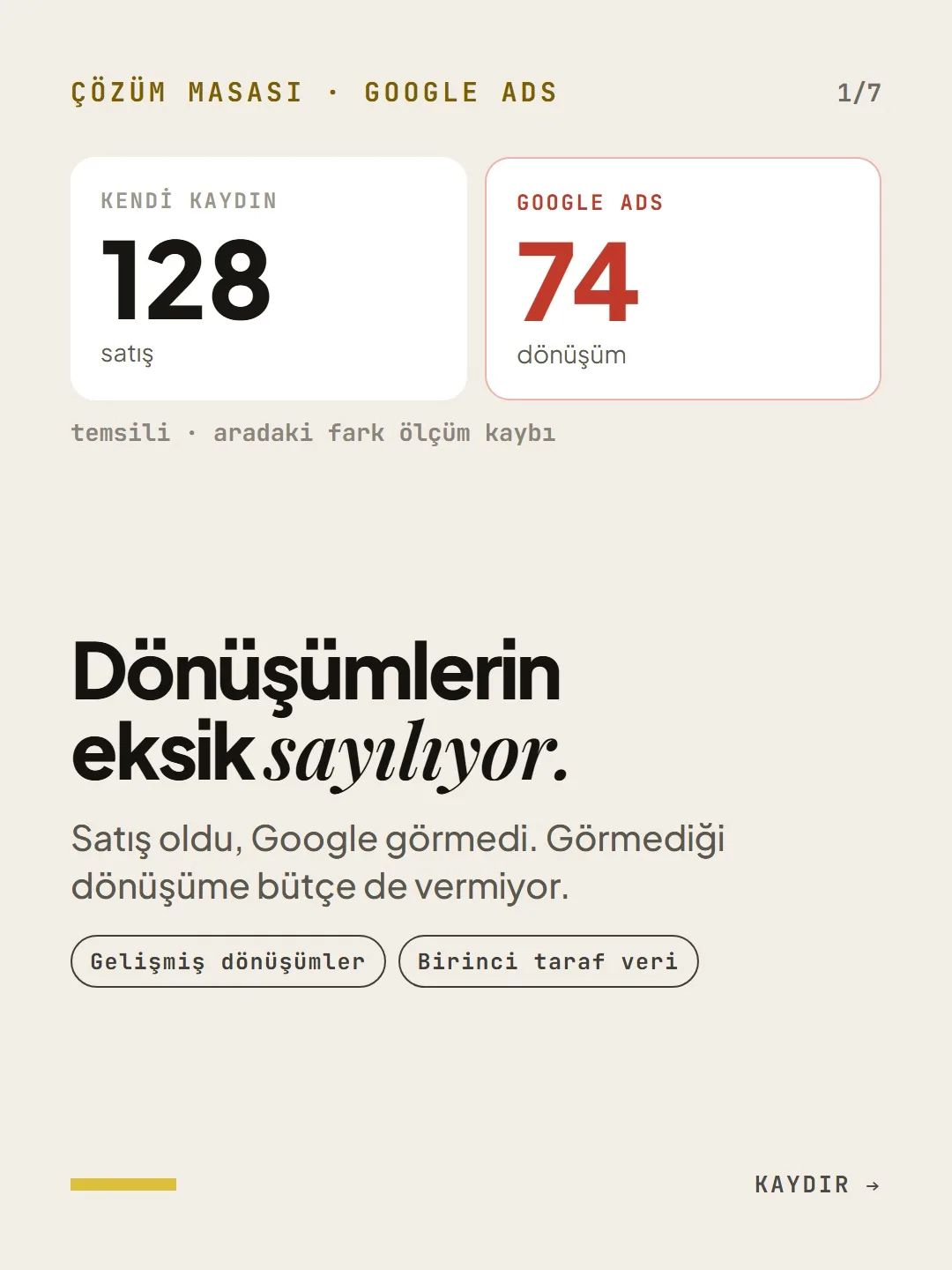
The sale happened, Google didn't see it. And it doesn't give budget to conversions it can't see.
Short answer
Because of cookie restrictions, device switching and declined consent, Google Ads may not see some of your sales; and smart bidding can't learn from conversions it doesn't see. Enhanced conversions send the email and phone number collected during a form or checkout to Google in hashed form, partially restoring the broken link. The first step is to compare the conversions in your Ads report with your own sales records.
4 steps · 2 min read · · Turan Yasin Salcı
Step by step · 4 steps
0/4 checked · saved in this browser only
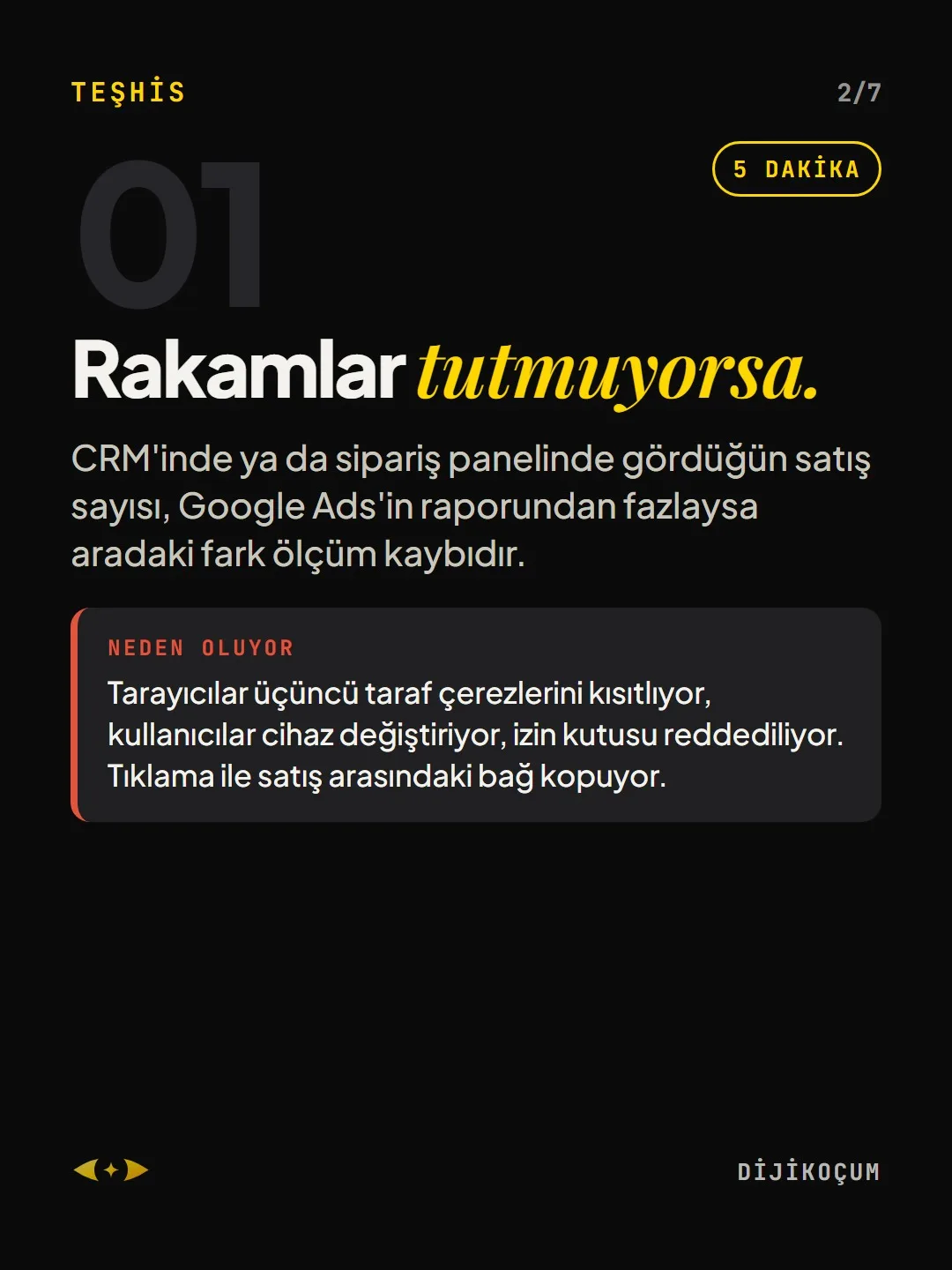
If the numbers don't match.
5 MINUTESIf the number of sales you see in your CRM or order dashboard is higher than in the Google Ads report, the difference is measurement loss.
Why it happens: Browsers restrict third-party cookies, users switch devices, consent boxes get declined. The link between the click and the sale breaks.
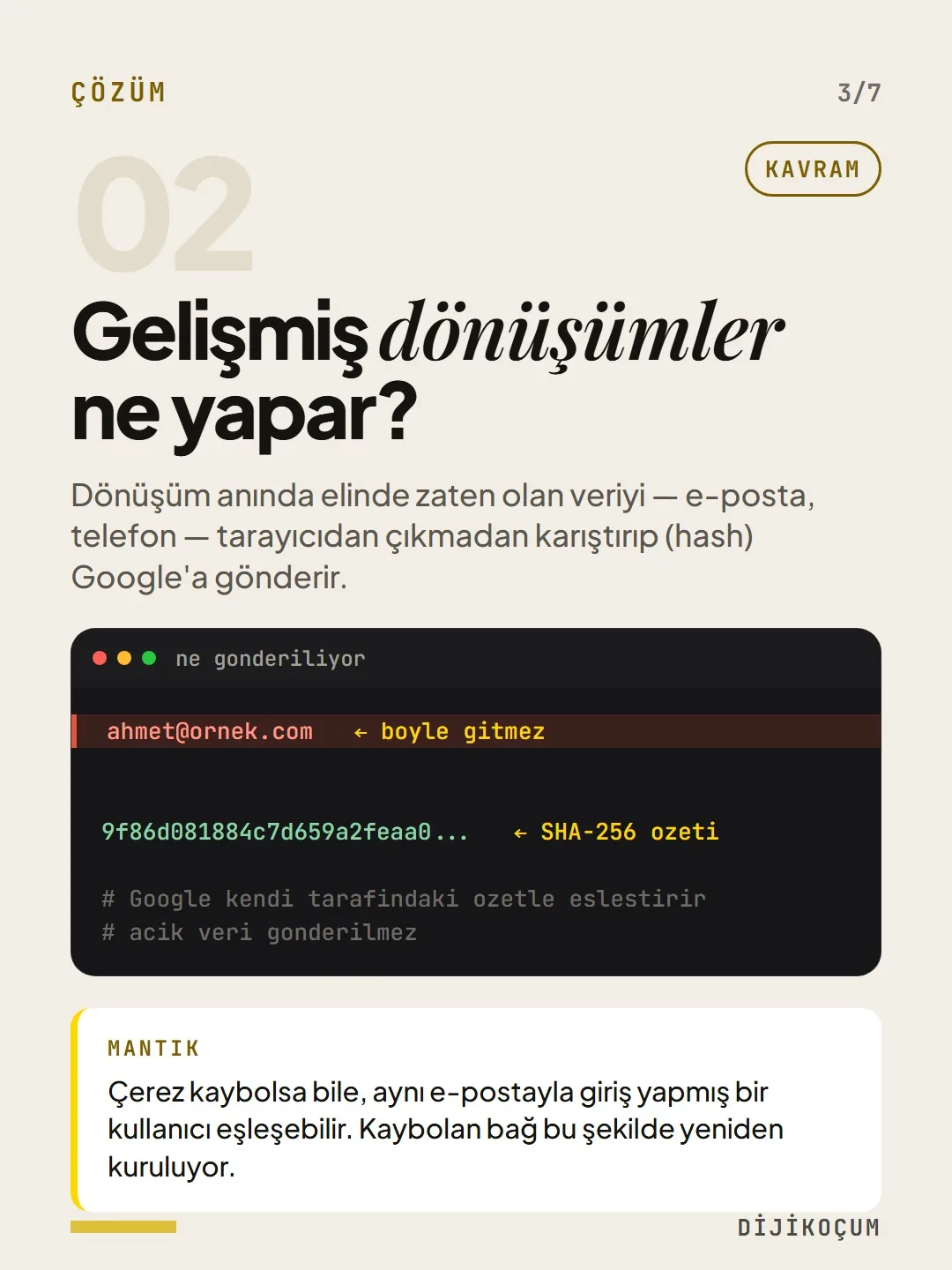
What do enhanced conversions do?
They take the data you already have at the moment of conversion — email, phone — scramble it (hash) before it leaves the browser and send it to Google.
The logic: Even if the cookie is lost, a user who signed in with the same email can be matched. That's how the lost link is rebuilt.
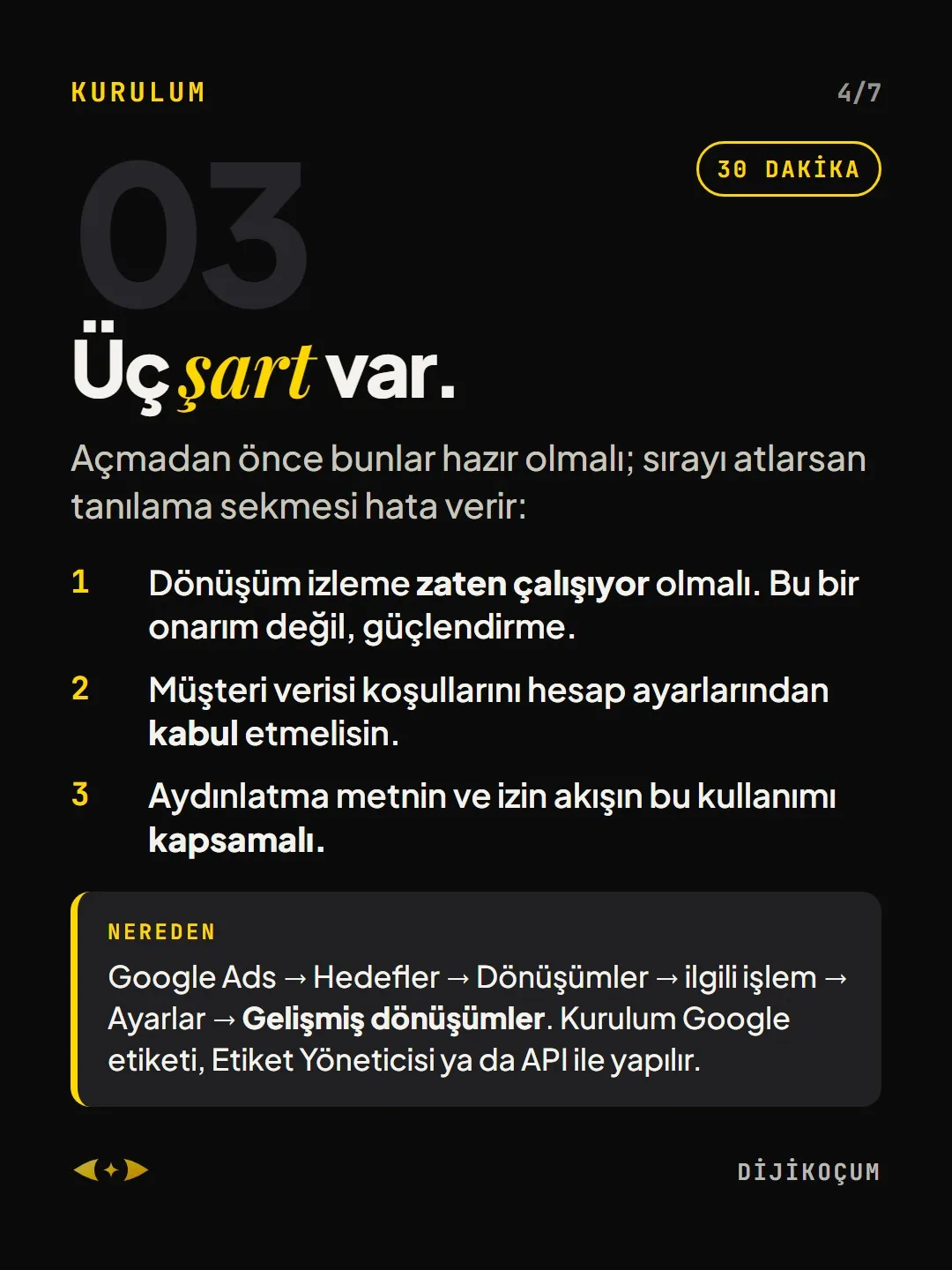
ahmet@example.com 9f86d081884c7d659a2feaa0... # Google matches it against the hash on its own side # no plain data is sentThere are three requirements.
30 MINUTESThese must be ready before you turn it on; if you skip the order, the diagnostics tab will show errors:
- Conversion tracking must already be working. This isn't a repair; it's a reinforcement.
- You must accept the customer data terms in your account settings.
- Your privacy notice and consent flow must cover this use.
Where: Google Ads → Goals → Conversions → the relevant conversion action → Settings → Enhanced conversions. Setup is done through the Google tag, Tag Manager or the API.
Point to the right field.
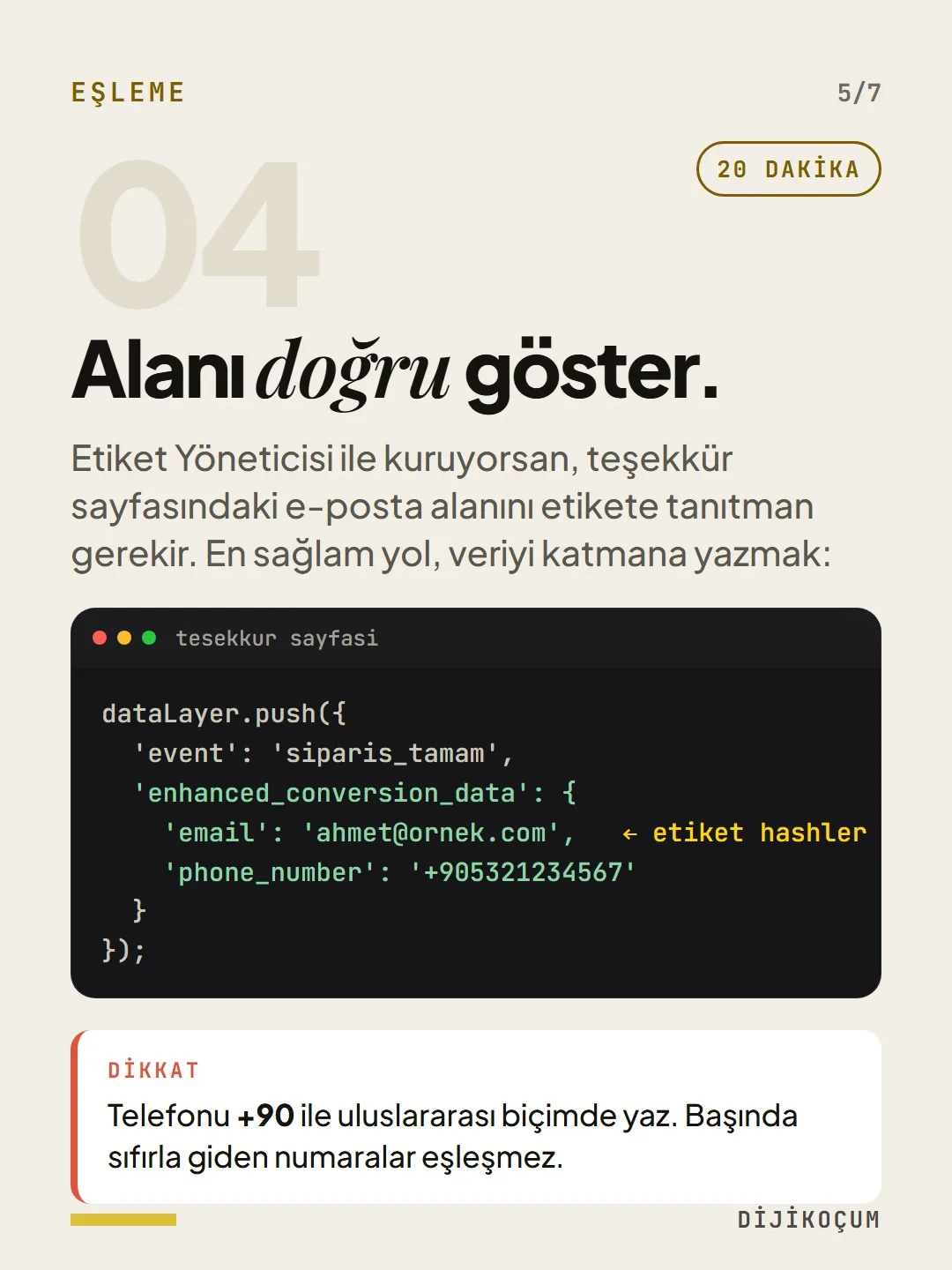
20 MINUTESIf you're setting it up with Tag Manager, you need to point the tag to the email field on the thank-you page. The most reliable way is to write the data to the data layer:
Watch out: Write the phone number in international format with +90. Numbers that start with a zero won't match.
dataLayer.push({
  'event': 'order_complete',
  'enhanced_conversion_data': {
    'email': 'ahmet@example.com',
    'phone_number': '+905321234567'
  }
});
How to measure it
Let's see if it worked.
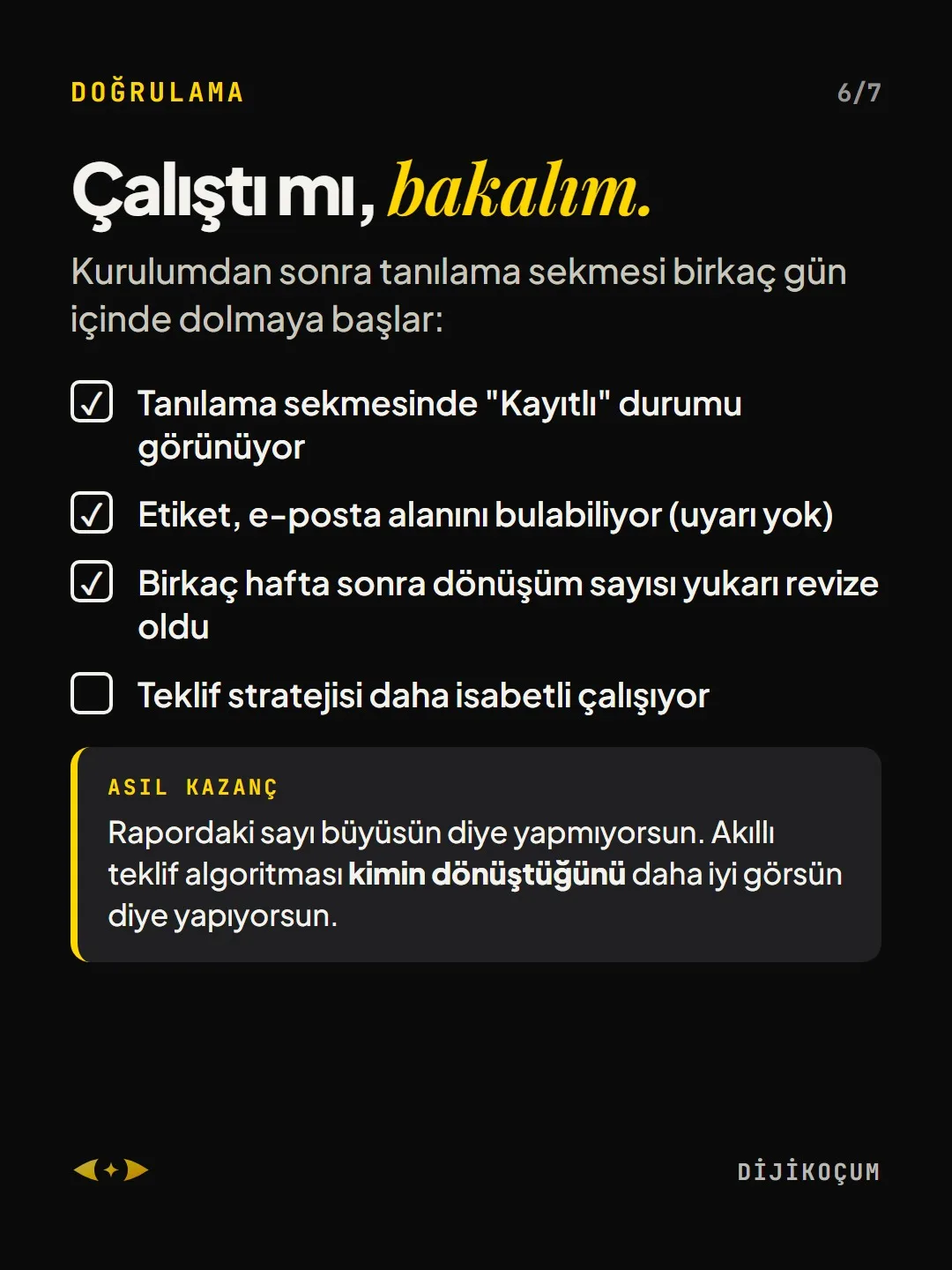
After setup, the diagnostics tab starts filling up within a few days:
- The diagnostics tab shows a "Recording" status
- The tag can find the email field (no warnings)
- After a few weeks, the conversion count was revised upward
- The bidding strategy works more accurately
The real gain: You're not doing this to make the number in the report bigger. You're doing it so the smart bidding algorithm can better see who converts.
Free · PDF
Download the CONVERSION checklist.
A printable checklist version of the steps on this page. The PDF is in Turkish; no sign-up needed.
Download the checklist (PDF in Turkish)Sources
- AGoogle Ads Help: About enhanced conversionsPrimary source · checked: September 20, 2026
[A] primary source · [B] industry research · [C] practitioner · [D] our own data
This post is also on (in Turkish)
Frequently asked questions
How do I know my Google Ads conversions are being undercounted?
Compare last month's Ads conversion count with the number of sales or form submissions in your own records. The difference is measurement loss; if it's large, setting up enhanced conversions becomes a priority.
What do I need to turn on enhanced conversions?
There are three requirements: conversion tracking must be working, the customer data terms must be accepted, and your privacy notice and consent flow must cover this use. The setting is under Goals → Conversions → the relevant conversion action → Settings → Enhanced conversions. The phone number must be sent in international format with +90; a number starting with zero won't match.
Next step
Let’s look at your site together.
Free Digital Checkup: a health score for your website, your ads and your visibility in AI search, plus what to fix first. 3 minutes.
More guides

Tools
How to transform product photos with ChatGPT Images 2.5: 20 ready-made image prompts (step by step)
26 steps · 14 min

Tools
5 Free Animation Skills for Claude Code: How to Install Three.js, GSAP, design-dna, LottieFiles and Genjutsu (Step by Step)
16 steps · 9 min

Tools
How to Use the Prompt Library and Prompt Builder: Copy a Ready-Made Prompt, Fill In the Blanks
9 steps · 7 min