



Visuals in Turkish · the full text is on this page
Solution Desk · Local SEO
Google Business Profile suspended? What to do before you appeal
Don't panic. 5 steps before you appeal.
Short answer
5 steps to take, in order, before you appeal when your Google Business Profile is suspended, disabled or your account is restricted. Source: Google Business Profile Help.
5 steps · 1 min read · · Turan Yasin Salcı
Step by step · 5 steps
0/5 checked · saved in this browser only
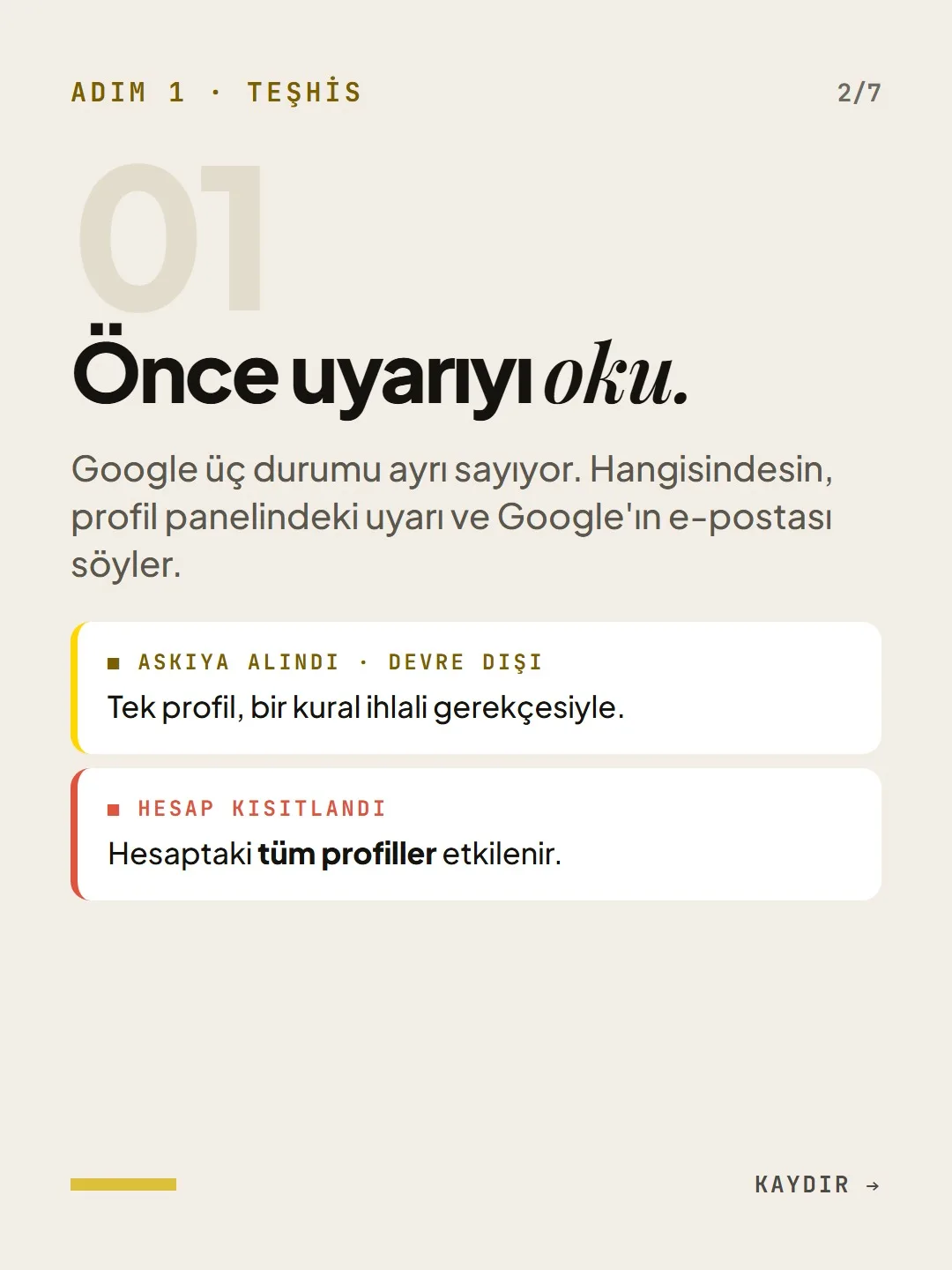
Read the warning first
Google treats three situations separately: suspension, disabling and account restriction. If the account is restricted, every profile in the account is affected. Write down the reason given in the warning word for word.
Don't create a new profile
Google: “Don't create a new Business Profile for the same business while your appeal is being reviewed.”
Find the reason
The three most common reasons: keywords added to the business name, a virtual office or shared address, and a category that doesn't describe the business or is too broad.
Prepare your evidence in advance
Official business registration (trade registry record), business license, tax registration certificate, a utility bill showing the address (electricity, phone, water or internet). The name and address on the documents must match the profile.
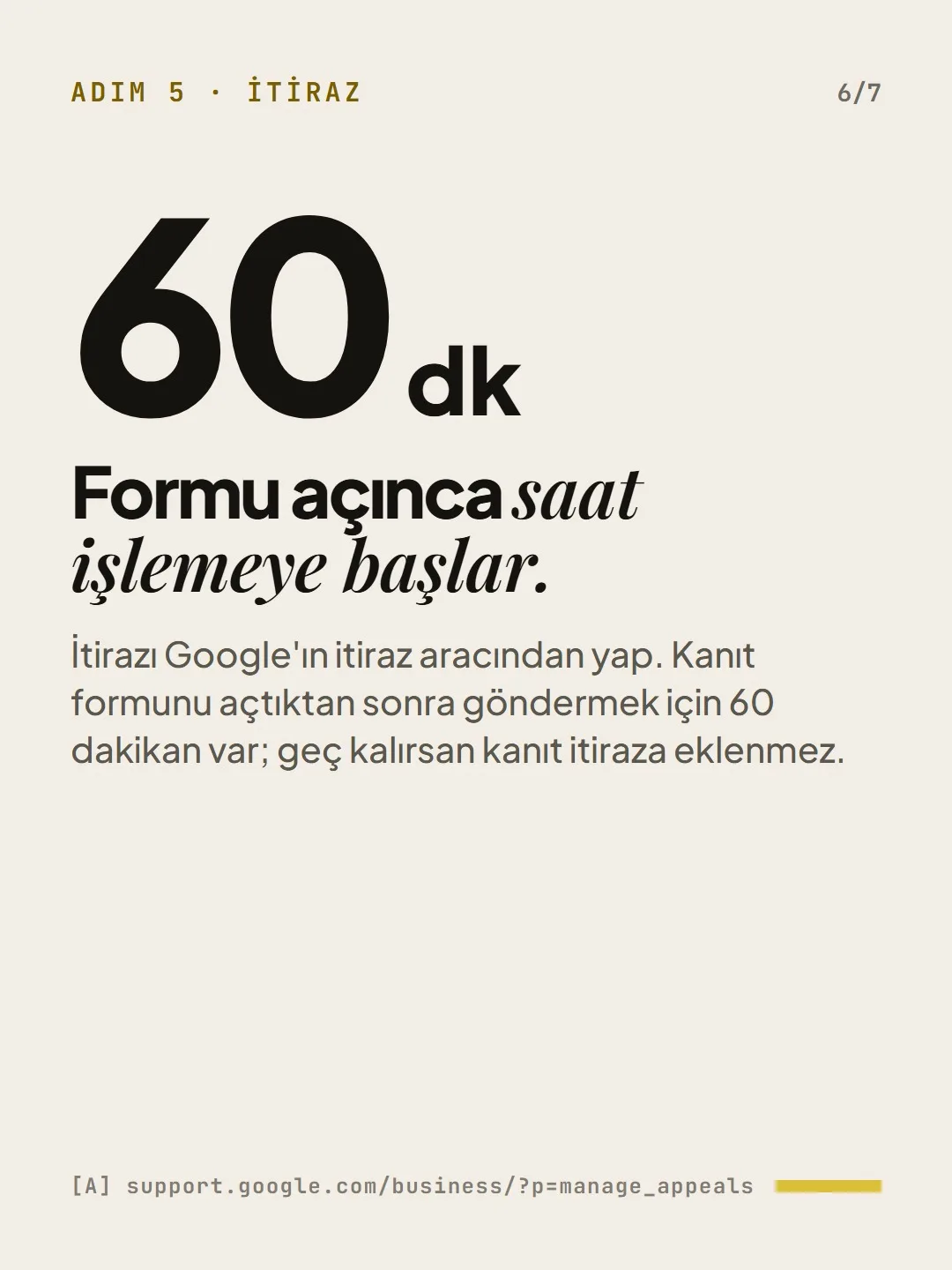
Submit the appeal
Start the appeal from the Google Business Profile appeals tool. Once you open the evidence form, you have 60 minutes to submit it; if you're late, the evidence isn't added to the appeal.
Free · PDF
Download the Appeal checklist.
A printable checklist version of the steps on this page. The PDF is in Turkish; no sign-up needed.
Download the checklist (PDF in Turkish)Sources
- AGoogle Business Profile Help: suspended and restricted profiles, appealsPrimary source · checked: September 19, 2026
- AGoogle Business Profile appeals toolPrimary source · checked: September 19, 2026
[A] primary source · [B] industry research · [C] practitioner · [D] our own data
This post is also on (in Turkish)
Frequently asked questions
Should I create a new profile when my Business Profile is suspended?
No. Google explicitly asks that no new Business Profile be created for the same business while the appeal is under review. Creating a new profile doesn't solve the problem; it puts both listings at risk. First read the reason in the warning, then appeal through the appeals tool.
How much time do you have to upload evidence for a Google Business Profile appeal?
According to Google, you have 60 minutes to submit the evidence form after you open it. If the time runs out, the evidence isn't added to the appeal. That's why documents such as the trade registry record, license, tax registration certificate and a utility bill showing the address should be ready in a single folder before you open the form.
Next step
Let’s look at your site together.
Free Digital Checkup: a health score for your website, your ads and your visibility in AI search, plus what to fix first. 3 minutes.
More guides

Tools
How to transform product photos with ChatGPT Images 2.5: 20 ready-made image prompts (step by step)
26 steps · 14 min

Tools
5 Free Animation Skills for Claude Code: How to Install Three.js, GSAP, design-dna, LottieFiles and Genjutsu (Step by Step)
16 steps · 9 min

Tools
How to Use the Prompt Library and Prompt Builder: Copy a Ready-Made Prompt, Fill In the Blanks
9 steps · 7 min