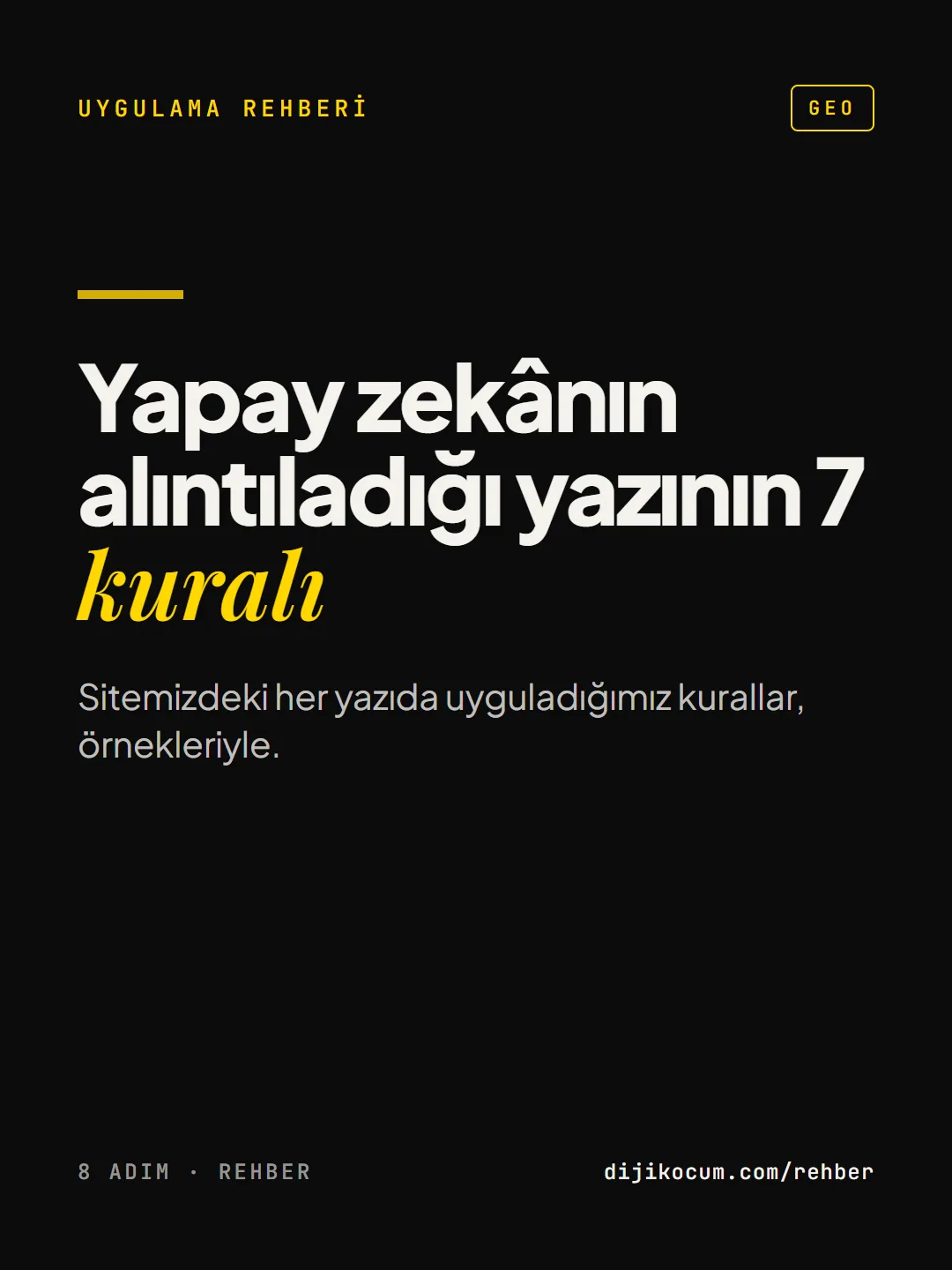
Visuals in Turkish · the full text is on this page
How-To Guide · GEO
7 rules for writing content that AI cites
The rules we apply to every article on our site, with examples.
Short answer
Content that AI assistants cite has a sentence under every heading that answers the question directly, numbers given with their sources, comparisons laid out in tables, a current date and short answers to real questions. Bots are allowed to access the site, and the author's own observation is added at the end of the article.
8 steps · 2 min read · · Turan Yasin Salcı
Step by step · 8 steps
0/8 checked · saved in this browser only
Make the first sentence the answer
Phrase every section heading like a question ("What is GEO?"). Make the first sentence under it a standalone answer to that question. AI assistants often quote exactly this sentence.
Bad: "Everything is changing fast in the digital world, and…"
Good: "GEO is the work done to get a site cited as a source in the answers of AI assistants like ChatGPT."Put a quick-answer box at the top
Put a 2–4 sentence summary right below the first heading. Whoever reads it, human or bot, should grasp the topic from there.
Give numbers and show the source
A GEO study by researchers at Princeton and Georgia Tech found that texts with added statistics and quotations are more visible in AI answers. Link the source next to every number. Don't write a number that has no source.
Put comparisons in a table
Put information like "X or Y?", "before/after" and "price ranges" into a table. Tables are easy to read and easy to quote.
Write the date and keep the article current
Write the last-updated date at the top of the article and update it as the topic changes. On fast-changing topics (ad rules, algorithms), a page with an old date loses trust.
Add real questions at the end
Write 3–6 questions people actually ask: Google's "People also ask" box, forums, your customers' messages. Give each a clear 1–3 sentence answer and add FAQPage markup to the page.
Write a human note
Add the author's own observation at the end of the article: what you saw in the dashboard, what happened with a client, what you disagree with. A real note, not a made-up one. It's the one thing AI can't produce on its own.
The technical side: open the door to bots
30 minutes- Make sure GPTBot, ClaudeBot, PerplexityBot and Google-Extended are not blocked in your
robots.txtfile. - Have an
llms.txtfile at the root of your site: a short list of your important pages. - Make sure your business name, address and phone number are written exactly the same on your site, in your Google Business Profile and on your social accounts.
- Make sure GPTBot, ClaudeBot, PerplexityBot and Google-Extended are not blocked in your
Sources
- BAggarwal et al., "GEO: Generative Engine Optimization", KDD 2024 (Princeton, Georgia Tech, Allen Institute, IIT Delhi)Industry research · checked: September 19, 2026
- AGoogle Search Central: AI features and your websitePrimary source · checked: September 19, 2026
[A] primary source · [B] industry research · [C] practitioner · [D] our own data
Frequently asked questions
Which sentence in an article do AI assistants quote?
Usually the sentence right under a heading that answers the question on its own. That's why the heading is phrased as a question and the first sentence is written so it still makes sense when taken out of context; sentences starting with "as mentioned above" don't get quoted.
Is an llms.txt file enough to show up in AI?
No. llms.txt is a proposed standard, and which assistants read it is unclear; it's a harmless, quick task. The real impact comes from the content itself: sentences that answer the question directly, sourced numbers, and not blocking AI bots in robots.txt.
Next step
Let’s look at your site together.
Free Digital Checkup: a health score for your website, your ads and your visibility in AI search, plus what to fix first. 3 minutes.
More guides
How-To Guide
How to connect Instagram to Claude: two safe ways to set up comment-to-DM, a DM assistant and scheduled posting (step by step)
15 steps · 11 min
How-To Guide
How to Connect Claude to Gmail, Google Calendar, Drive and Canva: Safe Connector Setup, Step by Step
12 steps · 7 min
How-To Guide
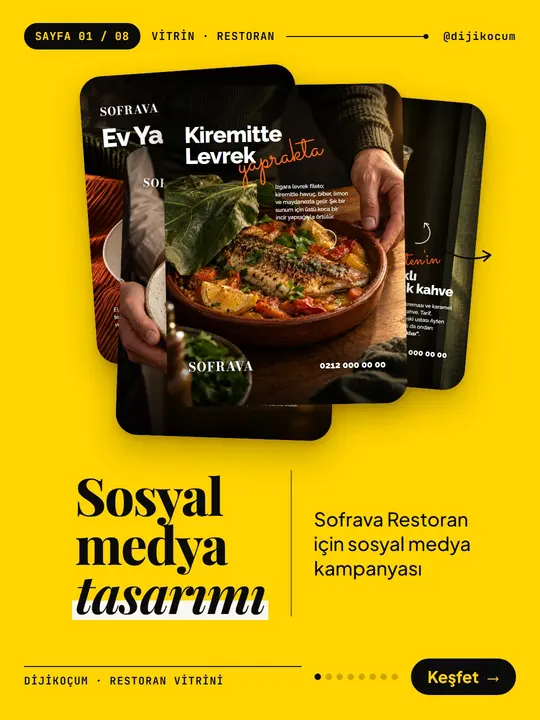
Make your restaurant's Instagram look like a menu: a 6-post feed template and shot list
9 steps · 6 min