Visuals in Turkish · the full text is on this page
Tools · Social Media
Your Instagram Grid Is Now 3:4. Your Covers Are Getting Cropped.
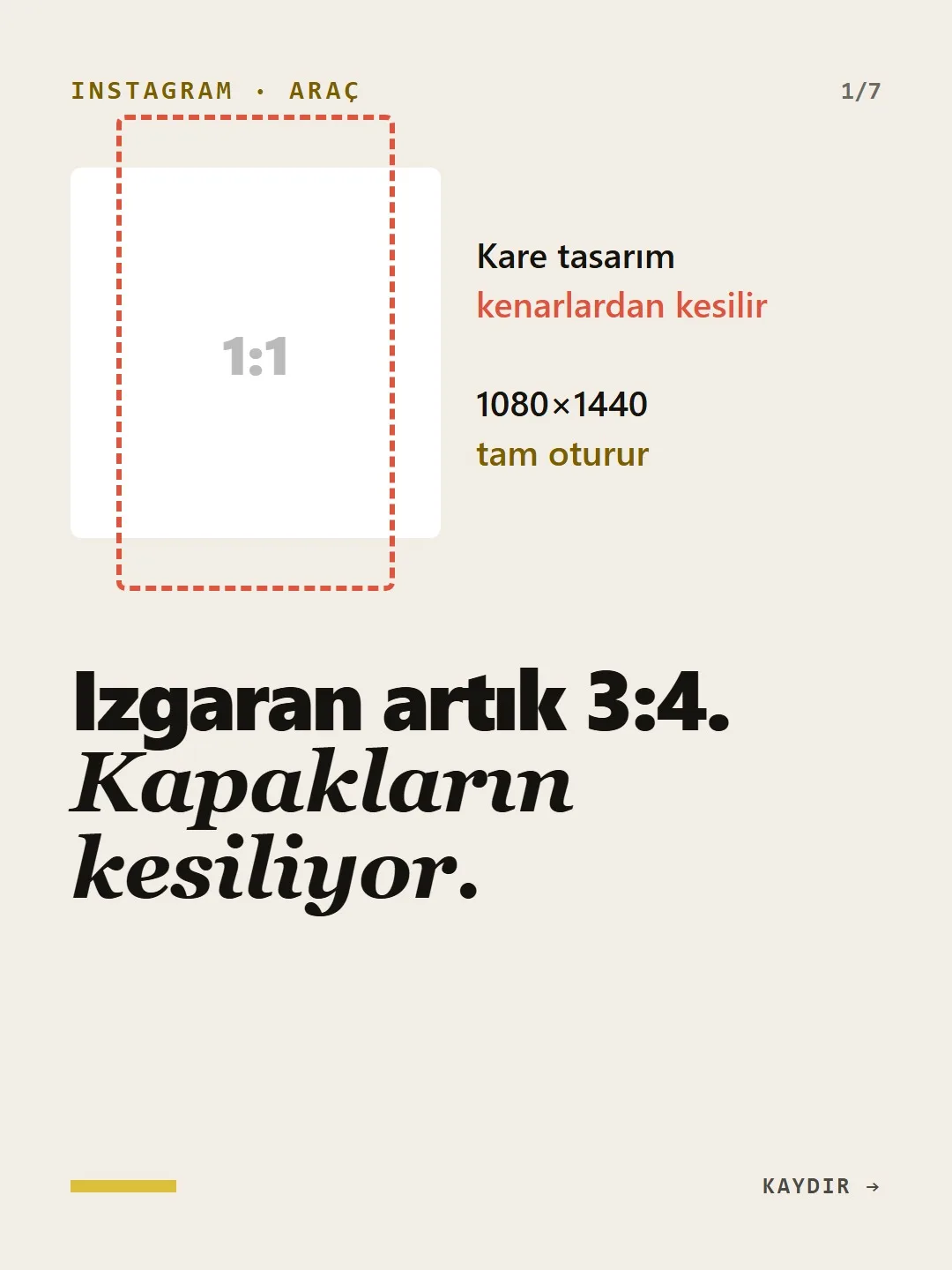
A square design gets cut off at the sides; 1080×1440 fits perfectly.
Short answer
Since January 17, 2025, Instagram has shown the profile grid with a 3:4 vertical preview instead of squares, so the sides of your old square posts get cropped. If you upload 1080×1440 pixels for feed posts and carousels, nothing is cut off in the grid. On a Reels cover, the title should sit inside the central 1080×1440 area; for old posts, “Adjust preview” changes only how they look in the grid.
5 steps · 1 min read · · Turan Yasin Salcı
Step by step · 5 steps
0/5 checked · saved in this browser only
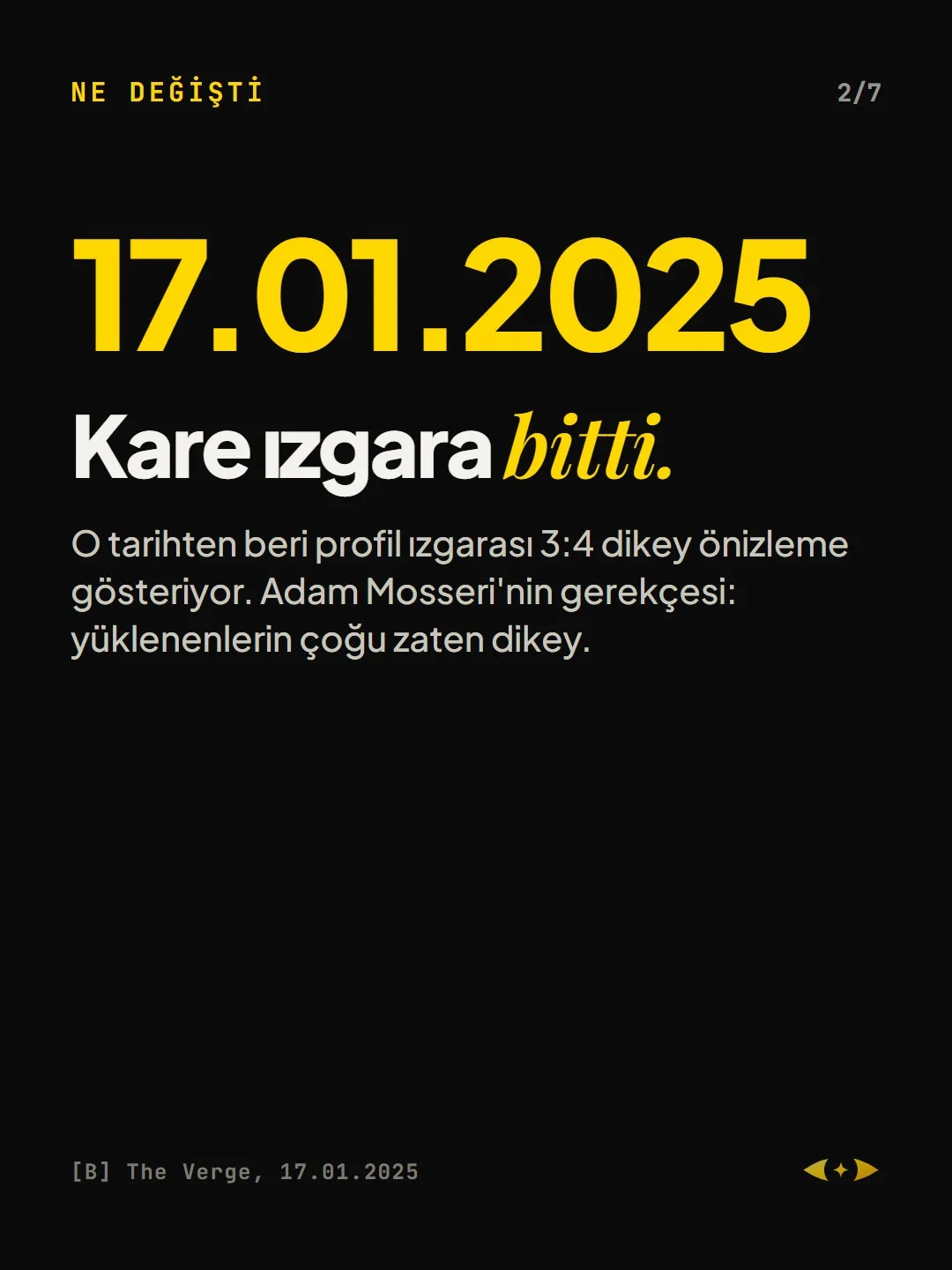
The square grid is over.
Since January 17, 2025, the profile grid has shown a 3:4 vertical preview. Adam Mosseri’s reasoning: most uploads are vertical anyway.
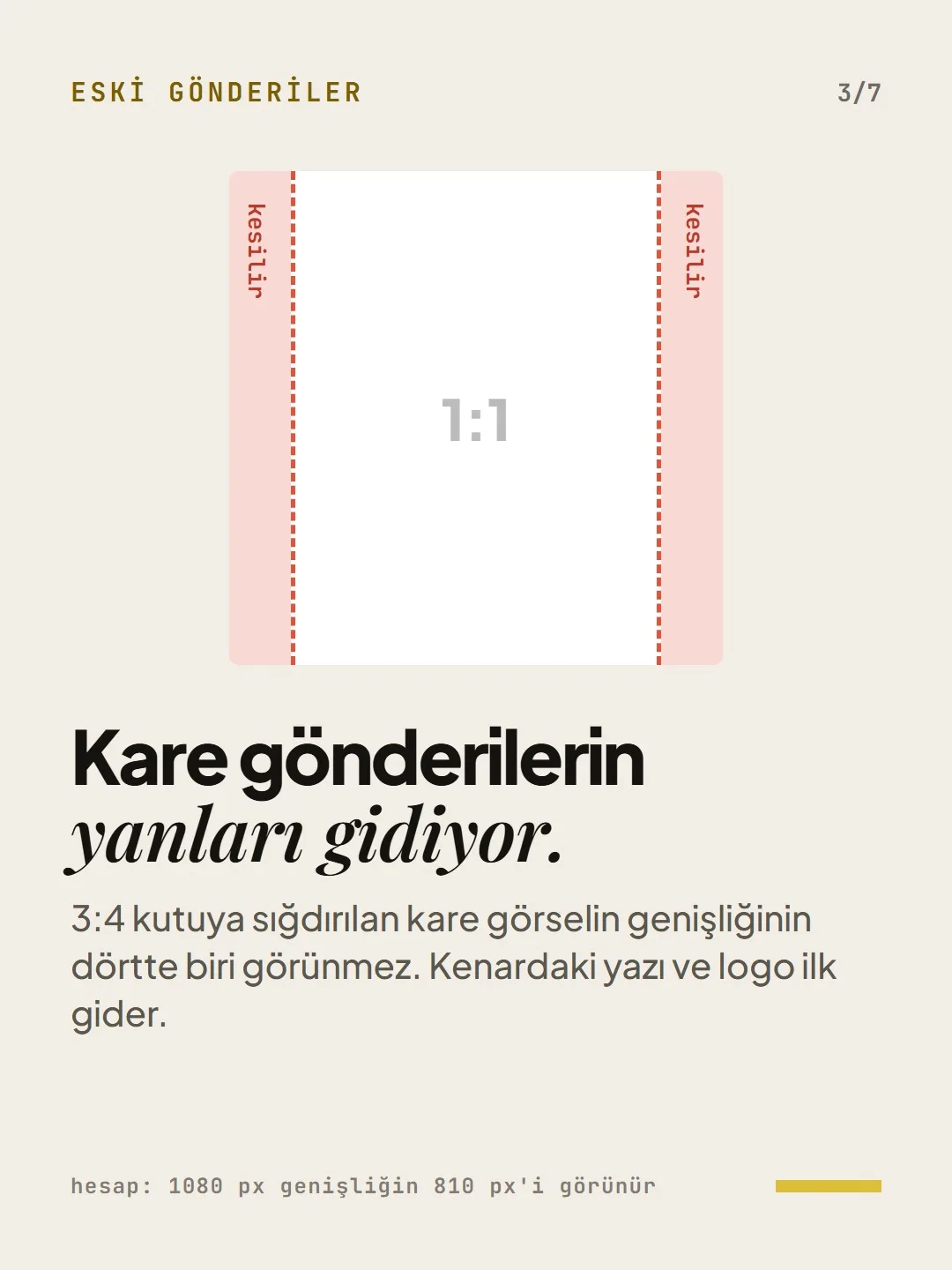
Your square posts lose their sides.
When a square image is fitted into a 3:4 box, a quarter of its width is hidden: of a 1080 px width, 810 px remain. Text and logos near the edges are the first to go.
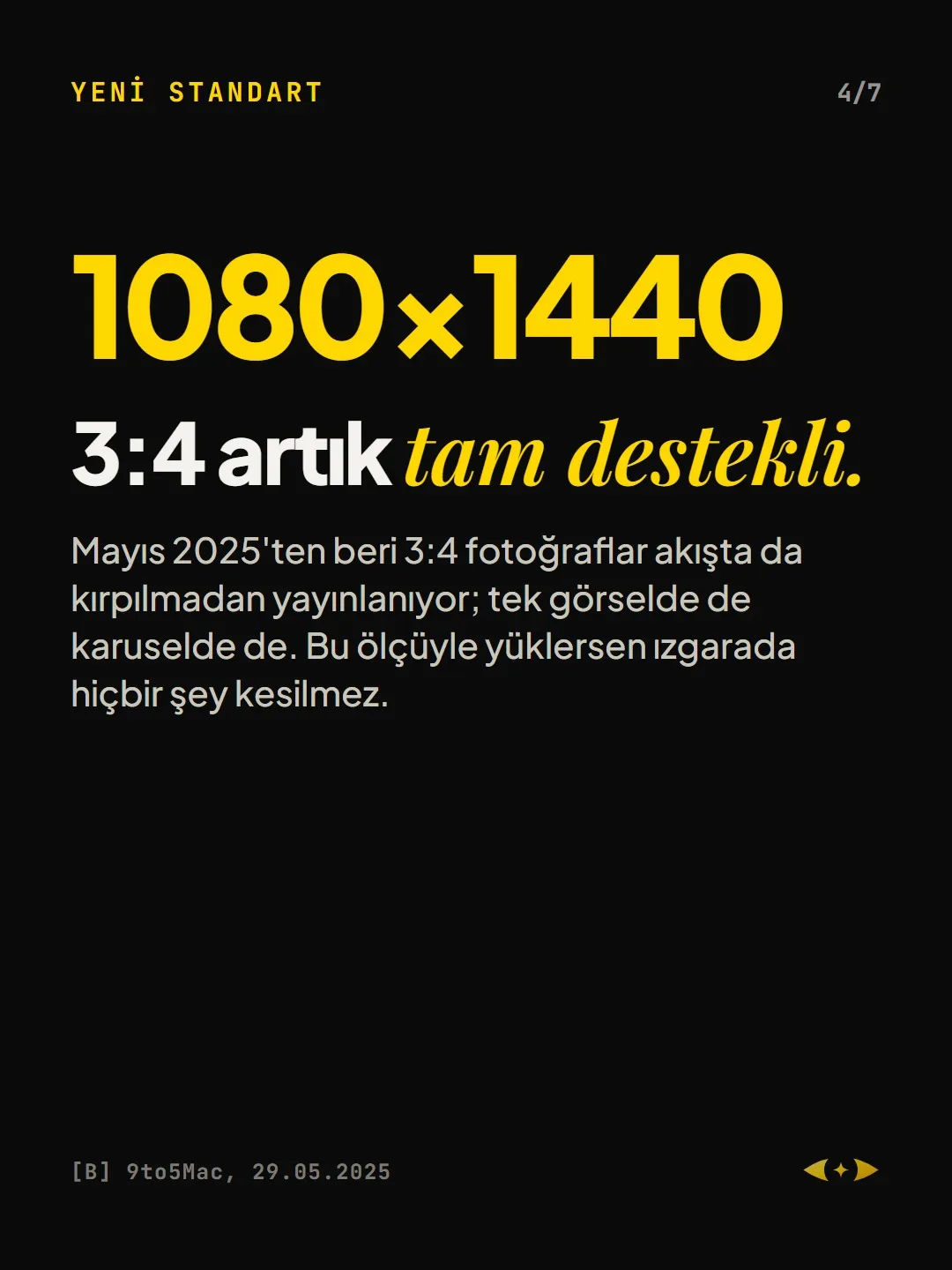
3:4 is now fully supported.
Since May 2025, 3:4 photos have also been published in the feed without cropping, both as single images and in carousels. If you upload 1080×1440, nothing is cut off in the grid.
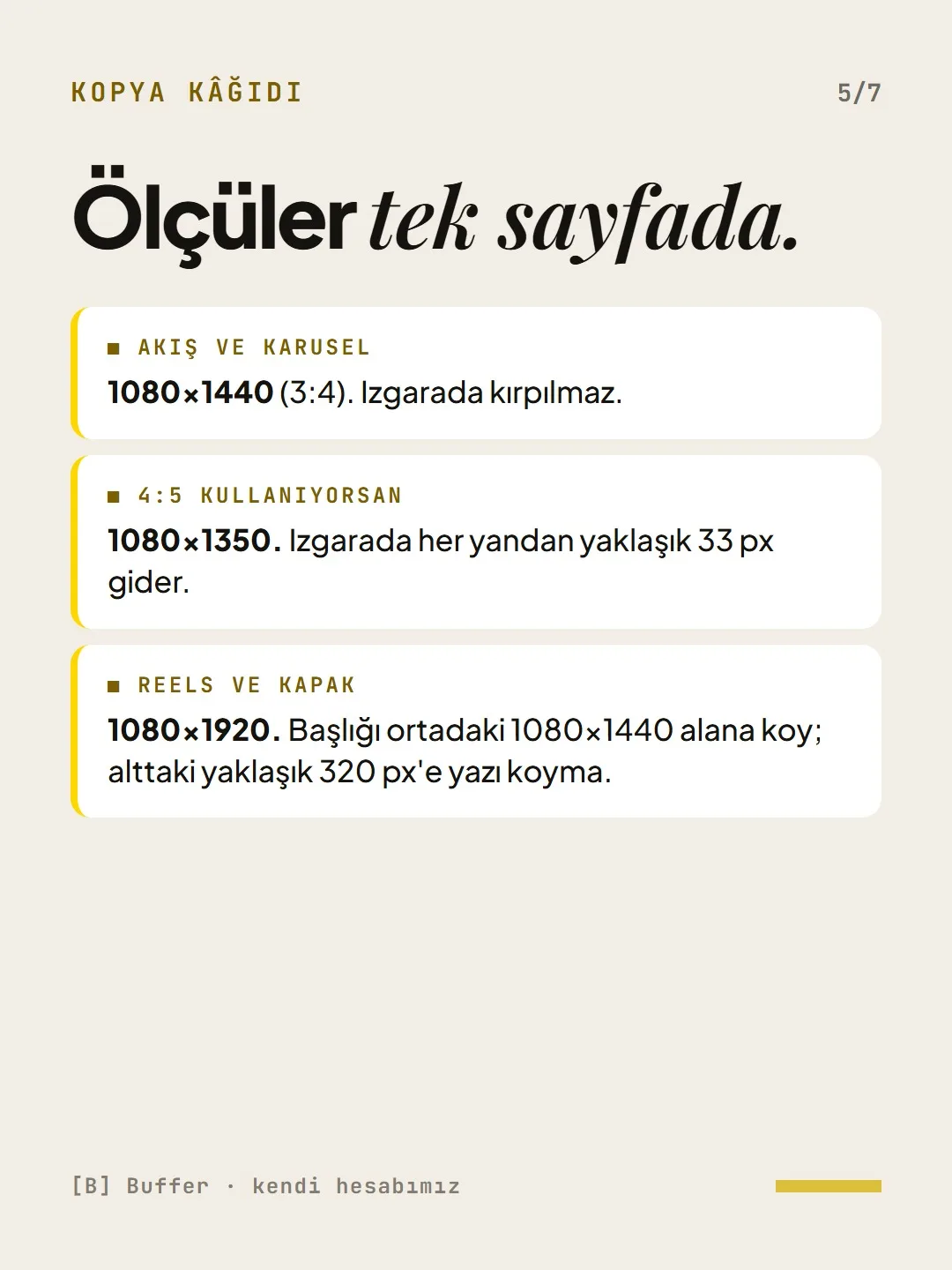
All the sizes on one page.
- Feed and carousel: 1080×1440 (3:4). Not cropped in the grid.
- If you use 4:5: 1080×1350. About 33 px is lost on each side in the grid.
- Reels and cover: 1080×1920. Put the title in the central 1080×1440 area; keep text out of the bottom ~320 px.
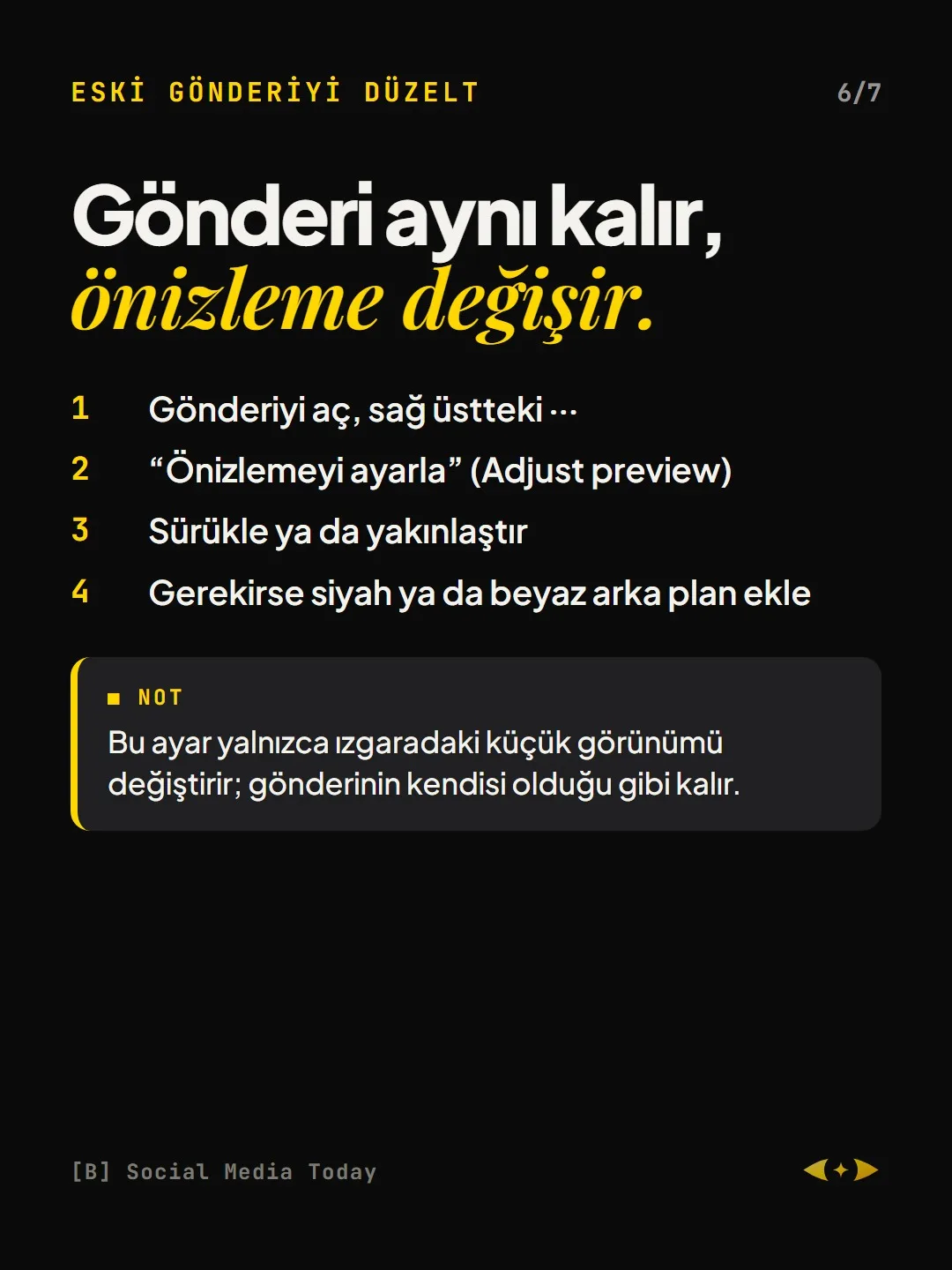
Fix an old post.
- 01Open the post and tap ⋯ in the top right
- 02“Adjust preview”
- 03Drag or zoom
- 04Add a black or white background if needed
This setting changes only the small thumbnail in the grid; the post itself stays as it is.
Free · PDF
Download the Instagram grid checklist (IZGARA).
A printable checklist version of the steps on this page. The PDF is in Turkish; no sign-up needed.
Download the checklist (PDF in Turkish)Sources
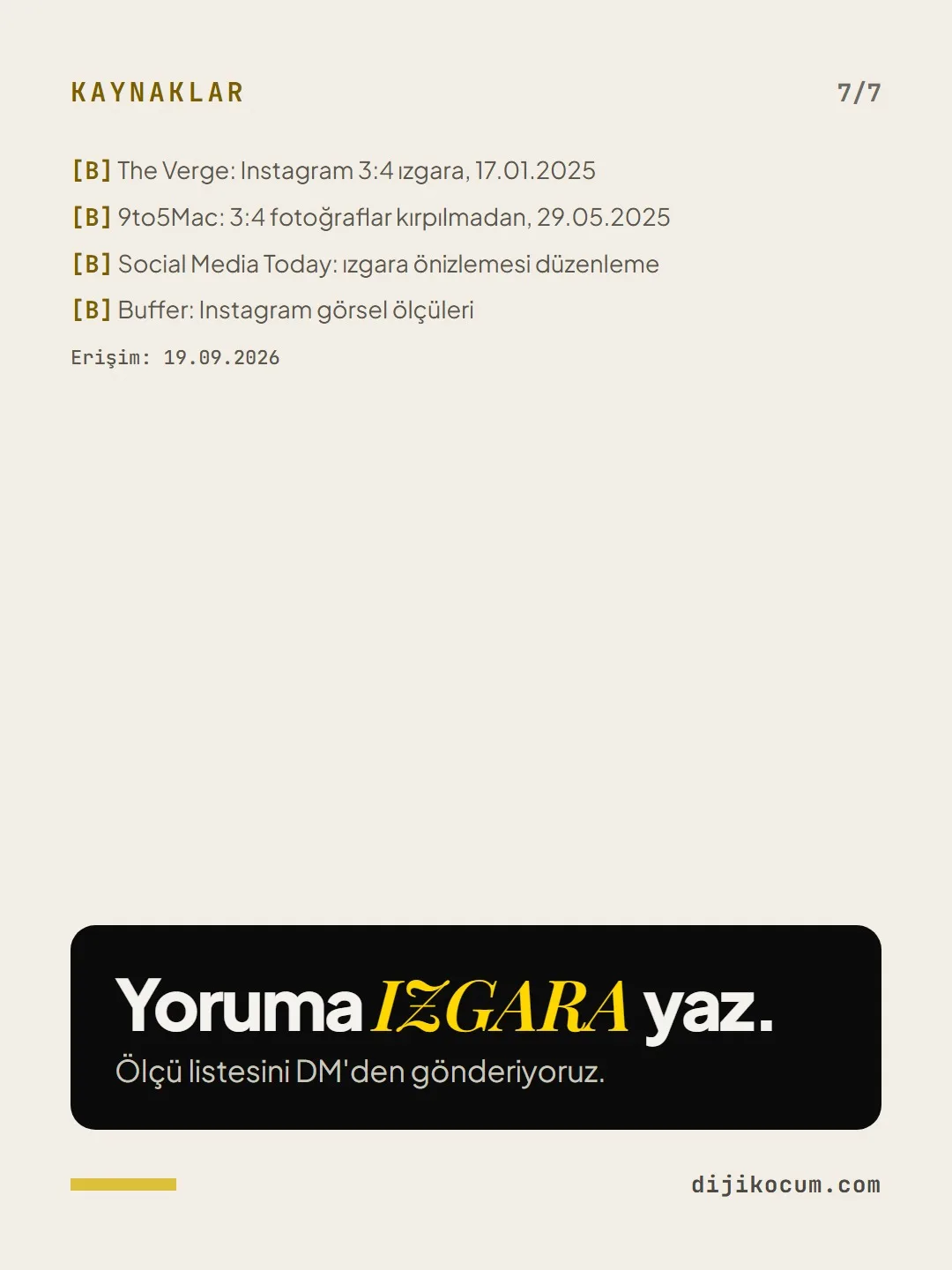
- BThe Verge: Instagram 3:4 grid, January 17, 2025Industry research · checked: September 19, 2026
- B9to5Mac: 3:4 photos without cropping, May 29, 2025Industry research · checked: September 19, 2026
- BSocial Media Today: editing the grid previewIndustry research · checked: September 19, 2026
- BBuffer: Instagram image sizesIndustry research · checked: September 19, 2026
[A] primary source · [B] industry research · [C] practitioner · [D] our own data
This post is also on (in Turkish)
Frequently asked questions
What size should Instagram posts be since 2025?
1080×1440 pixels (3:4) for feed posts and carousels. Instagram switched the grid to 3:4 in January 2025, and since May 2025 it has published 3:4 photos in the feed without cropping; at this size, nothing is cut off in the grid.
How do you fix old square posts being cropped in the grid?
Open the post, go to “Adjust preview” from the ⋯ menu in the top right, drag or zoom the image, and add a background if needed. This changes only the small thumbnail in the grid; the post itself stays the same.
Next step
Let’s look at your site together.
Free Digital Checkup: a health score for your website, your ads and your visibility in AI search, plus what to fix first. 3 minutes.
More guides

Tools
How to transform product photos with ChatGPT Images 2.5: 20 ready-made image prompts (step by step)
26 steps · 14 min

Tools
5 Free Animation Skills for Claude Code: How to Install Three.js, GSAP, design-dna, LottieFiles and Genjutsu (Step by Step)
16 steps · 9 min

Tools
How to Use the Prompt Library and Prompt Builder: Copy a Ready-Made Prompt, Fill In the Blanks
9 steps · 7 min