Visuals in Turkish · the full text is on this page
How-To Guide · Automation
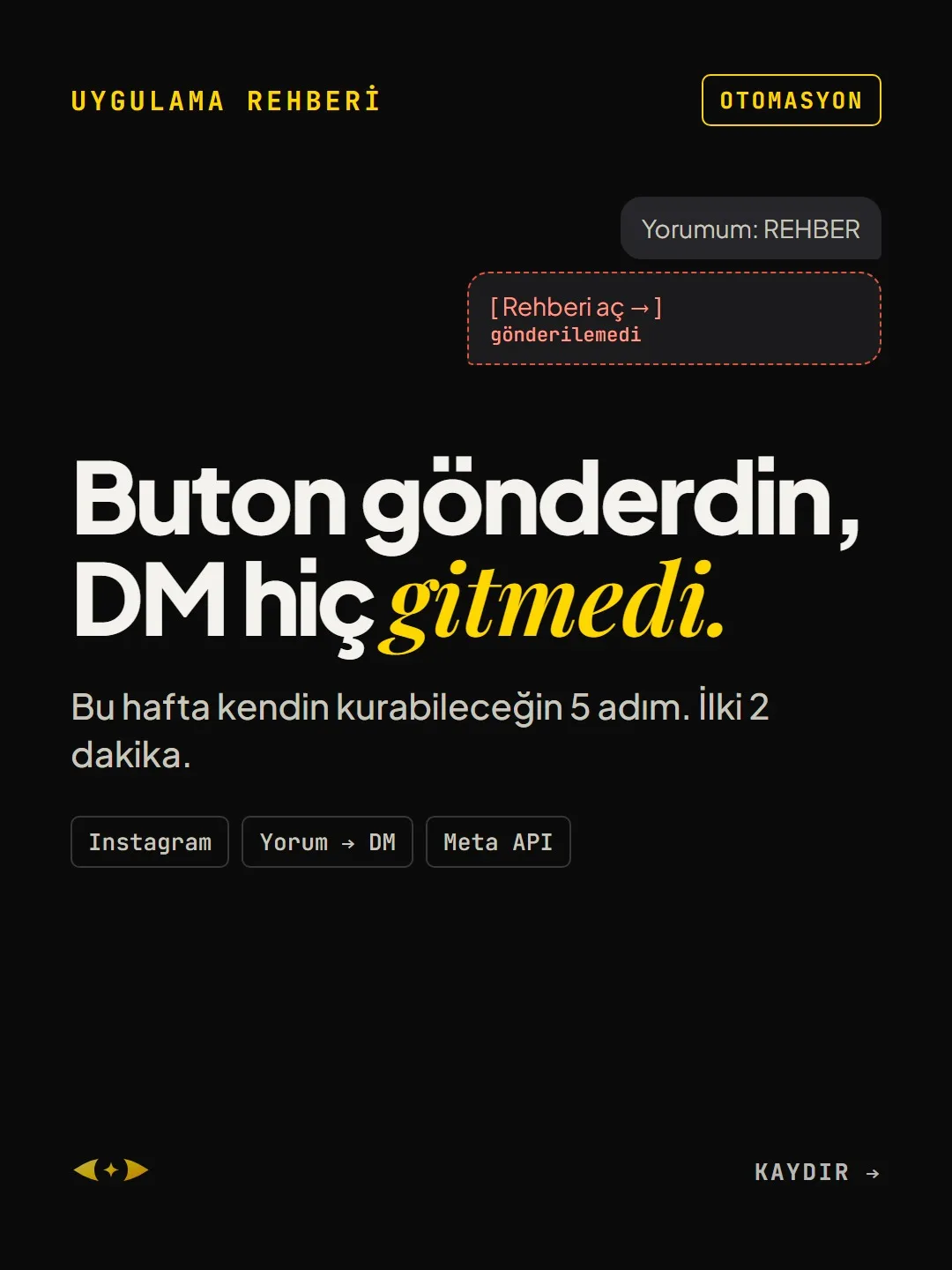
Instagram comment-to-DM automation not sending? You sent a button and the DM never arrived
5 steps you can set up yourself this week. The first takes 2 minutes.
Short answer
In the Instagram "comment a keyword and we'll DM it to you" flow, Meta's rule is just 1 private reply per comment, sent within 7 days; when the person replies, a 24-hour messaging window opens. If the DM isn't going out, the cause is usually not the tool but the setup: message access turned off, a missing permission, or a button, card or attachment in the first message.
5 steps · 2 min read · · Turan Yasin Salcı
Step by step · 5 steps
0/5 checked · saved in this browser only
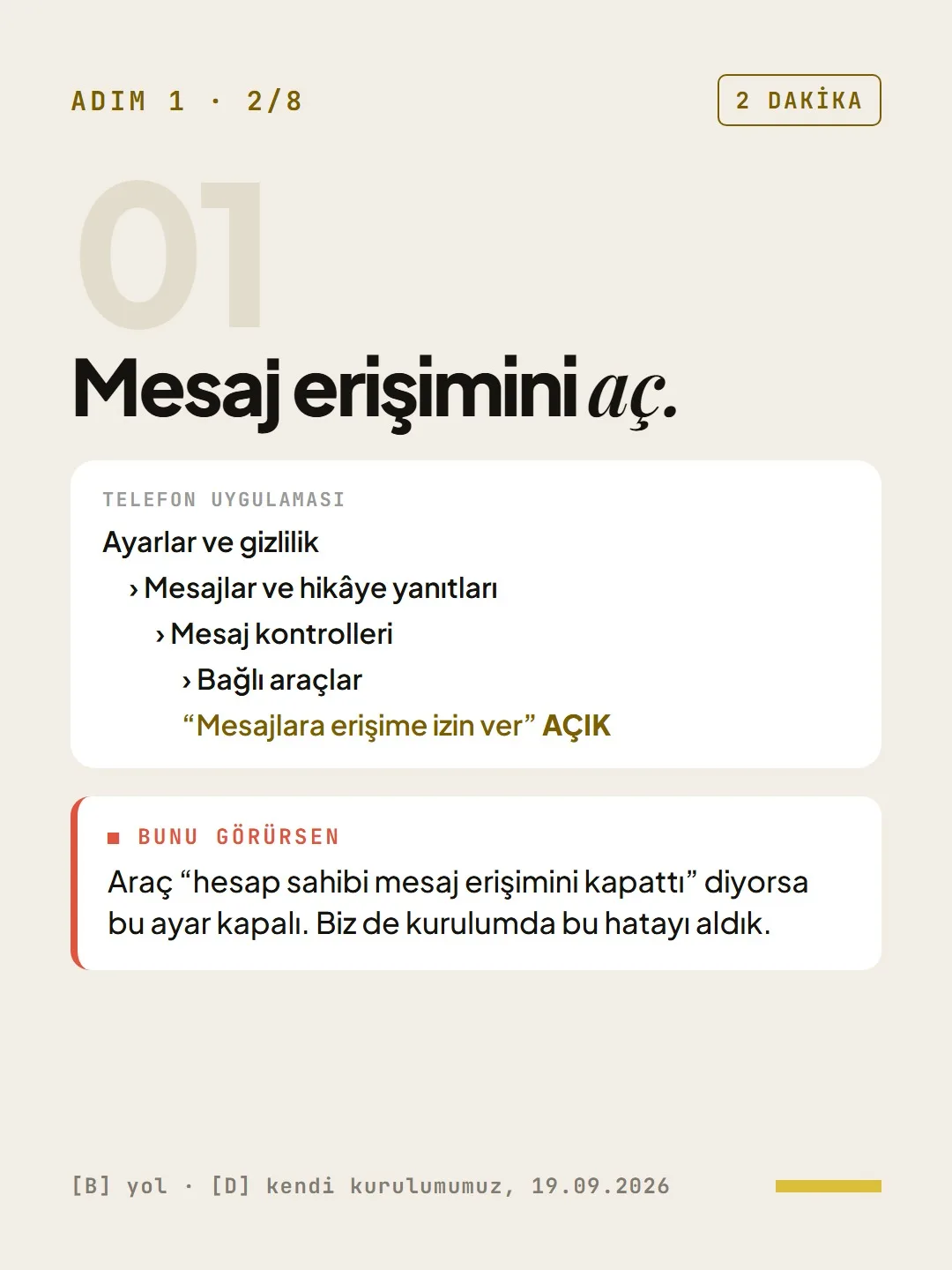
Turn on message access.
2 MINUTESIn the phone app: Settings and privacy › Messages and story replies › Message controls › Connected tools › "Allow access to messages" ON.
If you see this: if the tool says "the account owner has turned off message access," this setting is off. We got this error during our own setup too.
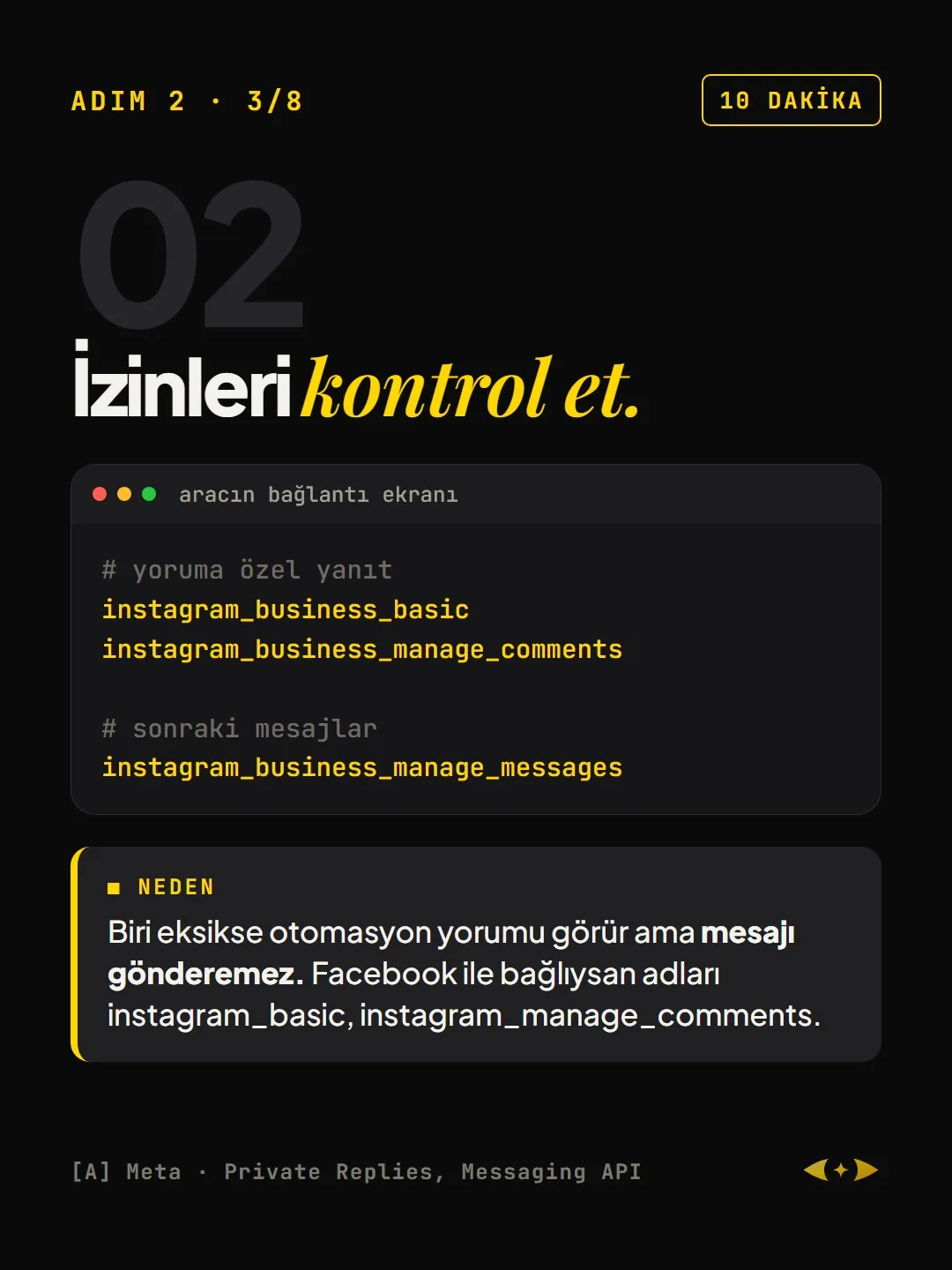
Check the permissions.
10 MINUTESThese permissions must be approved on the tool's connection screen. If one is missing, the automation sees the comment but can't send the message. If you're connected through Facebook, the names are instagram_basic and instagram_manage_comments.
# private reply to a comment instagram_business_basic instagram_business_manage_comments # follow-up messages instagram_business_manage_messagesWrite the first message as plain text.
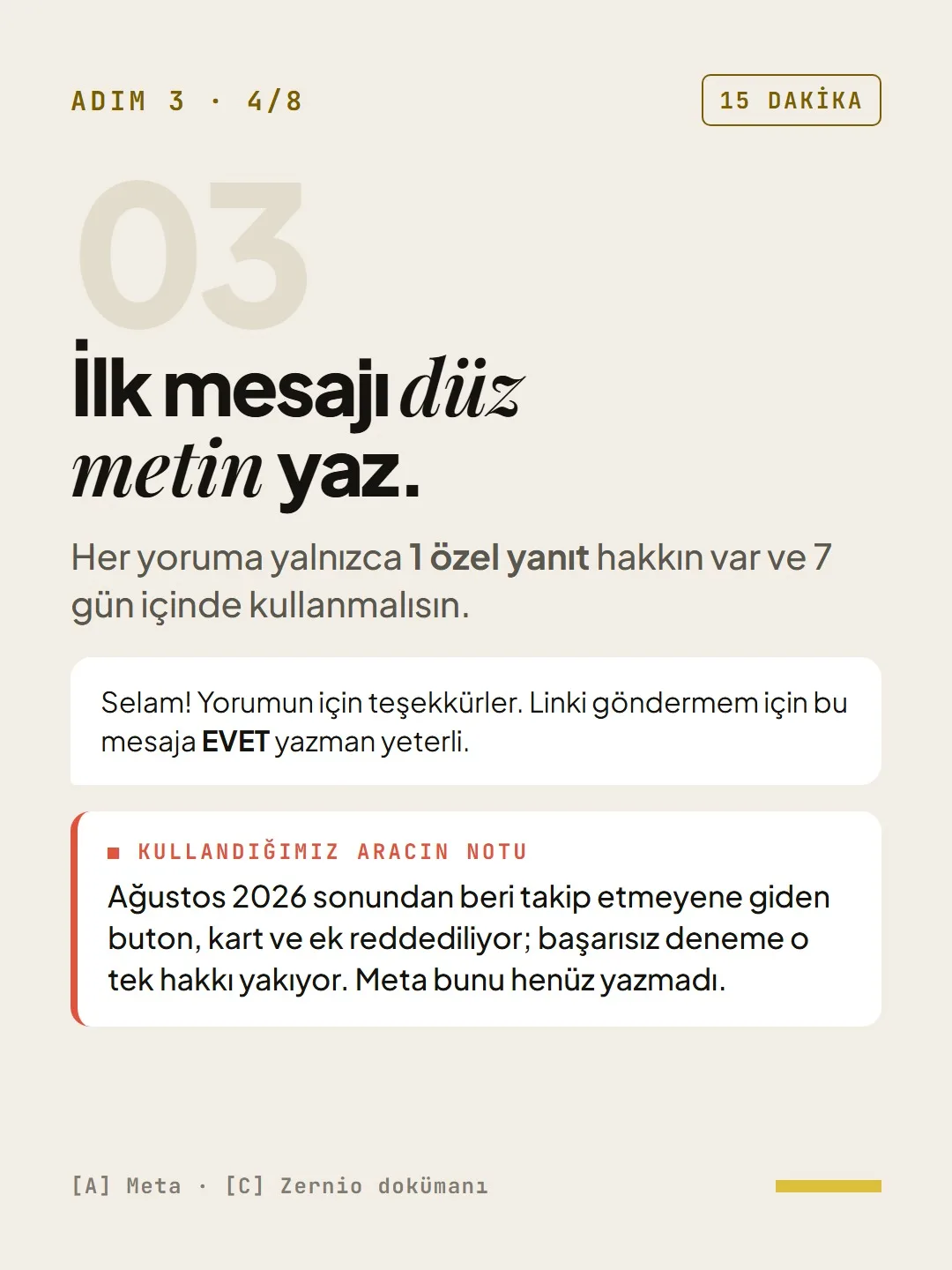
15 MINUTESYou get only 1 private reply per comment, and you must use it within 7 days. Example: "Hi! Thanks for your comment. Just reply YES to this message and I'll send you the link."
A note from the tool we use: According to Zernio's documentation, since the end of August 2026, buttons, cards and attachments sent to non-followers are rejected; a failed attempt burns that single chance. Meta's own documentation doesn't state this yet.
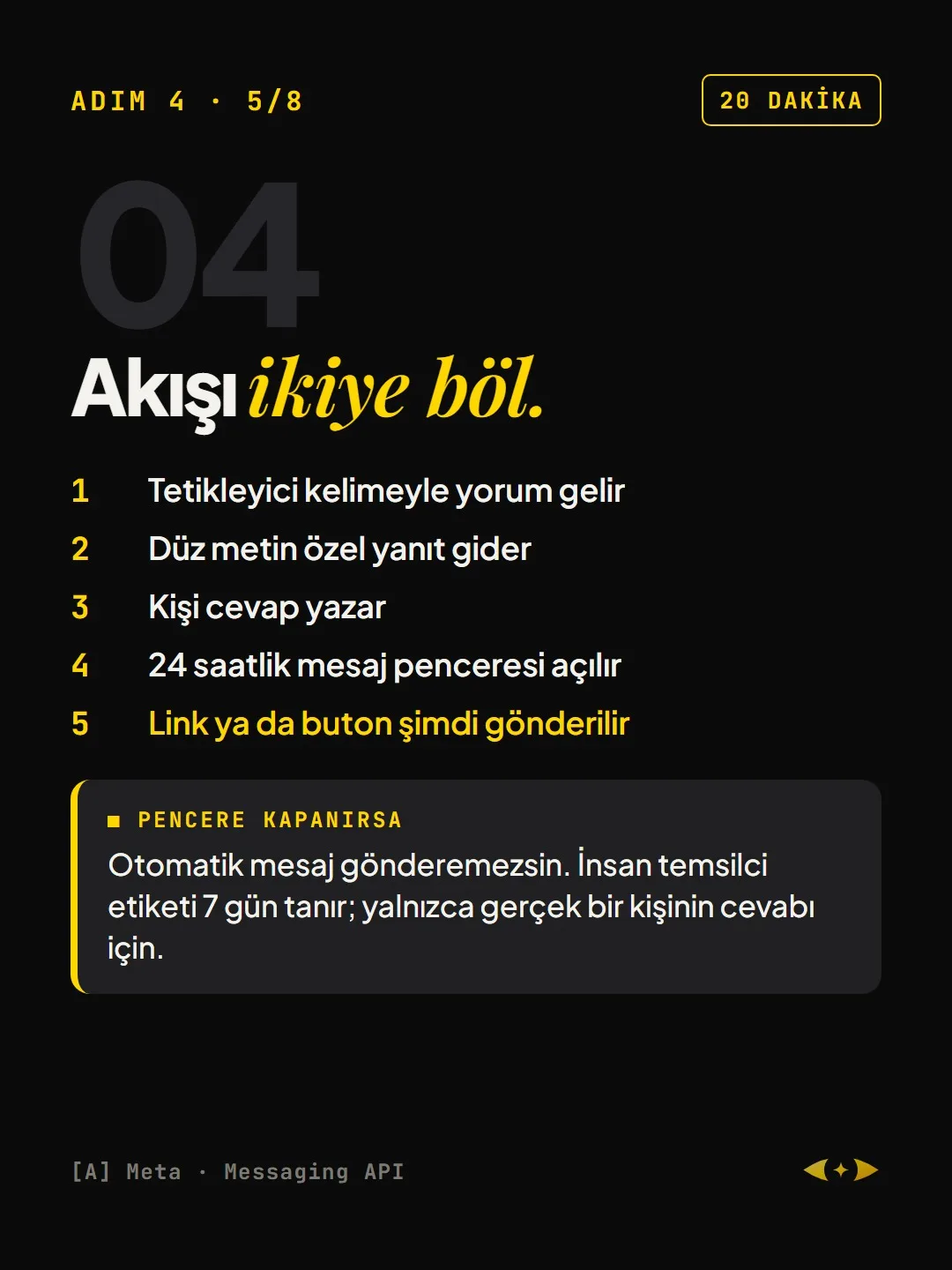
Split the flow in two.
20 MINUTES- 01A comment with the trigger keyword comes in
- 02A plain-text private reply goes out
- 03The person replies
- 04The 24-hour messaging window opens
- 05Now the link or button is sent
If the window closes: you can't send automated messages. The human agent tag allows 7 days; only for a reply from a real person.
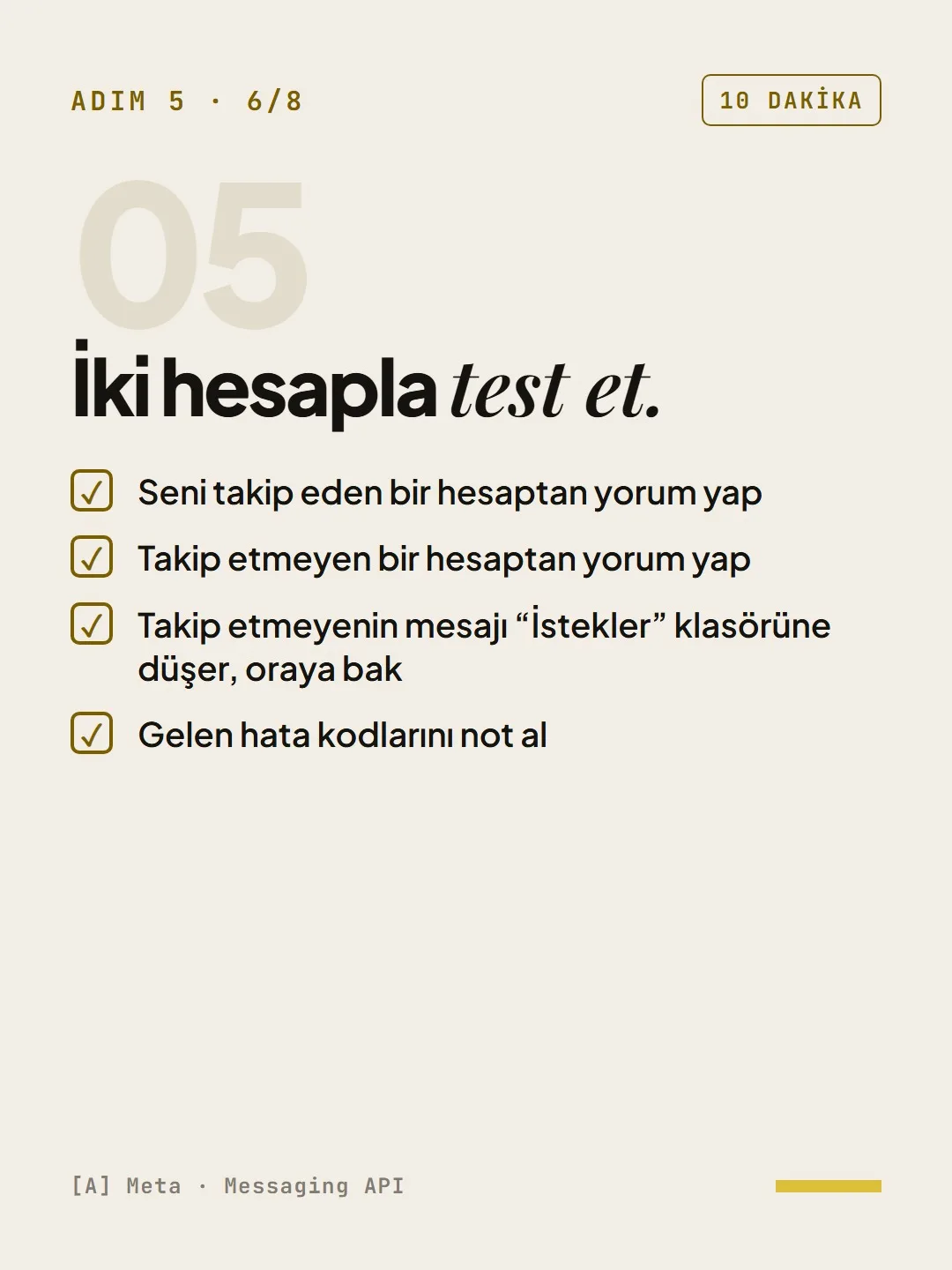
Test with two accounts.
10 MINUTES- Comment from an account that follows you
- Comment from an account that doesn't follow you
- The non-follower's message lands in the "Requests" folder; look there
- Note any error codes you get
How to measure it
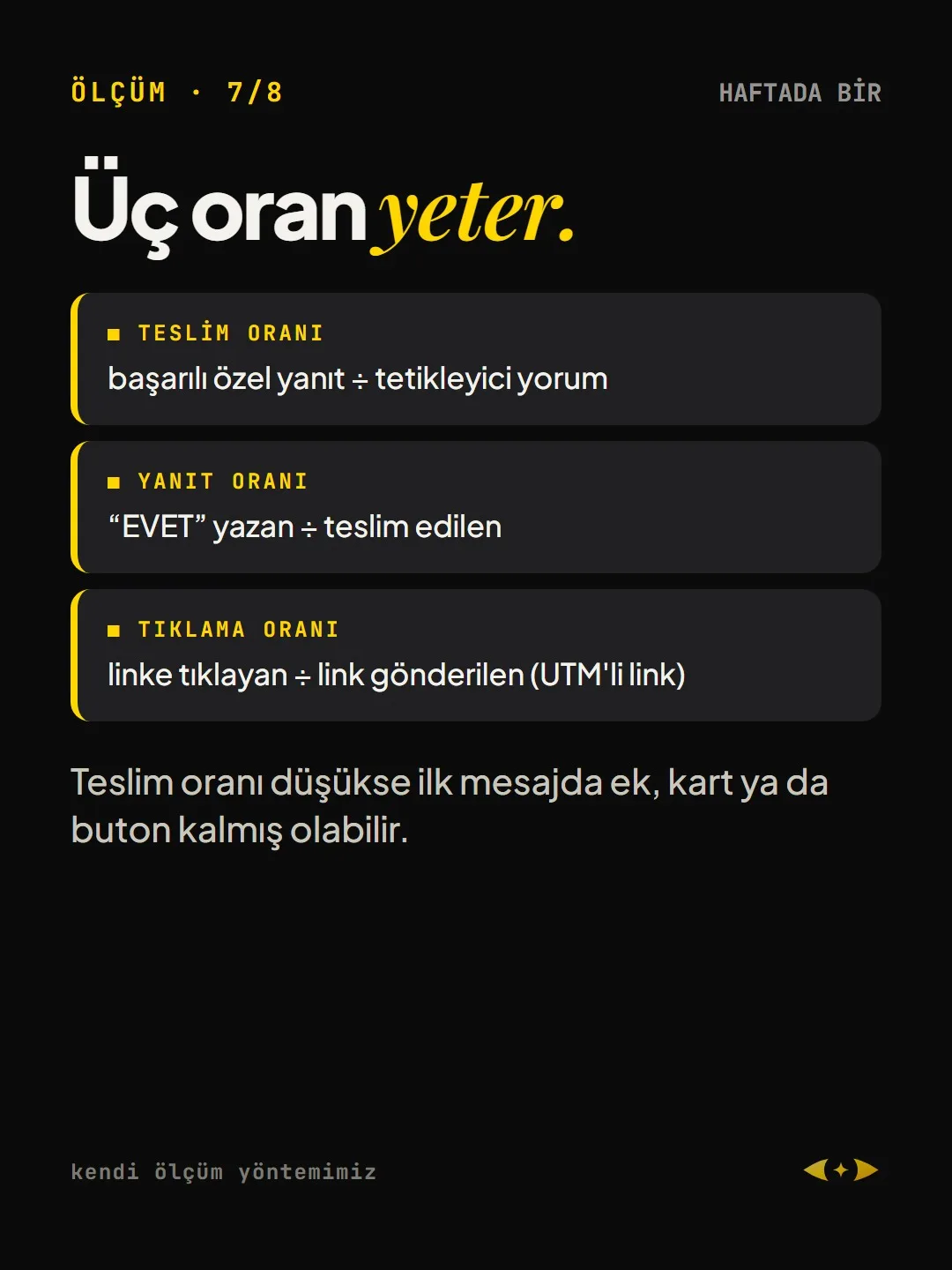
Three rates once a week are enough:
- Delivery rate: successful private replies ÷ trigger comments
- Reply rate: people who replied "YES" ÷ messages delivered
- Click-through rate: people who clicked the link ÷ links sent (link with UTM)
If the delivery rate is low, an attachment, card or button may still be in the first message.
Free · PDF
Download the AUTOMATION checklist.
A printable checklist version of the steps on this page. The PDF is in Turkish; no sign-up needed.
Download the checklist (PDF in Turkish)Sources
- AMeta for Developers: Instagram Private RepliesPrimary source · checked: September 19, 2026
- AMeta for Developers: Instagram Messaging APIPrimary source · checked: September 19, 2026
- CZernio documentation: comment automationsPractitioner · checked: September 19, 2026
- DDijiKoçum: our own setup, September 19, 2026Our own data · checked: September 19, 2026
[A] primary source · [B] industry research · [C] practitioner · [D] our own data
This post is also on (in Turkish)
Frequently asked questions
Why isn't my Instagram comment → DM automation sending messages?
The three most common causes: the "Allow access to messages" setting under Connected tools on your phone is off, the tool's messaging permission (instagram_business_manage_messages) is missing, or the first message contains a button, card or attachment. The first private reply has to be sent as plain text.
How many private messages can be sent per comment on Instagram?
According to Meta's rule, only 1 private reply can be sent per comment, and it must be sent within 7 days. When the person replies to that message, a 24-hour messaging window opens; links and buttons are sent within that window.
Next step
Let’s look at your site together.
Free Digital Checkup: a health score for your website, your ads and your visibility in AI search, plus what to fix first. 3 minutes.
More guides
How-To Guide
How to connect Instagram to Claude: two safe ways to set up comment-to-DM, a DM assistant and scheduled posting (step by step)
15 steps · 11 min
How-To Guide
How to Connect Claude to Gmail, Google Calendar, Drive and Canva: Safe Connector Setup, Step by Step
12 steps · 7 min
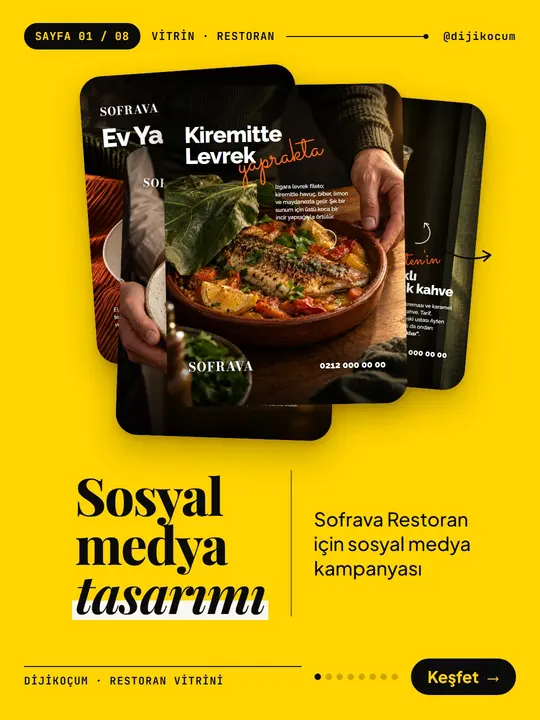
How-To Guide
Make your restaurant's Instagram look like a menu: a 6-post feed template and shot list
9 steps · 6 min