
Visuals in Turkish · the full text is on this page
Tools · Automation
Who Answers Your Business at 3 a.m.? 7 Open-Source Repos
A customer who messages at night won't wait until morning; these 7 free, open-source repos can cover those hours and your repetitive tasks for you.
Short answer
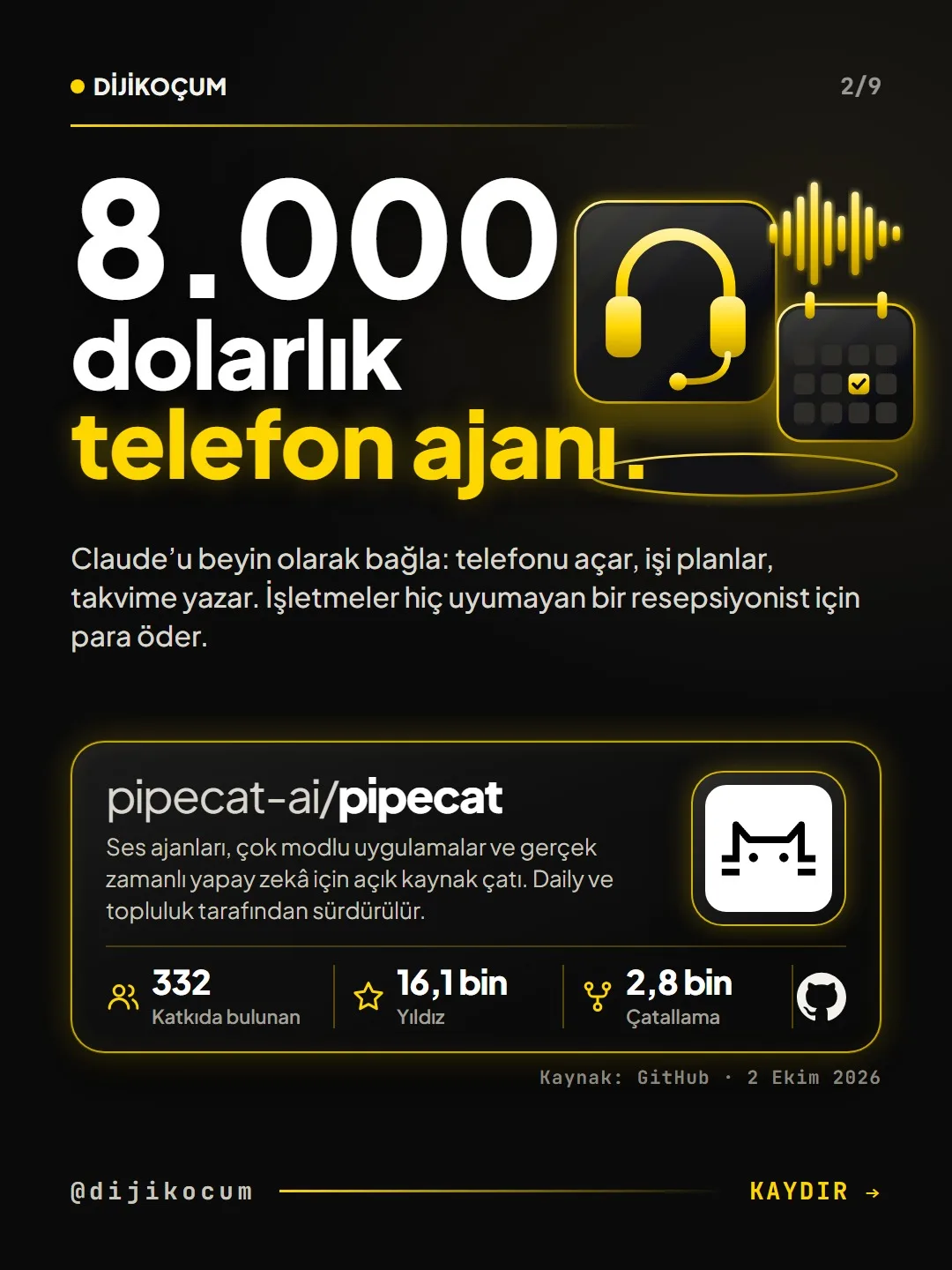
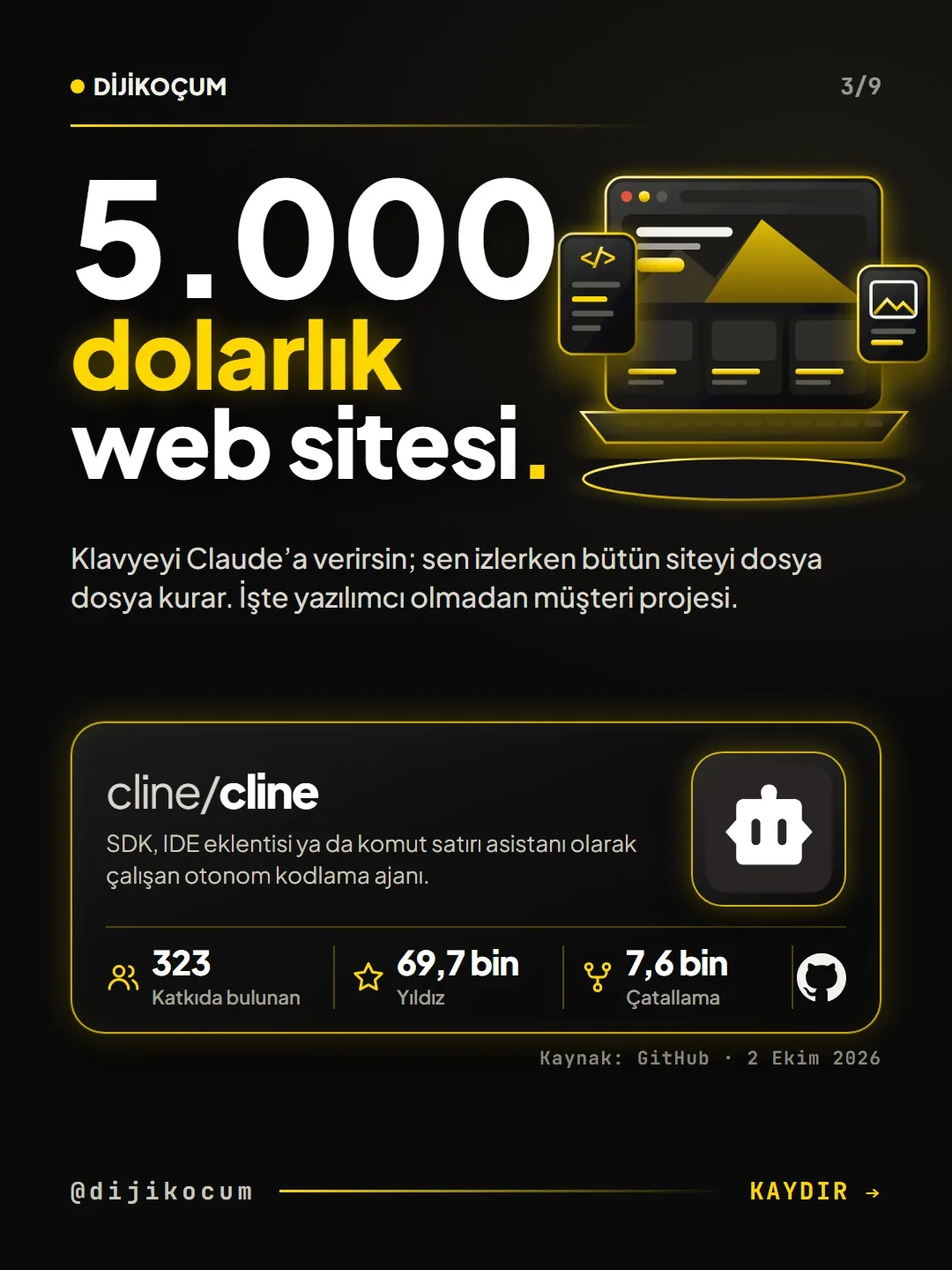
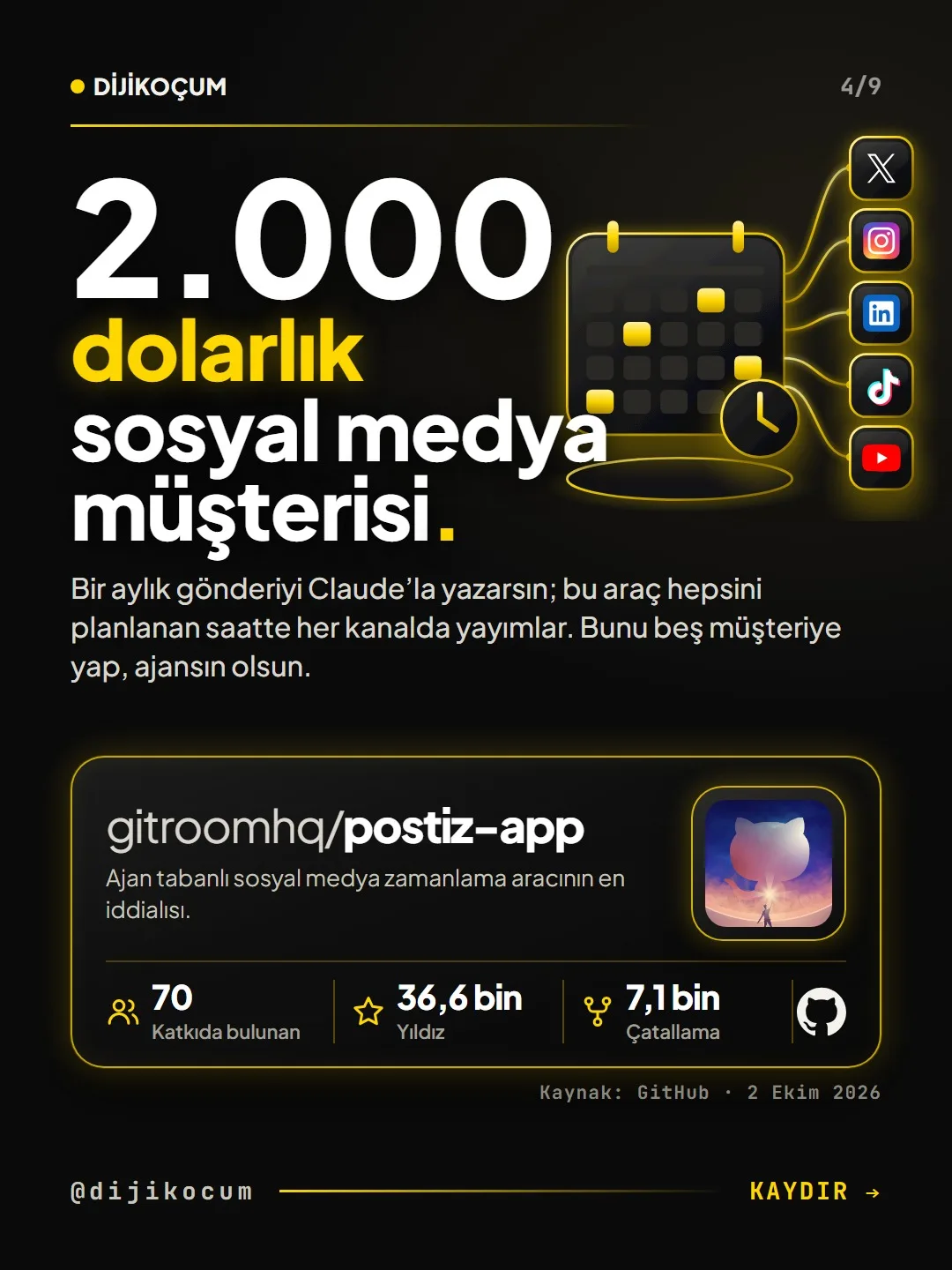
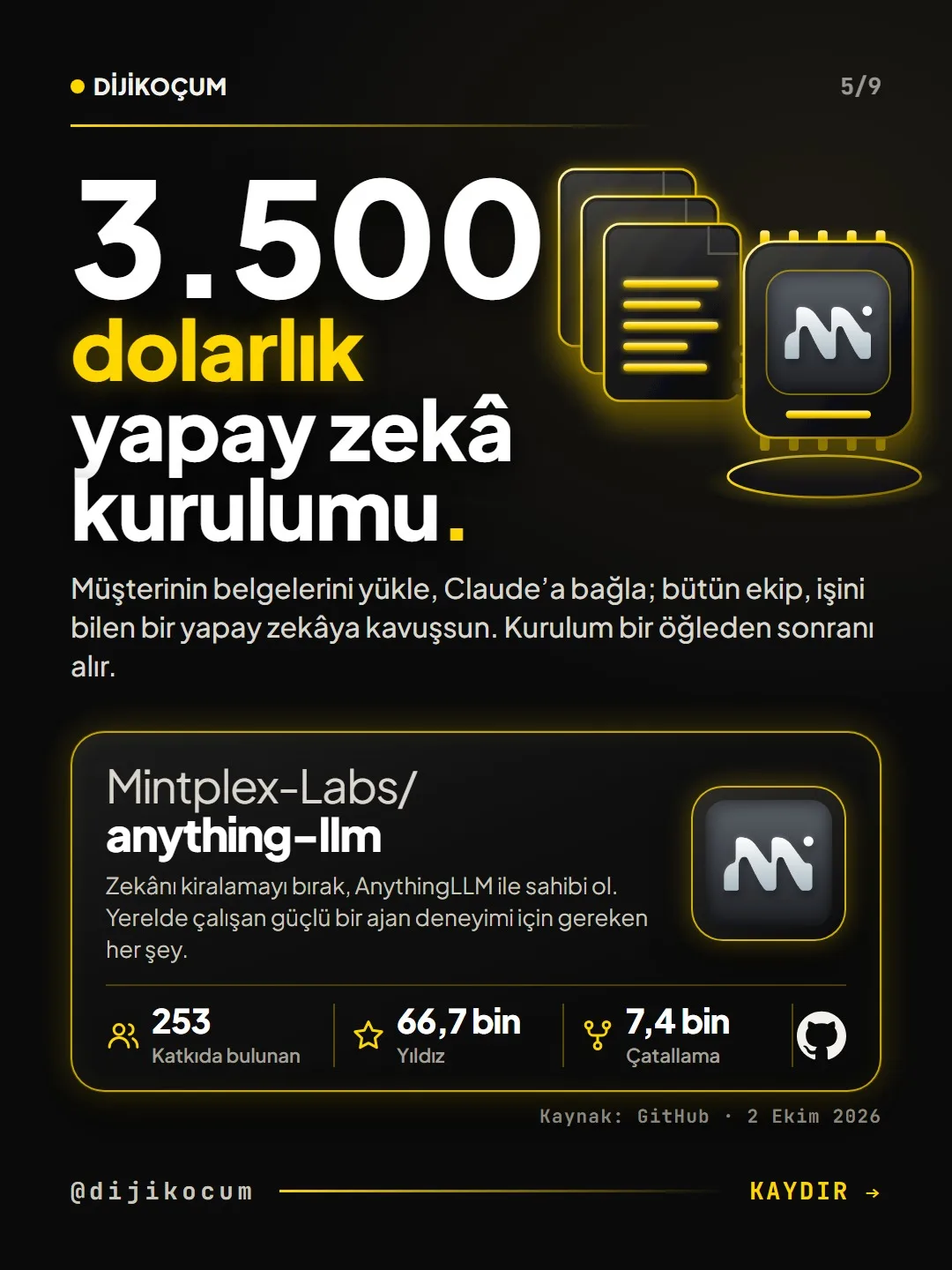
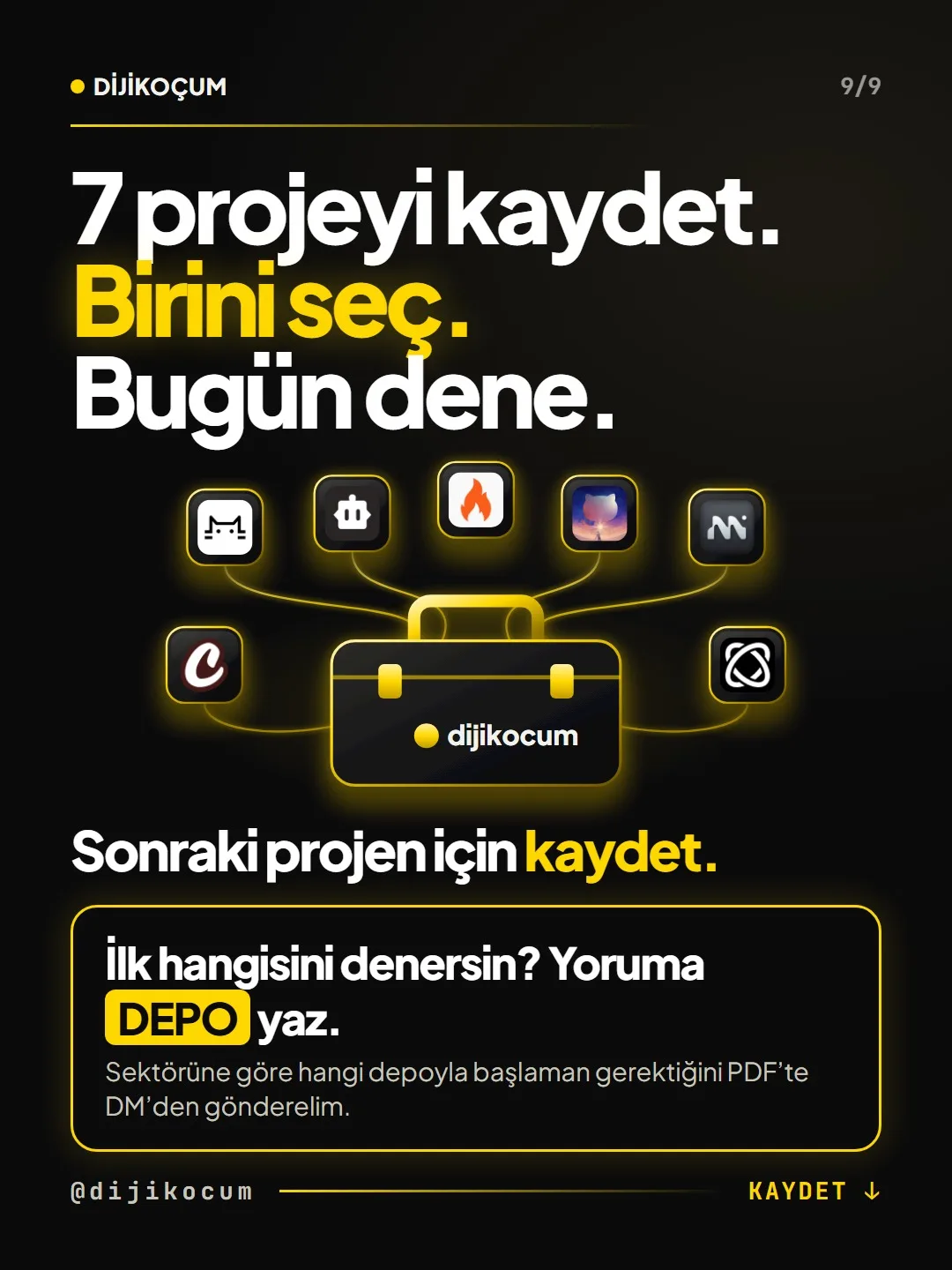
Seven free, open-source GitHub repositories (pipecat, cline, postiz, anything-llm, crewAI, browser-use, firecrawl) can take over repetitive work, from answering the business phone at night to scheduling social media, from a document assistant to collecting web data. Setup is technical: most need a server, an AI API and a configuration file. The right approach isn't to install all of them but to pick the one repo that fits your industry and try it for a month. DijiKoçum's PDF guide gives the setup order, the first 3 steps and what to watch out for in 12 industries.
5 steps · 2 min read · · Turan Yasin Salcı
Step by step · 5 steps
0/5 checked · saved in this browser only
Get to know the seven repos.
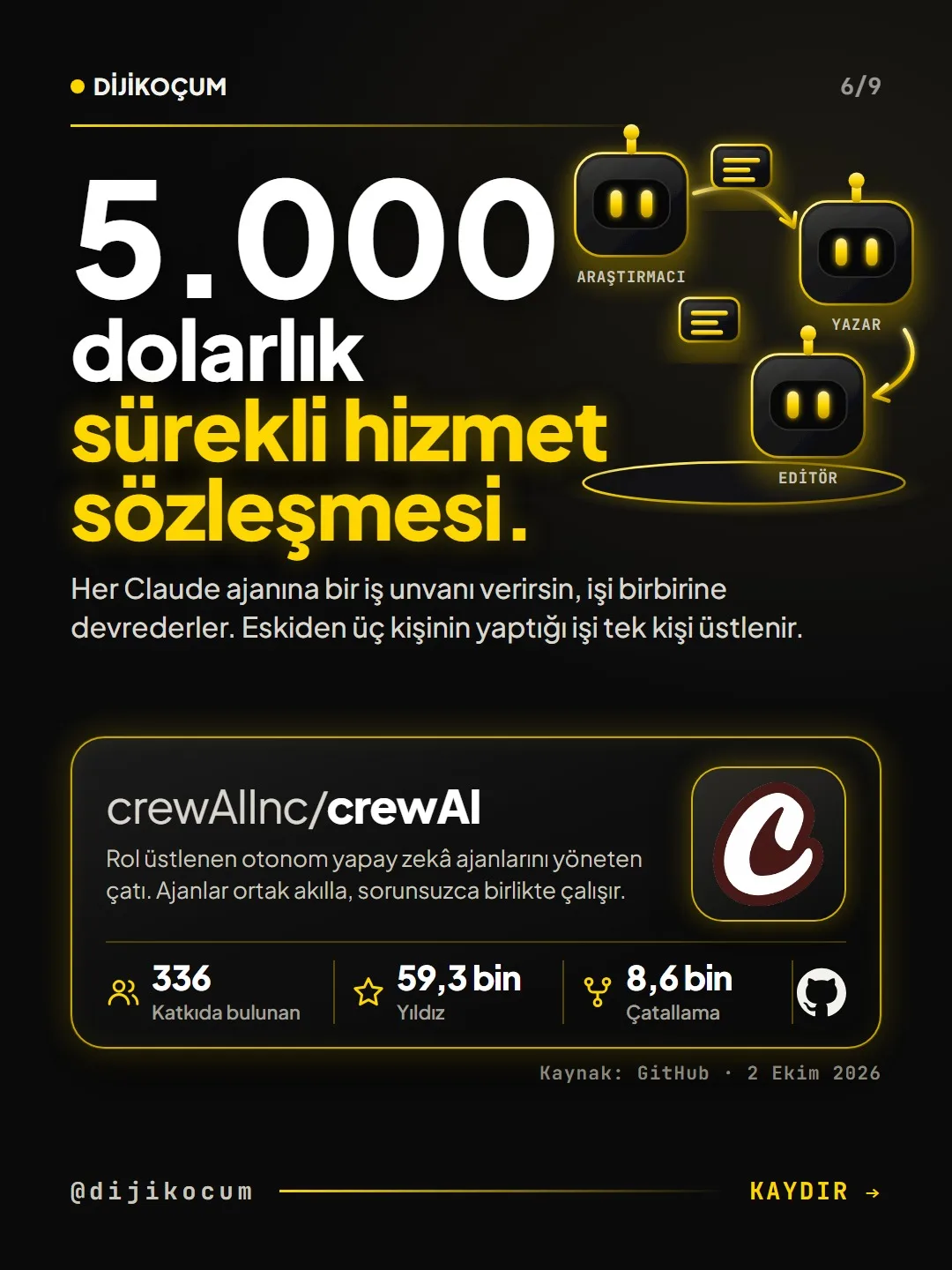
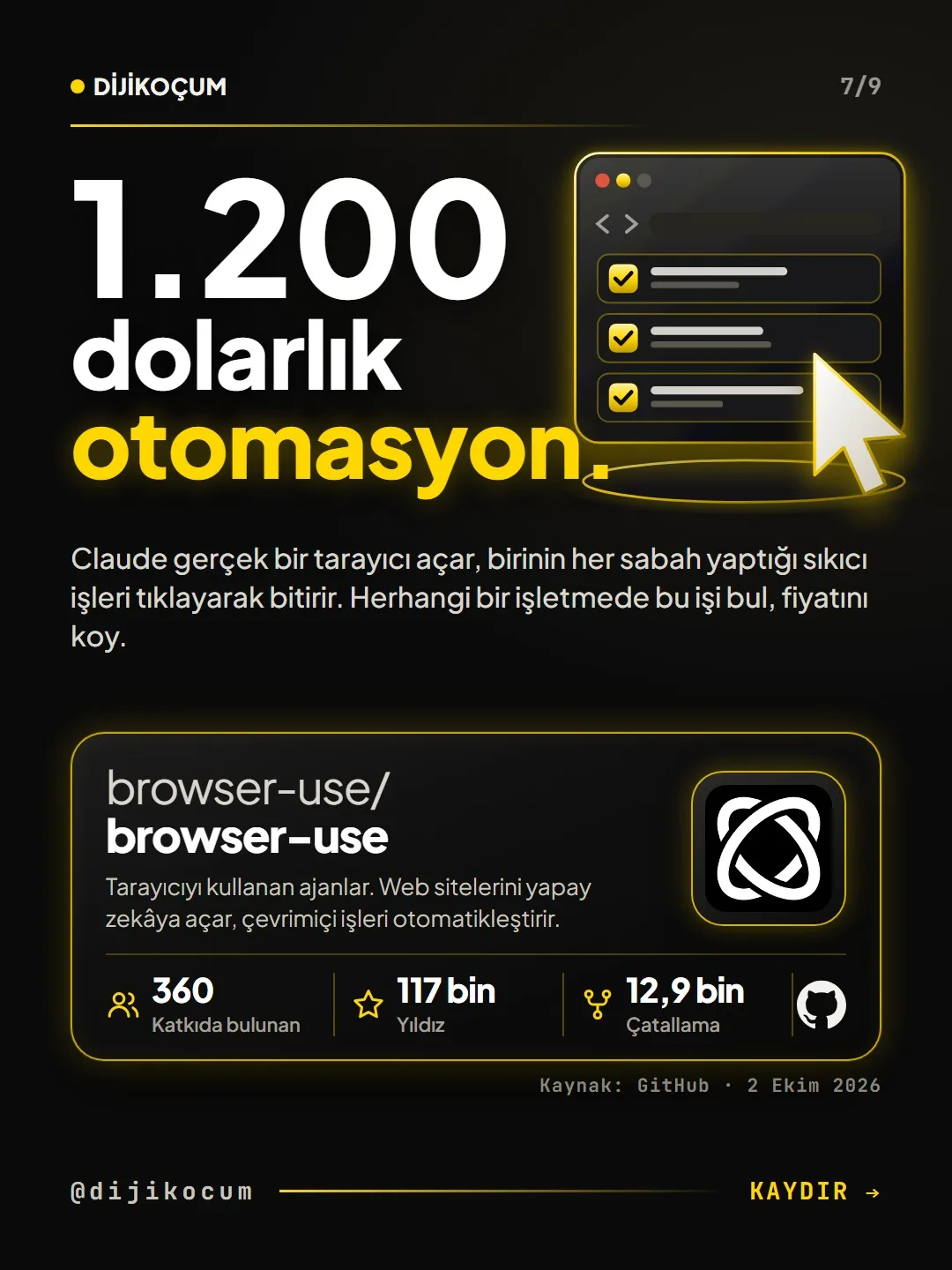
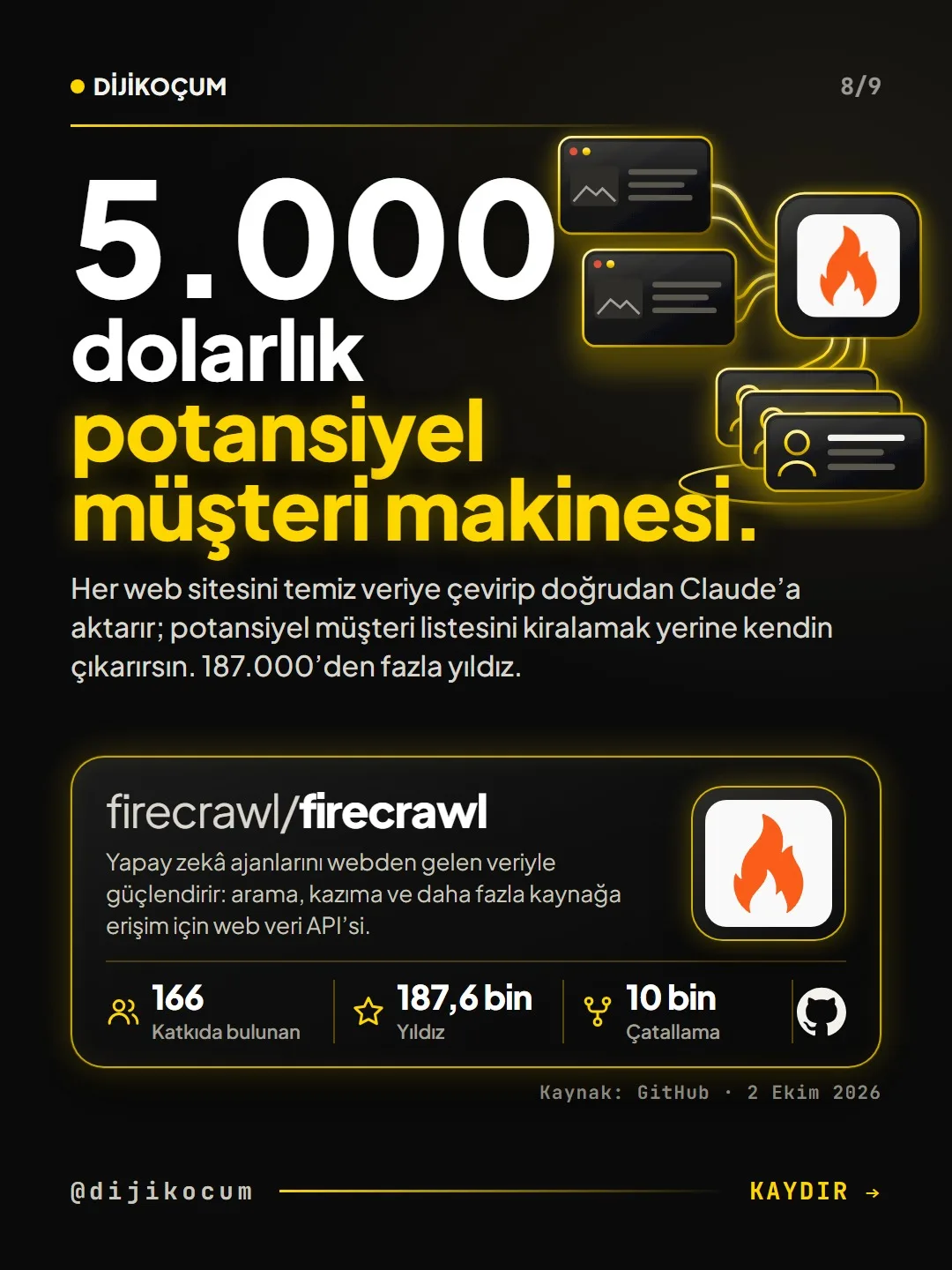
pipecat sets up an assistant that answers the phone and voice calls, cline writes the code you describe in your code editor, and postiz schedules your social media posts. anything-llm is an assistant that talks to your documents, crewAI is a team of agents that work together, browser-use is an agent that clicks through websites for you, and firecrawl is a tool that turns websites into clean data AI can read.
Know from the start that setup is technical.
Most are installed on a server, connect to an AI API and need a configuration file. The closest exceptions are AnythingLLM's desktop version and Cline's editor extension; if the command line is unfamiliar to you, get help from a developer or from DijiKoçum.
Pick one repo for your industry.
Don't install them all. The PDF shows, for 12 industries, which repo comes first and which comes next: for example, at a boutique hotel, first pipecat to answer night calls, then browser-use to check the booking dashboards every morning.
Try it in-house first.
Set up the first repo with a test number or a small task and try it for a month. Use it yourself for at least a week before opening it to customers; once the first one is settled, move on to the second.
Follow the license and data rules.
postiz and firecrawl are licensed under AGPL-3.0: if you modify the code and offer it to others as a service over the internet, you're obligated to share the source code you changed. Don't share your API key with anyone, ask whether it's really necessary before sending personal data to the cloud, and if the other person is talking to an AI, have it say so in the first sentence.
How to measure it
After a month, count the work the tool you set up took on: for example, how many of the calls that came in at night turned into a booking or an appointment the next morning. If the number isn't going up, first fix the information you gave the tool.
Free · PDF
Download the Repository Guide by Industry (PDF).
A printable checklist version of the steps on this page. The PDF is in Turkish; no sign-up needed.
Download the checklist (PDF in Turkish)Sources
- AGitHub: pipecat repository (star, fork and contributor counts)Primary source · checked: October 2, 2026
- AGitHub: cline repository (star, fork and contributor counts)Primary source · checked: October 2, 2026
- AGitHub: postiz-app repository (star, fork and contributor counts)Primary source · checked: October 2, 2026
- AGitHub: anything-llm repository (star, fork and contributor counts)Primary source · checked: October 2, 2026
- AGitHub: crewAI repository (star, fork and contributor counts)Primary source · checked: October 2, 2026
- AGitHub: browser-use repository (star, fork and contributor counts)Primary source · checked: October 2, 2026
- AGitHub: firecrawl repository (star, fork and contributor counts)Primary source · checked: October 2, 2026
- DDijiKoçum open-source repository guide (7 repos, 12 industries)Our own data · checked: October 4, 2026
[A] primary source · [B] industry research · [C] practitioner · [D] our own data
Frequently asked questions
Are these repos really free?
The software itself is free and open source. To run it, though, you usually pay for a monthly server, pay-as-you-go AI API fees and, with pipecat, a phone line; set a monthly spending limit in your provider's dashboard.
If I'm not technical, which one should I start with?
The easiest to set up are AnythingLLM's desktop version and Cline's editor extension. The others need a server and a configuration file; if the command line is unfamiliar to you, set them up with a developer or with support.
Can I use them with patient or client data?
Before sending personal and sensitive data to the cloud, ask whether it's really necessary. That's why, for fields like dental clinics, lawyers and psychologists, the order in the PDF starts with tools that run locally and handle only administrative work.
Next step
Let’s look at your site together.
Free Digital Checkup: a health score for your website, your ads and your visibility in AI search, plus what to fix first. 3 minutes.
More guides

Tools
How to transform product photos with ChatGPT Images 2.5: 20 ready-made image prompts (step by step)
26 steps · 14 min

Tools
5 Free Animation Skills for Claude Code: How to Install Three.js, GSAP, design-dna, LottieFiles and Genjutsu (Step by Step)
16 steps · 9 min

Tools
How to Use the Prompt Library and Prompt Builder: Copy a Ready-Made Prompt, Fill In the Blanks
9 steps · 7 min