
Visuals in Turkish · the full text is on this page
How-To Guide · Local SEO
How to Prevent a Google Business Profile Suspension: 6 Checks
We covered what to do after a suspension. This time: 6 checks so it doesn't happen.
Short answer
Google Business Profiles are most often suspended because of keywords added to the business name, an address with no staff, a category that doesn't describe the business, or bulk changes made on the same day. Keeping the name identical to the real name on your sign, choosing a single, narrow primary category, keeping ownership on a company account and preparing evidence documents in one folder in advance all reduce the risk.
6 steps · 3 min read · · Turan Yasin Salcı
Step by step · 6 steps
0/6 checked · saved in this browser only
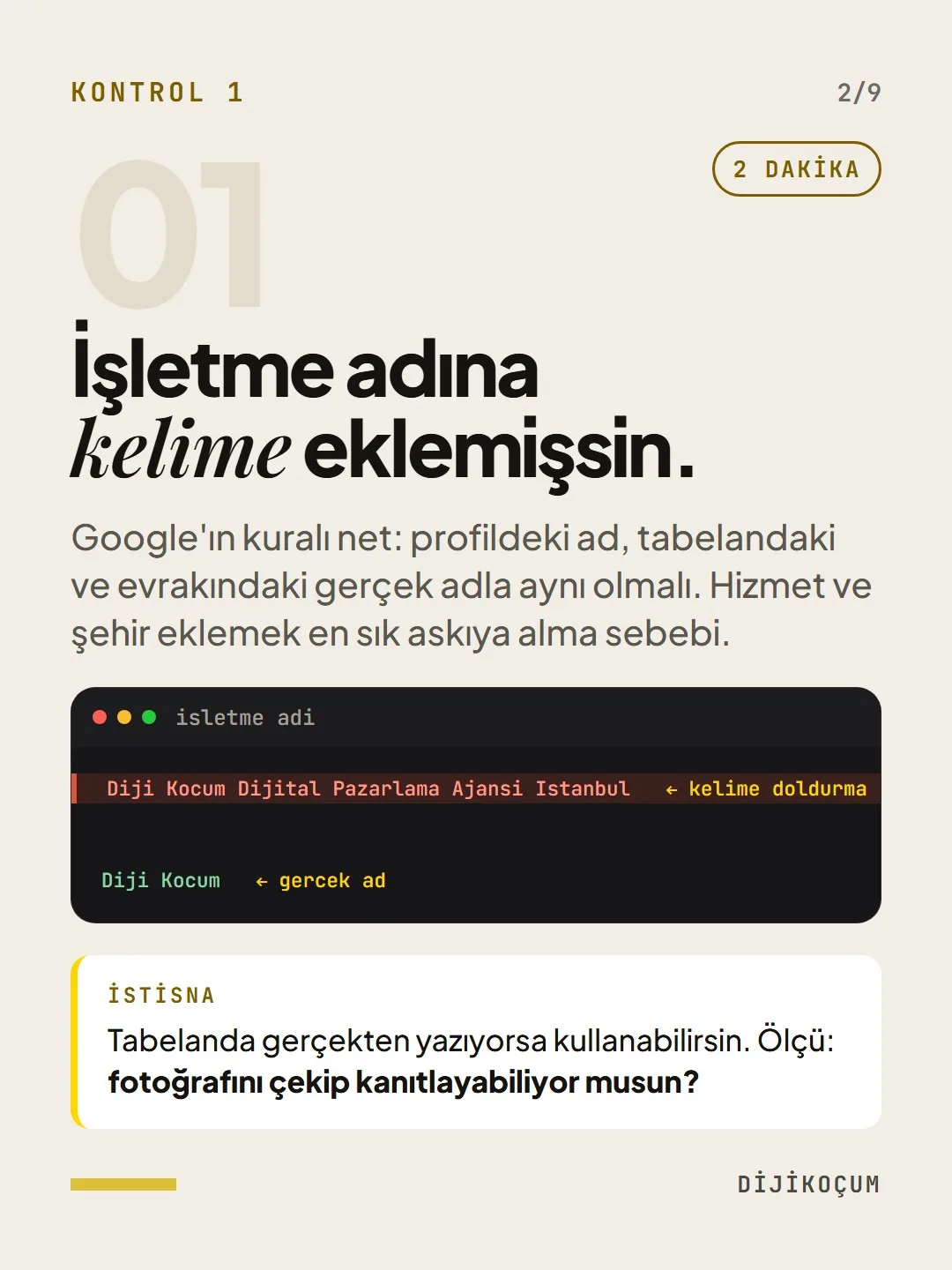
You've added keywords to your business name.
2 MINUTESGoogle's rule is clear: the name on your profile must match the real name on your sign and your paperwork. Adding services and a city is the most common reason for suspension.
Exception: If it's actually on your sign, you can use it. The test: can you take a photo of it and prove it?
Diji Kocum Digital Marketing Agency Istanbul Diji KocumYour address gives you away.
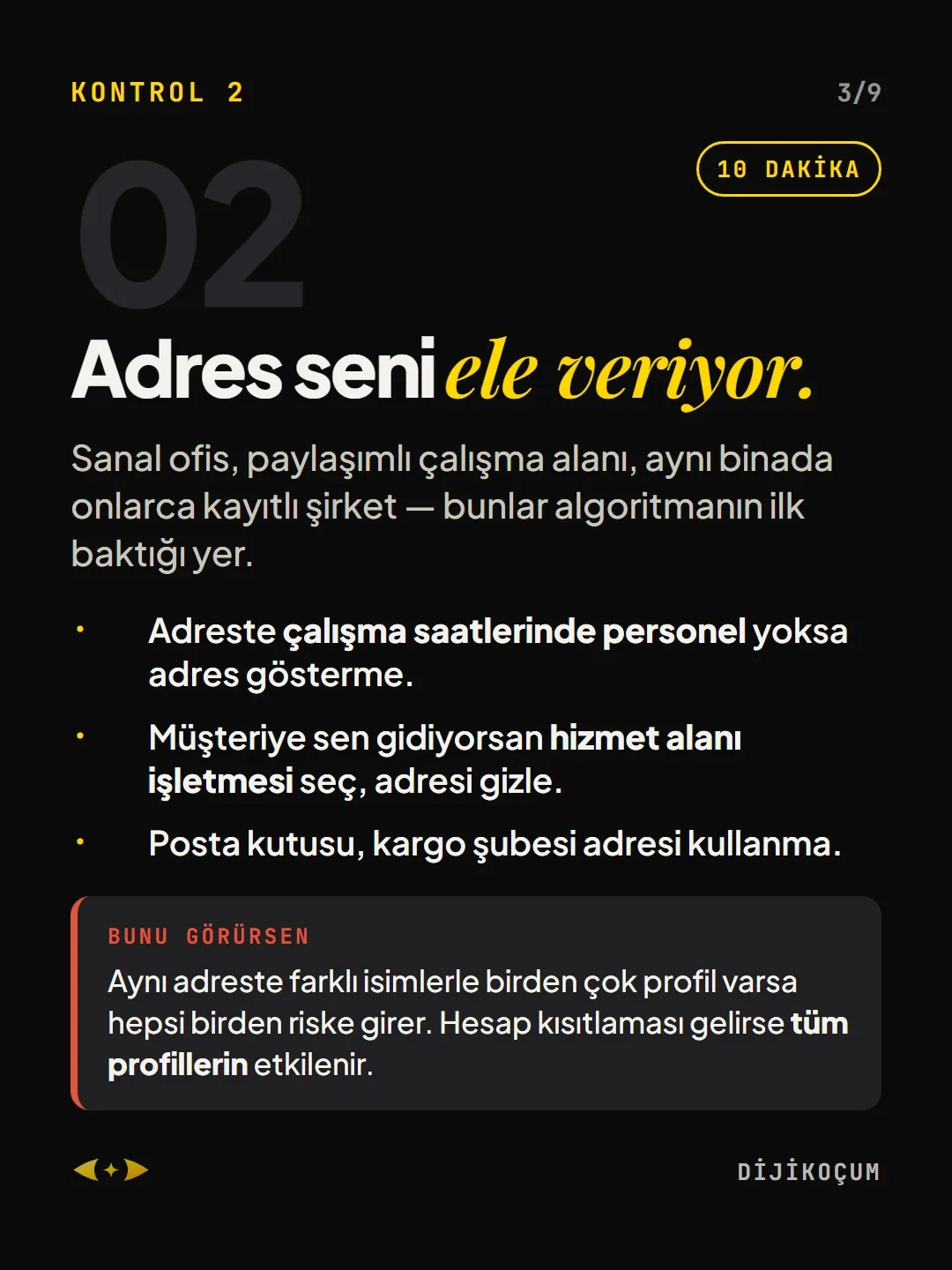
10 MINUTESVirtual offices, coworking spaces, dozens of registered companies in the same building — these are the first places the algorithm looks.
- If there's no staff at the address during business hours, don't show the address.
- If you go to your customers, choose service-area business and hide the address.
- Don't use a PO box or a shipping branch address.
If you see this: If there are several profiles under different names at the same address, all of them are at risk. If an account restriction hits, all of your profiles are affected.
Your category doesn't describe the business.
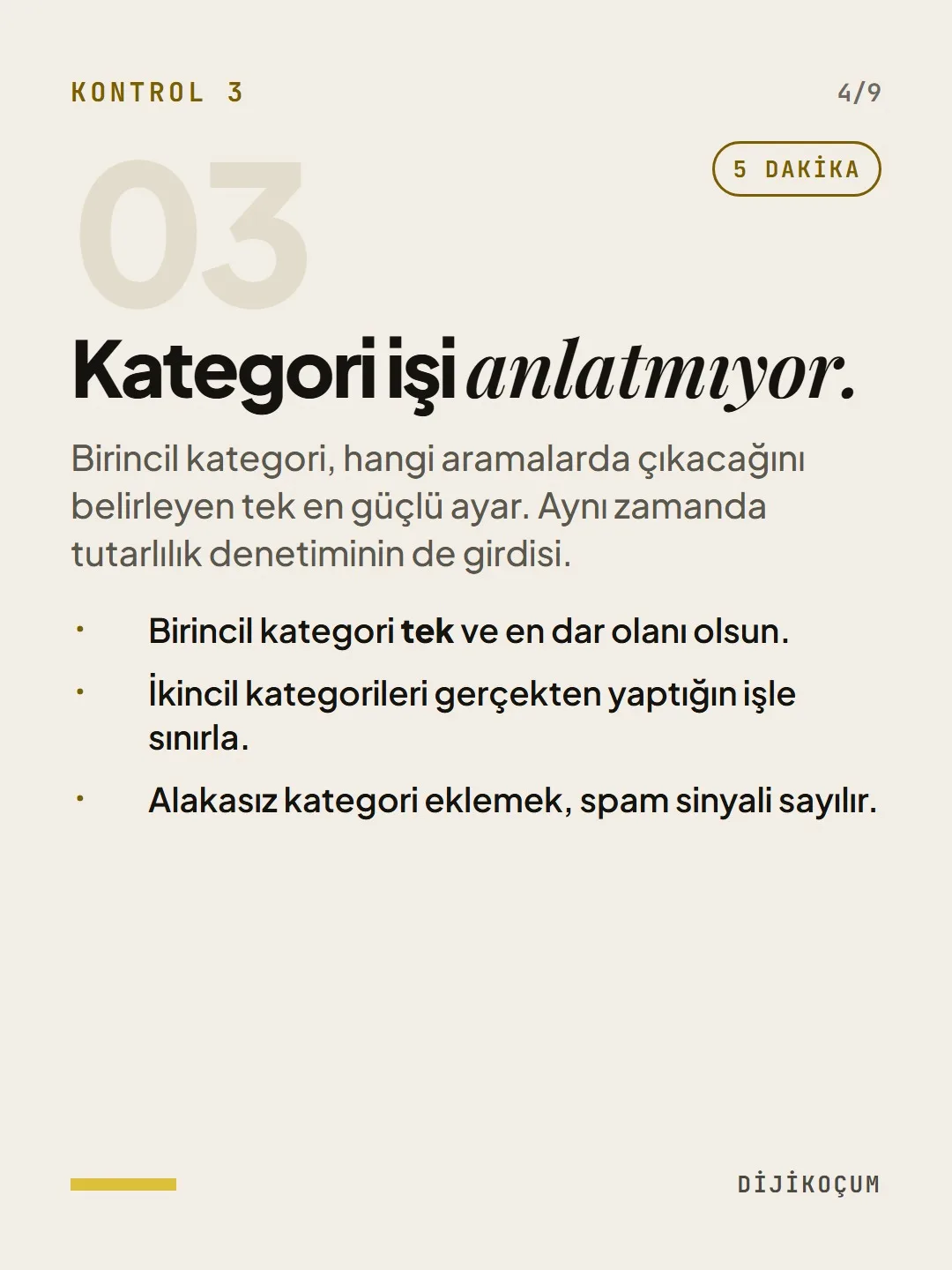
5 MINUTESThe primary category is the single most powerful setting for which searches you show up in. It's also an input for consistency checks.
- Make the primary category one and the narrowest one.
- Limit secondary categories to work you actually do.
- Adding irrelevant categories counts as a spam signal.
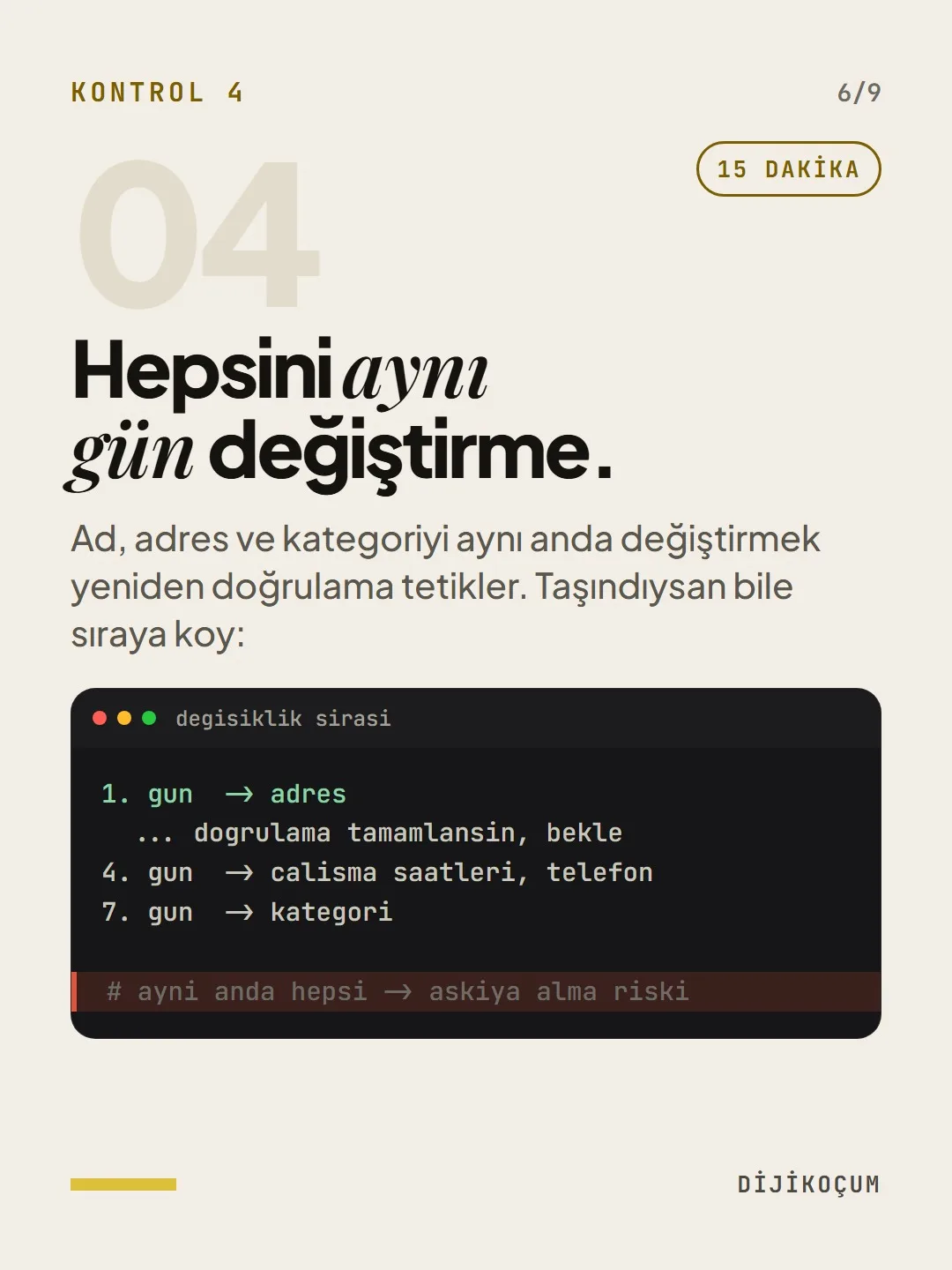
Don't change everything on the same day.
15 MINUTESChanging the name, address and category at the same time triggers re-verification. Even if you've moved, put the changes in order:
Day 1 -> address ... let verification complete, wait Day 4 -> business hours, phone Day 7 -> category # everything at once -> suspension riskWho owns your profile?
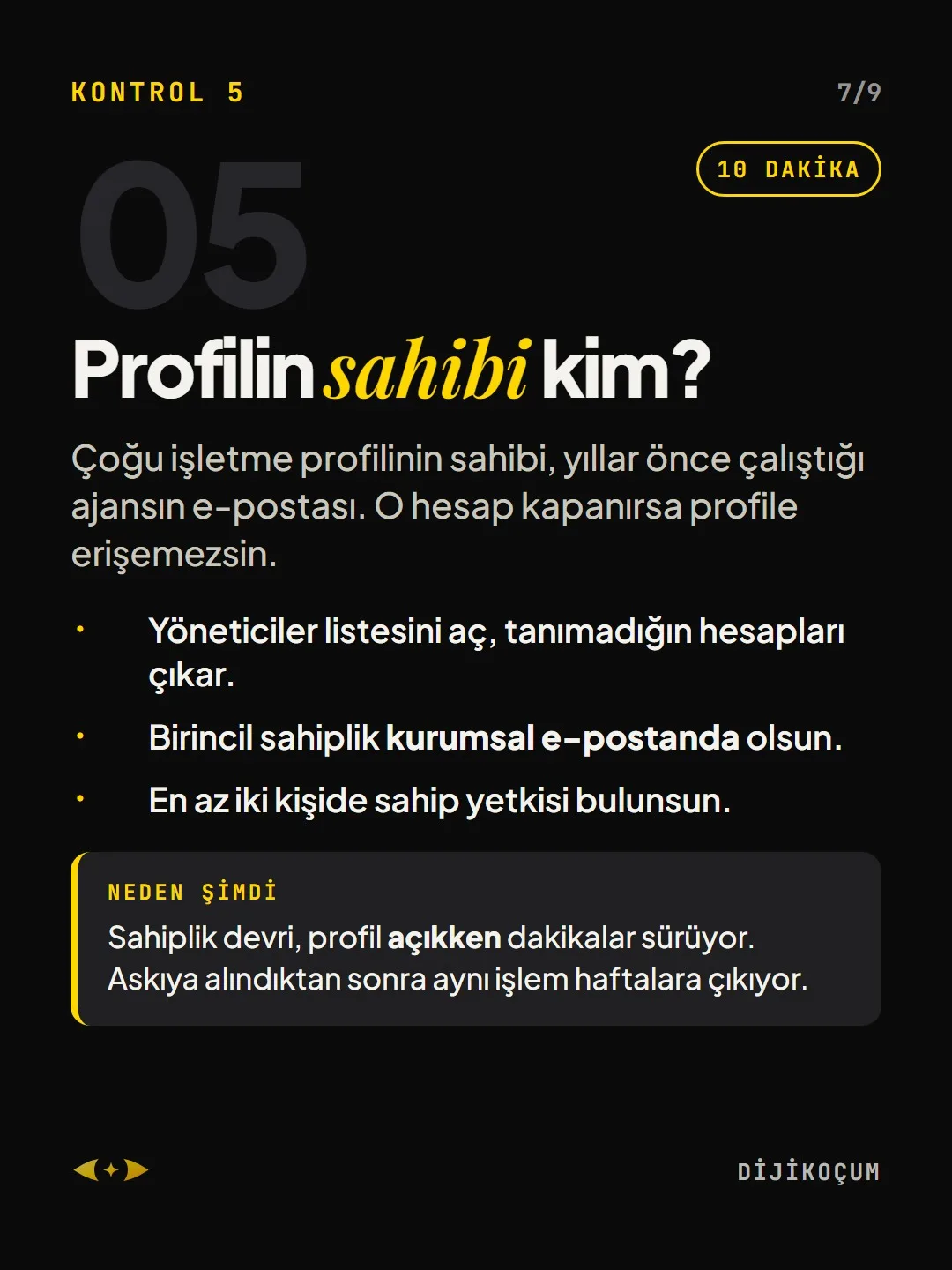
10 MINUTESMany business profiles are owned by the email of an agency the business worked with years ago. If that account is closed, you lose access to the profile.
- Open the managers list and remove accounts you don't recognize.
- Keep primary ownership on your company email.
- Make sure at least two people have owner access.
Why now: Transferring ownership takes minutes while the profile is active. After a suspension, the same process stretches into weeks.
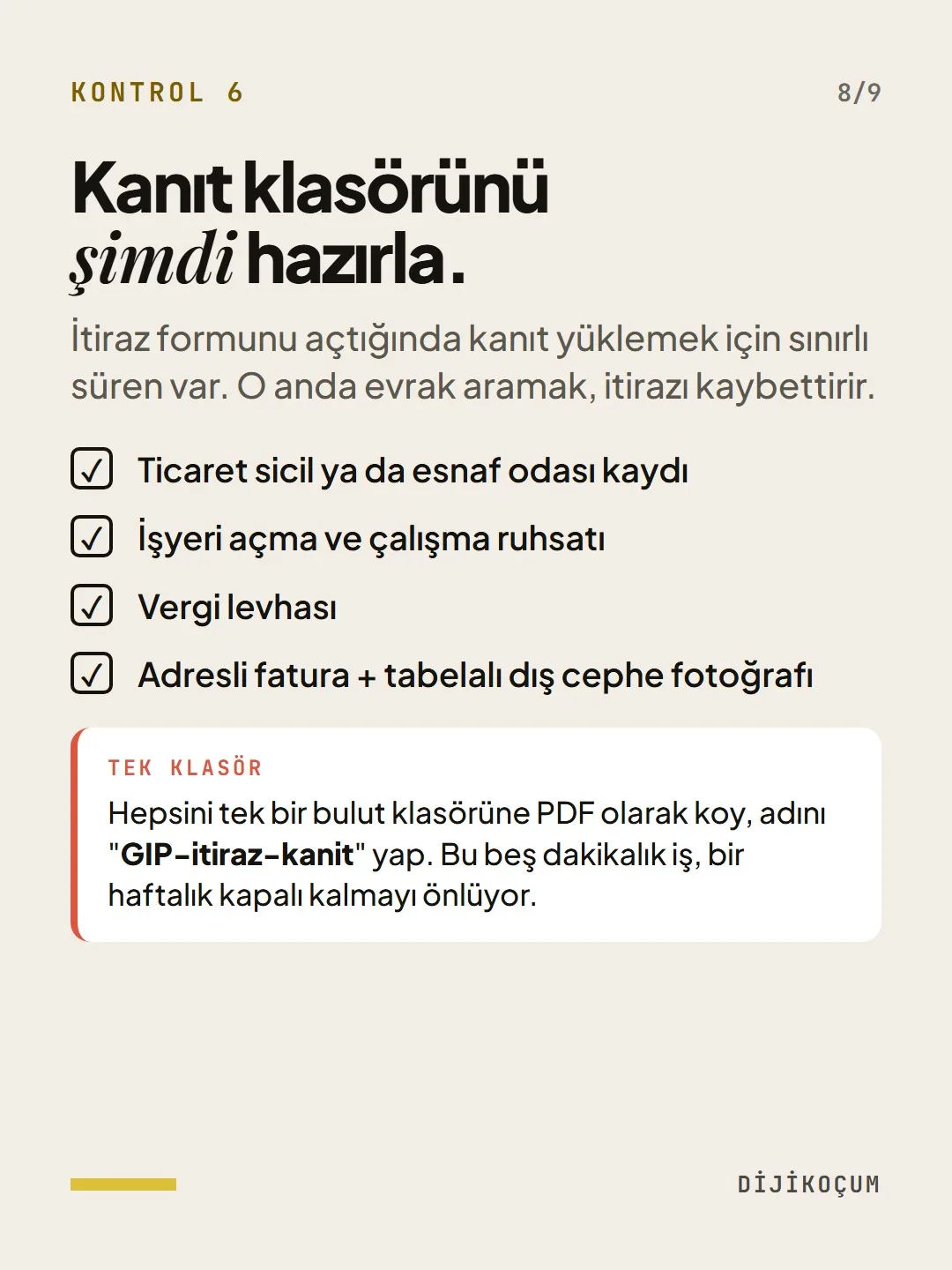
Prepare your evidence folder now.
When you open the appeal form, you have limited time to upload evidence. Searching for paperwork at that moment loses the appeal.
- Trade registry or chamber of tradesmen and craftsmen registration
- Business opening and operating license
- Tax registration certificate
- A utility bill showing the address + a photo of the storefront with your sign
One folder: Put everything as PDFs in a single cloud folder and name it "GBP-appeal-evidence". This five-minute job saves you from a week of being offline.
Free · PDF
Download the PROFILEGUARD Checklist.
A printable checklist version of the steps on this page. The PDF is in Turkish; no sign-up needed.
Download the checklist (PDF in Turkish)Sources
- AGoogle Business Profile Help: Guidelines for representing your business on GooglePrimary source · checked: September 20, 2026
[A] primary source · [B] industry research · [C] practitioner · [D] our own data
This post is also on (in Turkish)
Frequently asked questions
Will adding keywords to my business name get my profile suspended?
It increases the risk. Under Google's rule, the name on your profile must match the name on your sign and your official paperwork; additions like “Brand Digital Marketing Agency Istanbul” count as keyword stuffing. The test is simple: can you prove the name with a photo of your sign?
What documents should I prepare before my profile gets suspended?
Trade registry or chamber of tradesmen and craftsmen registration, business opening and operating license, tax registration certificate, a utility bill showing the address and a photo of the storefront with your sign. Keep all of them as PDFs in a single cloud folder; the time to upload evidence in an appeal is limited.
Next step
Let’s look at your site together.
Free Digital Checkup: a health score for your website, your ads and your visibility in AI search, plus what to fix first. 3 minutes.
More guides

How-To Guide
How to connect Instagram to Claude: two safe ways to set up comment-to-DM, a DM assistant and scheduled posting (step by step)
15 steps · 11 min
How-To Guide
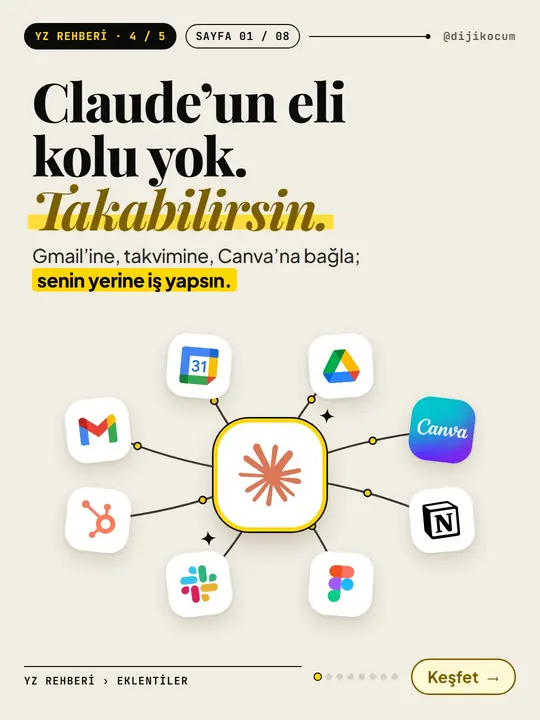
How to Connect Claude to Gmail, Google Calendar, Drive and Canva: Safe Connector Setup, Step by Step
12 steps · 7 min

How-To Guide
Make your restaurant's Instagram look like a menu: a 6-post feed template and shot list
9 steps · 6 min