Visuals in Turkish · the full text is on this page
How-To Guide · Social Media
5 Reels Formats That Work for Any Business
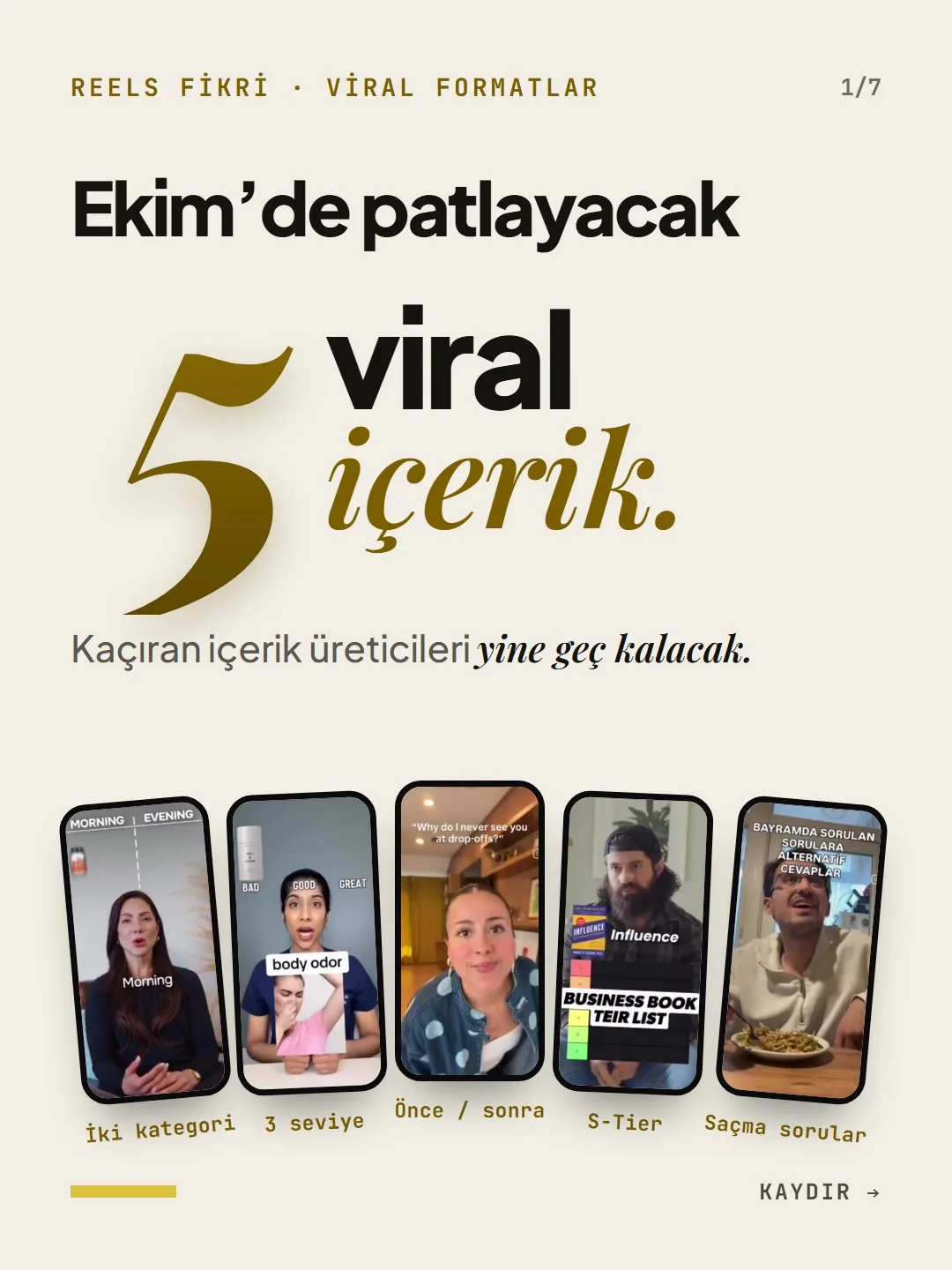
Two categories, three levels, before/after, S-to-D ranking and weird questions: all of them can be filmed without showing your face.
Short answer
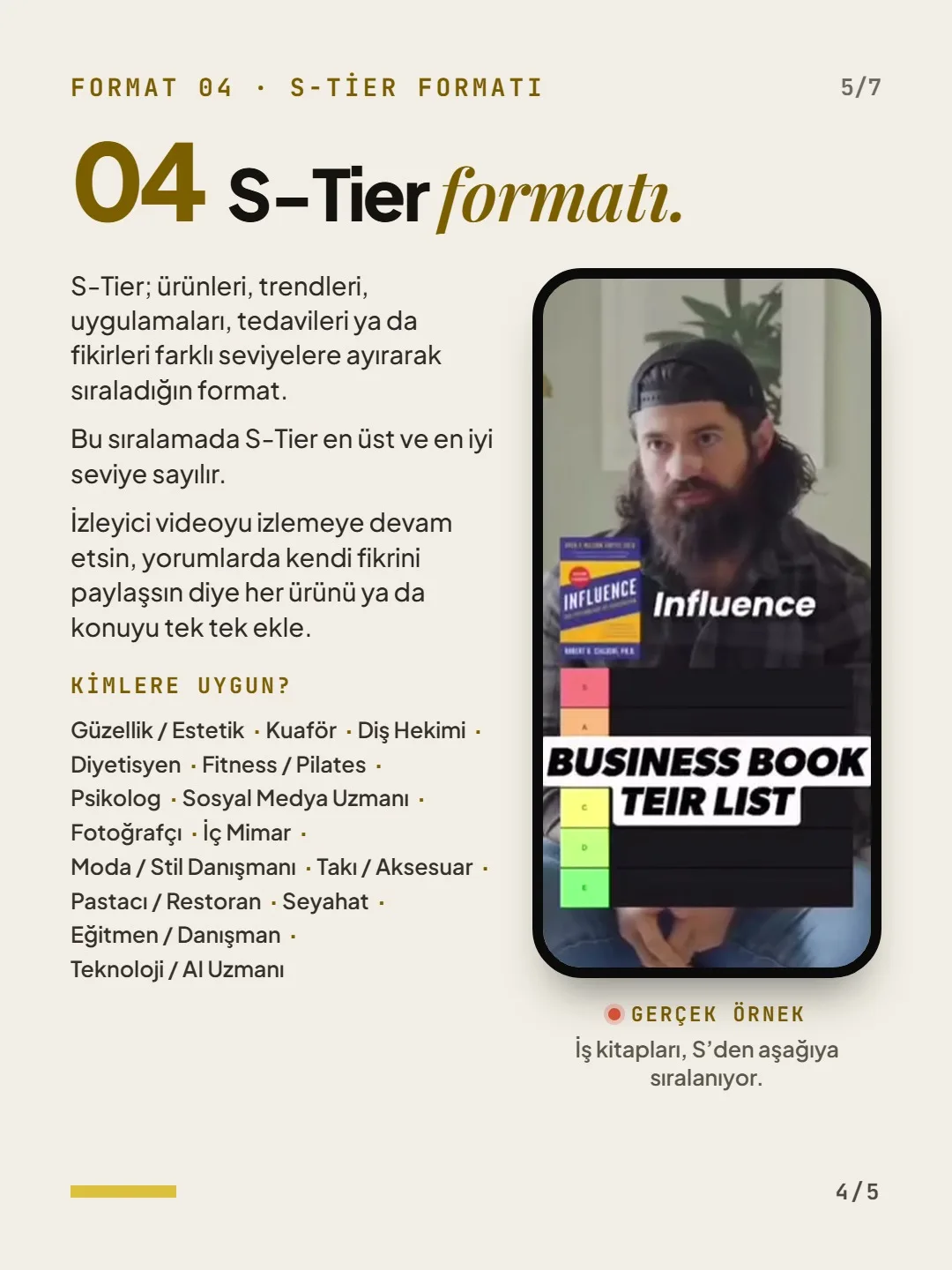
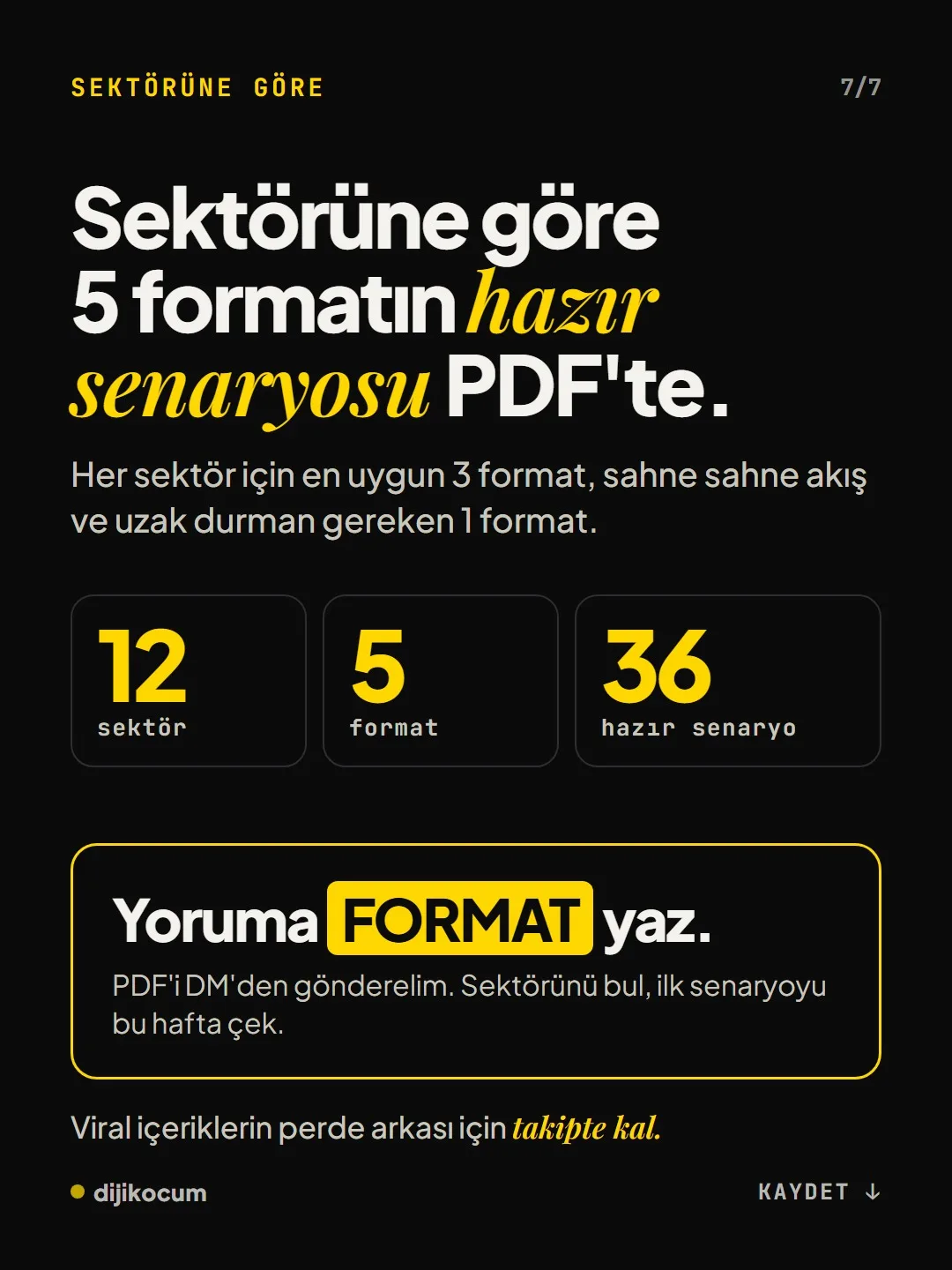
5 Reels formats that work regardless of industry: two categories (A/B), three levels (bad, good, great), before/after, S-to-D ranking, and weird questions. All of them can be filmed without showing your face, using hands, the space, a screen recording or text cards. The basic rules: the title stays on screen in the first frame, 3–7 words of text per scene, 15–40 seconds long, and a single ask in the last frame. DijiKoçum's PDF gives 36 ready-made scripts for 12 industries, plus the formats to stay away from.
5 steps · 2 min read · · Turan Yasin Salcı
Step by step · 5 steps
0/5 checked · saved in this browser only
Pick the format.
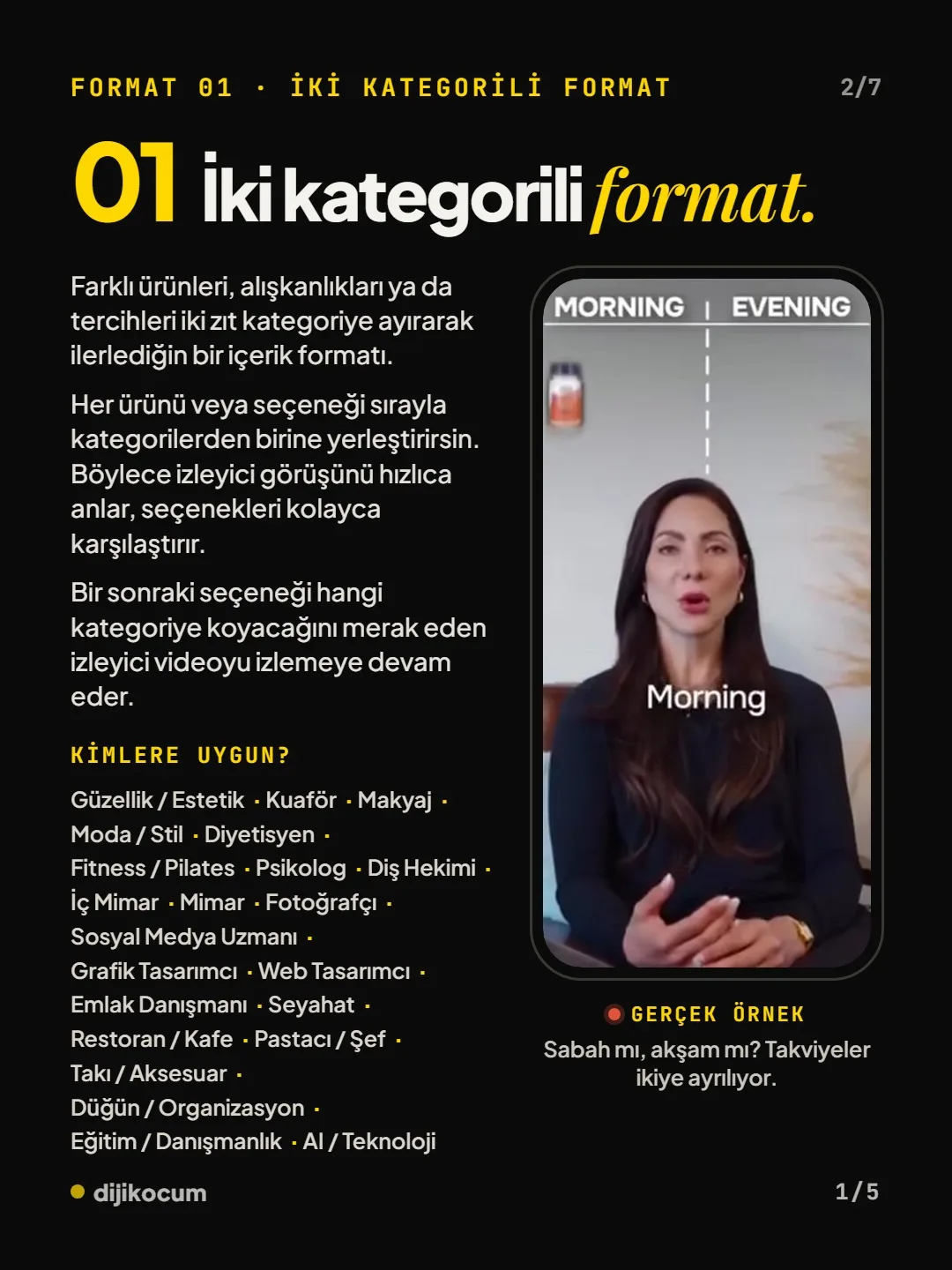
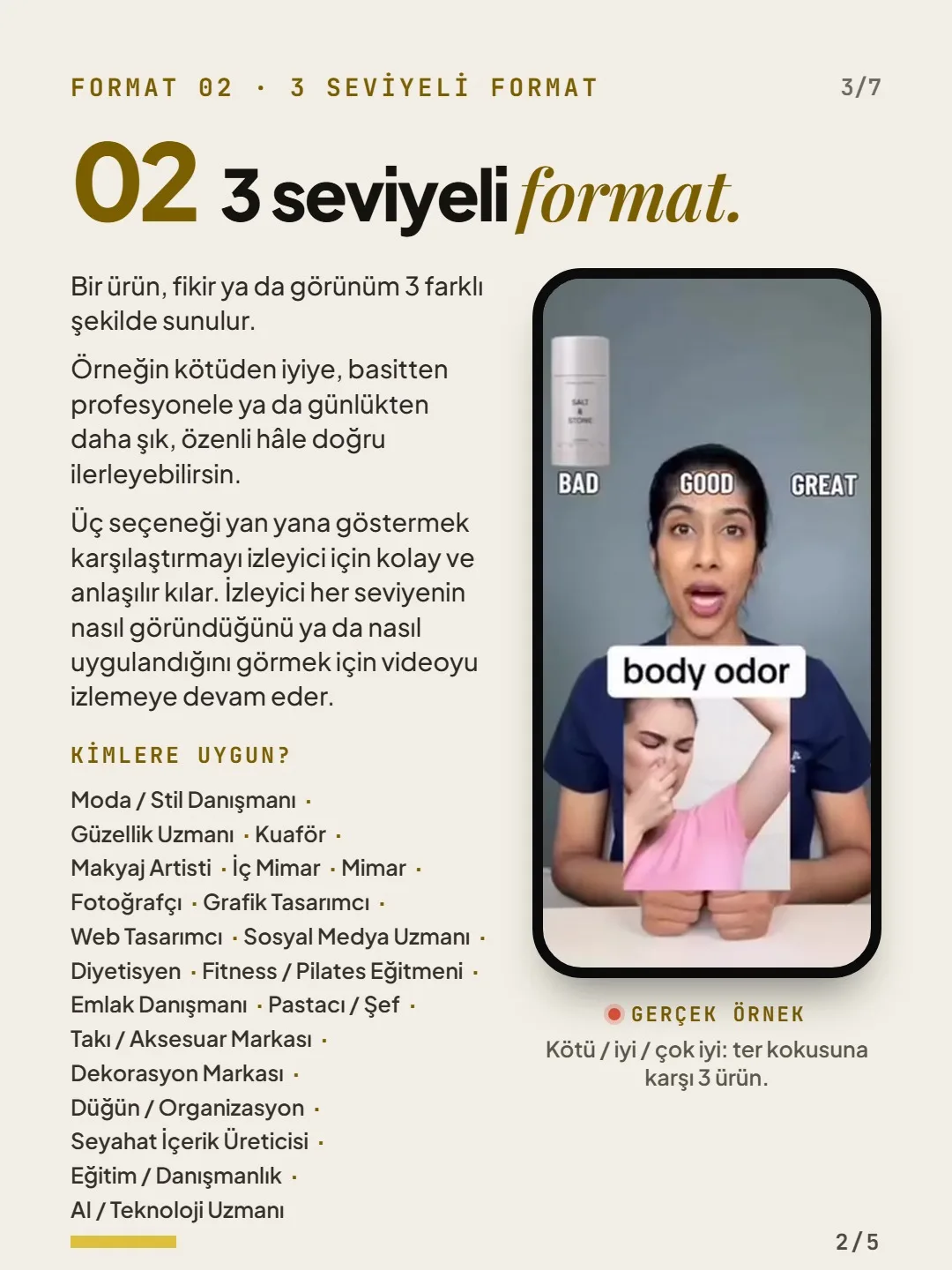
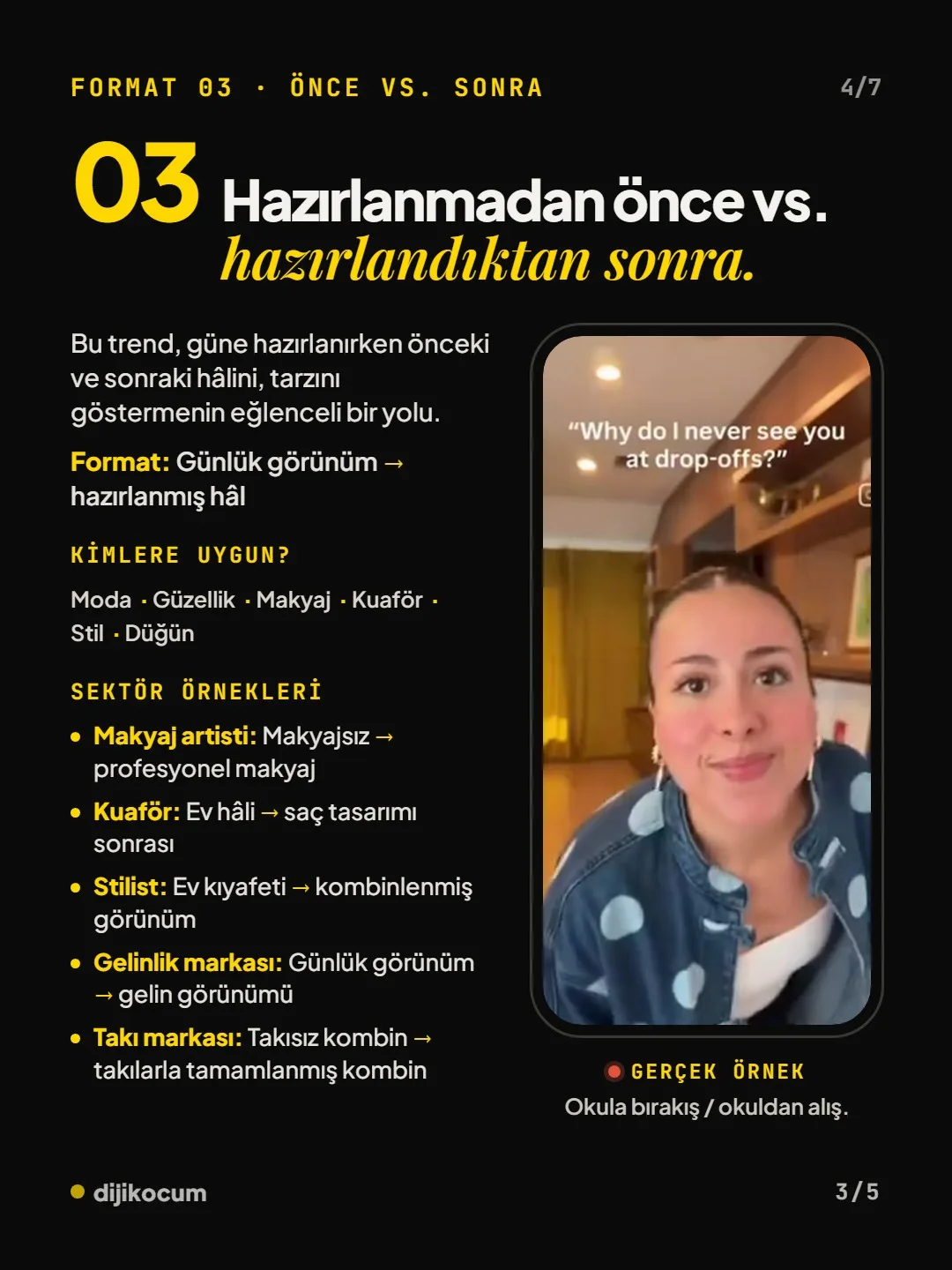
Two categories: you split the topic into two opposing boxes. Three levels: you show the same job in its bad, good and great versions. Before/after: the starting state, the effort and the final state. S to D: you sort the options into tiers. Weird questions: you give short answers to the strange but real questions you hear every week.
Write the script scene by scene.
The title should stay on screen in the first frame, each scene should be 2–4 seconds, and give a single ask in the last frame. Skeleton for weird questions:
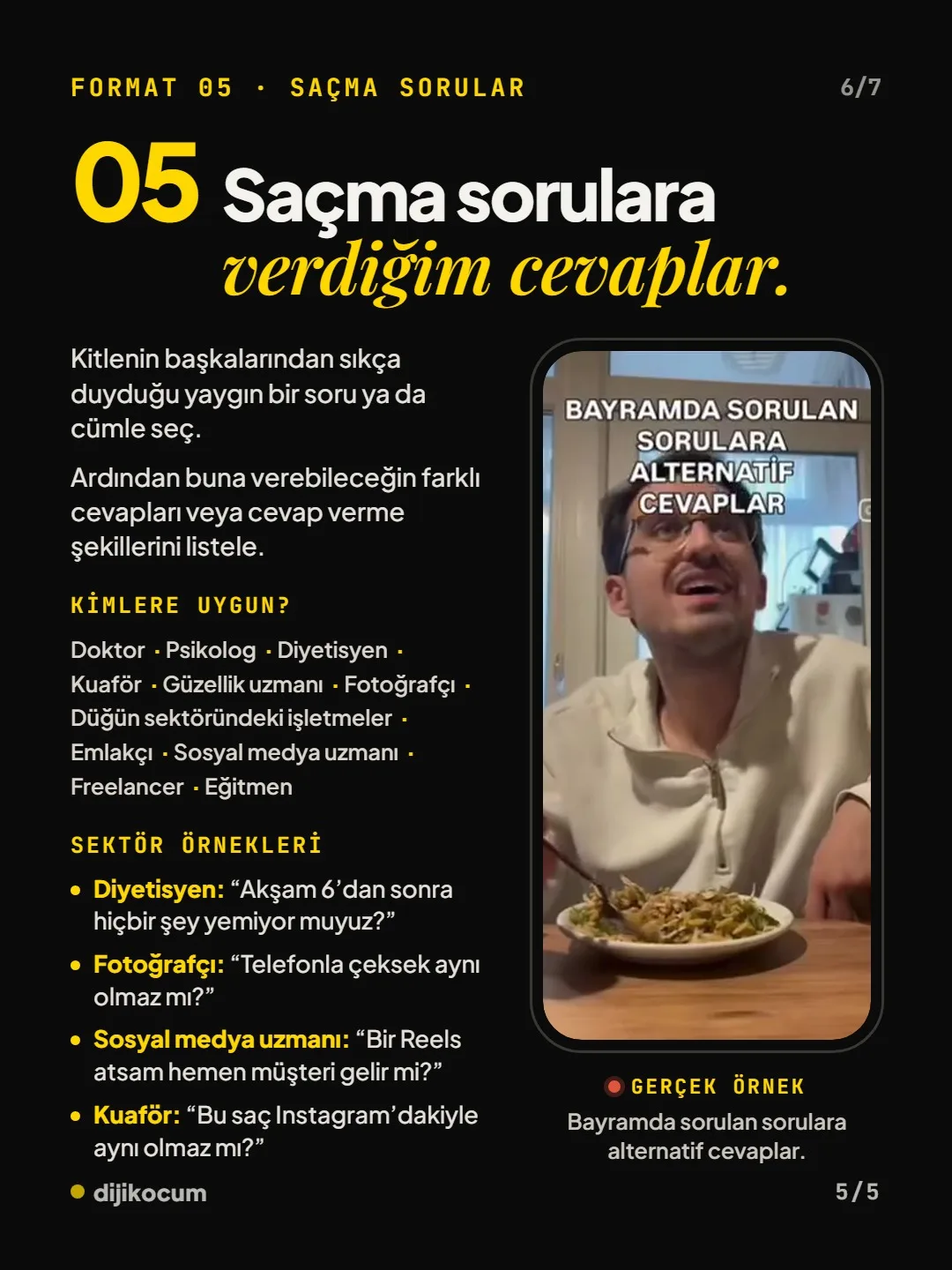
SCREEN “5 weird questions [profession]s get asked” Scene 1 “[Question 1]” Scene 2 “[Question 2]” Scene 3 “[Question 3]” Answer 1–2 sentences; the question stays on screen End “What's your question? Drop it in the comments, it's in the next video.”Follow the filming rules.
Don't open with a logo or with “hi everyone.” Put 3–7 words of text in every scene so people watching with the sound off still get it; 15–40 seconds is enough, film vertically (9:16), put the cover text in the center and embed the music in the video.
Film without showing your face.
Fix your phone overhead and show only your hands and your work, slowly pan across the space and move into a close-up, or put your voice over a screen recording and text cards. If you use an AI voice or an AI twin, turn on Instagram's AI label.
Try one format a week.
Film one format each week; go back to whichever one got more saves and comments. If you work in health or law, don't use patient or client footage or promises of results; these videos are for information.
How to measure it
Write down the saves and comments of each format side by side. After two or three weeks, lean into the format that brings the most saves and comments.
Free · PDF
Download the Scripts for 5 Reels formats by industry (PDF).
A printable checklist version of the steps on this page. The PDF is in Turkish; no sign-up needed.
Download the checklist (PDF in Turkish)Sources
- DDijiKoçum Reels formats guide (5 formats, 36 scripts)Our own data · checked: October 4, 2026
[A] primary source · [B] industry research · [C] practitioner · [D] our own data
Frequently asked questions
Which Reels format fits my business?
If your work creates a visible change, before/after fits; if your customer is torn between two options, two categories; if the craft is hidden in small details, three levels. If there are lots of options and everyone has an opinion, try S to D; if you hear the same question every week, try the weird questions format.
Can I post a before/after video in the health field?
In fields like dentistry, nutrition counseling or psychology, before/after footage of a patient or client is risky in terms of privacy and advertising rules, and it can also read as a promise of results. In these fields, use informative formats like weird questions and three levels.
Next step
Let’s look at your site together.
Free Digital Checkup: a health score for your website, your ads and your visibility in AI search, plus what to fix first. 3 minutes.
More guides
How-To Guide
How to connect Instagram to Claude: two safe ways to set up comment-to-DM, a DM assistant and scheduled posting (step by step)
15 steps · 11 min
How-To Guide
How to Connect Claude to Gmail, Google Calendar, Drive and Canva: Safe Connector Setup, Step by Step
12 steps · 7 min
How-To Guide
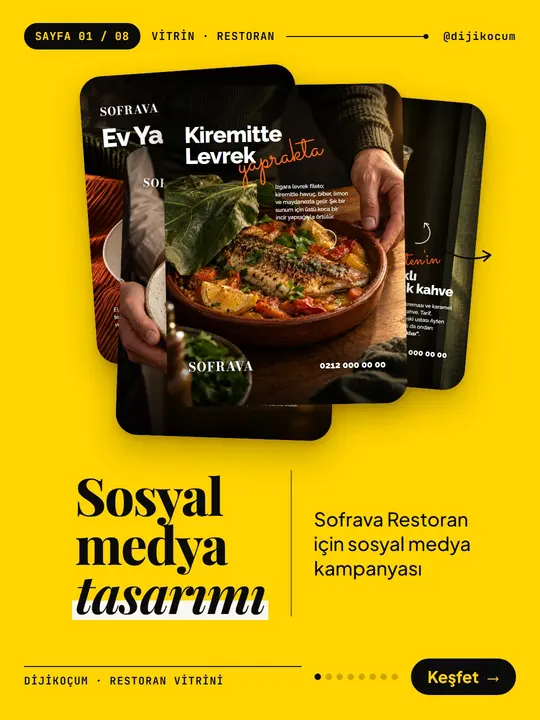
Make your restaurant's Instagram look like a menu: a 6-post feed template and shot list
9 steps · 6 min