Visuals in Turkish · the full text is on this page
Tools · Social Media
How to choose music for your Reels by mood
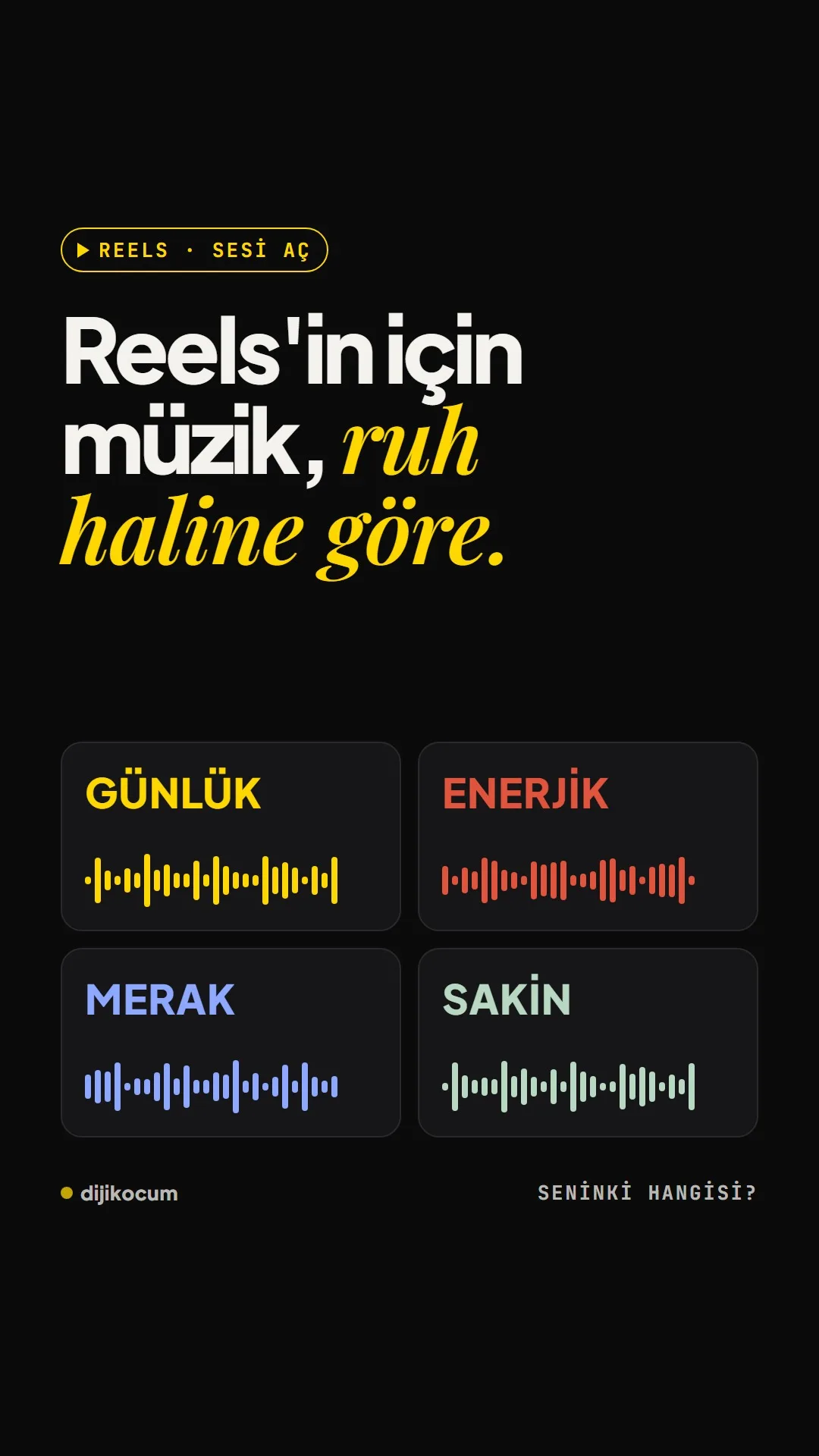
Everyday, energetic, curiosity, calm: pick the main mood of your video and embed the music in the video before you search for it in the app.
Short answer
Reels music can be chosen by four moods: everyday, energetic, curiosity and calm. Everyday music is a good start for cafes and hair salons, energetic for car dealerships, curiosity for real estate and interior designers, and calm for spas and hotels. If the music is embedded in the video in CapCut or Edits, it goes out with the same sound on every platform; if there's a voiceover, keep it about 17 dB below the speech. DijiKoçum's PDF gives 23 songs for the 4 moods and which music fits which moment for 12 industries.
5 steps · 2 min read · · Turan Yasin Salcı
Step by step · 5 steps
0/5 checked · saved in this browser only
Choose the mood.
EVERYDAY for behind-the-scenes and day-in-the-life videos, ENERGETIC for speed and transformations, CURIOSITY for openings that save the result for the end, CALM for venue tours and moments of rest. A good start: everyday for cafes and hair salons, energetic for car dealerships, curiosity for real estate and interior design, calm for spas and hotels.
Find the song.
The 8 songs in the video are two from each mood: for EVERYDAY, Tings (Baby Smoove) and Babydoll (Dominic Fike); for ENERGETIC, Walking on a Dream (Empire of the Sun) and Like That (Metro Boomin, Future). For CURIOSITY, After Dark (Mr. Kitty) and Dracula (Tame Impala, instrumental); for CALM, piano versions of golden hour and Beanie.
Embed the music in the video.
Instead of adding music in Instagram, place it inside the video in CapCut or Edits. You set the level yourself, you line up the cuts with the beat, and the same video goes out to TikTok, YouTube Shorts and LinkedIn with the same sound.
Set the volume.
If there's a voiceover, keep the music about 17 dB below the speech: you hear the music but don't miss a single word. In Reels without a voiceover, the music is the main audio; don't turn it down.
Check the copyright.
Some popular songs may not be available for business accounts, or may be muted; music you embed in the video can also go through copyright checks. The safer option is the Meta Sound Collection or a licensed music service.
How to measure it
Before publishing, listen to the video once through your phone speaker and once with headphones. If the speech is clear in both and the music carries the feel of the video, you made the right choice.
Free · PDF
Download the Music list by mood (PDF).
A printable checklist version of the steps on this page. The PDF is in Turkish; no sign-up needed.
Download the checklist (PDF in Turkish)Sources
- DDijiKoçum guide to Reels music by mood (23 songs, 12 industries)Our own data · checked: October 4, 2026
[A] primary source · [B] industry research · [C] practitioner · [D] our own data
Frequently asked questions
How loud should the music be in Reels?
If there's a voiceover, the music should stay about 17 dB below the speech; the practical test is hearing the music without missing a single word. In a video without a voiceover, the music is the main audio.
Can I use popular songs on a business account?
Some popular songs may not be available for business accounts or may be muted; it depends on the account, the country and the song. The safer option is the Meta Sound Collection or a licensed music service; check the usage rights yourself.
Next step
Let’s look at your site together.
Free Digital Checkup: a health score for your website, your ads and your visibility in AI search, plus what to fix first. 3 minutes.
More guides

Tools
How to transform product photos with ChatGPT Images 2.5: 20 ready-made image prompts (step by step)
26 steps · 14 min

Tools
5 Free Animation Skills for Claude Code: How to Install Three.js, GSAP, design-dna, LottieFiles and Genjutsu (Step by Step)
16 steps · 9 min

Tools
How to Use the Prompt Library and Prompt Builder: Copy a Ready-Made Prompt, Fill In the Blanks
9 steps · 7 min