
Visuals in Turkish · the full text is on this page
How-To Guide · GEO
How to see ChatGPT traffic in GA4 (Google Analytics 4)
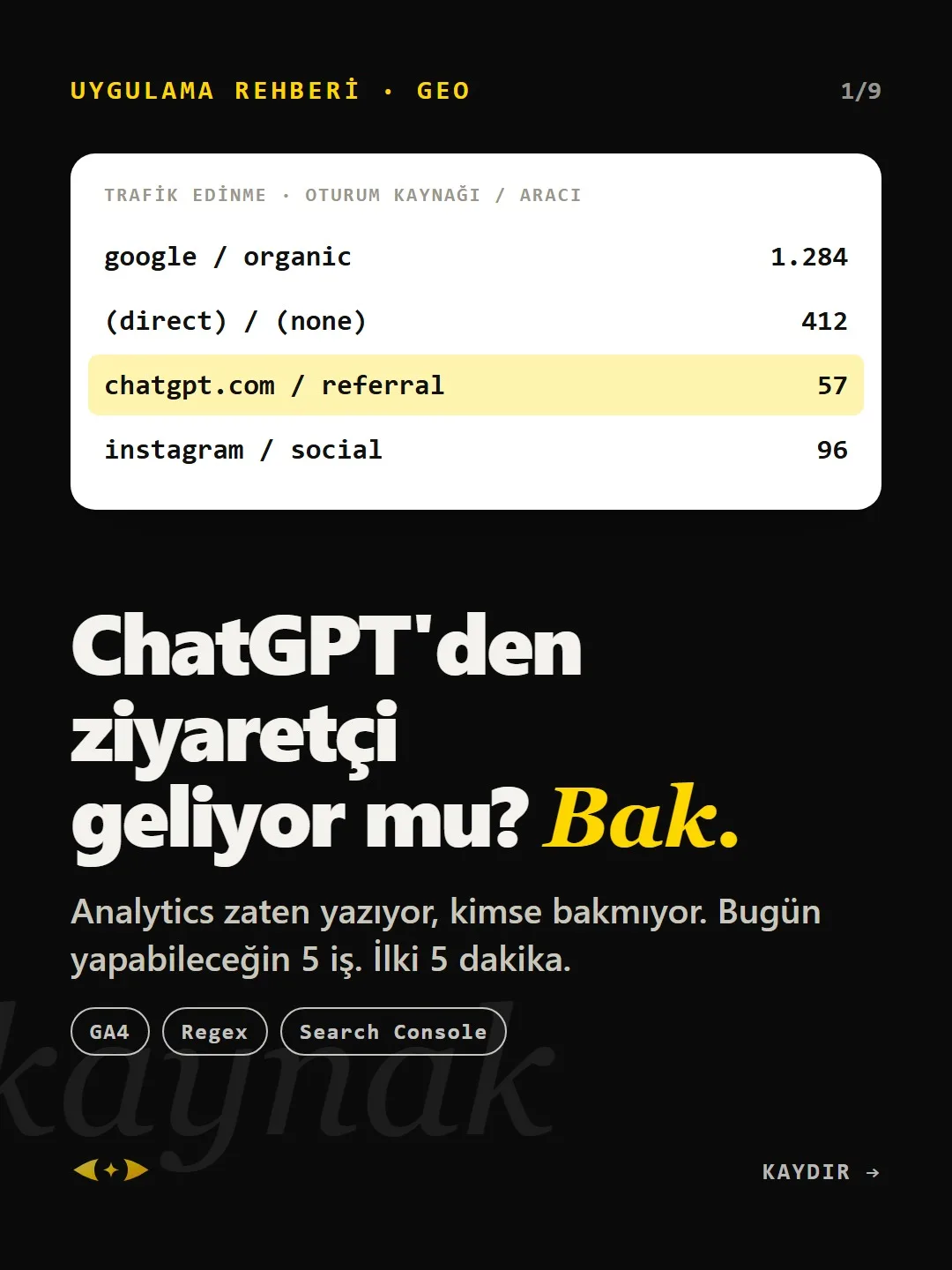
Analytics is already recording it; nobody's looking. 5 things you can do today. The first takes 5 minutes.
Short answer
Visitors coming from ChatGPT, Perplexity or Gemini show up in GA4 as referral traffic, not organic search; the source name is something like chatgpt.com or perplexity.ai. Finding these sources in the Traffic acquisition report and grouping them into a single “AI” channel group takes about 20 minutes. The metric to watch isn't volume but the conversion rate of these visitors.
5 steps · 2 min read · · Turan Yasin Salcı
Step by step · 5 steps
0/5 checked · saved in this browser only
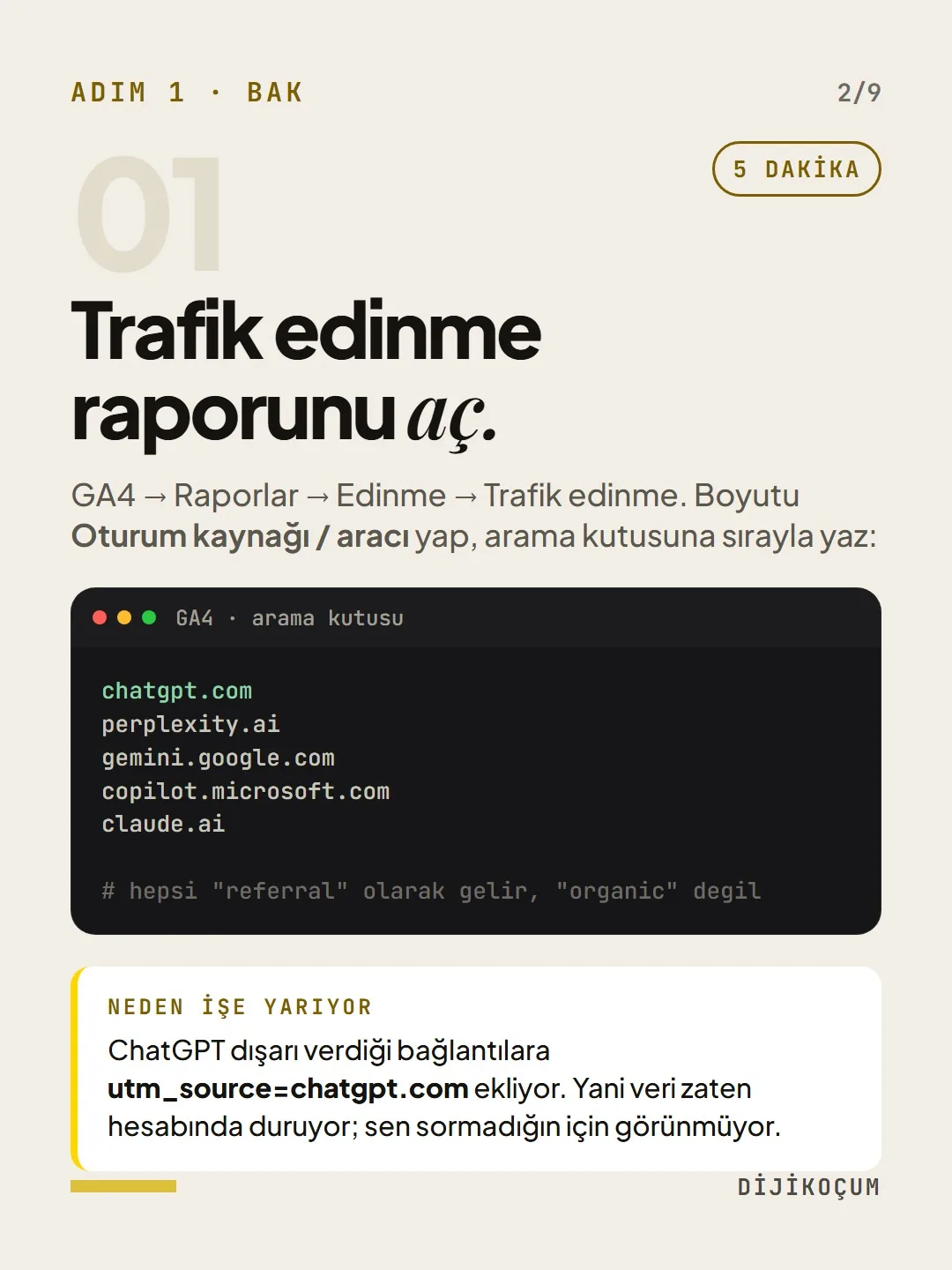
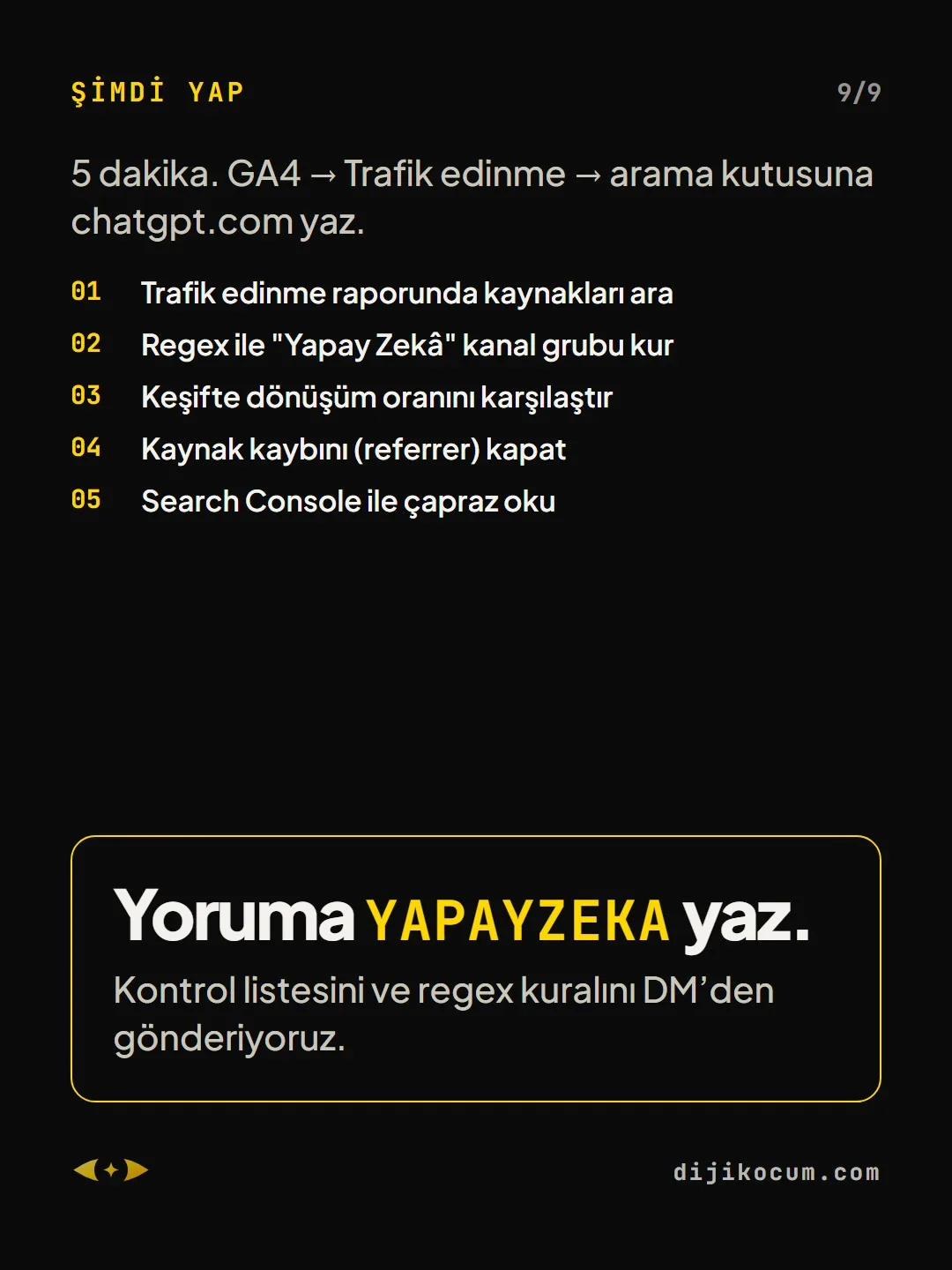
Open the Traffic acquisition report.
5 MINUTESGA4 → Reports → Acquisition → Traffic acquisition. Set the dimension to Session source / medium and type these into the search box one by one:
Why it works: ChatGPT adds utm_source=chatgpt.com to the links it gives out. So the data is already sitting in your account; you just don't see it because you haven't asked.
chatgpt.com perplexity.ai gemini.google.com copilot.microsoft.com claude.ai # all of them come in as "referral", not "organic"Create a single channel: AI.
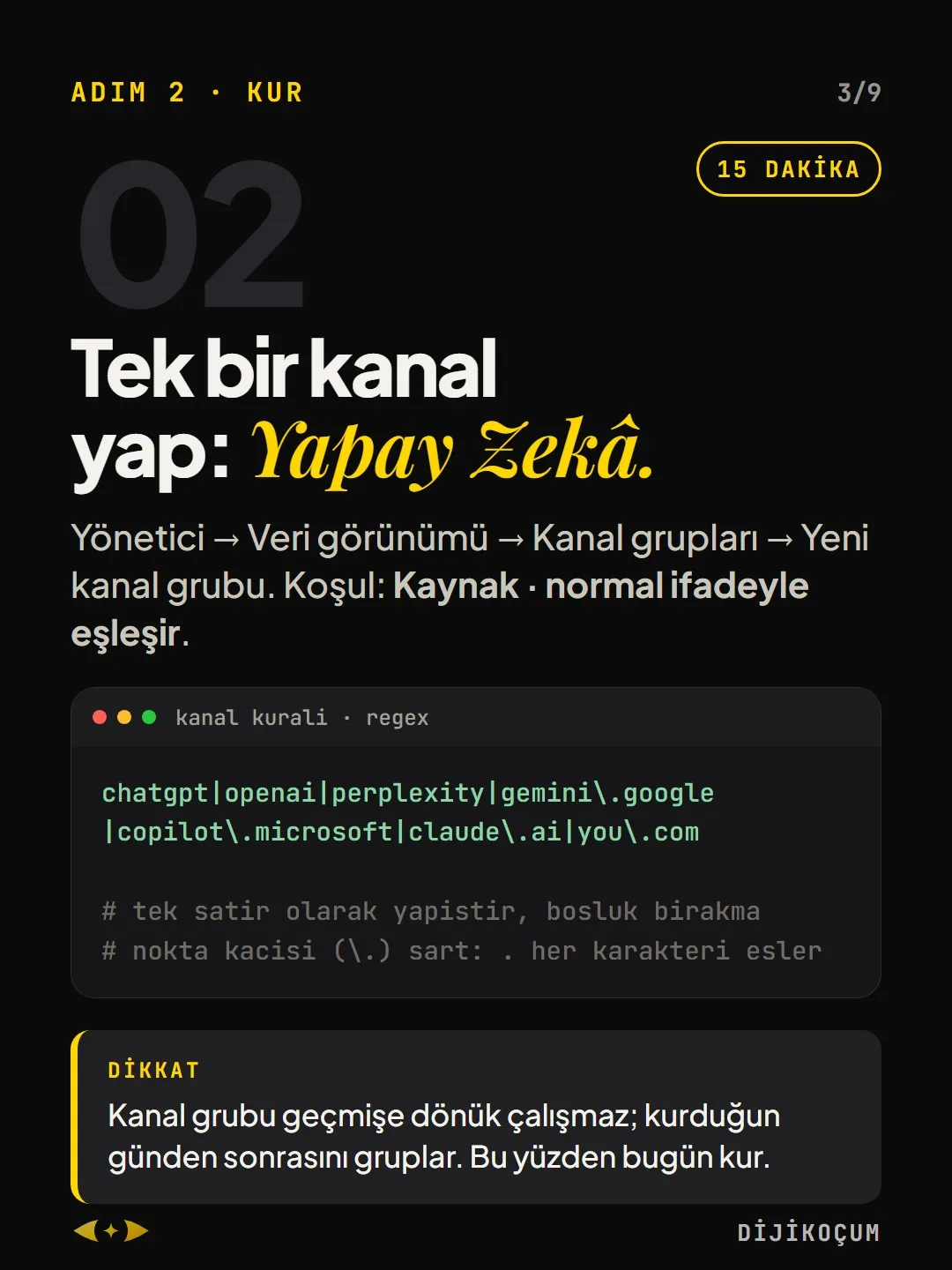
15 MINUTESAdmin → Data display → Channel groups → Create new channel group. Condition: Source · matches regex.
chatgpt|openai|perplexity|gemini\.google |copilot\.microsoft|claude\.ai|you\.com # paste it as a single line, with no spaces # escaping the dot (\.) is required: . matches any characterDo these visitors buy?
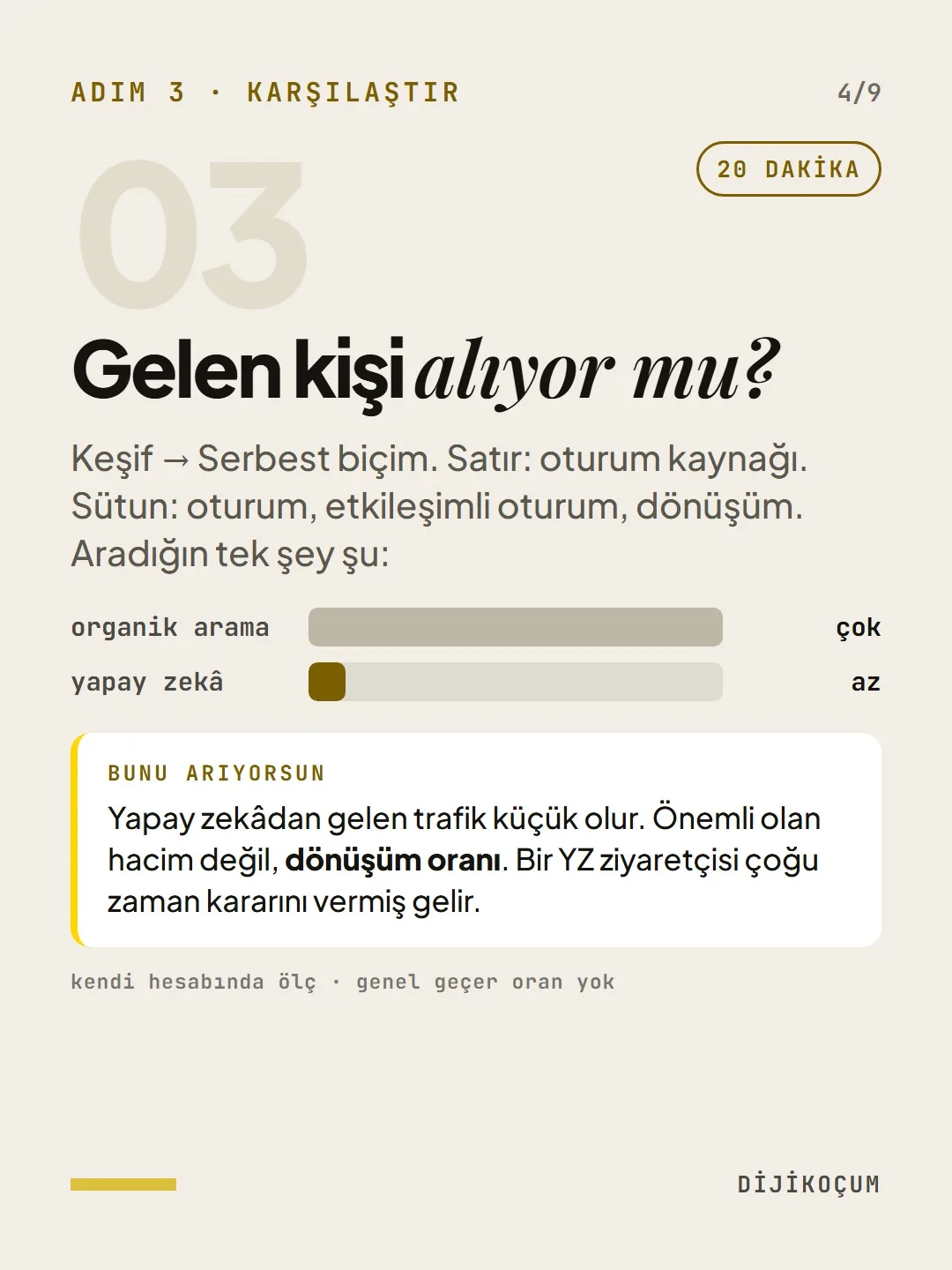
20 MINUTESExplore → Free form. Rows: session source. Columns: sessions, engaged sessions, conversions. The only thing you're looking for is this:
What you're looking for: Traffic from AI will be small. What matters isn't volume but the conversion rate. An AI visitor often arrives having already made up their mind.
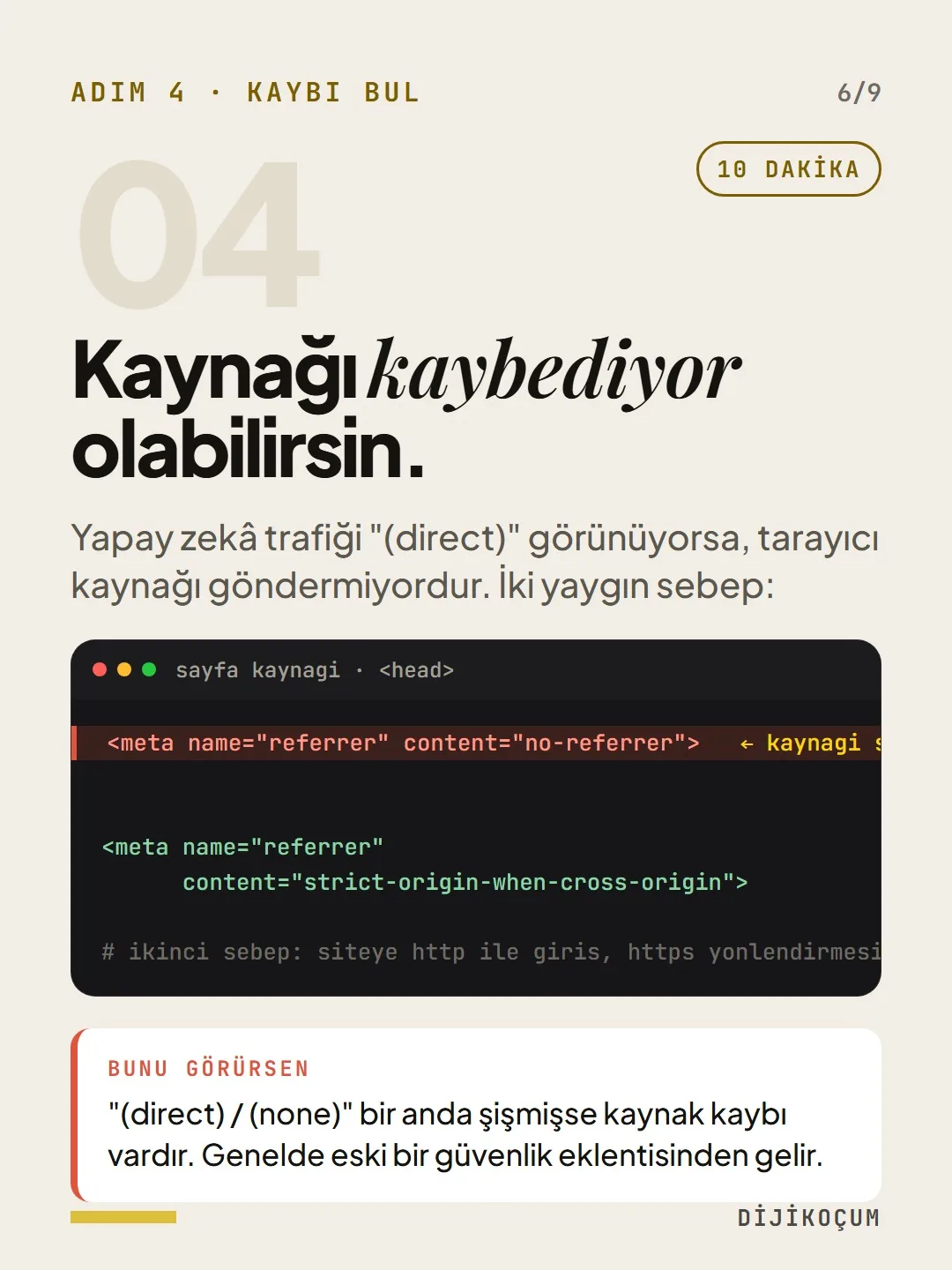
You may be losing the source.
10 MINUTESIf AI traffic shows up as "(direct)", the browser isn't sending the source. Two common reasons:
If you see this: if "(direct) / (none)" has suddenly ballooned, you're losing source data. It usually comes from an old security plugin.
<meta name="referrer" content="no-referrer"> <meta name="referrer" content="strict-origin-when-cross-origin"> # second reason: visitors reach the site over http, then the https redirectSearch Console doesn't separate it.
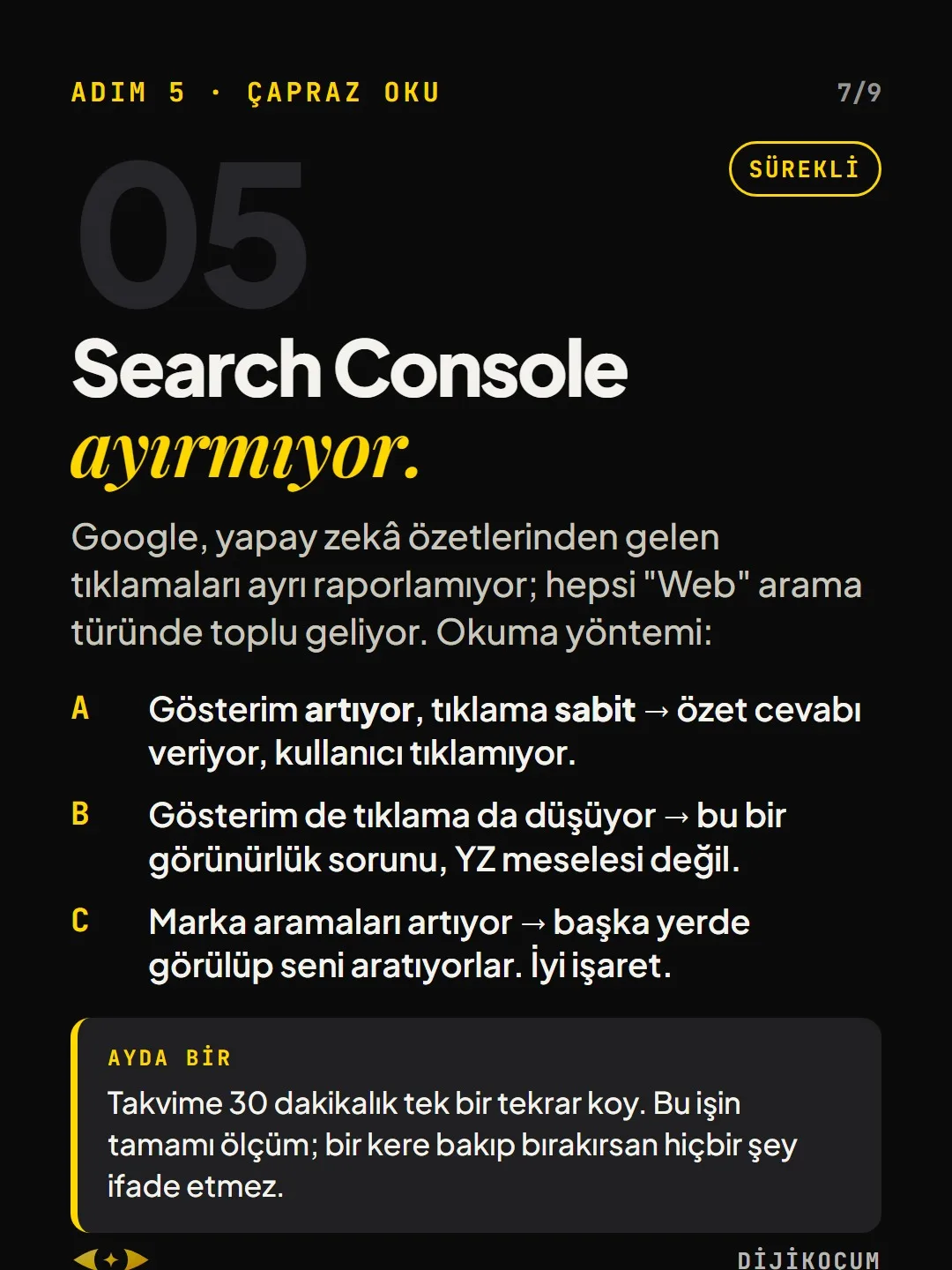
ONGOINGGoogle doesn't report clicks from AI summaries separately; they all come in together under the "Web" search type. How to read it:
- A. Impressions rising, clicks flat → the summary gives the answer and users don't click.
- B. Both impressions and clicks falling → this is a visibility problem, not an AI issue.
- C. Brand searches rising → people see you somewhere else and then search for you. A good sign.
Once a month: Put a single 30-minute recurring event on your calendar. This whole job is measurement; if you look once and stop, it means nothing.
How to measure it
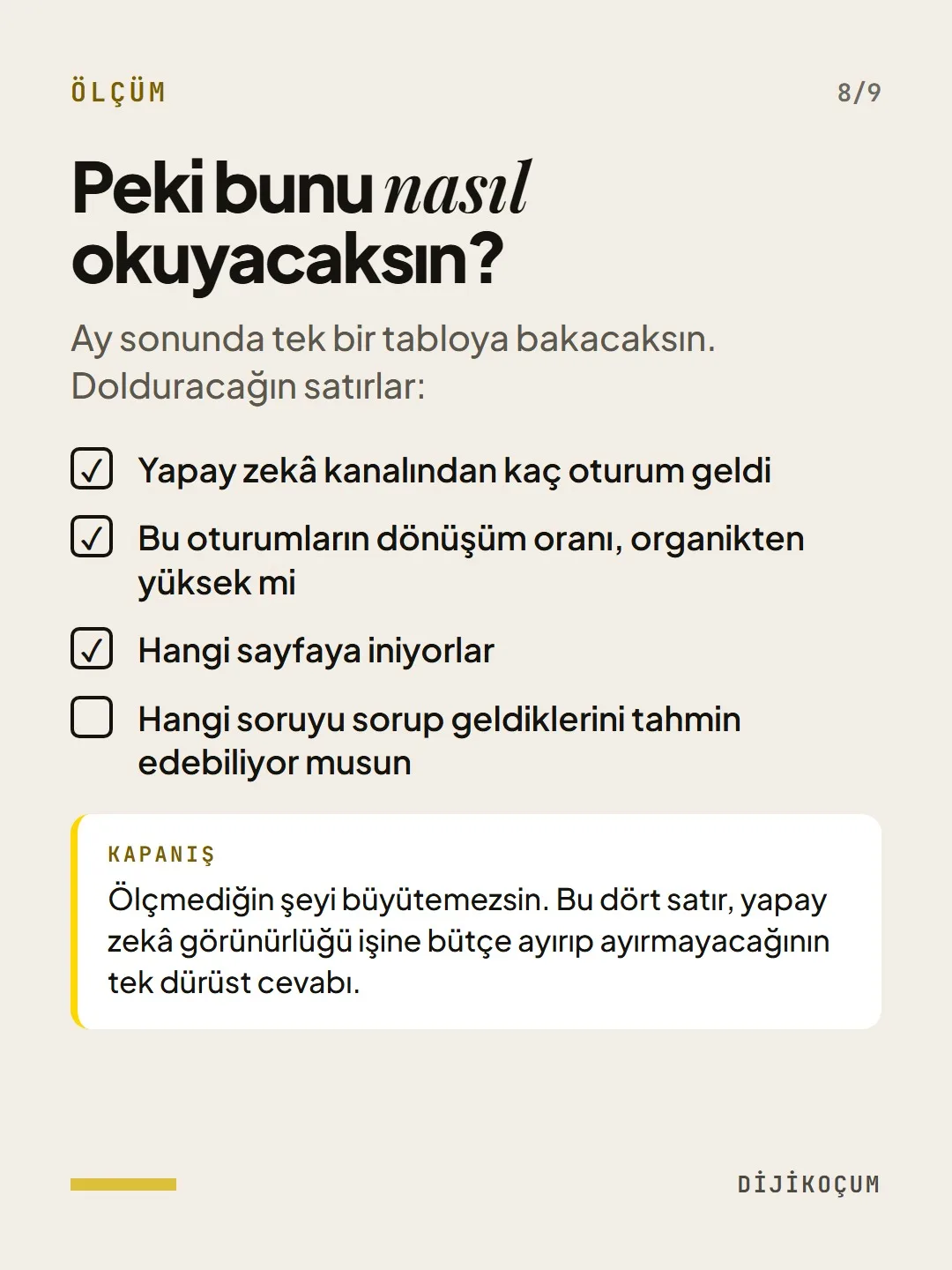
So how will you read this?
At the end of the month, you'll look at a single table. The rows you'll fill in:
- How many sessions came from the AI channel
- The conversion rate of these sessions, and whether it's higher than organic
- Which page they land on
- Whether you can guess what question they asked before arriving
Bottom line: You can't grow what you don't measure. These four rows are the only honest answer to whether you should set aside a budget for AI visibility work.
Free · PDF
Download the AI traffic checklist.
A printable checklist version of the steps on this page. The PDF is in Turkish; no sign-up needed.
Download the checklist (PDF in Turkish)Sources
- AGoogle Analytics Help: Traffic acquisition report and custom channel groupsPrimary source · checked: September 20, 2026
- DDijiKoçum: channel setup in our own GA4 accountOur own data · checked: September 20, 2026
[A] primary source · [B] industry research · [C] practitioner · [D] our own data
This post is also on (in Turkish)
Frequently asked questions
Where does ChatGPT traffic show up in GA4?
In Reports → Acquisition → Traffic acquisition, when you set the dimension to “Session source / medium”, it appears as a chatgpt.com / referral row. ChatGPT adds utm_source=chatgpt.com to the links it gives out; the data is already in the account, most people just don't look.
Why might traffic from AI show up as (direct)?
When the browser doesn't send the source, the session is recorded as (direct) / (none). The most common cause is a <meta name="referrer" content="no-referrer"> line in the page source, which usually comes from an old security plugin. Replacing it with strict-origin-when-cross-origin brings the source back.
Next step
Let’s look at your site together.
Free Digital Checkup: a health score for your website, your ads and your visibility in AI search, plus what to fix first. 3 minutes.
More guides

How-To Guide
How to connect Instagram to Claude: two safe ways to set up comment-to-DM, a DM assistant and scheduled posting (step by step)
15 steps · 11 min
How-To Guide
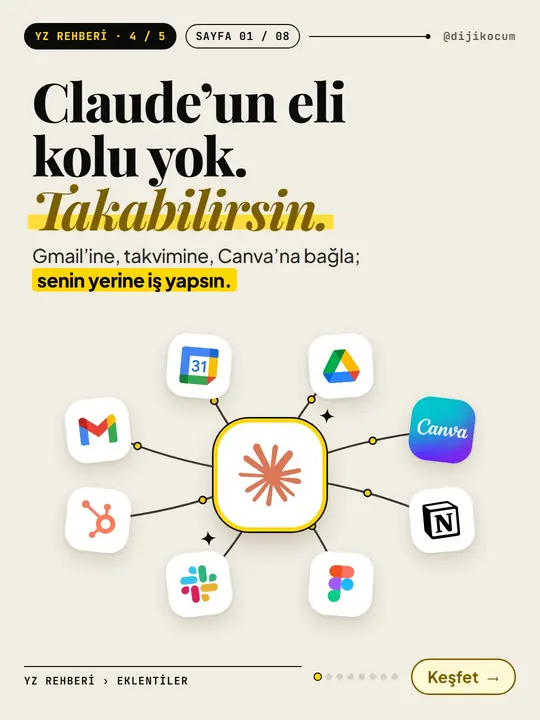
How to Connect Claude to Gmail, Google Calendar, Drive and Canva: Safe Connector Setup, Step by Step
12 steps · 7 min

How-To Guide
Make your restaurant's Instagram look like a menu: a 6-post feed template and shot list
9 steps · 6 min