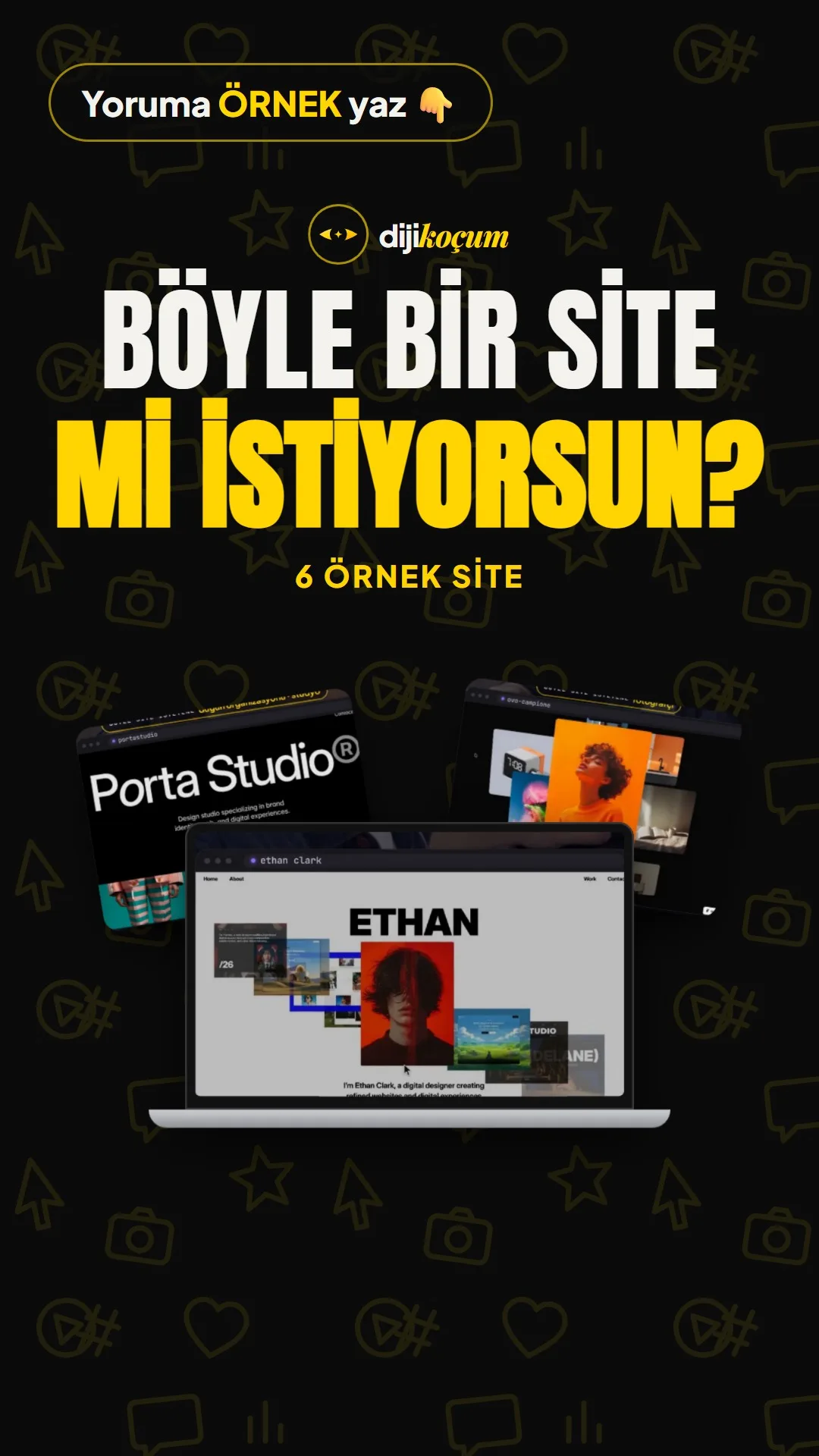
Visuals in Turkish · the full text is on this page
Tools · Web
Where to find websites in the style you like: 6 example sites and 6 galleries
If you want a site like this, look at examples first; borrow the layout, spacing, colors and typeface, not the logo, photos or copy.
Short answer
The six sites in the video (Bureau Nine, Operator-01, Ethan Clark, Campione, Porta, Avyronpro) were built with Framer and are available as free templates on Framer Marketplace (October 10, 2026). Publishing on your own domain requires a paid Framer plan. Similar examples can be found at framer.com/gallery, awwwards.com/websites, siteinspire.com, onepagelove.com and minimal.gallery. To go from an example to your own site, you choose three examples (layout, color, typeface), extract the structure and prepare your own content first. The DijiKoçum PDF gives the addresses of the six sites, search terms for the galleries, 3 ready-made Claude prompts and recommendations by industry.
5 steps · 2 min read · · Turan Yasin Salcı
Step by step · 5 steps
0/5 checked · saved in this browser only
Look at the examples.
The 6 sites in the video:
- Bureau Nine: bureaunine.framer.website
- Operator-01: operator-template.framer.website
- Ethan Clark: ethanclark.framer.ai
- Campione: ovo-campione.framer.website
- Porta: porta.framer.ai
- Avyronpro: avyron-pro.framer.website
For similar ones, see framer.com/gallery, awwwards.com/websites and minimal.gallery. The galleries are in English; search for e.g. "photographer portfolio", "hair salon", "boutique hotel".
Choose 3 examples, not one.
One for the layout, one for the colors, one for the typeface. Scroll the page from top to bottom and write down each section in one line (intro, work, about me, testimonials, contact).
Extract the colors and typeface.
For colors, use PowerToys Color Picker on Windows (Win + Shift + C), or give a screenshot to Claude and ask for the HEX codes. For the typeface, right-click the text → Inspect → the font-family line. Choose a font that supports Turkish characters (the dotless i, and the s and g with diacritics).
Prepare your own content first.
Copy, 8-12 photos, contact details. Design comes last.
Build it.
Copy the Framer template to your own account with "Remix for Free", replace the text and photos, and go live with Publish. Or give the screenshots to Claude and have it extract the structure:
The attached screenshots are the home page of a site called [site name].
Break it down section by section from top to bottom: each section's name,
purpose, the elements in it (headline, image, button) and its approximate height.
Then write out the color palette with HEX codes and the typeface style
(serif/sans-serif, bold/light).
Mark anything you're not sure about as 'guess'.
How to measure it
After the new site goes live, count how many times the contact button or WhatsApp link is clicked in the first two weeks and compare it with your old site.
Free · PDF
Download the From an example to your own site: steps and 3 prompts (PDF).
A printable checklist version of the steps on this page. The PDF is in Turkish; no sign-up needed.
Download the checklist (PDF in Turkish)Sources
- DDijiKoçum example site galleries guide (6 sites, 6 galleries, 3 prompts)Our own data · checked: October 10, 2026
[A] primary source · [B] industry research · [C] practitioner · [D] our own data
Frequently asked questions
Are these templates really free?
All six were free on Framer Marketplace on October 10, 2026. On the free plan, your address is yourname.framer.website; your own domain requires a paid plan. The templates may become paid in the future, so check that the page says "Free" before you take one.
Can I copy another website?
Taking inspiration is fine; copying the logo, photos, copy or the exact design is not. Also replace the template's demo photos with your own before you publish.
Do I have to use Framer?
No. You can just take ideas and build your site with WordPress, Wix or another tool; having Claude extract the structure and write a draft is another option.
Next step
Let’s look at your site together.
Free Digital Checkup: a health score for your website, your ads and your visibility in AI search, plus what to fix first. 3 minutes.
More guides

Tools
How to transform product photos with ChatGPT Images 2.5: 20 ready-made image prompts (step by step)
26 steps · 14 min
Tools
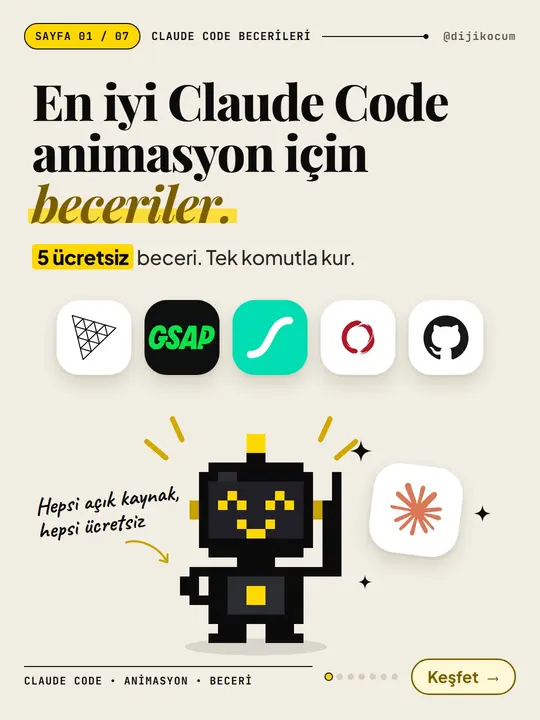
5 Free Animation Skills for Claude Code: How to Install Three.js, GSAP, design-dna, LottieFiles and Genjutsu (Step by Step)
16 steps · 9 min

Tools
How to Use the Prompt Library and Prompt Builder: Copy a Ready-Made Prompt, Fill In the Blanks
9 steps · 7 min