Visuals in Turkish · the full text is on this page
How-To Guide · Web
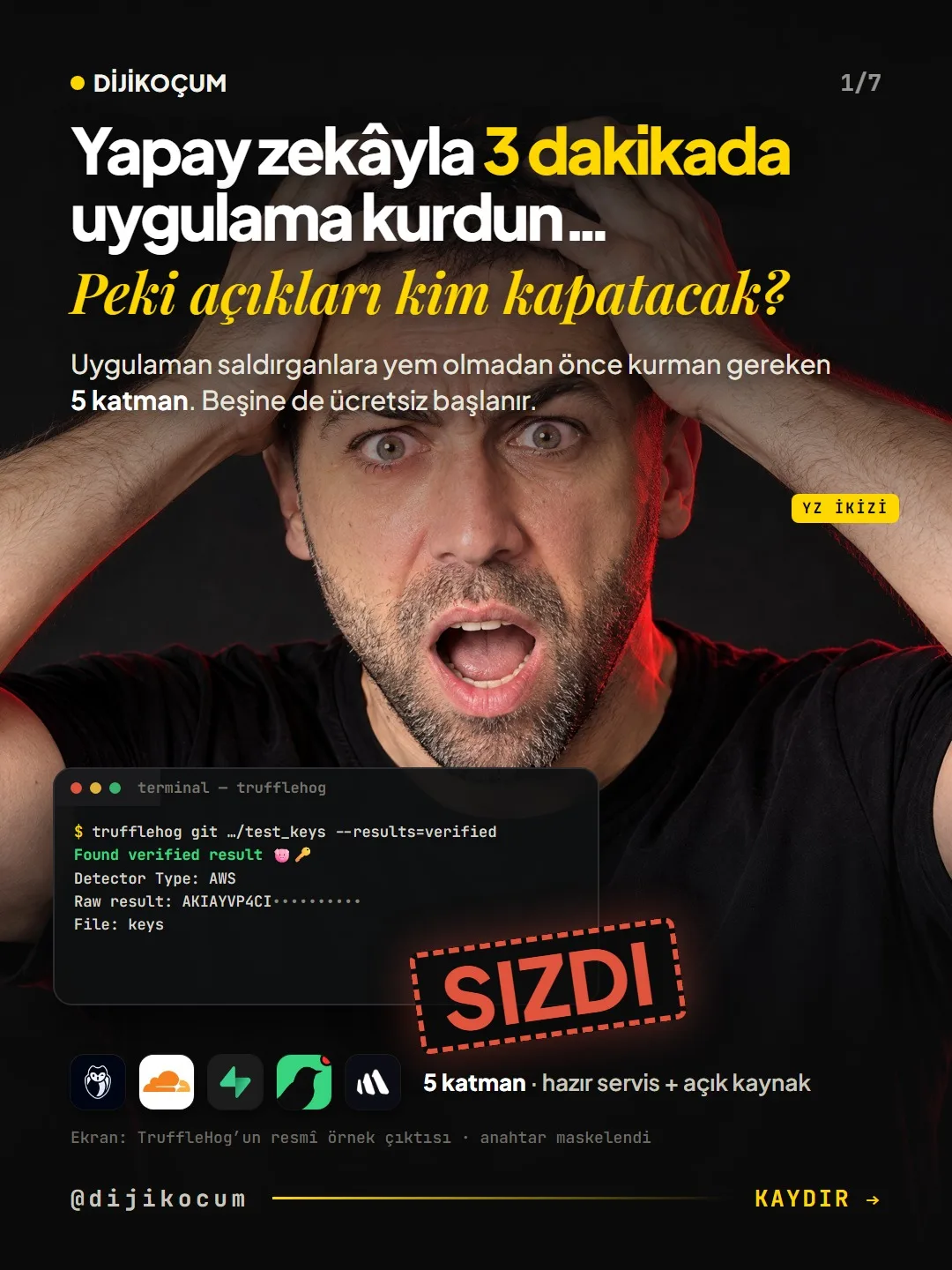
5 security layers for an app you built with AI
You built the app in a week. Did you lock the door? Leaked keys, bots, customer data, decoy keys and logging.
Short answer
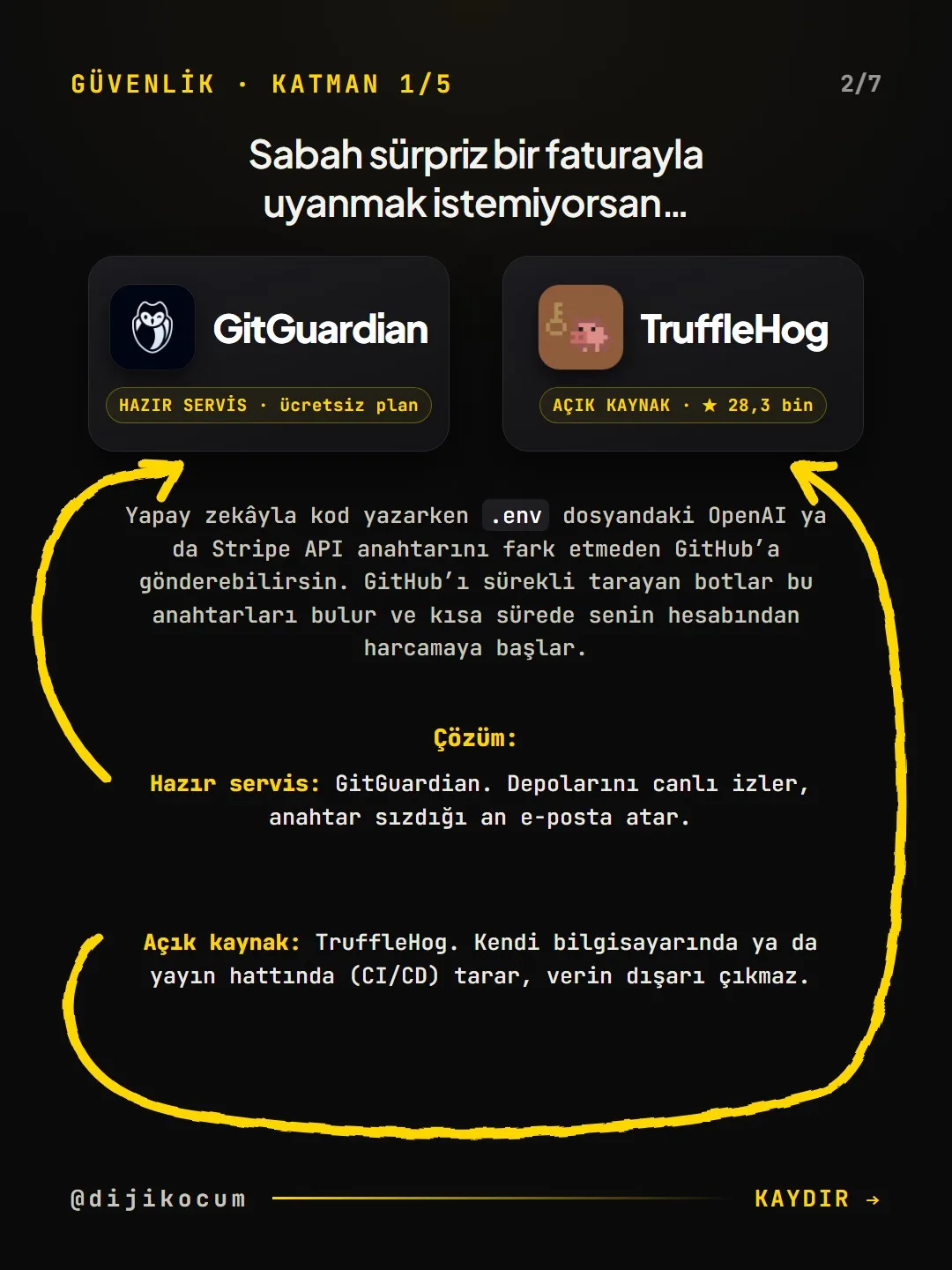
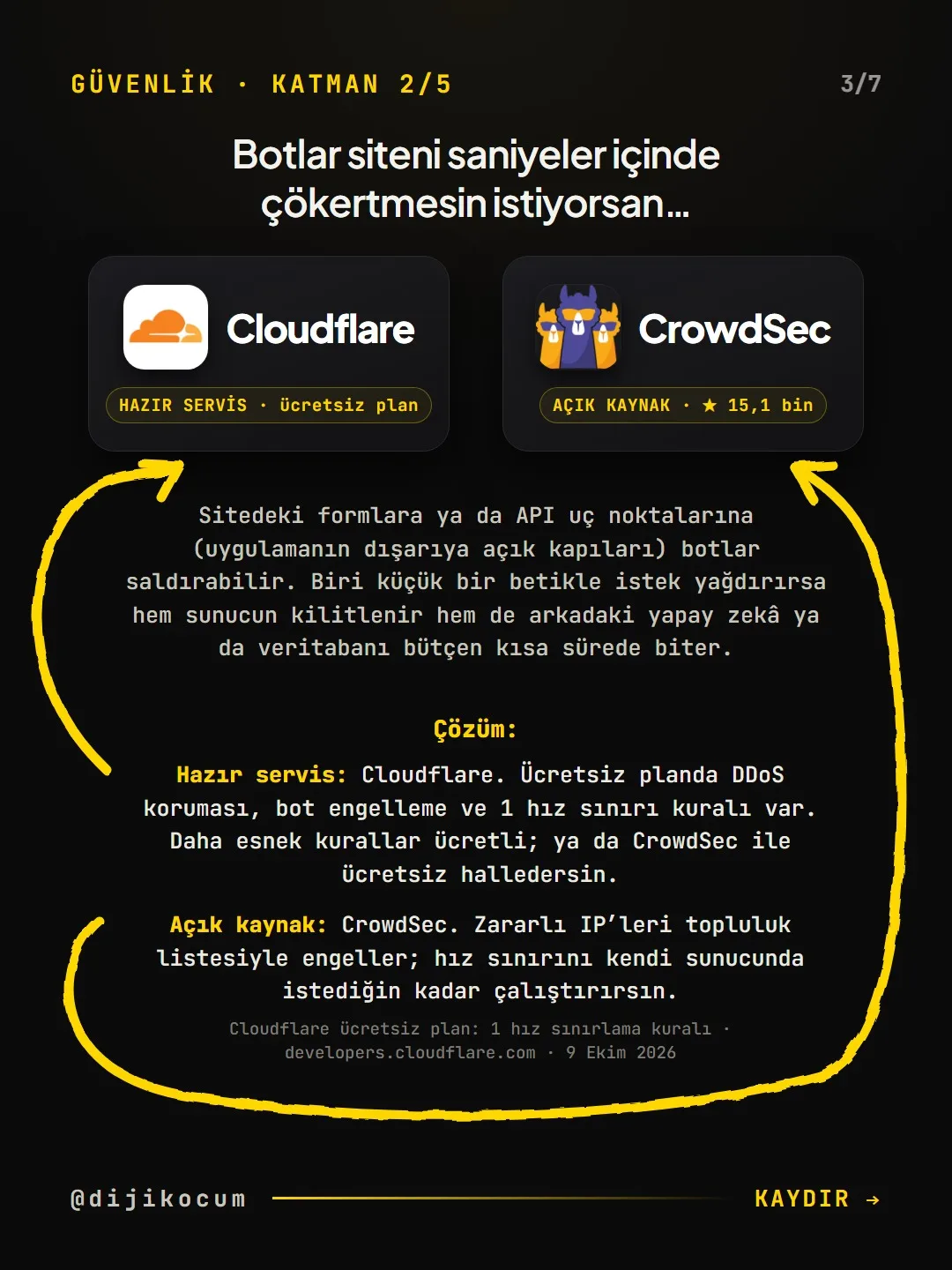
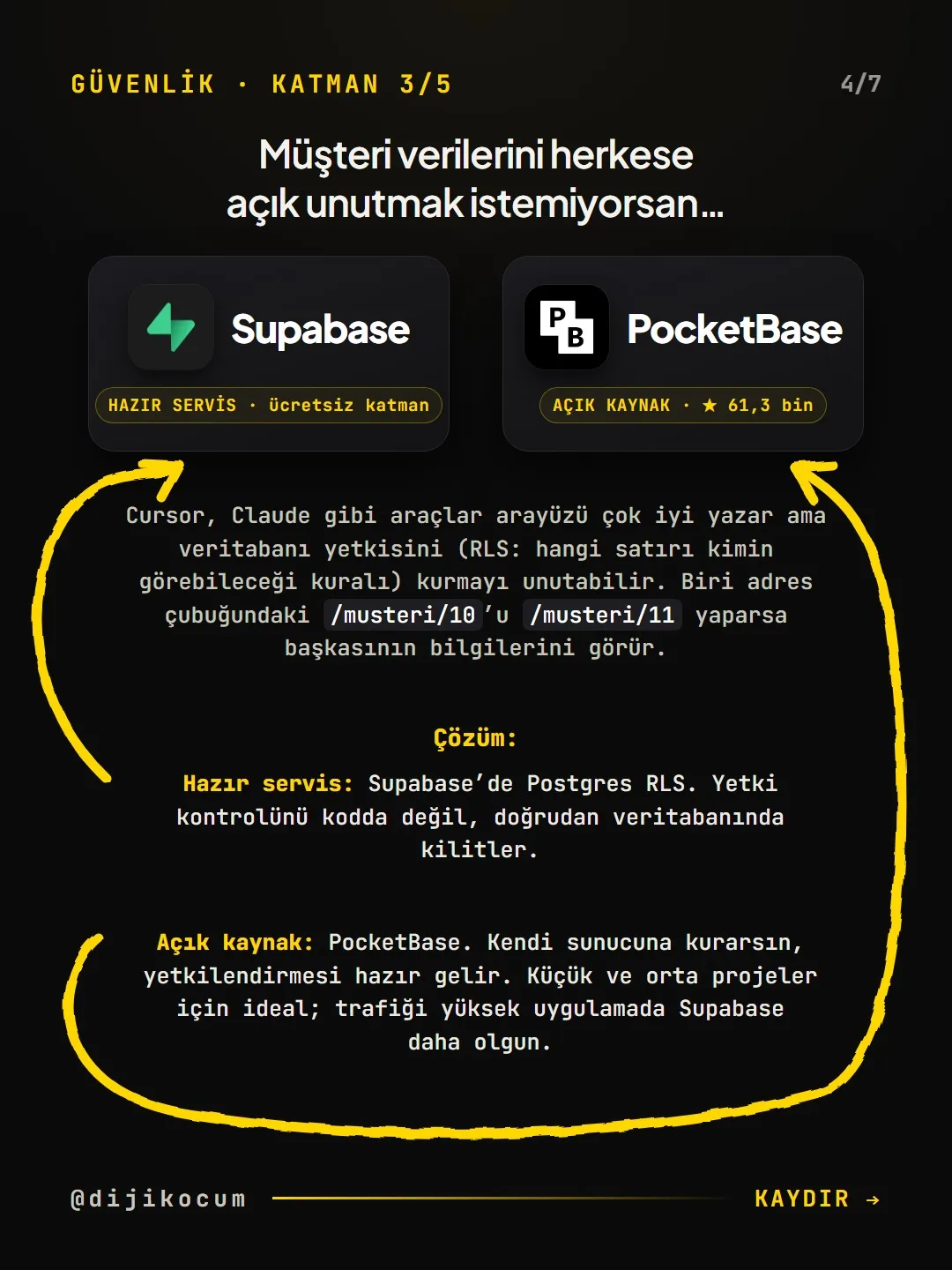
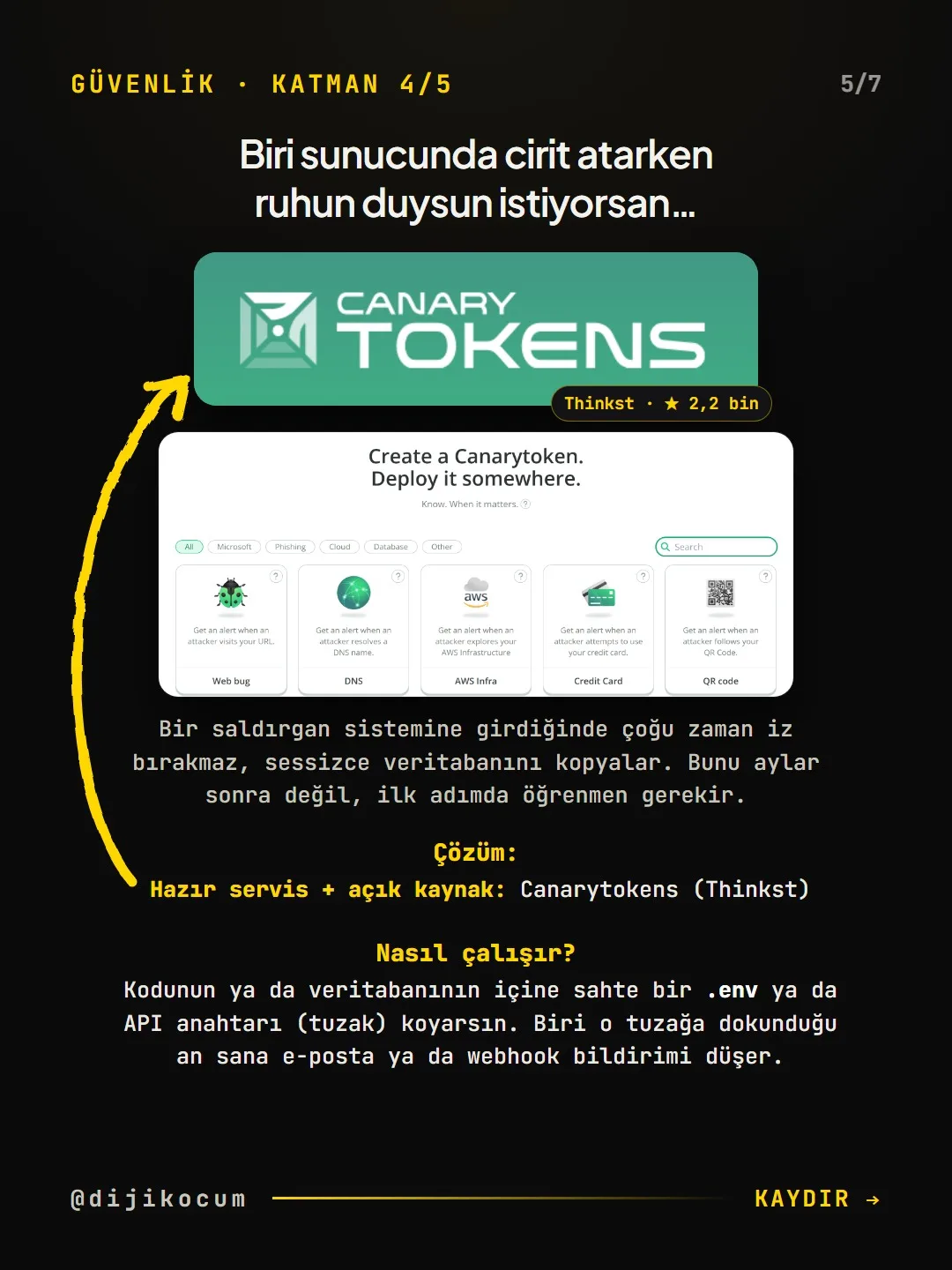
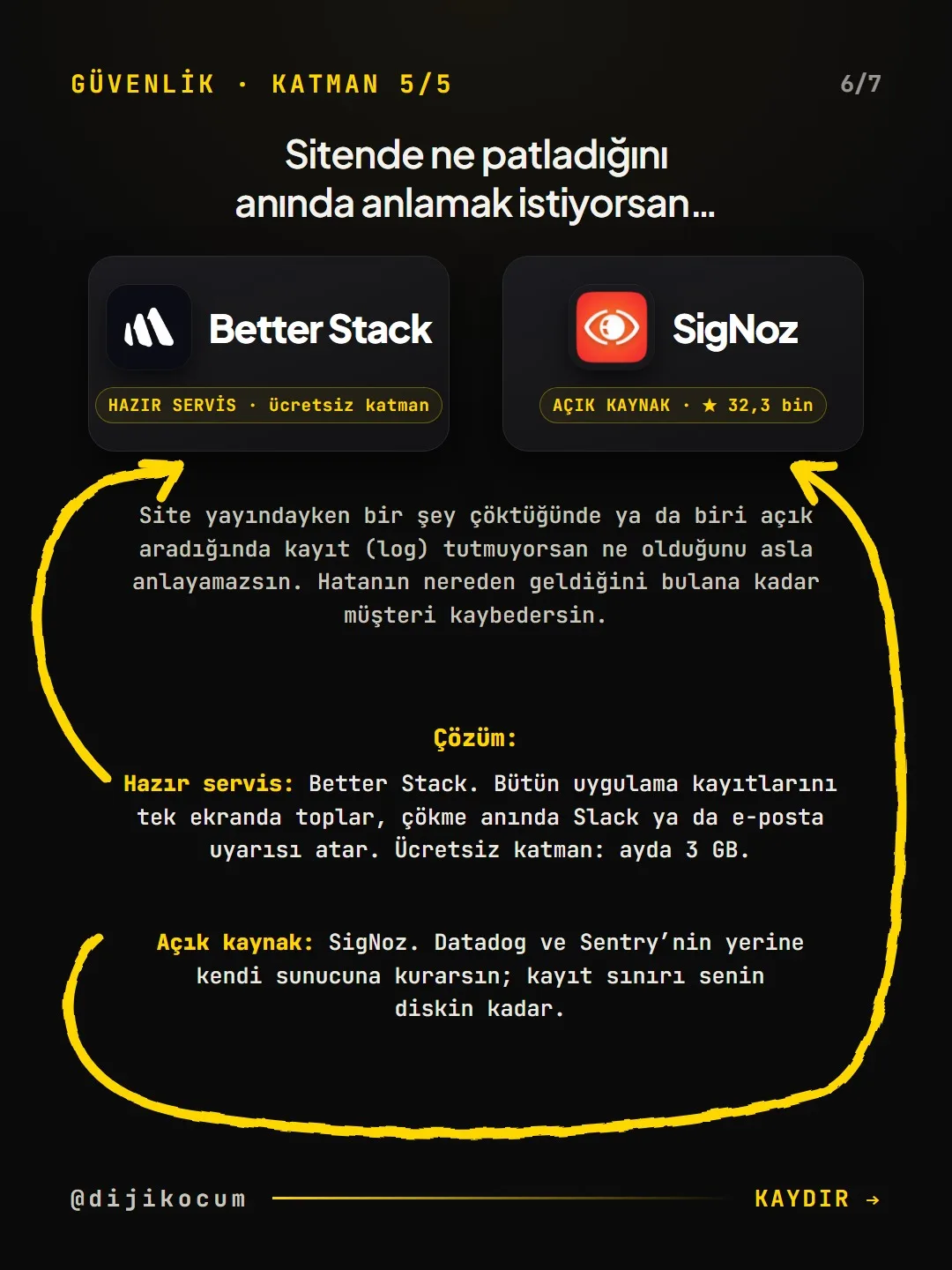
Five basic layers for sites and apps built with tools like Lovable, Cursor or Claude: finding leaked keys (TruffleHog, GitGuardian), stopping bot attacks (Cloudflare free plan, CrowdSec on your own server), protecting customer data at the row level (Supabase RLS, PocketBase), catching unauthorized access with a decoy key (Canarytokens) and logging what happens (Better Stack, SigNoz). Projects that hold sensitive data start with the customer data layer, those that take forms and orders with the bot layer, and those that connect a payment key with the leaked key layer. This is basic protection; it does not replace a professional security audit. The DijiKoçum PDF gives the setup commands for each layer, the free tier limits as of October 10, 2026, and 10 questions to ask the AI.
6 steps · 3 min read · · Turan Yasin Salcı
Step by step · 6 steps
0/6 checked · saved in this browser only
Find leaked keys.
Check whether the .env file name is in .gitignore. Then scan the repository's history with TruffleHog; a deleted key can still be sitting in an old commit. Deleting a key you find from the file isn't enough: revoke it in the provider's dashboard and generate a new one.
Stop the bots.
Add your domain on dash.cloudflare.com with the Free plan and change the nameservers. Turn on Bot Fight Mode and write a rate limiting rule for the form address that gets the most attacks. After turning it on, test your form once from your phone.
Lock down customer data (RLS).
If you use Supabase, find the tables with RLS disabled in the SQL Editor and enable it. Never put the service_role key in code that goes to the browser.
-- 1) Find tables with RLS disabled select tablename from pg_tables where schemaname = 'public' and rowsecurity = false; -- 2) Enable RLS on a table alter table public.orders enable row level security; -- 3) Everyone sees only their own rows create policy "sees own orders" on public.orders for select to authenticated using ( (select auth.uid()) = user_id );Plant a decoy key.
Generate an AWS Keys token at canarytokens.org/generate, write a "where I put this" note and place it in a fake .env file as if it were real. The moment someone tries that key, you get an email. Don't put it in a public repository.
Set up logging and monitoring.
Open a free account at betterstack.com and, in Uptime, add monitors for your site's address and your most important form. Don't let passwords, card numbers, or patient or client names be written to the logs.
Ask the AI before you go live.
Paste these questions into the tool that wrote the code; every item that gets an "I don't know" or a vague answer is one for a developer to look at:
Check this code before it goes live. Answer each question
with yes/no and the relevant file name:
1. Is there an API key or password anywhere outside .env?
2. Is the .env file in .gitignore?
3. Is there a secret key in the code that goes to the browser?
4. Is RLS enabled on every table, and what is its policy?
5. Can someone who changes the number in the URL see another person's data?
6. Are there rate limits on form and API endpoints?
7. Is user input validated on the server?
8. Do error messages reveal internal details (queries, file paths)?
9. Are passwords or personal data written to the logs?
10. Do the packages have known vulnerabilities? (npm audit)
Suggest a fix for each problem; don't change anything on your own.
How to measure it
Run a check after each layer: is TruffleHog's "verified" result zero, do blocked requests show up in the Cloudflare dashboard, is the rls_disabled_in_public warning gone from Supabase Advisors, did the decoy key's test alert arrive, is the Better Stack monitor green.
Free · PDF
Download the Setting up the 5 layers and free tier limits (PDF).
A printable checklist version of the steps on this page. The PDF is in Turkish; no sign-up needed.
Download the checklist (PDF in Turkish)Sources
- DDijiKoçum 5 security layers guide (commands, free tier limits, 12 industries)Our own data · checked: October 10, 2026
[A] primary source · [B] industry research · [C] practitioner · [D] our own data
Frequently asked questions
I use Shopify, Wix or ikas; do I need these?
Some of the layers are the platform's job. What's left on your side is mostly the keys of the external services you connect and the security of your admin accounts.
Are these 5 layers enough?
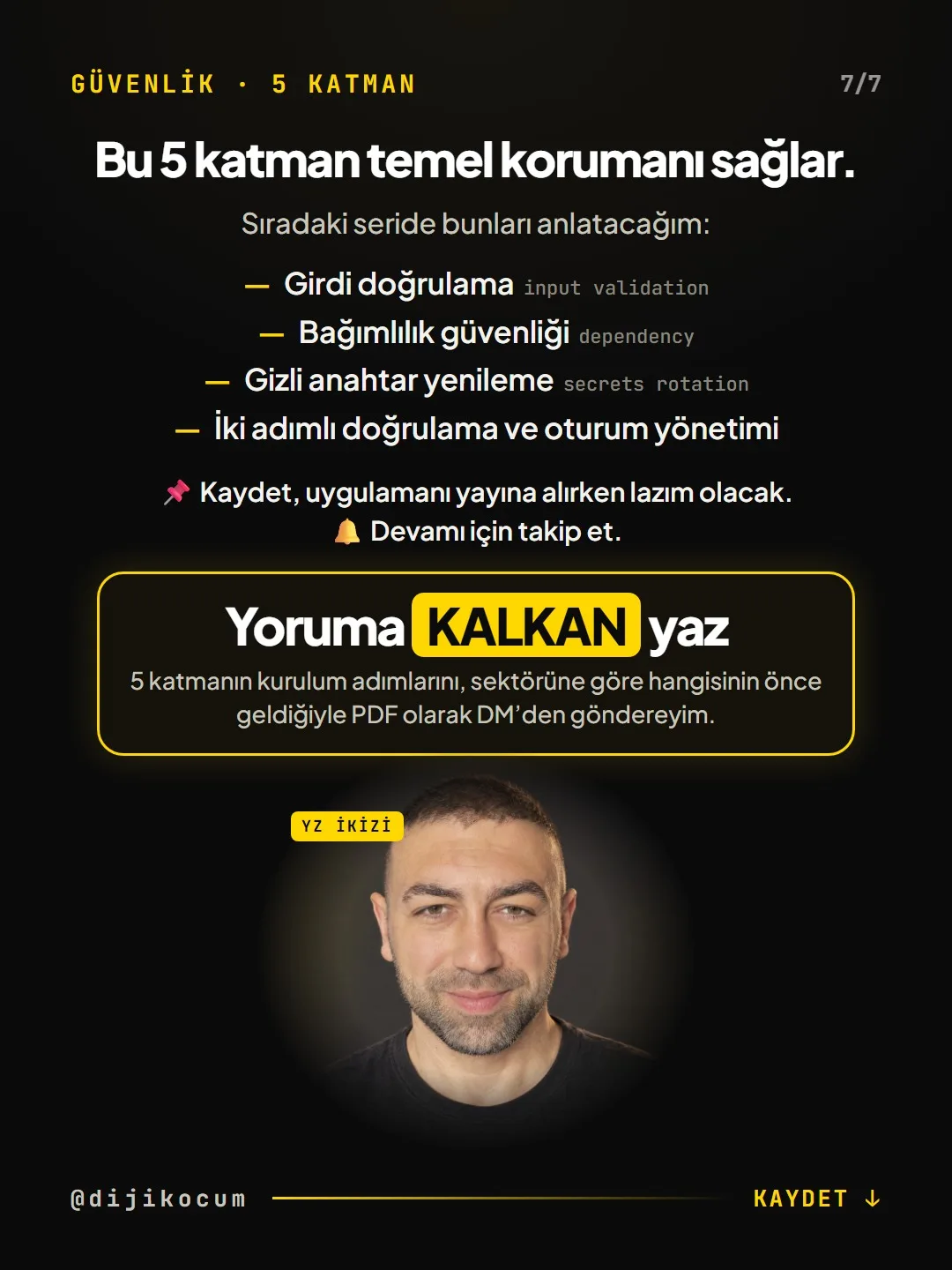
They provide basic protection but do not replace a professional security audit. Input validation, dependency security, key rotation and two-factor authentication are the next topics.
Are they all free?
All of them have a free tier or an open-source equivalent (October 10, 2026). Free plans can change; check the provider's pricing page once before you set anything up.
Next step
Let’s look at your site together.
Free Digital Checkup: a health score for your website, your ads and your visibility in AI search, plus what to fix first. 3 minutes.
More guides
How-To Guide
How to connect Instagram to Claude: two safe ways to set up comment-to-DM, a DM assistant and scheduled posting (step by step)
15 steps · 11 min
How-To Guide
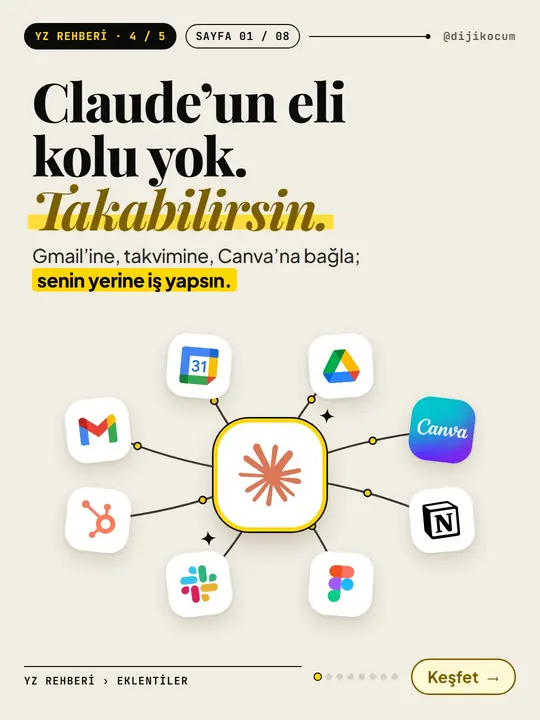
How to Connect Claude to Gmail, Google Calendar, Drive and Canva: Safe Connector Setup, Step by Step
12 steps · 7 min
How-To Guide
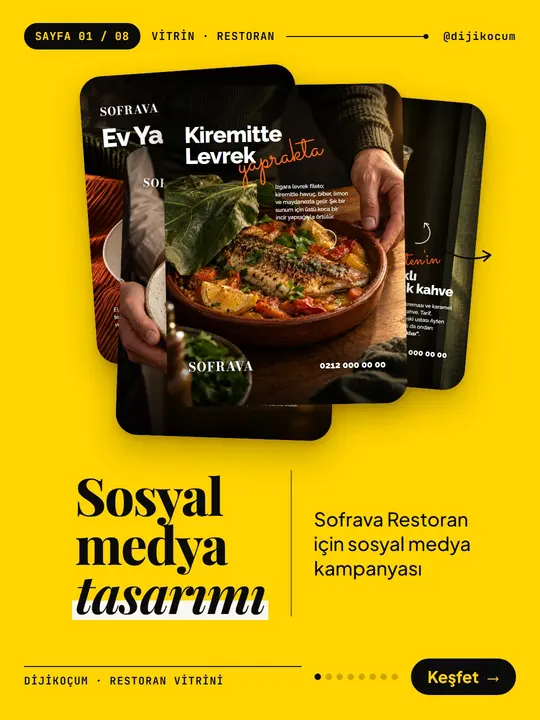
Make your restaurant's Instagram look like a menu: a 6-post feed template and shot list
9 steps · 6 min